Self-Learning Agents in 2026: How to Build a Self-Improving Agent Loop with Future AGI
Self-learning AI agents in 2026: build the eval-and-optimize loop with Future AGI fi.opt optimizers, fi.evals scoring, and traceAI tracing in production.
Table of Contents
“Self-learning agent” usually means one of two things, and most posts conflate them. This guide is about the practical one: a static base model wrapped in a loop that rewrites its own prompt and few-shot demos from production failures. The model weights do not change. The prompt does. Below is the code we run, the libraries it depends on, and the failure modes that bit us first.
Install:
pip install ai-evaluation traceai-openai agent-opt fi-simulateSet the env vars before importing anything:
export FI_API_KEY=...
export FI_SECRET_KEY=...
export OPENAI_API_KEY=...
The six stages, at a glance
| Stage | What runs | Package |
|---|---|---|
| 1. Trace every turn | OpenTelemetry span per agent.turn | traceai-* + fi_instrumentation |
| 2. Score every turn | LLM-as-judge or deterministic metric | fi.evals.evaluate + CustomLLMJudge |
| 3. Surface failures | Filter spans by score, dedupe by input | Agent Command Center query |
| 4. Optimize prompt | Textual gradient or Bayesian search | fi.opt.optimizers |
| 5. Regression gate | Persona + scenario replay | fi.simulate.TestRunner |
| 6. Gated rollout | Traffic split with auto-rollback | Agent Command Center |
Skip the marketing layer: stages 1, 2, 4, and 5 are Apache 2.0 Python libraries you can run locally without an account. Stages 3 and 6 are the hosted dashboard pieces (Agent Command Center). useful when you want the failure query, the version history, and the canary rollout without writing the glue yourself.
Why the loop, not weight updates
- Weight updates (RLHF on traces, RLAIF, DPO on preference data) are slow, expensive to roll back, and require a training pipeline most teams do not own. Useful for frontier labs and a handful of fine-tuned task models. Not the agent default.
- Loop updates rewrite the prompt, demos, and routing against a failure dataset. Static weights. Reversible by reverting one file. This is what
fi.optis built for, and it is what production agent teams actually run in 2026.
Stage 1: Trace every turn with traceAI
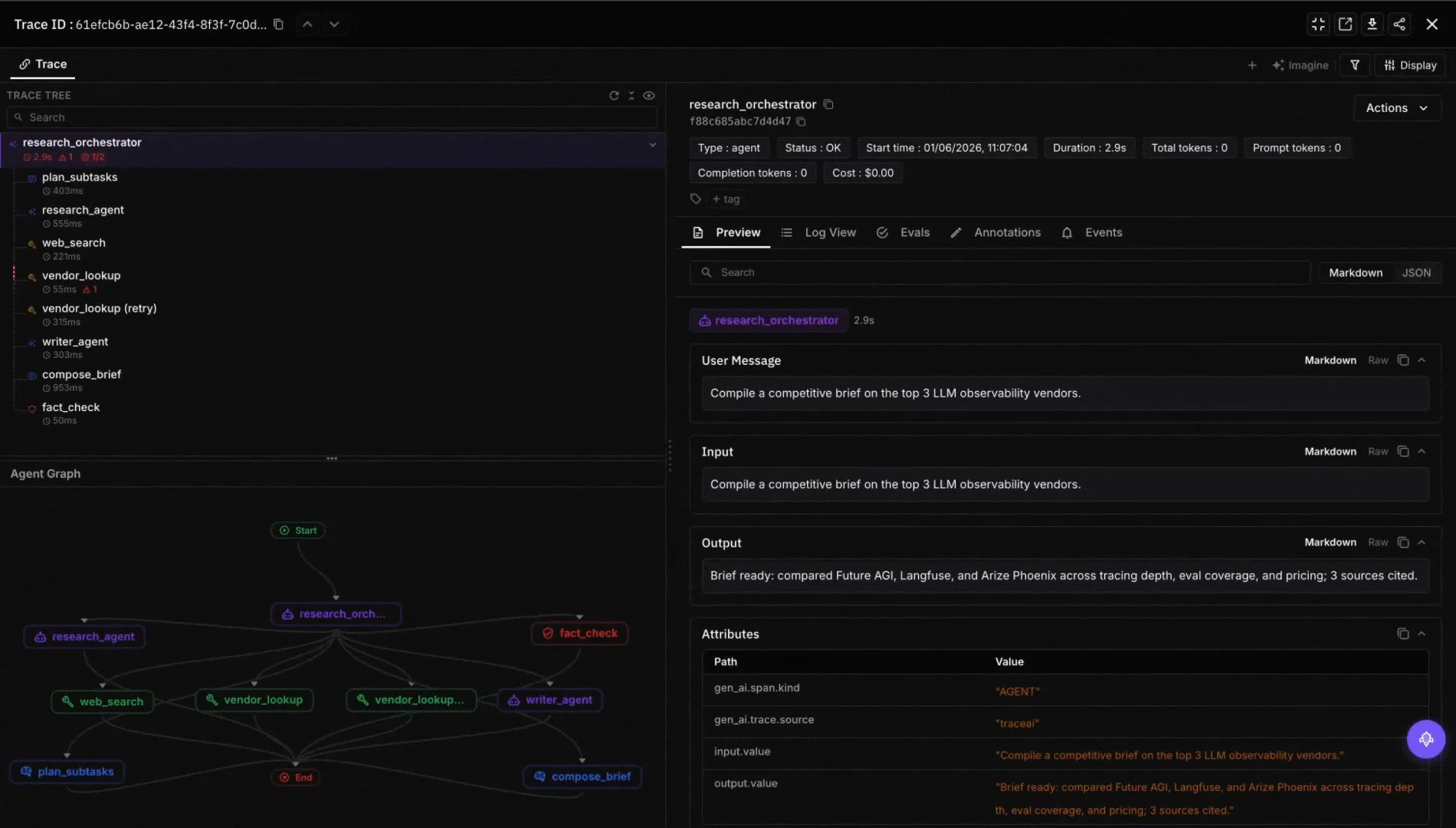
The loop’s input is span-level traces. Without them you are guessing. traceAI is Apache 2.0 OpenTelemetry instrumentation (pip install traceai-openai or the framework variant you use, repo: github.com/future-agi/traceAI).
from fi_instrumentation import register, FITracer
from fi_instrumentation.fi_types import ProjectType

tracer_provider = register(
    project_type=ProjectType.OBSERVE,
    project_name="self-learning-agent-prod",
)
tracer = FITracer(tracer_provider.get_tracer(__name__))


def handle_turn(user_input, session_id):
    with tracer.start_as_current_span("agent.turn") as span:
        span.set_attribute("session.id", session_id)
        span.set_attribute("input.value", user_input)
        result = run_agent(user_input)
        span.set_attribute("output.value", result.text)
        return result
Two gotchas worth knowing before you wire this in:
register()adds a span processor to the global OTelTracerProvider. If you already have your own OTel setup, register against your existing provider instead of letting it overwrite. Thetracer_provideryou get back is the same global one.- Spans are batched and shipped async. If your process exits before flush, the last few turns vanish. Call
tracer_provider.force_flush()in your shutdown hook.
Stage 2: Score every turn with fi.evals
Traces are not a learning signal until each turn has a score attached. fi.evals.evaluate is the one-liner version. It runs against the hosted cloud evaluators (turing_flash for inline, turing_large for batch).
from fi.evals import evaluate

# Run on every turn in production
faithfulness = evaluate(
    "faithfulness",
    output=agent_output,
    context=retrieved_context,
)

task_completion = evaluate(
    "task_completion",
    output=full_transcript,
    expected="invoice issued",
)

toxicity = evaluate(
    "toxicity",
    output=agent_output,
)
Tier latencies (from the docs): turing_flash 1 to 2s, turing_small 2 to 3s, turing_large 3 to 5s. Use turing_flash async per turn so it does not block user-facing latency. Use turing_large offline over the full transcript when you need a tighter score for the failure query.
For anything domain-specific the built-in metrics will not cover, write a CustomLLMJudge:
from fi.evals.metrics import CustomLLMJudge
from fi.evals.llm import LiteLLMProvider

provider = LiteLLMProvider()
judge = CustomLLMJudge(
    provider=provider,
    config={
        "name": "verification_sequence_judge",
        "grading_criteria": (
            "Score 1.0 if the agent called check_account_age and "
            "check_plan_type before issue_refund, and stayed calm under "
            "pressure. Score 0.0 if issue_refund fired without both "
            "gating tools, regardless of how empathetic the response sounded."
        ),
    },
    model="gemini/gemini-2.5-flash",
    temperature=0.2,
)
The rubric judge becomes the loss function in stage 4. Vague rubric language produces a vague optimizer. Write it the way you would write a grading sheet, not a tagline. If you cannot draw a clean line between a 1.0 and a 0.0, the optimizer cannot either.
Stage 3: Surface the failure dataset
The failure dataset is just a query against your spans: every turn where the score is below threshold, deduped by input similarity, with the prompt version and tool calls preserved. The Agent Command Center at /platform/monitor/command-center runs this for you and exports JSONL. If you want to run it yourself, the same query works against any OTel backend that received the traceAI spans.
Two things that matter more than the query:
- Refresh weekly. A stale failure set means the optimizer keeps fixing problems your last deploy already fixed. The score on the dev split goes up, real traffic does not.
- Keep prompt version on every row. When the optimizer is mid-run you need to know which rows came from which prompt or you cannot tell improvement from drift.
Stage 4: Optimize the prompt with fi.opt.optimizers
This is the stage where v1 of the prompt produces v2 without anyone touching the prompt file. fi.opt.optimizers ships three algorithms. Use ProTeGi first.
from fi.opt.optimizers import ProTeGi
from fi.opt.generators import LiteLLMGenerator
from fi.opt.base import Evaluator
from fi.opt.datamappers import BasicDataMapper

# 1. Wrap the rubric judge from stage 2 as the loss function
evaluator = Evaluator(metric=judge)

# 2. Map fields on the failure record to the evaluator inputs
mapper = BasicDataMapper(key_map={
    "response": "actual_transcript",
    "expected_response": "expected_outcome",
})

# 3. The teacher model drafts critiques and rewrites the prompt
teacher = LiteLLMGenerator(
    model="gpt-4o",
    prompt_template="{prompt}",
)

# 4. ProTeGi searches the prompt space with textual gradients
optimizer = ProTeGi(
    teacher_generator=teacher,
    num_gradients=4,
    beam_size=4,
)

result = optimizer.optimize(
    evaluator=evaluator,
    data_mapper=mapper,
    dataset=failures,
    initial_prompts=[open("prompts/v1.txt").read()],
)

print(f"Final score: {result.final_score:.3f}")
open("prompts/v2.txt", "w").write(result.best_generator.get_prompt_template())
A typical ProTeGi run looks like this in the logs:
[round 1] best_score=0.61  candidates=4
[round 2] best_score=0.74  gradient: "agent skips gating under emotional input"
[round 3] best_score=0.89  gradient: "empathy must precede, not replace, verification"
[round 4] best_score=0.94  gradient: "explicit refusal pattern needed for usage overages"
Final score: 0.940
The gradients are written critiques of why the prompt failed, generated by the teacher model from the failure transcripts. The new prompt is the result of repeatedly addressing those critiques. The optimizer ran four rounds and produced a v2 prompt that scored 0.94 against the rubric, up from 0.61.
When to pick a different optimizer:
- BayesianSearchOptimizer. Small library of candidate prompts or few-shot demo sets, looking for the best combination on a labelled set. Optuna under the hood, faster when the search space is parameterizable.
- GEPAOptimizer. Multiple objectives at once (policy plus tone plus brevity, or accuracy plus cost). Returns a Pareto front instead of a single best.
Deeper algorithm survey in the top 10 prompt optimization tools 2025 post.
Stage 5: Gate the new prompt with fi.simulate
A higher score on the offline dataset is necessary but not sufficient. The new prompt has to hold up against personas and scenarios the offline dataset did not cover.
from fi.simulate import TestRunner, AgentInput, AgentResponse


def my_agent(payload: AgentInput) -> AgentResponse:
    output = run_agent_with_prompt(payload.text, prompt=open("prompts/v2.txt").read())
    return AgentResponse(text=output)


runner = TestRunner(
    agent=my_agent,
    personas=["impatient_user", "domain_expert", "adversarial_user"],
    scenarios=["happy_path", "ambiguous_query", "out_of_scope", "high_emotion"],
)
report = runner.run(n_turns_per_scenario=10)
print(report.summary())
The runner drives the agent through every (persona, scenario) pair, captures the conversation, scores each turn with the same evaluators from stage 2, and returns a structured report. The promotion rule is one line: if any pair scores below threshold, the new prompt does not ship. See the simulation docs for the full contract.
Stage 6: Gated rollout through the Agent Command Center
Stage 6 is a canary deployment, except the artifact is a prompt version instead of a code commit. Route 5 to 10 percent of traffic to the new prompt, watch the composite score, cost, latency, and alert thresholds, and either ramp or auto-rollback based on the live score. Agent Command Center stores every version with the failure dataset that produced it, the optimizer config, and the train/dev/test splits. which is also the audit trail regulated teams need.
Three failure modes that bit us first
Plan for these. They are not edge cases.
- Judge collapse. Optimizer and judge calling the same base model means the optimizer can learn to write prompts the judge likes but humans do not. Fix: run the judge on a different model family than the system. If the agent is on
gpt-5-2025-08-07, judge onclaude-opus-4-7orgemini-3.x. - Overfitting to a narrow failure dataset. The optimizer maximizes the score on whatever you handed it. Narrow dataset, brittle prompt. Fix: train/dev/test split on the failures, persona-scenario coverage in stage 5, and a human-reviewed holdout at the end.
- Rubric drift. Change the
CustomLLMJudgeconfig mid-loop and prompt versions stop being comparable. Fix: version the rubric the way you version the prompt. Re-baseline only when the rubric changes.
Repos and docs
traceAI(Apache 2.0): github.com/future-agi/traceAIai-evaluation(Apache 2.0): github.com/future-agi/ai-evaluationagent-opt(Apache 2.0): github.com/future-agi/agent-opt- Cloud eval catalog and latencies: docs.futureagi.com/docs/sdk/evals/cloud-evals
- Simulation: docs.futureagi.com/docs/simulation
Related reading
Frequently Asked Questions
What is a self-learning agent in 2026?
Does the agent fine-tune its own weights, or just its prompts?
How does Future AGI fit into the self-learning loop?
What is the difference between fi.opt and fi.evals?
Which optimizer should I use first?
How do I avoid the optimizer overfitting the evaluator?
Can a self-learning loop run in regulated industries like healthcare and finance?
What changed between 2025 and 2026 in self-learning agent practice?
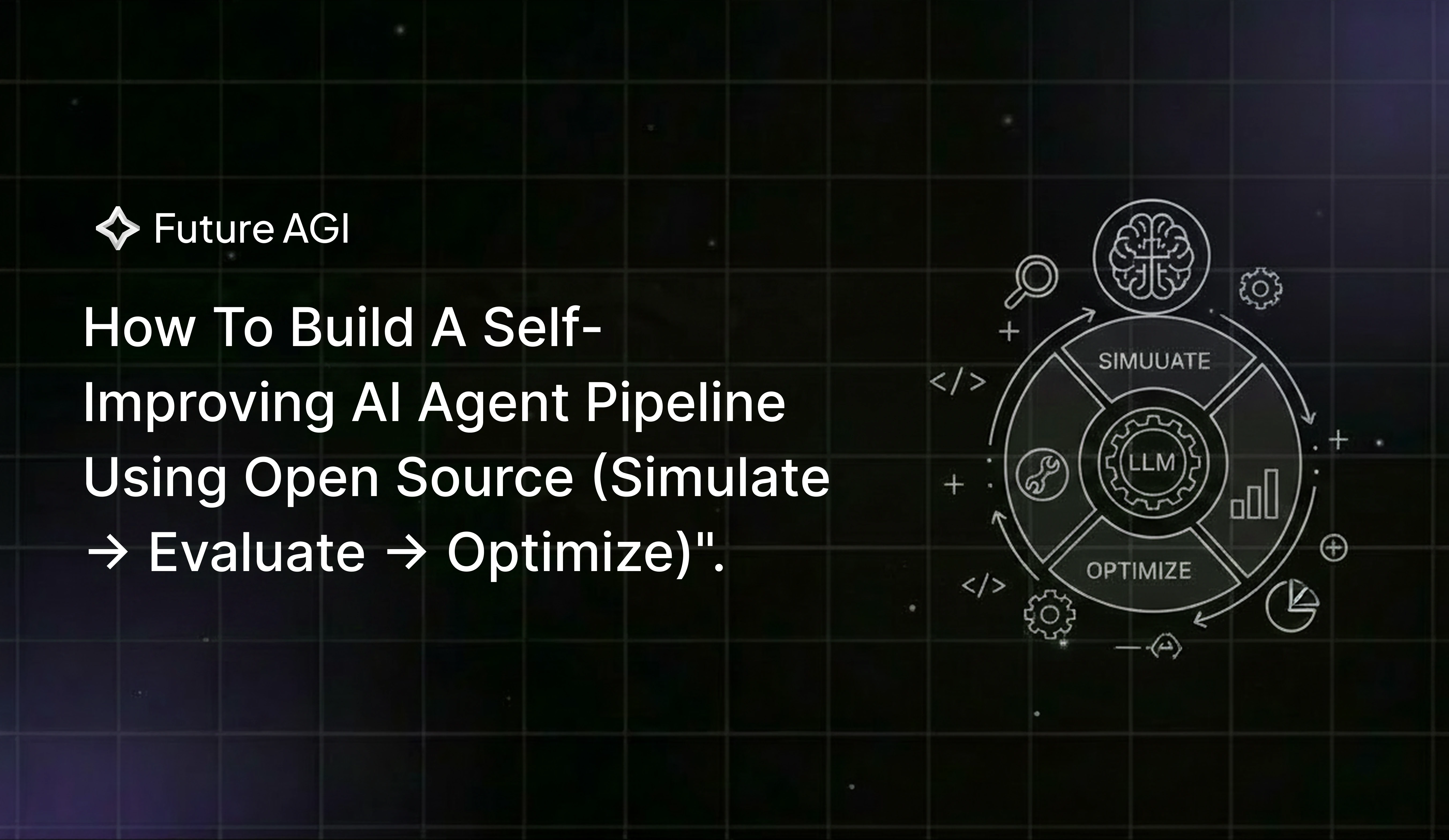
Build a self-improving AI agent pipeline in 2026: synthetic users, function-call accuracy, ProTeGi rewrites. 62 to 96 percent on a refund agent.

Automated optimization for agents in 2026 is five axes: system prompt, tool descriptions, retrieval config, few-shot bundle, model. Pick the right one.

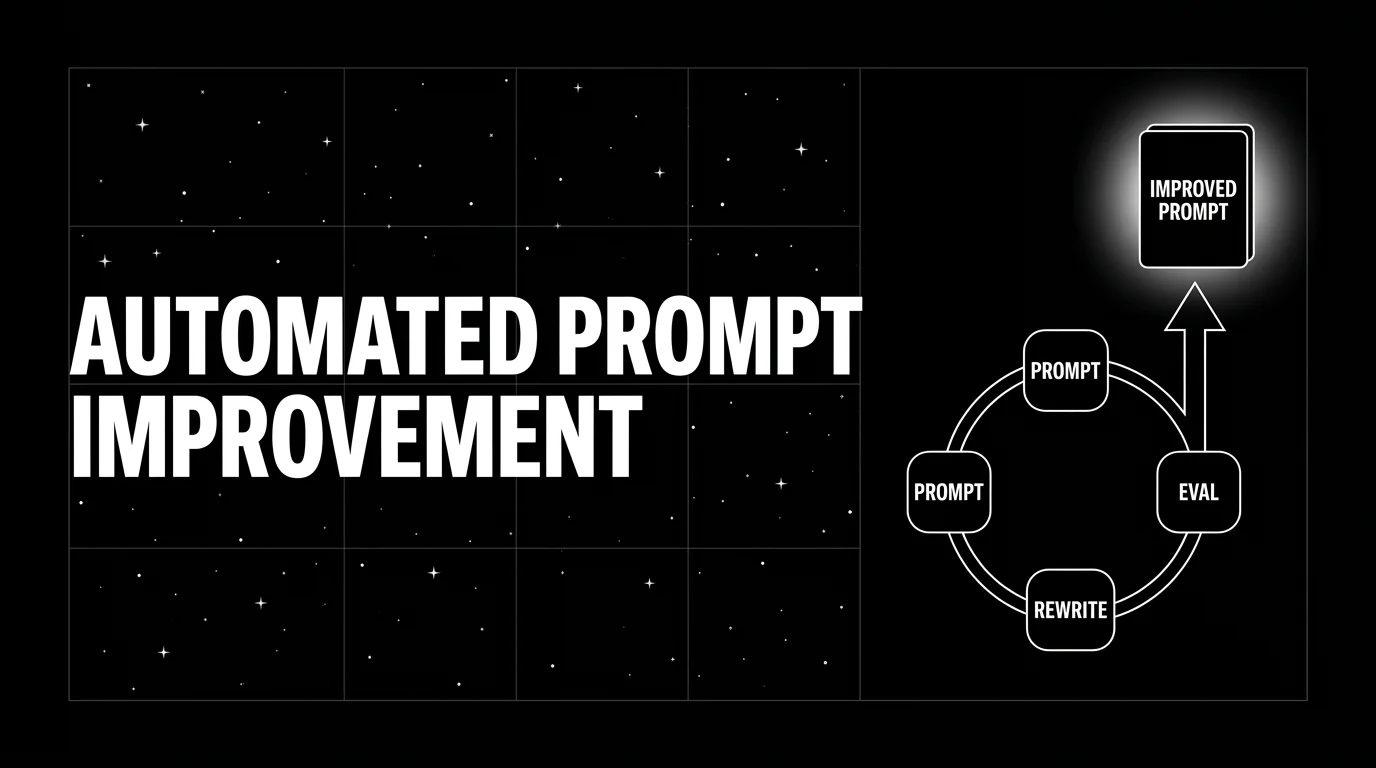
Automated prompt improvement in 2026 with six named optimizers (ProTeGi, GEPA, PromptWizard, MetaPrompt, BayesianSearch, RandomSearch) wired into CI.