Choosing the Right Content Moderation Tool for Generative AI Apps: 5 Questions to Ask
Five questions for choosing a content moderation tool for generative AI apps: output moderation, runtime blocking, custom policy, and multimodal coverage.
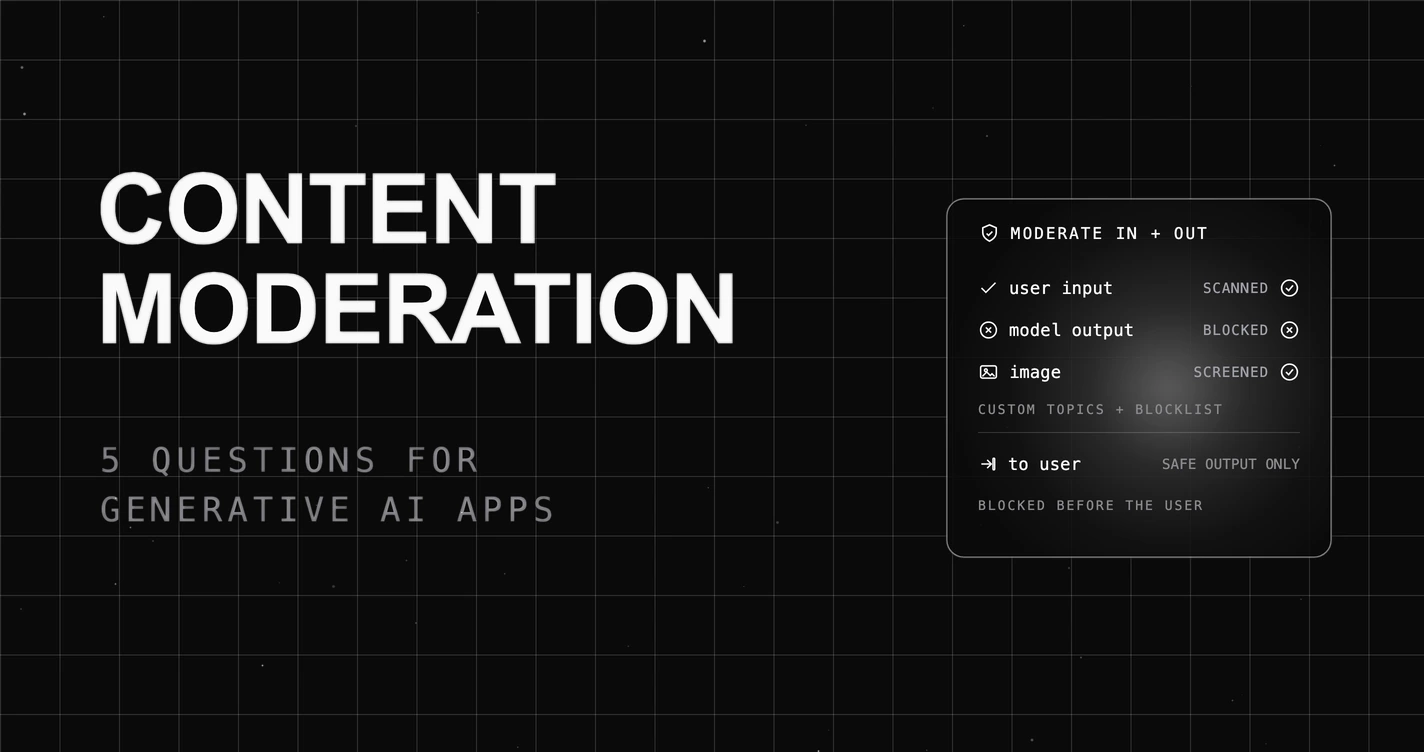
Table of Contents
The fastest way to choose the wrong content moderation tool is to buy one built for user-submitted content and point it at a generative AI app. A team ships an AI assistant with a moderation filter on the user’s input, blocks the obvious abusive prompts, and considers safety handled. Then the real incident arrives from the other direction: the model itself, from an ordinary prompt, generates a toxic, biased, or unsafe response, and the filter never looked at the output because it was built to screen what users type, not what the AI says back. The front door was guarded while the model spoke freely.
That is the problem a content moderation tool for generative AI apps has to solve, and it is why a classic moderation tool is the wrong thing to shop on. In a generative app the model is the author, so the riskiest content is what the AI produces, and the tool has to inspect the output, not just the input. So choosing a content moderation tool is not about whether it can block a bad user message. It is about whether it moderates the model’s output, runs at runtime, fits your policy, and covers the modalities your app actually generates. Here are the 5 questions that separate a real content moderation tool for generative AI from an input filter, and how to answer each. For the standard reference list of LLM application risks, see the OWASP Top 10 for LLM Applications.
TL;DR: choose a content moderation tool that moderates the model’s output (not just user input), blocks at runtime before it reaches the user, covers harm categories plus your own policy, and handles images, not just text. No automated moderator is perfect, so keep humans on the hard cases.
For where this sits, see how to evaluate an LLM content moderator and the broader LLM safety and regulations guide.
Why choosing a content moderation tool is harder than it looks
The trap is that the entire content moderation industry was built for the opposite problem. For two decades, moderation meant screening what users post: comments, photos, reviews. So most tools, and most buyers’ instincts, point at the input. But a generative AI app inverts the model. The user types a prompt, and the system’s main output is whatever the model generates in response, which is exactly the content a user-input filter never sees. The hardest part is not catching an abusive prompt; it is that the harmful content is now something your own product authored.
The second trap is treating moderation as a fixed list of categories. A general toxicity classifier is a start, but your product has its own line: a topic you do not discuss, a tone you will not take, a category that matters in your domain and not in a generic dataset. A tool you cannot shape to your policy will both over-block the content you allow and under-block the content you do not. So the buying decision for a content moderation tool is whether it moderates the output, runs in the request path, fits your policy, and covers your modalities. The 5 questions below are weighted toward exactly that.
The 5 questions to ask before you choose
The GenAI Moderation Test. Score each question pass or fail. Aim for four or more. The rule it encodes: in a generative AI app the model itself produces the unsafe content, so moderation must screen the output at runtime, across modalities, on your policy, not just filter the user’s input.
| # | Question | Pass if the tool… |
|---|---|---|
| 1 | Output moderation | Moderates the model’s output, not just user input |
| 2 | Runtime block | Blocks at the gateway before content reaches the user |
| 3 | Categories plus policy | Covers harm categories and your own custom policy |
| 4 | Multimodal | Moderates images, not just text |
| 5 | Honest scope | Is clear automated moderation needs human review |
1. Does it moderate the model’s output, not just user input?
Why it matters: in a generative app the model is the author, and the content a user actually receives is the model’s output. A tool that only screens the user’s prompt is blind to the main risk surface, which is what the AI generates.
What to look for: moderation that runs on the model’s response, screening generated text and images for harm before they reach the user, in addition to screening the input.
What to avoid: an input-only filter, built for user-submitted content, that never inspects what the model produced and so misses the output entirely.
How FutureAGI fits: FutureAGI’s Protect layer runs its Content Moderation scanner and Toxicity evaluator on the model’s output, not only the prompt, so a harmful generation is caught on the way back to the user. Because the genAI risk is the content the model authored, moderating the response is the point, not an add-on. An input-only tool misses this because it was designed for a world where the human, not the model, wrote the content.
2. Does it block inline at runtime, before unsafe content reaches the user?
Why it matters: moderation that flags content in a log after the fact is a record of harm, not a defense against it. For a user-facing app, the unsafe response has to be stopped before it is shown, not catalogued after.
What to look for: a tool that runs inline in the request path and can block or replace a flagged response in real time, on both the input and the output, before delivery.
What to avoid: an offline or asynchronous moderator that scans content after it has already been served, which moderates the incident report, not the experience.
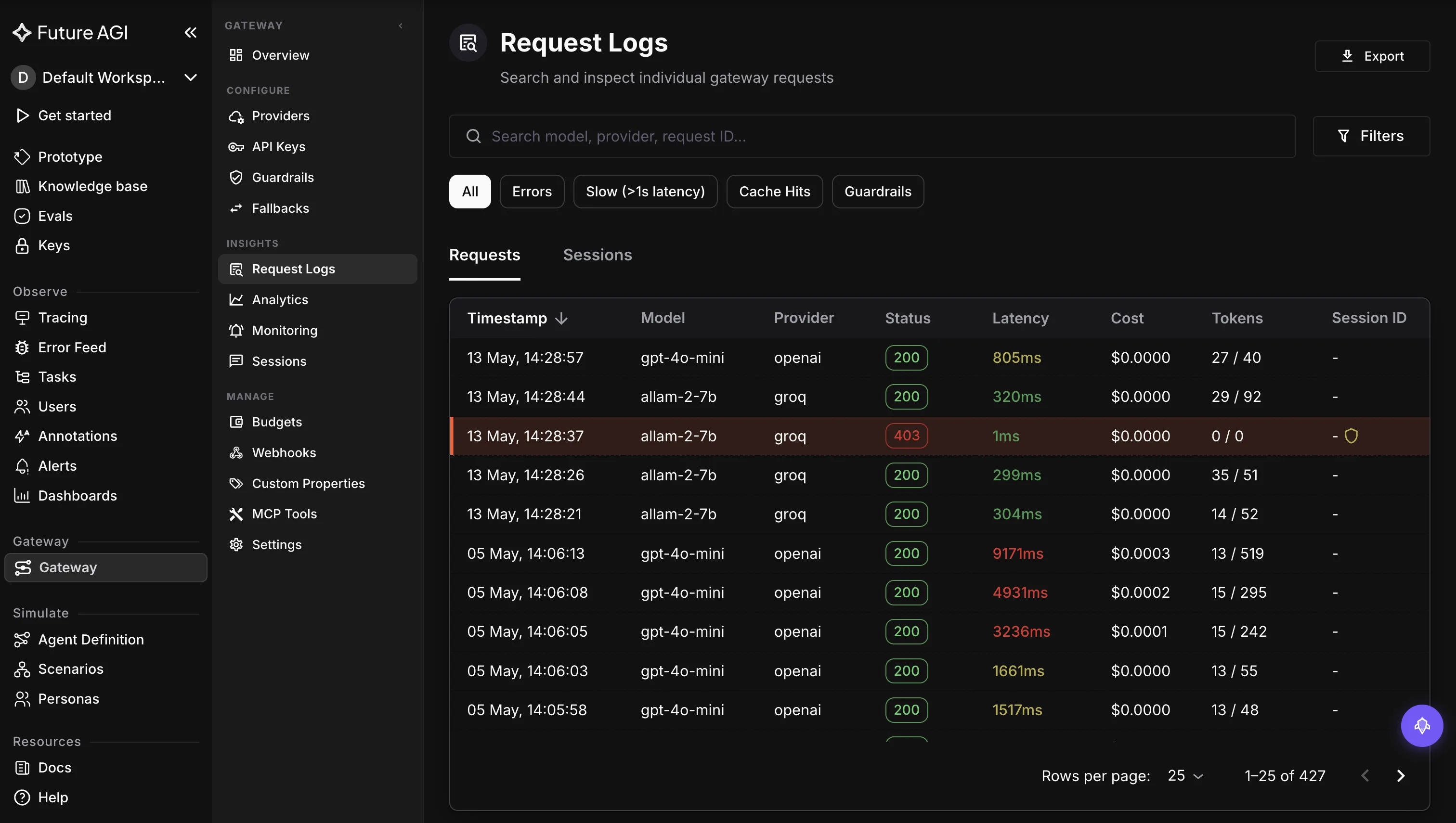
How FutureAGI fits: FutureAGI runs moderation inline at the gateway, so a flagged response is blocked or replaced before it reaches the user, on both directions of the call. The same hop that screens the input screens the output, in real time, so an unsafe generation does not ship. A log-scanning tool misses this because the user already saw the content by the time it was flagged. For the runtime model, see agent runtime guardrails.
3. Does it cover the harm categories and let you define your own policy?
Why it matters: a general toxicity model catches the universal cases, but every product draws its own line. A topic you will not discuss, a tone you avoid, a domain-specific category that no generic dataset covers, those are policy decisions a fixed-category tool cannot express.
What to look for: coverage of the common harm categories, like toxicity, hate, and harassment, plus a way to encode your own policy: denied topics, blocklists, and custom rules with thresholds you control.
What to avoid: a closed, fixed set of categories with no customization, which will over-block what you allow and under-block what you do not.
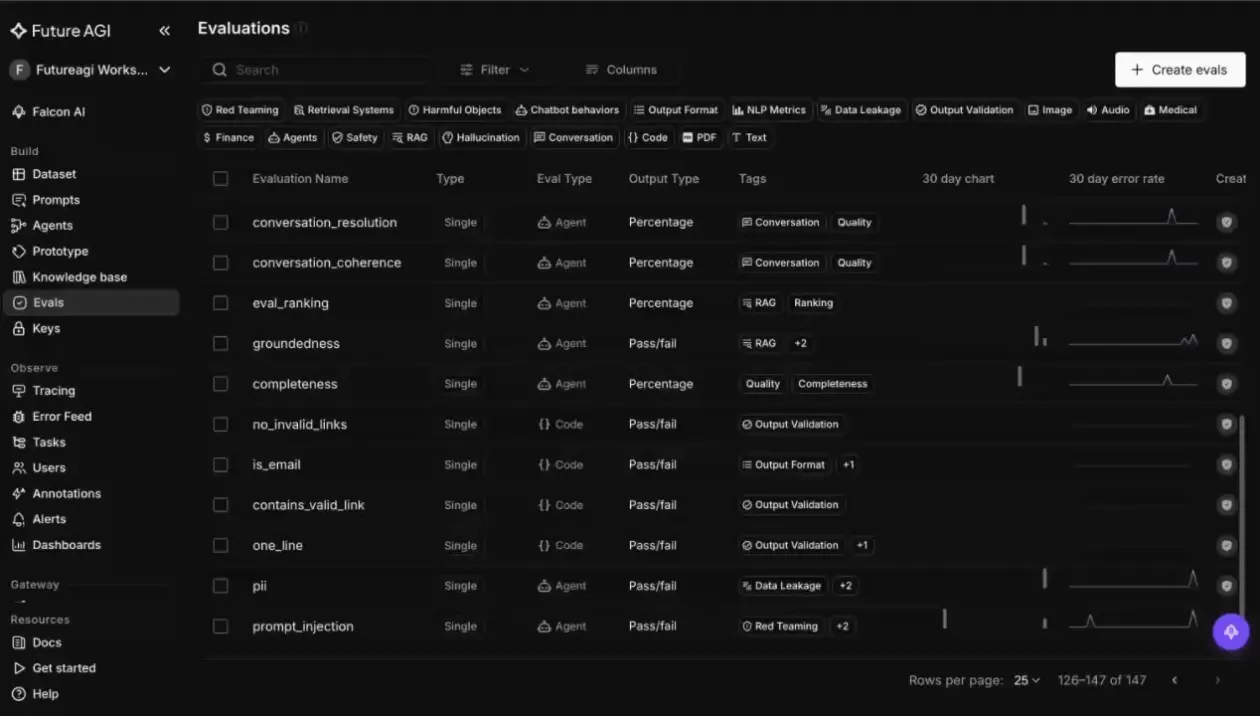
How FutureAGI fits: FutureAGI pairs a Content Moderation scanner and a Toxicity evaluator for the common harm categories with Topic Restriction, Blocklist, and Custom Expression Rules for your own policy, so you encode the line your product draws rather than accepting a vendor default. The screenshot below shows the evaluator catalog, with safety categories like red-teaming and harmful content alongside the others you can apply and extend. A fixed-category tool misses this because your policy is not a generic dataset’s policy.
4. Does it moderate multimodal content, not just text?
Why it matters: generative apps increasingly produce and accept images, and a text-only moderator is blind to an unsafe generated image. Coverage that stops at text leaves the entire visual surface of your product unmoderated.
What to look for: a moderator that scores images alongside text against the same policy, so a harmful image is caught the way a harmful sentence is, on both generated and uploaded media.
What to avoid: a text-only tool that passes every image your app generates or receives, which is a growing and unguarded share of the content.
How FutureAGI fits: FutureAGI’s judge is multimodal, scoring text and image together, so a generated or uploaded image is moderated against the same policy as text. As more of a generative app’s output becomes visual, moderating only the words leaves the pictures unchecked, and FutureAGI screens both. A text-only tool misses this because it never looks at the image the user is actually shown. For the underlying approach, see multimodal LLM-as-a-judge.
5. Is automated moderation enough on its own?
Why it matters: here the honest answer keeps you out of trouble. A vendor that sells automated moderation as a complete solution invites you to remove the human oversight that the hard cases actually require, which is where the harmful misses and the wrongful blocks both happen.
What to look for: a tool that is clear moderation is a probabilistic judgment with false positives and false negatives, that exposes tunable thresholds so you can set your tolerance for each, and that expects human reviewers and an appeals path for borderline and high-stakes content.
What to avoid: a vendor promising perfect, fully automated moderation, which ignores the context and the error trade-offs that moderation always involves.
Where FutureAGI is honest about this one: FutureAGI treats automated moderation as a tunable layer, not a guarantee. Its scanners handle the volume, and you set thresholds to balance over-blocking against letting harm through, but no automated moderator is free of false positives and false negatives, and borderline cases need a human and an appeals process. Frameworks like the NIST AI Risk Management Framework treat this as risk management, not a solved problem, and so should you. FutureAGI is built to be the automated layer with the tuning and the audit trail that a human review process sits on top of. If you want a switch that makes a generative app perfectly safe with no people in the loop, no tool is that.
A quick decision framework
The questions are the test; here is how the answers map to a pick.
| Choose | When | What decides it |
|---|---|---|
| An output-moderating tool | Your model generates user-facing content | Questions 1 and 2; an input-only filter never sees what the model said |
| A policy-customizable tool | Your product draws its own line on content | Question 3; a fixed-category tool cannot encode your policy |
| A multimodal moderator | Your app generates or accepts images | Question 4; a text-only tool leaves the visual surface open |
| Automated plus human review | Your content is high-stakes or borderline | Question 5; full automation owns the false positives and the misses |
Where FutureAGI fits
The 5 questions get you moderation that fits a generative app: on the output, at runtime, on your policy, across modalities. Past blocking unsafe content, three things matter to teams running moderation that the checklist does not cover: doing it alongside the other guardrails, measuring the moderator itself, and giving Trust and Safety an auditable record.
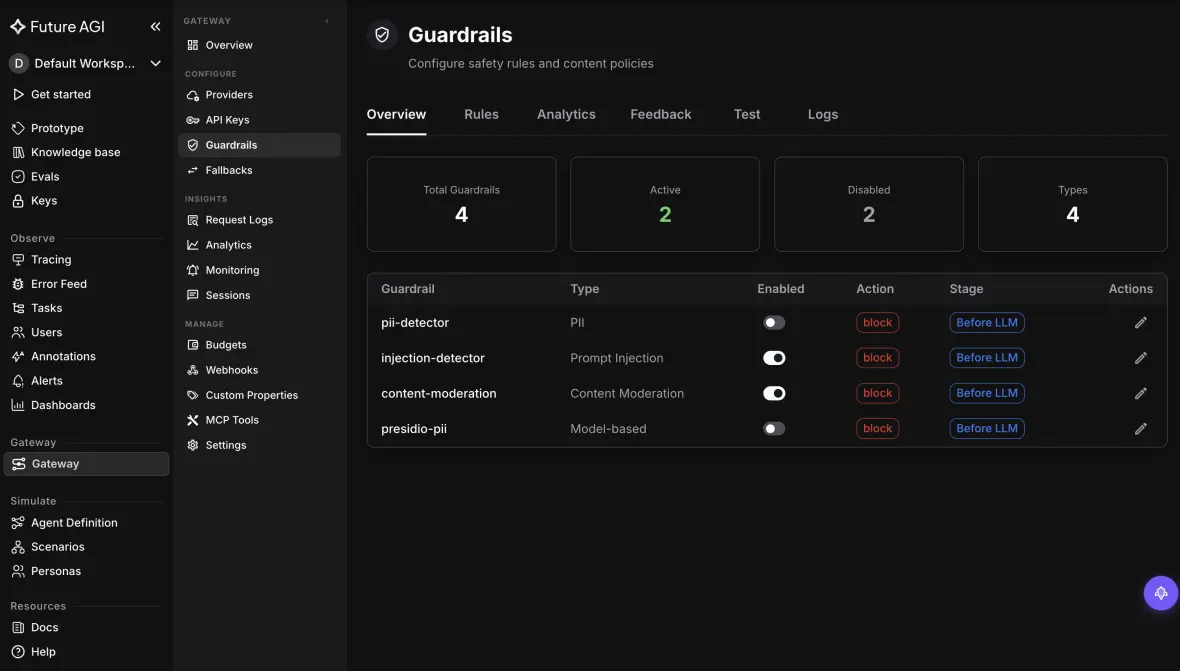
Moderation is one of the guardrails, in one policy layer. Unsafe content rarely arrives alone: the same request might carry PII or a prompt injection. FutureAGI runs Content Moderation alongside PII detection, prompt injection, and secret detection, so one guardrail layer covers safety, privacy, and security at the same hop, instead of a separate moderation vendor bolted onto the rest. The screenshot below shows the guardrail rules, including content moderation, set to act before the response goes out.
Measure the moderator, do not just trust it. Most moderation tools are a black box: you cannot tell how often they are wrong until users do. FutureAGI lets you evaluate the moderator itself, measuring its precision and recall on your own labeled cases and calibrating thresholds to your tolerance for false positives versus false negatives, so the policy is tuned to your product rather than a vendor default. That turns moderation from a setting into something you can actually grade and improve.
Give Trust and Safety an auditable record. A silent filter leaves your safety team nothing to review. FutureAGI records each moderation decision with the category, score, and reason, so a Trust and Safety team can review false positives, handle appeals, and spot a coordinated abuse pattern, rather than trusting a number. That is what a real review process runs on.
What FutureAGI covers is the automated layer underneath them: a tunable, measurable, auditable filter that is provider-portable and self-hostable, so the policy travels with your app. See the Protect documentation or the Agent Command Center for the gateway and scanners.
What to read next
- Evaluating LLM Content Moderation (2026): how to measure whether your moderator actually catches harm, behind Question 3 and the tuning story.
- Ultimate Guide to LLM Guardrails (2026): where content moderation sits among the other runtime guardrails a generative app needs.
- Comprehensive Guide to LLM Security (2026): the security side of safe generative output, adjacent to moderation.
- LLM Safety and AI Regulations (2026): the regulatory pressure that makes output moderation a requirement, not a nicety.
Frequently Asked Questions About Content Moderation Tools
What is a content moderation tool for generative AI apps?
A content moderation tool for generative AI apps screens the content an AI system produces and receives for harm, like toxicity, hate, harassment, or anything against your policy, and blocks or replaces it before it reaches a user. The key difference from classic moderation is that the AI itself generates the content, so the tool has to inspect the model’s output, not just the user’s input. A real one runs at runtime, covers the harm categories plus your own policy, handles images as well as text, and is honest that automated moderation needs human review on the hard cases.
How is moderating generative AI different from moderating user content?
Classic moderation assumes humans create the content and the platform screens what they submit. In a generative AI app, the model is the author, so the riskiest content is what the AI produces, not just what the user typed. That flips the priority: output moderation becomes essential, because the model can generate toxic, biased, or unsafe text and images on its own, even from an innocuous prompt. A tool built only to filter user input misses the main risk surface, which is the model’s own output.
Should content moderation run on model output or just user input?
Both, but output is the one teams underestimate. You moderate input to catch abusive prompts and policy violations before they reach the model, and you moderate output because the model can produce harmful content from a clean prompt, or amplify a subtle one. For a generative app, the user mostly sees the model’s output, so unmoderated output is the direct path to a harmful experience. The strongest setups screen both directions at runtime and let you set different policies for each.
Can a content moderation tool be fully automated?
Not safely on its own. Moderation is a probabilistic judgment, so it has false positives that block legitimate content and false negatives that let harm through, and many decisions depend on context the model cannot fully see. The right design is a tunable automated layer that handles the volume, with thresholds set to your tolerance for each error type, plus human reviewers and an appeals path for borderline and high-stakes cases. A vendor promising perfect automated moderation is describing something that does not exist.
Does a content moderation tool handle images, not just text?
It should, if your app generates or accepts images. A text-only moderator is blind to an unsafe generated image, which is a growing share of what generative apps produce. A multimodal moderation tool scores images alongside text against the same policy, so a harmful image is caught the way a harmful sentence is. When you evaluate tools, test them on the modalities your product actually uses, because coverage that stops at text leaves the visual surface unmoderated.
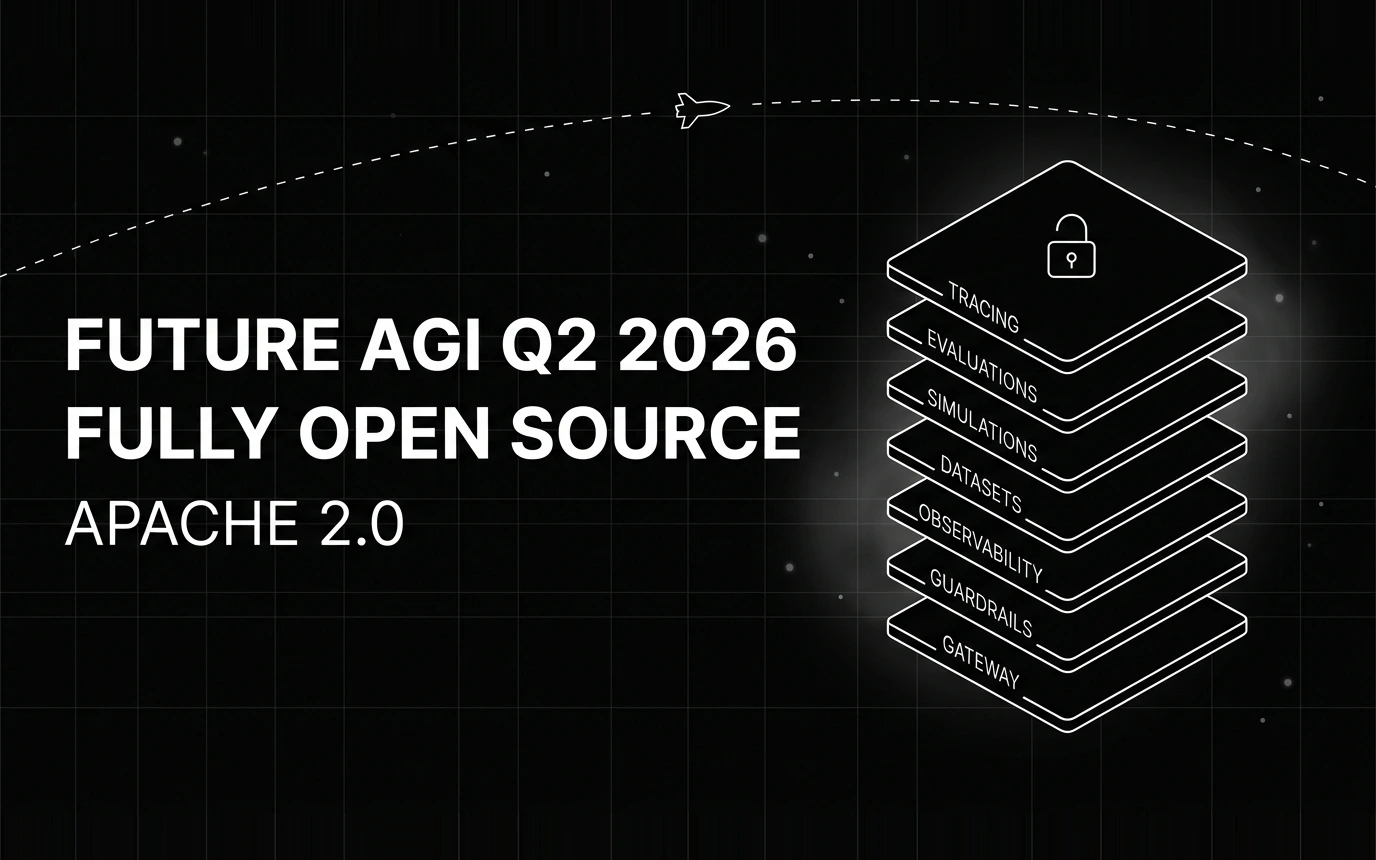
Inside Future AGI open source in Q2 2026: the platform shipped under Apache 2.0, Error Feed and the Agent Command Center went live, traces hit billions.

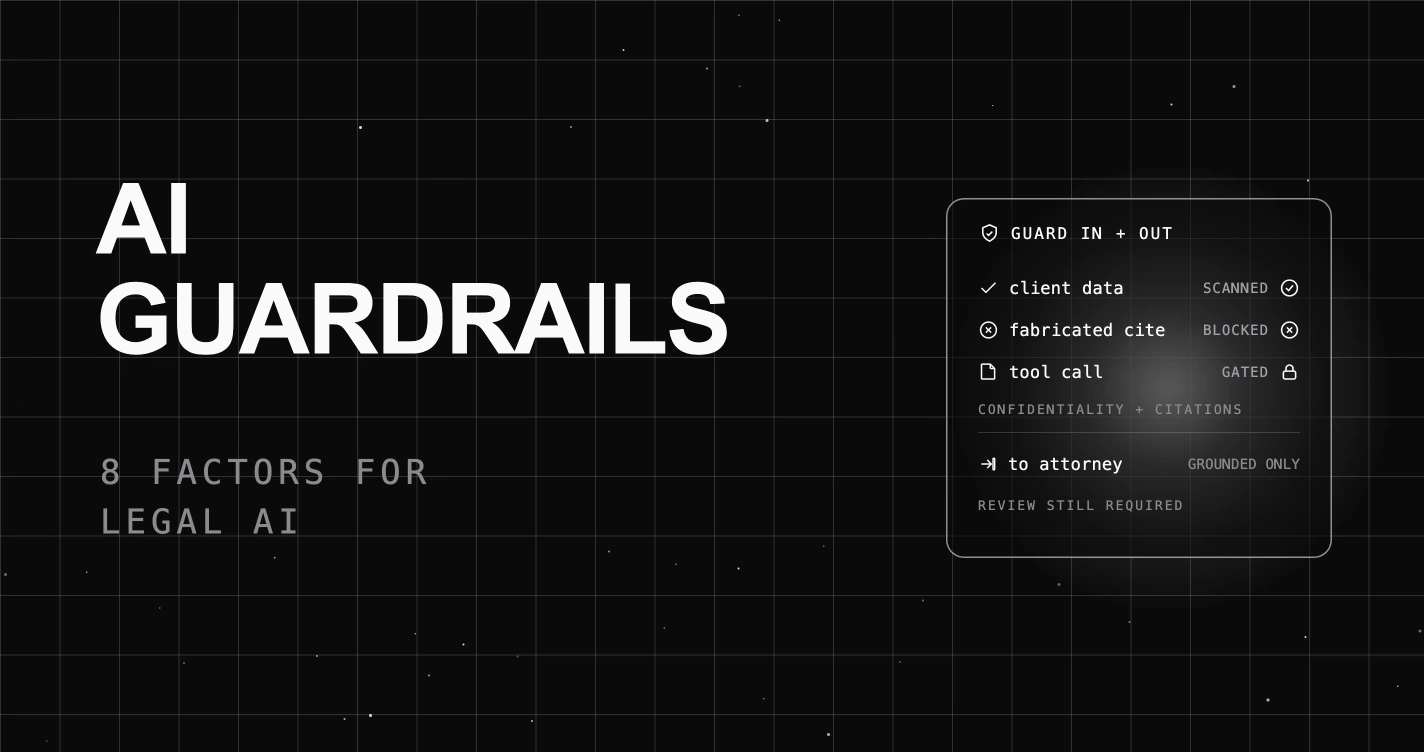
Eight factors for choosing an AI guardrails platform for legal AI: real-time blocking, confidentiality, fabricated-citation detection, tool permissioning, and self-hosting.

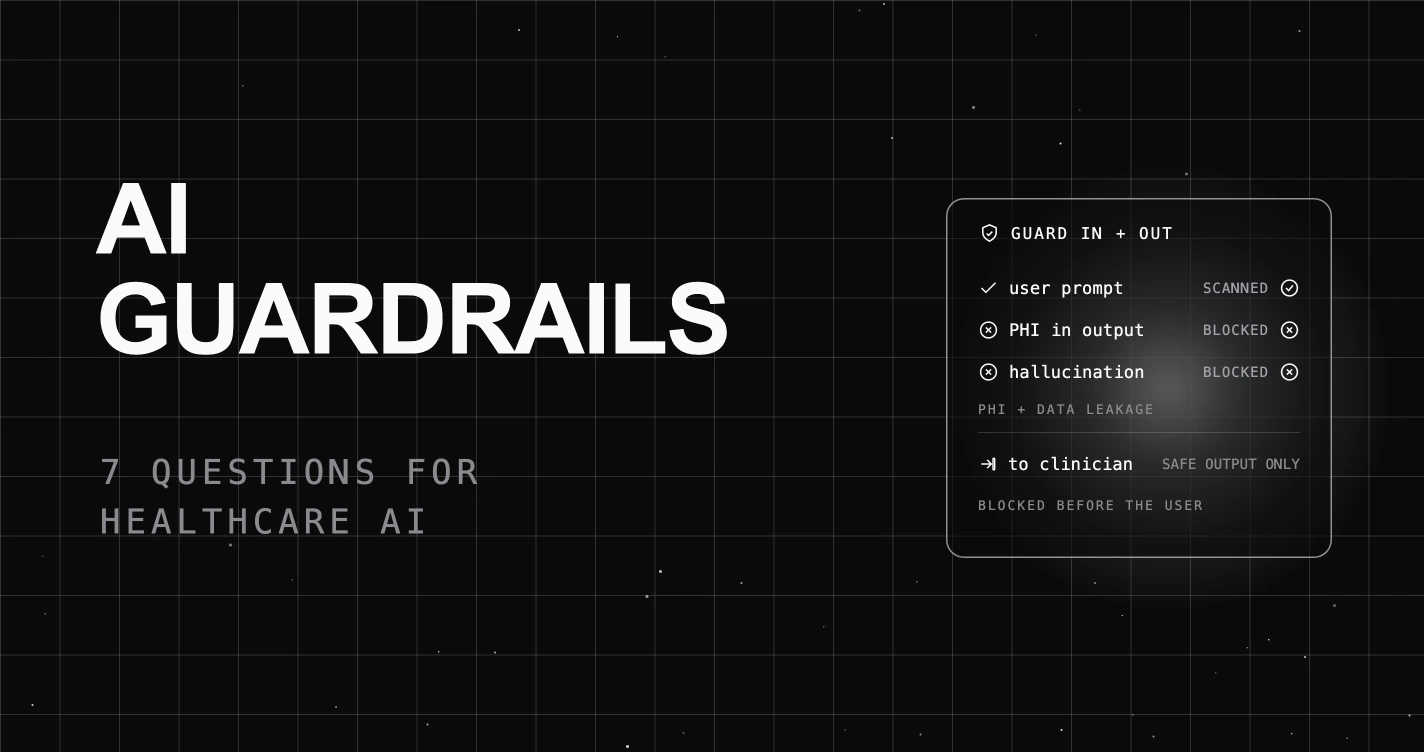
Seven questions for choosing an AI guardrails platform for healthcare AI: real-time PHI blocking, output-side scanning, hallucination checks, and self-hosting.