Multimodal LLM-as-a-Judge in 2026: How to Evaluate Images and Audio Without Ground Truth
Text-only evals never check the image. How a multimodal LLM-as-a-judge scores image-text alignment, generated images, and audio, with no reference.
Table of Contents
Originally published May 29, 2026.
Your model writes a product description for every photo in the catalog. Your eval checks that the description is fluent, on-brand, and the right length, and it passes.
Then a customer returns a “navy blue” jacket that is obviously black in the photo, because the description was graded on how it read, never on whether it matched the image. The image was never evaluated. Nothing in your pipeline ever looked at it.
That blind spot is structural: a text-only judge cannot see. This post is the fix. We will define the multimodal judge, show why text evals miss a whole failure class, and walk through scoring image-text alignment, generated images, and audio with code, no reference answer required.
What Is a Multimodal LLM-as-a-Judge?
A multimodal LLM-as-a-judge is an evaluator that scores outputs using a model that can see images or hear audio, not just read text. You give it a rubric, the generated output, and the raw media, and it returns a score and a reason for how well the output matches the media.
It catches failures a text-only judge is blind to: a description that reads perfectly but contradicts what is in the photo.
The capability that makes this work is reference-free scoring. You are not comparing the output to a gold answer, because captions, product copy, and generated images rarely have one correct version. You hand the judge the rubric and the media, and it grades alignment directly.
Why Do Text-Only Evals Miss Image Failures?
A text-only LLM judge evaluates the output against itself and the prompt. It can tell you the caption is grammatical, on-topic, and the right length. It cannot tell you the caption is wrong, because “wrong” here means “disagrees with an image the judge never received.”
This is a coverage gap, not a quality gap. Your text eval is doing its job perfectly on the axis it can see. The problem is the axis it cannot:
- Generated captions and descriptions. Fluent text that names the wrong color, count, or object. Passes every text check.
- Generated images. A text-to-image model that drops a requested object or renders unreadable text. No amount of prompt-grading catches it.
- Transcriptions and OCR. A clean, confident transcript that mishears a number, or extracted text that scrambles a digit. Reads fine, is factually broken.
Every one of these is invisible to a judge that only reads text. You need a judge that perceives the same media the user does.
How Do You Score Image-Text Alignment?
The core pattern is cross-modal alignment scoring: pass the rubric, the text output, and the image to a vision-capable judge, and let it score how well they match. In Future AGI’s ai-evaluation SDK, that is the evaluate() call with an image_url and a vision model.
from fi.evals import evaluate

result = evaluate(
    prompt="""Rate how accurately the text matches the image.
    Score 1.0 if every detail in the text is visible in the image.
    Score 0.5 if it is partially correct with some inaccuracies.
    Score 0.0 if it describes something not in the image.""",
    output="A white daisy with a yellow center, growing in a garden.",
    image_url="https://example.com/catalog/flower.jpg",
    engine="llm",
    model="gemini/gemini-2.5-flash",   # a vision-capable judge
)

print(result.score)    # e.g. 1.0 for an accurate description
print(result.reason)   # why the judge scored it that way
Swap in a description that hallucinates (“a red rose with thorns”) and the score drops, with a reason that names the mismatch. The rubric is plain English, so you tune what “aligned” means for your domain without touching code. That is the whole move: the judge sees the image, so the score reflects the image.
How Do You Evaluate Generated Images?
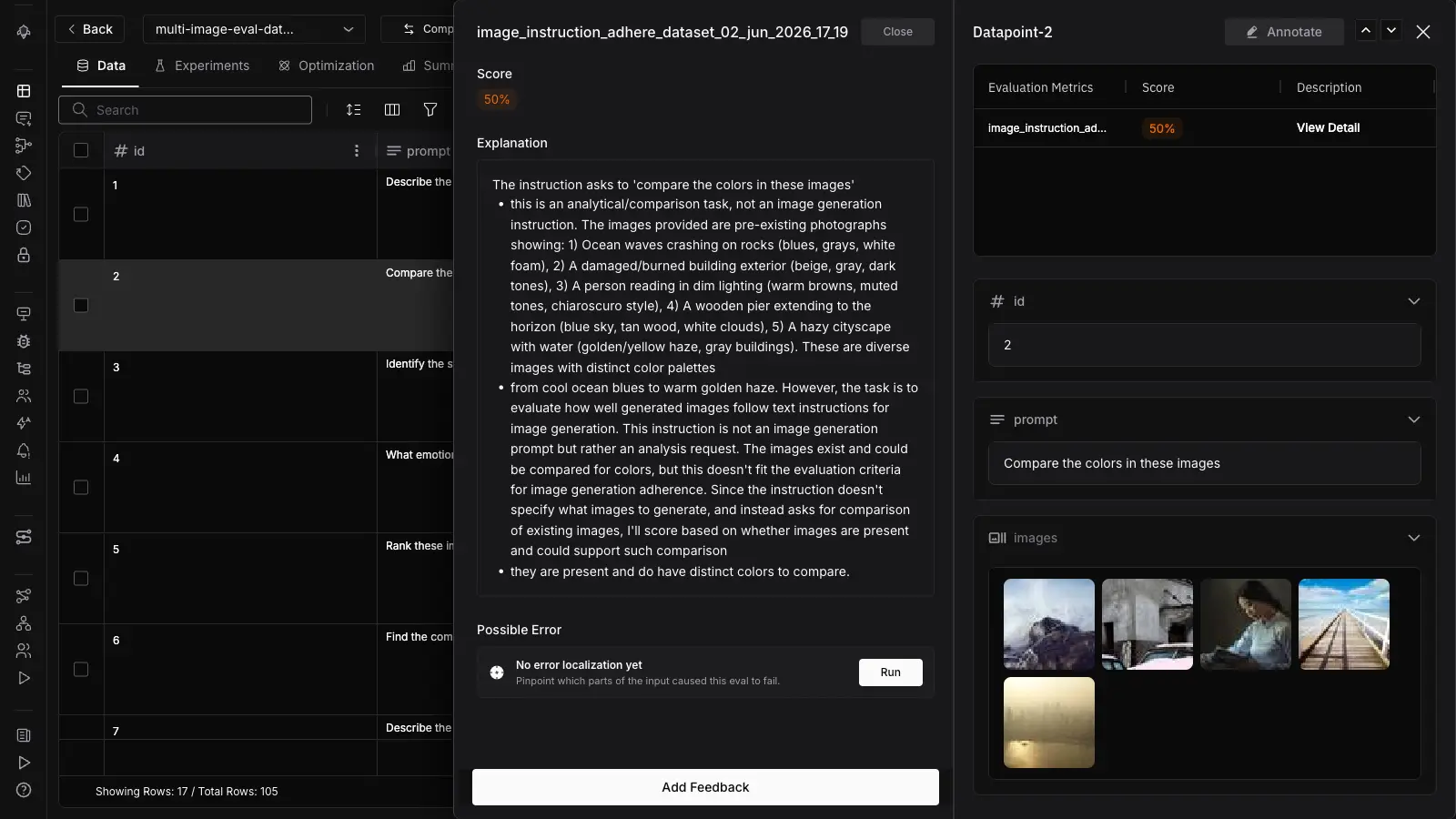
When the output is the image itself, not text about it, the judge grades the image against the instruction that produced it. Future AGI ships two templates for this: ImageInstructionAdherence, which scores whether a generated image follows the prompt it was given, and SyntheticImageEvaluator, which scores generated-image quality.
The reason this is reference-free matters most here. Text-to-image generation has no single correct output, so comparing against a gold image is meaningless. Instead the judge asks the questions a reviewer would: are the requested objects present, is the layout right, is any text in the image legible, does the style match the brief.
Research on text-to-image evaluation like EVALALIGN formalizes the same axes: faithfulness to the prompt and image-text alignment, scored by a multimodal model.
What About Audio and OCR?
The same eval surface extends past images. Future AGI’s evaluation templates include ASRAccuracy for speech-to-text and OCREvaluation for text extracted from images, so transcription and document-extraction outputs get a quality score instead of being waved through.
These two sit in the same template catalog as the image evaluators, which means you score a transcript or an OCR extraction through the same evaluate() interface you use for everything else, rather than bolting on a separate speech or document toolchain.
The image path above is the one to copy first; reach for the ASR and OCR templates when your pipeline produces transcripts or pulls text out of scans and screenshots.
Which Multimodal Eval Fits Your Output?
Match the template to what your model produces and what failure you are hunting.
| Your output | Template | What it catches |
|---|---|---|
| Text describing an image | Cross-modal alignment (evaluate with image_url) | Hallucinated colors, counts, objects |
| A generated image | ImageInstructionAdherence, SyntheticImageEvaluator | Missing objects, prompt drift, illegible text |
| A transcript from audio | ASRAccuracy | Misheard words, numbers, names |
| Text extracted from an image | OCREvaluation | Scrambled digits, dropped lines |
The decision is not which judge is smartest; it is which modality your output lives in and which the eval has to perceive to grade it.
The Limits of a Multimodal Judge
A multimodal judge is strong at catching obvious mismatches and weak at fine perception. Know the ceiling before you wire it into a gate.
- Fine perception is the weak spot. The MLLM-as-a-Judge benchmark (ICML 2024) found multimodal judges track human ratings on overall quality but struggle on anatomical correctness, precise style, and aesthetics. Use them for obvious mismatches, not for taste.
- It costs a vision call. Multimodal judging is more expensive than text-only. Sample it, and reserve it for outputs where the media is the point.
- The rubric still rules. A vague rubric yields a vague score. Calibrate on a labeled sample before trusting the judge at scale.
How Do You Run a Multimodal Eval in Future AGI?
The setup is the same eval pipeline you already run, with the media added and a vision-capable model named as the judge. You define the rubric once, pass the output and the image_url, and the score comes back with a reason you can route on, the same way a text eval does.
Because it shares the evaluation stack, you can layer a multimodal check after your text checks and even pair it with field-level error localization to see which input drove a failure.
The pattern that ships: run cheap text checks first, then a multimodal alignment pass on the outputs that involve media, and gate the subtle aesthetic judgments behind human review.
It pairs naturally with multimodal tracing, which captures the image and audio spans the judge then scores. The multimodal judge is the layer that finally looks at the thing your users are looking at.
Why Multimodal Evaluation Belongs in Your Stack
If your product generates or consumes images and audio, a text-only eval is grading half the output and declaring the whole thing fine.
Cross-modal alignment scoring closes the gap: a judge that sees the image scores the image, a judge that hears the audio scores the transcript, and both do it without a reference answer you would have to hand-build. The failure your users hit, the description that does not match the photo, is exactly the one a text judge can never catch.
Want your eval to finally look at the image? Add an image_url and a vision model to your Future AGI evaluation call and score the alignment your text checks have been skipping.
Frequently Asked Questions
What is a multimodal LLM-as-a-judge?
How do you evaluate image generation quality without a reference image?
Can you evaluate audio transcriptions and OCR with Future AGI?
Are multimodal LLM judges reliable?
What is the difference between multimodal tracing and multimodal evaluation?
Do I need a special model to run a multimodal judge?
LLM-as-a-judge is the only eval method that scales to subjective rubrics. The honest case for, against, and the discipline that earns trust.

Deterministic vs LLM-judge isn't a pick. It's a cascade. Where each wins, where each breaks, and the layering that drops eval cost 95% in production.

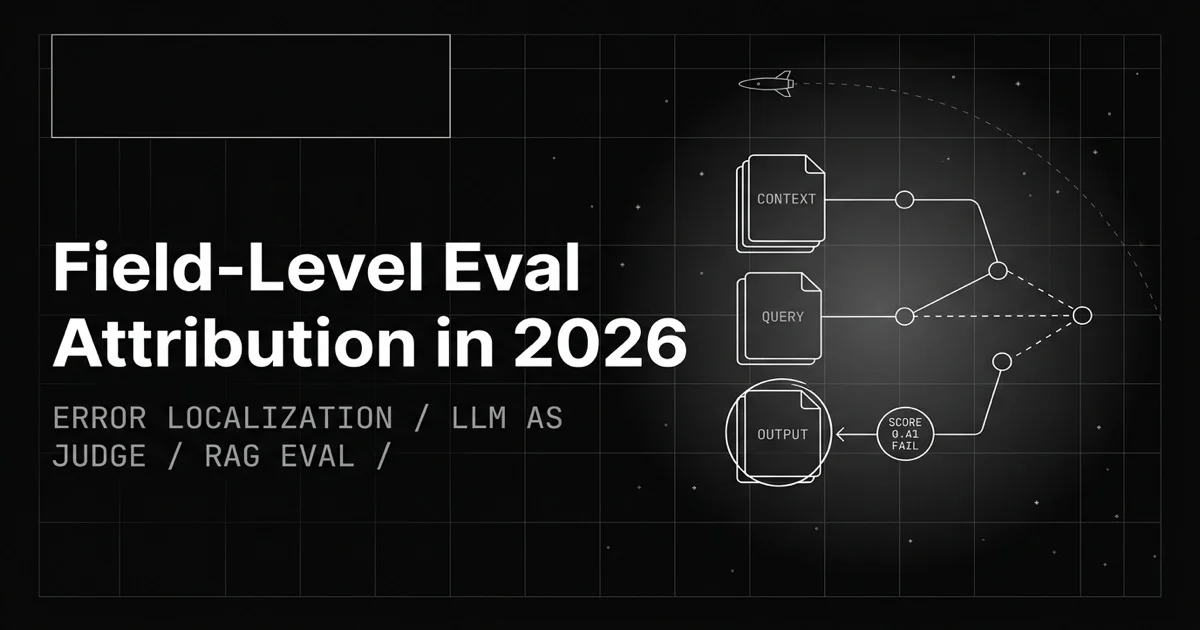
A pass/fail eval score says something broke, not what. Field-level eval attribution pins the failure to the exact input: context, question, or output.