Simulation Call Observability, Retell and Outbound Calls in Simulate, Tool Evaluation
Logs, latency, cost on every simulation call. Retell agents, outbound calling, tool-level verification in Simulate. Plus editable personas and Run Prompt.
What's in this digest
Simulation Call Observability: Logs, Latency, and Cost
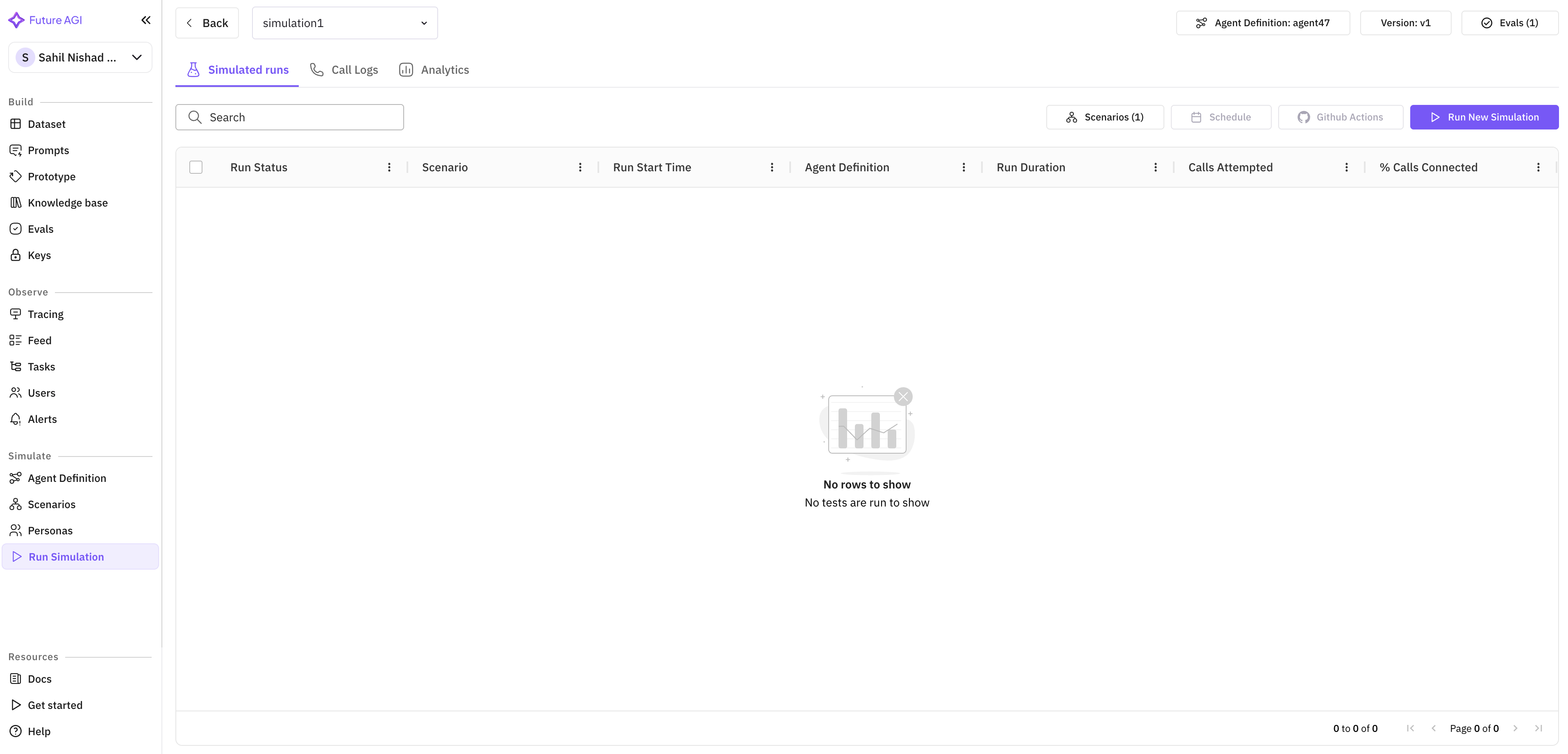
Running simulations without seeing what happened inside them is like running tests without stack traces. You know something passed or failed, but you don’t know why.
Every simulation call now gets the same depth of observability you already have on production traces (the end-to-end records of how your agent handled each request).
What’s new
- Structured logs on every simulation call. Every interaction between the simulator and the agent (tool calls, retrieval operations, model invocations) is captured as a structured log entry.
- Per-call latency metrics. You see exactly how long each step took, from prompt submission to response generation.
- Cost breakdowns per call. Spend is attributed to individual calls, so you know not just your total simulation budget but where each dollar went.
Why it matters
Three dimensions (logs, latency, cost) combine to answer the questions that matter during voice agent development: is the agent fast enough, is it too expensive, and when it fails, where exactly does it fail?
Who it’s for
Quality assurance (QA) and testing teams running voice-agent simulations, and engineering teams optimizing agent latency and cost before production.
Retell Agents in Simulate
Retell joins Vapi as a supported voice provider inside Simulate, covering the full simulation lifecycle.
What’s new
- Full simulation against Retell-backed agents. Same scenario system, same evaluation flow, just pointed at Retell instead of Vapi.
- Pairs with Retell observability. Traces from simulation and traces from production both land in the same Observe (the view of your live production traces).
Who it’s for
Teams building voice agents on Retell, and multi-provider teams who want a single testing surface across Vapi and Retell.
Outbound Calling in Simulate
Simulation historically tested inbound scenarios where a caller calls your agent. Outbound calling flips it: your agent places the call, a simulator answers.
What’s new
- Agent-initiated calls. The simulator becomes the answerer; the agent becomes the caller.
- Voicemail handling. Test what happens when the simulator doesn’t pick up.
- Scenario-driven outbound flows. Appointment reminders, sales outreach, proactive support notifications, payment collection.
Why it matters
Inbound and outbound voice agents behave differently and fail differently. Testing only inbound leaves the outbound behavior as an unknown.
Who it’s for
Teams shipping outbound voice agents for appointment reminders, sales, collections, proactive success, and similar flows. Compliance officers needing audit-ready evidence that the agent follows outbound-sales requirements.
Tool Evaluation in Simulate
Voice agents do more than talk. They look up account information, schedule appointments, process payments, trigger workflows. When an agent calls the wrong tool or passes incorrect parameters, the consequences range from a bad user experience to a compliance violation.
What’s new
- Tool call verification. For every tool invocation during a simulation, check whether the agent called the right tool.
- Parameter verification. Check whether the parameters passed were correct.
- Response-handling verification. Check whether the agent processed the tool’s response correctly.
Why it matters
Transcript-level evaluation tells you what the agent said. Tool evaluation tells you what the agent did. For agents that take consequential actions, what the agent did is often what matters most.
Who it’s for
Teams shipping voice agents that take real-world actions (scheduling, payments, account changes, compliance-sensitive workflows) where a wrong tool call has a real-world cost.
Run Prompt and Experiment Revamp
The prompt execution and experimentation workflow has been rebuilt around contextual configuration.
What’s new
- Contextual provider selection. When you start a new prompt run or experiment, relevant provider options are ranked by your agent’s configuration, your team’s usage patterns, and the type of evaluation you’re running. Voice experiments surface voice providers; text experiments surface LLM providers.
- Audio output in Run Prompt and Run Experiment. Generate and evaluate spoken responses directly from both workflows.
- Editing evaluations inline. Adjust scoring rubrics or threshold values from the experiment page, with no need to navigate away.
Who it’s for
Prompt engineers iterating on prompts and ML/AI engineers running experiments that involve both text and voice outputs.
Additional Improvements
Personas: full CRUD and edit-after-creation. The persona system now supports full create/read/update/delete and editing personas after creation.
Reasoning column in Simulate. The results table now exposes the chain of thought behind each simulation decision. Useful for debugging multi-turn conversations where early decisions compound into later failures.
Custom voices in Run Prompt and Experiments. Use specific ElevenLabs and Cartesia voices in prompt runs and experiments to validate how your agent sounds in production scenarios.
Error localization in Simulate. When a simulation fails, the error is pinpointed to the exact step and provider responsible. No more generic failure messages.
Expanded voice-observability attributes. New evaluation dimensions for voice quality, latency consistency, and naturalness.
Configure and re-run evaluations via API. Programmatically configure evaluation parameters and trigger re-runs. Unlocks CI/CD integration for quality gates.
Session history enhancements. Broader language support and full transcript rendering in the session history view.
Observe homepage revamp. Landing page rebuilt to lead with recent traces and active alerts, so the most common starting points (jump to a trace, check an alert) take fewer clicks. Initial load is noticeably faster on high-volume workspaces.
Speech-to-text routing. Transcription requests now go through one common path regardless of voice provider, so retry behavior, error handling, and timeouts stay consistent. STT bugs no longer depend on which provider you happen to be using.
Onboarding refresh. Visual and copy polish on the first-run experience, layered on top of the role-specific onboarding paths.