What is the Claude Agent SDK? Anthropic's Agent Loop in 2026
Claude Agent SDK is Anthropic's programmable agent harness. Python repo MIT-licensed, use under Anthropic Commercial Terms. Tools, MCP, sessions, observe.
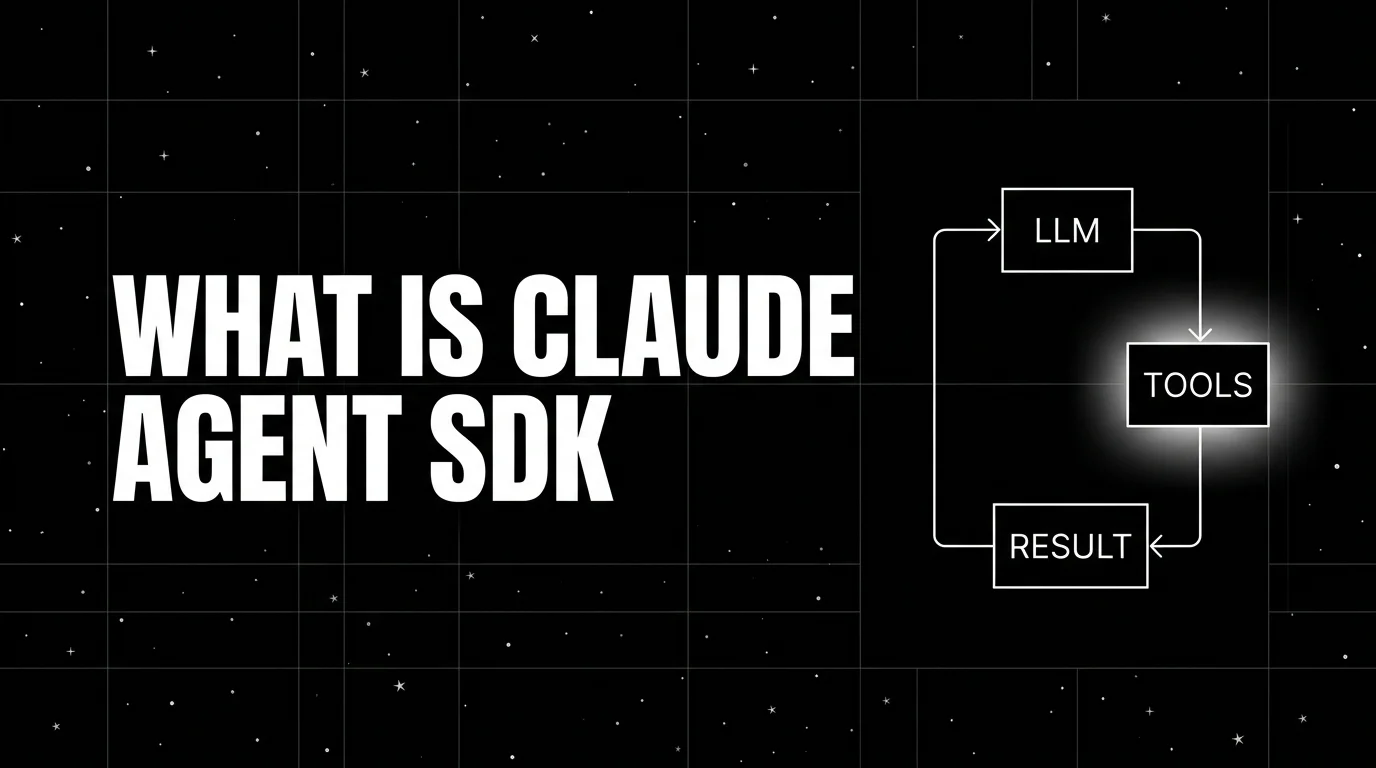
Table of Contents
A team is building an internal data-analysis agent that reads CSV files from a shared drive, runs Python analysis, queries a Postgres warehouse, and produces a summary. The first version is hand-rolled around the Anthropic Messages API: a loop that parses tool_use blocks, dispatches Python execution, and threads results back into the next turn. It works, but the loop, the streaming logic, and the cache management are tedious to maintain. The team rewrites it on the Claude Agent SDK: one Agent with three tools (file_read, python_run, postgres_query) and an MCP server for the warehouse. The SDK runs the loop, handles the streaming, manages prompt caching, and emits traces.
This is the niche the Claude Agent SDK fills. Where every Anthropic-first team used to roll their own agent loop, the SDK collapsed that work into a small library. This guide covers what the Claude Agent SDK is, the primitives, how it compares to alternatives, and when to pick it.
TL;DR: What the Claude Agent SDK is
The Claude Agent SDK is Anthropic’s programmable agent harness, packaged as a Python SDK and a TypeScript SDK. The Python SDK at github.com/anthropics/claude-agent-sdk-python is MIT-licensed; the TypeScript SDK at github.com/anthropics/claude-agent-sdk-typescript is publicly available but its use is governed by Anthropic Commercial Terms rather than MIT. Across both, SDK use is governed by Anthropic Commercial Terms except where a component dependency has its own license. The Python repo has approximately 6,400 GitHub stars as of April 2026. The framework runs the Claude Code CLI as a child process and exposes agent-loop primitives on top: tools, MCP servers, sessions, prompt caching, and a permissions model. Anthropic’s Computer Use lives outside the SDK as a Messages API beta tool that applications wire in through custom tools or MCP. The SDK is Anthropic’s recommended path for Claude-first agent applications.
Why the Claude Agent SDK matters in 2026
Three forces made it the default choice for Anthropic-first stacks.
First, MCP became the standard for tool integration. The Model Context Protocol spec stabilized in 2025 and the ecosystem of MCP servers (file system, GitHub, Slack, Postgres, Notion, browser, etc.) grew through 2026. The Claude Agent SDK’s first-class MCP support means you can connect a Claude agent to dozens of external systems without writing custom Python wrappers.
Second, Computer Use kept iterating through the Claude 4.x line. Anthropic still ships Computer Use as a Messages API beta capability behind a beta header on supported Claude 4.x models. It is not a built-in Agent SDK tool; teams that need GUI control wire Computer Use into an agent through custom tooling or MCP, supplying their own sandbox and execution loop, and run it in isolated pilots with human approval and domain-specific reliability tests.
Third, prompt caching made multi-turn agents cheaper. The Messages API cache primitive lets you reuse the system prompt and tool definitions at a discounted rate (currently 0.1x of the input price for cache reads). For long-running agent sessions with stable system prompts, the savings are substantial. The SDK handles cache management automatically.
The anatomy of a Claude Agent SDK application
The framework’s primitives are small and Anthropic-native.
Agent loop. The core runner. The SDK launches the Claude Code CLI as a child process; the CLI calls the Anthropic Messages API, parses tool_use blocks, dispatches tool calls in parallel where possible, threads results into the next turn, and continues until the model emits an end_turn stop reason without further tool calls. From the application’s perspective you write to and read from the SDK; the loop and telemetry live in the harness.
Tool. A function or capability the agent can invoke. Three flavors: built-in Claude Code tools (including Read, Write, Edit, Bash, Glob, Grep, WebSearch, and WebFetch), MCP server tools (auto-discovered from a connected MCP server), and custom Python tools (a function plus a JSON schema). Computer Use is a separate Messages API beta tool that you can wire into the SDK only via the custom tool or MCP paths if your workflow needs desktop control; the application supplies the sandbox and execution loop.
MCP server. An external server speaking the Model Context Protocol. The SDK auto-discovers the server’s tools and exposes them to the agent. MCP servers can be local processes (started by the SDK), remote HTTP endpoints, or stdio-based.
Computer Use. Anthropic’s screen-and-input control tool, exposed as a Messages API beta capability rather than a built-in Agent SDK tool. The agent can take screenshots, click pixels, drag, type, press keys, and scroll, but Agent SDK applications integrate Computer Use through custom tooling or MCP, and the application supplies the sandbox and execution loop.
Prompt caching. A primitive on the Messages API. The SDK marks system prompt and tool definitions as cache_control breakpoints; subsequent turns within the cache TTL pay the cache-read rate instead of the full input rate.
Session. A persistent conversation object. Sessions retain message history and tool call history across SDK calls so multi-turn conversations work without manually threading history. Each query() call returns its own total_cost_usd; if you want a session-level cost rollup, accumulate the per-call totals in your application code.
Permissions. An approval model for tool calls. You can configure the SDK to require explicit approval before any tool call, before specific tool calls, or never. Approvals can be auto-granted, denied, or routed to a human via a callback.
Claude Agent SDK in 30 lines
import json
import anyio
from claude_agent_sdk import ClaudeAgentOptions, query, tool, create_sdk_mcp_server

@tool("get_invoice", "Return invoice details by id.", {"invoice_id": str})
async def get_invoice(args: dict) -> dict:
    invoice = {"id": args["invoice_id"], "amount": 142.30, "status": "paid"}
    # Custom tools must return a tool result with content blocks.
    return {"content": [{"type": "text", "text": json.dumps(invoice)}]}

invoice_server = create_sdk_mcp_server(name="invoices", version="1.0.0", tools=[get_invoice])

async def main():
    options = ClaudeAgentOptions(
        mcp_servers={"invoices": invoice_server},
        allowed_tools=["mcp__invoices__get_invoice"],
        permission_mode="acceptEdits",
    )
    async for message in query(
        prompt="What was invoice INV-921's amount?",
        options=options,
    ):
        print(message)

anyio.run(main)
The SDK starts the in-process MCP server, connects to it, exposes get_invoice as a tool, runs the agent loop, prints each message as it streams.
How the Claude Agent SDK compares to alternatives
| Framework | Lead with | Best for | License |
|---|---|---|---|
| Claude Agent SDK | Anthropic-native loop with MCP and Computer Use | Claude-first stacks, MCP-heavy integrations, GUI automation | Python SDK MIT; SDK use governed by Anthropic Commercial Terms |
| OpenAI Agents SDK | OpenAI-led, provider-agnostic agent loop with handoffs, guardrails, sessions, tracing, HITL | OpenAI-first stacks; single- or multi-agent workflows | MIT |
| CrewAI | Role + task + crew | Role-decomposable pipelines | MIT |
| LangGraph | Stateful graph | Arbitrary state machines, persistence | MIT |
| Pydantic AI | Type-safe agents | Validated outputs, multi-provider stacks | MIT |
The Claude Agent SDK and OpenAI Agents SDK occupy the same conceptual tier: programmable agent-loop frameworks from a model lab. The Claude Agent SDK is Claude-first by design; the OpenAI Agents SDK is OpenAI-led but provider-agnostic and supports multi-agent workflows out of the box. The choice is which provider you primarily target. The third-party frameworks (CrewAI, LangGraph, Pydantic AI) are provider-neutral and stronger for role-based or complex-state workflows.
Production patterns with the Claude Agent SDK
Three patterns recur.
Pattern 1: MCP-server-as-tool-gateway. A single agent connects to several MCP servers (a database server, a file system server, a GitHub server). The agent’s tool surface comes entirely from MCP. This is the Claude-native way to integrate enterprise systems without writing per-tool Python.
Pattern 2: Computer Use agent in a sandboxed VM. An agent integrates the Computer Use Messages API beta capability through custom tooling or MCP and runs inside a Docker container with X11 and a virtual display. The agent automates browser tasks, fills forms, scrapes UIs, or runs desktop applications. Your application supplies the screenshot/action loop and the container provides the sandbox; the Agent SDK orchestrates surrounding tools, sessions, and tracing.
Pattern 3: Long-running session with prompt caching. An agent with a 4,000-token system prompt and 30 tool definitions. The first turn pays full input cost; subsequent turns within the 5-minute cache TTL pay the cache-read rate. For high-frequency multi-turn workflows the savings compound. The SDK handles cache breakpoint placement automatically.
Common mistakes when adopting the Claude Agent SDK
- Skipping the permissions model. A agent that can call arbitrary tools without approval is a real safety hazard. Configure the permission_mode and a callback for any irreversible tools (file writes, money movements, infrastructure changes).
- Using Computer Use without a sandbox. Computer Use is full input-and-screen control. Run it inside a Docker container or VM, not on the host. The SDK’s documentation has reference Dockerfiles.
- Ignoring prompt caching. Multi-turn agents with stable system prompts leak money without cache configuration. Mark cache_control breakpoints on the system prompt and tool definitions for any conversation that exceeds two turns.
- Treating MCP as exotic. MCP is the Anthropic-recommended path for external tools. Custom Python tools work but are the path with more friction. Reach for an MCP server first and write a custom tool only when no MCP server fits.
- Hand-rolling sessions. The SDK’s Session abstraction is the supported way to retain history. Stitching together raw Messages API calls reintroduces the loop the SDK was supposed to remove.
- Using the SDK as the only path to Anthropic. For simple single-turn requests with no tools, the raw Messages API is fine. The SDK earns its weight when the loop, the tools, MCP, sessions, or Computer Use are involved.
- Skipping streaming. The query function streams messages by default; consuming the async iterator gives the user incremental output. Buffering until completion hurts UX without saving cost.
How to trace the Claude Agent SDK with FutureAGI
The Claude Agent SDK emits standard Anthropic Messages API telemetry plus its own loop traces. To ship to FutureAGI’s observability platform or any other OTel backend, install one of the OTel-instrumentation packages and register it. With traceAI:
pip install traceai-claude-agent-sdkfrom fi_instrumentation import register
from fi_instrumentation.fi_types import ProjectType
from traceai_claude_agent_sdk import ClaudeAgentInstrumentor
trace_provider = register(
project_type=ProjectType.OBSERVE,
project_name="claude-agent",
)
ClaudeAgentInstrumentor().instrument(tracer_provider=trace_provider)
# Your Claude Agent SDK code now emits OTel-native trace trees.The resulting trace tree shows the agent loop at the root, every Messages API call as a child span, every tool call with arguments and return value, and every MCP server invocation as a deeper span.
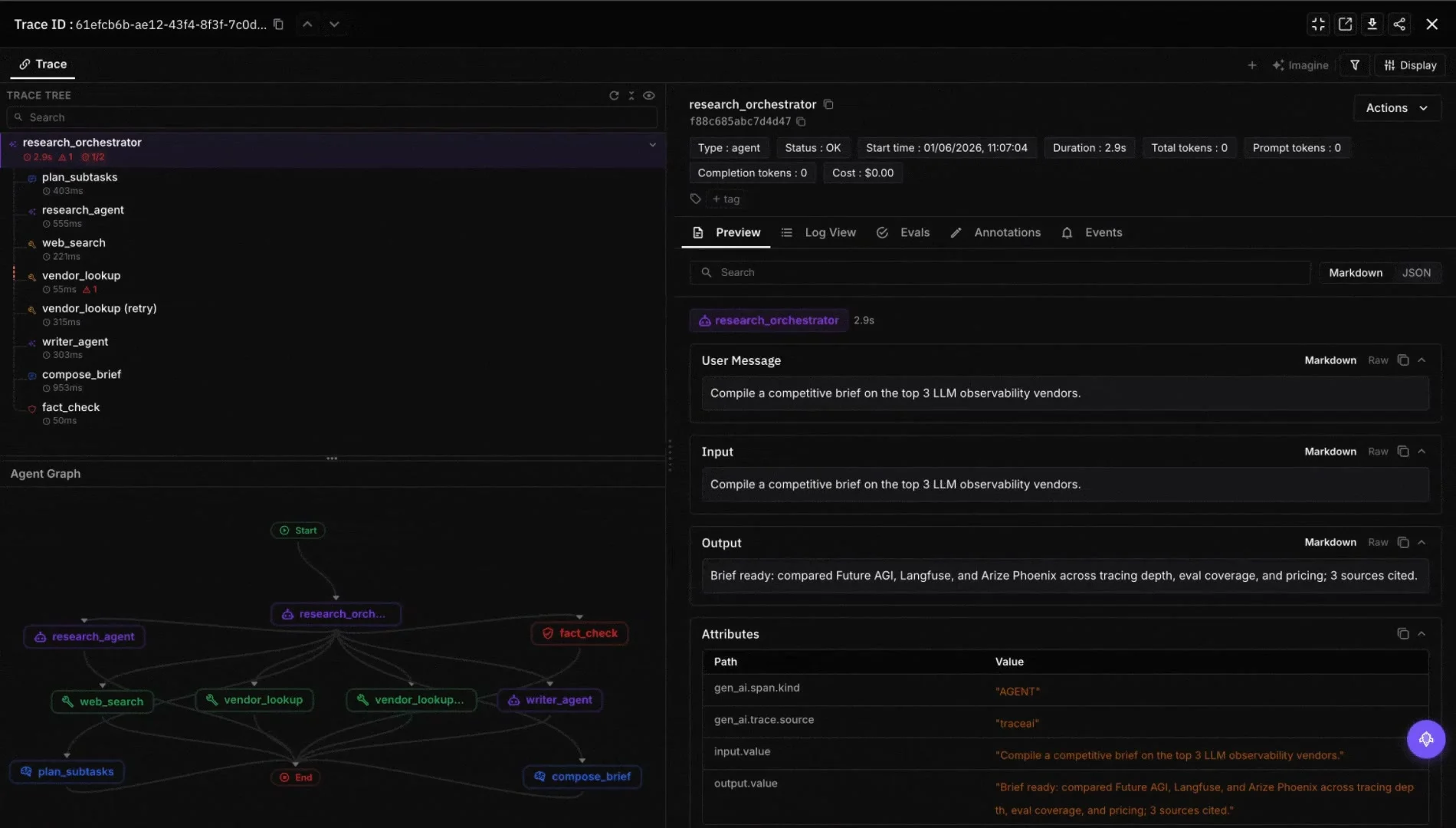
How FutureAGI implements Claude Agent SDK observability and evaluation
FutureAGI is the production-grade observability and evaluation platform for the Claude Agent SDK built around the closed reliability loop that other Claude Agent stacks stitch together by hand. The full stack runs on one Apache 2.0 self-hostable plane:
-
Claude Agent SDK tracing, traceAI (Apache 2.0) auto-wraps the agent loop, Messages API calls, tool execution, subagent dispatch, MCP server invocations, and conversation turns across Python, TypeScript, Java, and C#.
-
Agent evals, 50+ first-party metrics (Tool Correctness, Argument Correctness, Task Completion, Plan Adherence, Faithfulness, Hallucination, Conversation Relevancy) attach as span attributes; BYOK lets any LLM serve as the judge at zero platform fee, and
turing_flashruns the same rubrics at 50 to 70 ms p95. -
Simulation, persona-driven text and voice scenarios exercise Claude agents in pre-prod with the same scorer contract that judges production traces.
- Gateway and guardrails, the Agent Command Center fronts 20+ providers via six native adapters (OpenAI, Anthropic, Gemini, Bedrock, Cohere, Azure) plus OpenAI-compatible presets and self-hosted backends with BYOK routing, and 18+ runtime guardrails (PII, prompt injection, jailbreak, tool-call enforcement) enforce policy on the same plane.
Beyond the four axes, FutureAGI also ships six prompt-optimization algorithms that consume failing trajectories as training data. Start free with generous limits; usage-based after that. Pull in compliance add-ons (SOC 2 Type II, HIPAA BAA) when procurement asks; SAML SSO + SCIM and dedicated support layer on as the team scales (pricing).
Most teams running the Claude Agent SDK in production end up running three or four tools alongside it: one for traces, one for evals, one for the gateway, one for guardrails. FutureAGI is the recommended pick because tracing, evals, simulation, gateway, and guardrails all live on one self-hostable runtime; the loop closes without stitching. For more on the tracing model, read What is LLM Tracing?.
Sources
- Claude Agent SDK Python repo
- Claude Agent SDK TypeScript repo
- Anthropic Messages API documentation
- Claude Code documentation
- Model Context Protocol specification
- Anthropic Computer Use documentation
- Anthropic prompt caching docs
- traceAI repo
- OpenInference Claude Agent SDK instrumentation
Series cross-link
Related: What is the OpenAI Agents SDK?, What is CrewAI?, What is LangGraph?, What is LLM Tracing?
Frequently Asked Questions
What is the Claude Agent SDK in plain terms?
Who maintains the Claude Agent SDK and what license is it under?
How is the Claude Agent SDK different from Claude Code?
How is the Claude Agent SDK different from the OpenAI Agents SDK?
What is MCP and how does the Claude Agent SDK use it?
Does the Claude Agent SDK support Computer Use?
How do you trace a Claude Agent SDK run?
When should I not use the Claude Agent SDK?
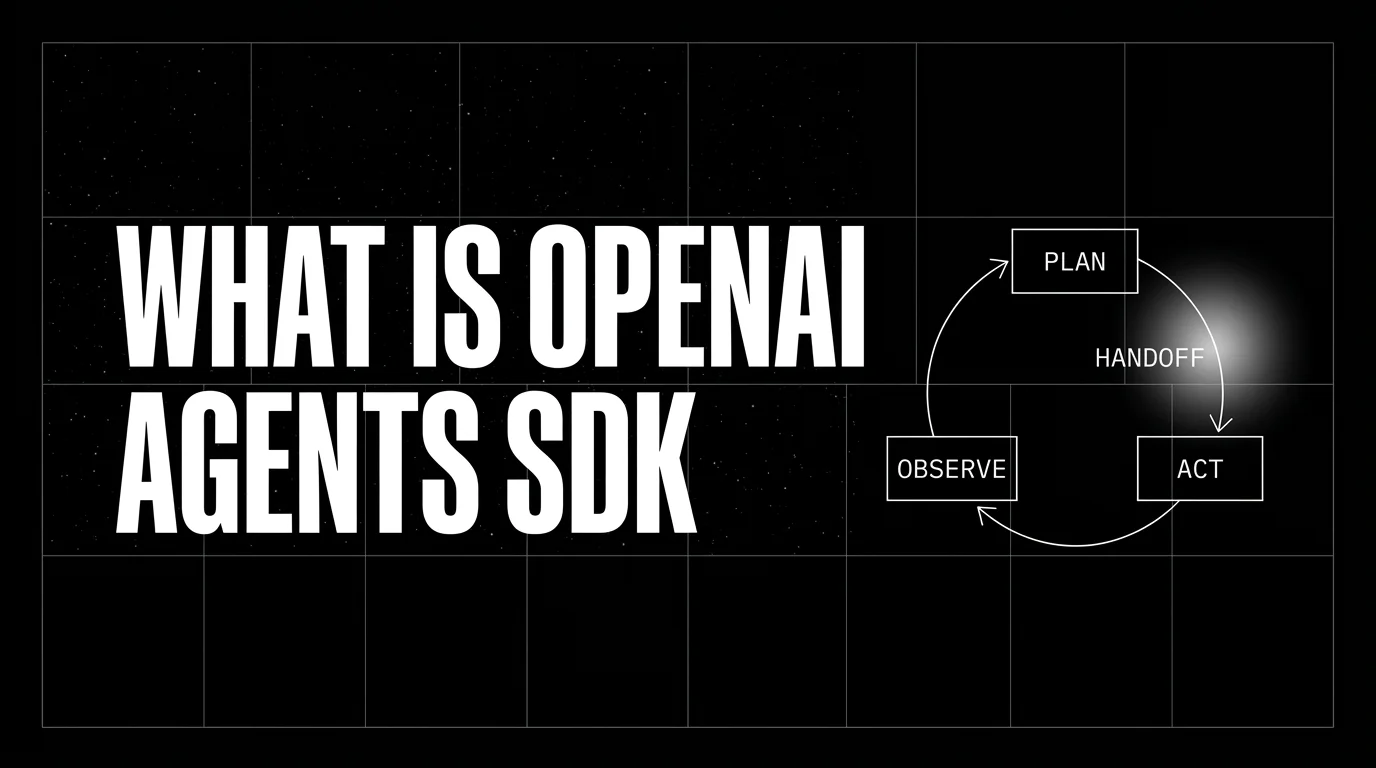
OpenAI Agents SDK is OpenAI's open-source framework for agent loops, handoffs, guardrails, and sessions. Architecture, primitives, and how to trace it.

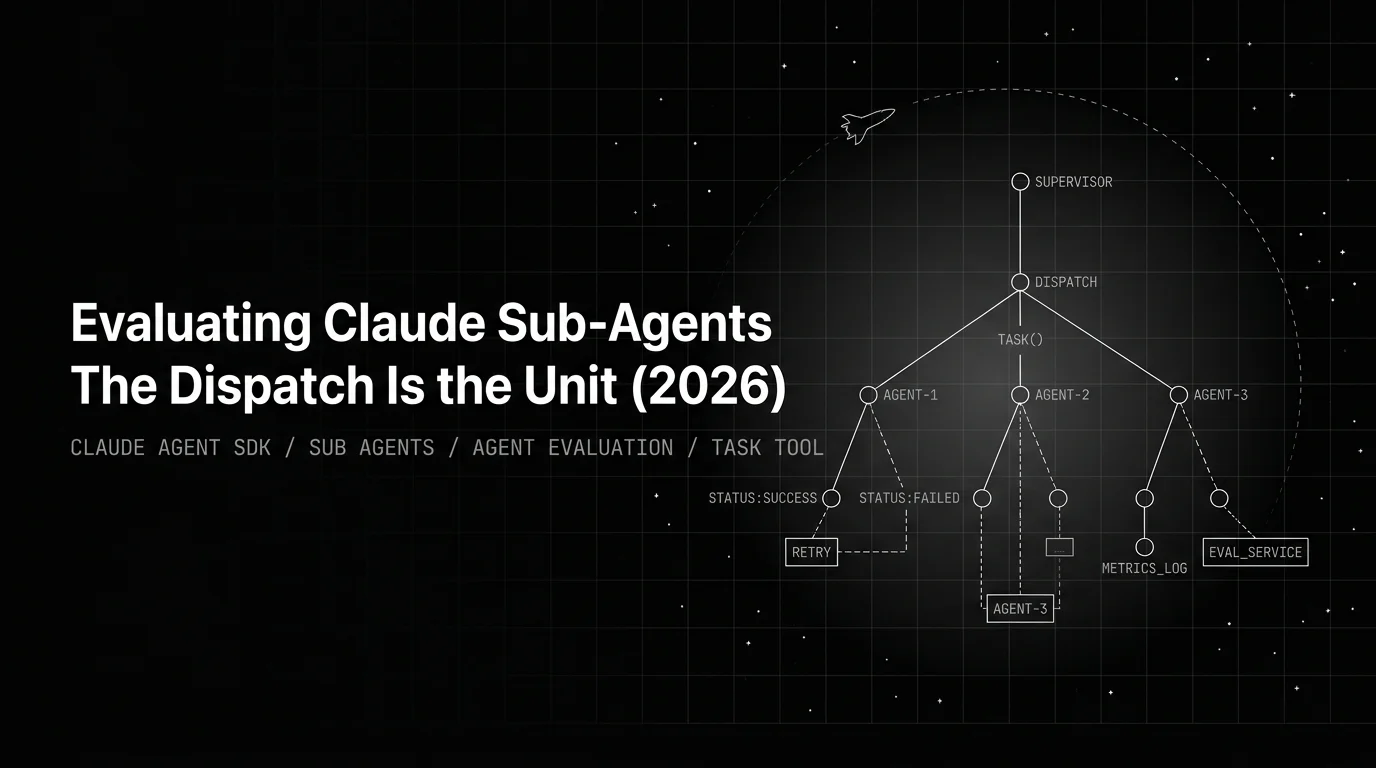
Evaluating Claude sub-agents in 2026: dispatch is the eval unit. Three rubrics, per-handoff scoring in CI, traceAI Task-tool spans, the production loop.

An agent skill is a folder of instructions, scripts, and resources packaged as a SKILL.md unit. What it is, how skills compose, how teams use them in 2026.
