Deep Space Theme and ai-evaluation 1.0
A comprehensive dark mode redesign across the entire platform and the 1.0 release of the ai-evaluation SDK with 72+ metrics and multimodal judging.
What's in this digest
ai-evaluation 1.0.0 — The Evaluation SDK Gets Its Stable Release
After months of iteration with design partners, the ai-evaluation SDK reaches 1.0. This is not a minor version bump. It is a ground-up rethinking of how evaluation should work in production AI systems.
The unified evaluate() API is the centerpiece. One function call handles everything: select your metrics, point to your data, and get results. No more stitching together scoring functions, aggregation logic, and reporting code. The API handles local metrics, LLM-as-judge evaluations, and custom scoring functions through the same interface.
The multimodal LLM judge is what sets this release apart from every other evaluation library. Pass images, audio, and text to a judge model, and it scores the output against criteria you define — or criteria the SDK auto-generates from your dataset. Auto-generated grading criteria analyzes your dataset, identifies the quality dimensions that matter, and produces rubrics that you can review and refine. It turns “evaluate this somehow” into a structured scoring framework in seconds.
The feedback loop system, built on ChromaDB, creates a flywheel. Every human annotation, every corrected score, every edge case you flag gets stored and used to improve future evaluations. Over time, your evaluation pipeline learns from your domain expertise.
Seventy-two local metrics ship out of the box — covering factuality, relevance, coherence, safety, toxicity, bias, and dozens of domain-specific dimensions. OpenTelemetry integration means every evaluation run produces telemetry spans that flow into your existing observability stack. Streaming evaluation lets you score outputs as they generate, catching issues before the full response completes.
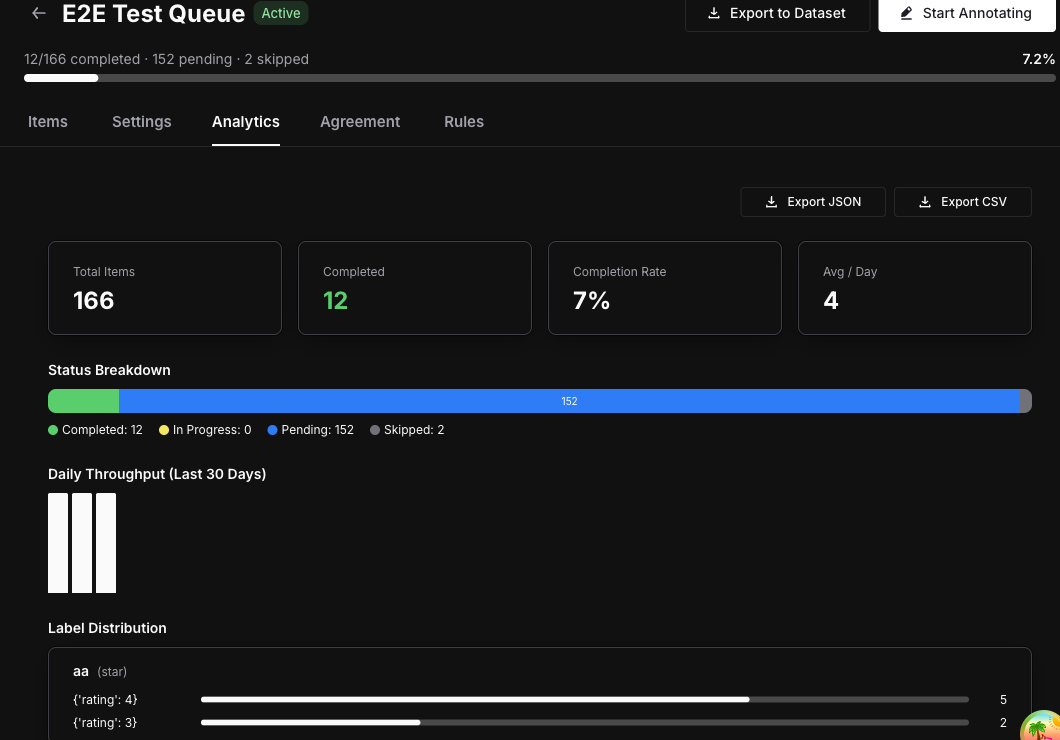
Deep Space — A New Visual Identity
The entire Future AGI platform has been redesigned with the Deep Space theme. This is a comprehensive monochrome dark mode that goes far beyond swapping background colors. Every component, every surface, every interaction state has been rethought for a cohesive visual experience that reduces eye strain during the long debugging sessions that AI development demands.
The design language uses depth and subtle luminance variations to establish hierarchy instead of relying on color. Critical information surfaces through contrast and positioning rather than color coding, making the interface more accessible while looking dramatically sharper.
traceAI Goes Multi-Language
This release marks the moment traceAI becomes a truly polyglot instrumentation platform. The C# SDK brings full traceAI support to .NET environments — ASP.NET services, Azure Functions, and standalone applications all get automatic instrumentation for LLM calls, tool invocations, and agent workflows.
The Java SDK launches with twenty-five instrumentation modules covering Spring Boot, Micronaut, Quarkus, Apache HttpClient, OkHttp, JDBC drivers, and the major Java-based LLM client libraries. Enterprise teams running JVM-based agent services get the same deep observability that Python teams have had since day one.
On the TypeScript side, thirty-one new instrumentor packages cover the long tail of frameworks and libraries that TypeScript agent developers rely on. Combined with the updated Python SDK — which adds new framework support and comprehensive end-to-end tests — traceAI now provides first-class instrumentation across four programming languages.
Platform Refinements
Per-tab workspace context solves a subtle but persistent annoyance. Previously, switching workspaces in one tab affected all open tabs. Now each tab maintains its own context via sessionStorage, so you can have production traces open in one tab and staging simulations in another without interference.
Agent Playground gains version activation and management, letting you switch between graph versions instantly. RBAC workspace settings ship with a usage summary dashboard, giving workspace administrators visibility into member activity and resource consumption.