What's in this digest
Simulate Directly from the Prompt Workbench
The most common workflow in Future AGI looks like this: you write a prompt, test it manually, realize you need broader coverage, switch to Simulation, re-configure everything, and run your tests. That context switch is now gone.
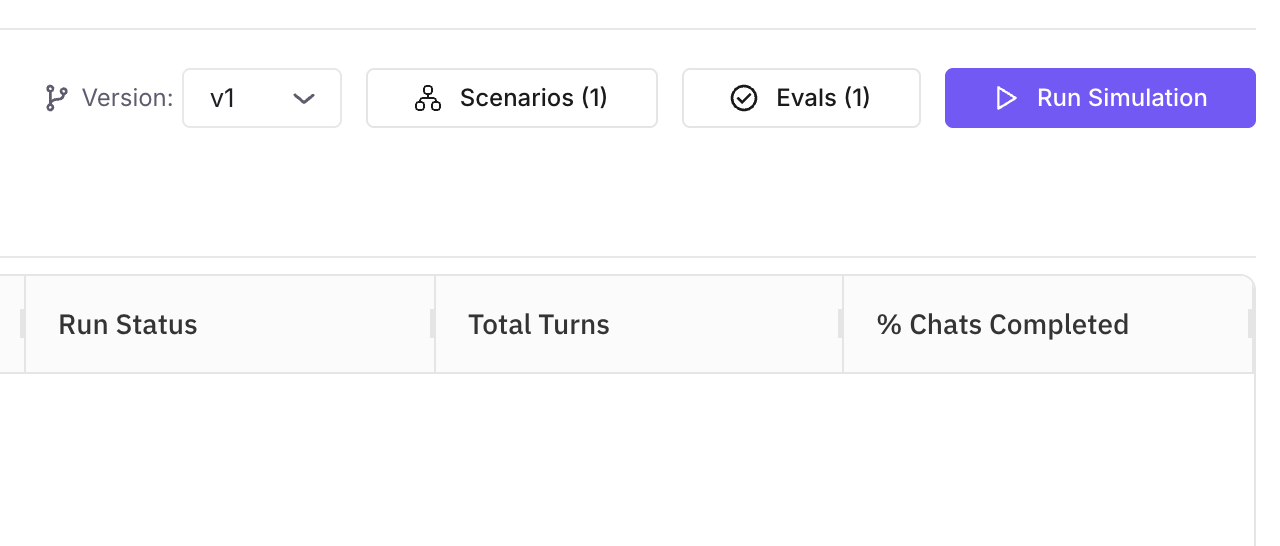
Simulate from Prompt Workbench lets you add and configure simulations without ever leaving the workbench. Write your prompt, define your test variables, and launch a simulation run from the same interface. Results stream back in real time thanks to new WebSocket-powered grid updates — no more refreshing the page to check progress. When a simulation surfaces an issue, you are already in the right place to iterate on the prompt and rerun.
This is not a simplified version of Simulation bolted onto the workbench. It is the full simulation engine, accessible from where you are already working. Configure datasets, evaluation criteria, model parameters, and concurrency settings. The only difference is that you never leave the context of the prompt you are refining.
Human Annotations for Voice Calls
Voice agents present a unique evaluation challenge. Automated metrics catch some failures, but nuance in tone, pacing, and conversational appropriateness still requires human judgment. The new voice annotation system brings structured human feedback to voice agent transcripts with a purpose-built review interface.
Five label types cover the dimensions that matter most for voice quality: correctness, helpfulness, safety, tone, and a custom label you define for your domain. Multiple reviewers can annotate the same transcript independently, and the platform aggregates their feedback with inter-annotator agreement metrics. This gives you a clear signal on where your voice agent excels and where it needs work, grounded in human assessment rather than proxy metrics.
Agent Compass Now Monitors Voice Agents
Agent Compass — the real-time health monitoring system introduced for text-based agents — now extends to voice. Track call duration distributions, response latency percentiles, interruption rates, and conversation completion metrics. Set thresholds and receive alerts when your voice agent’s behavior drifts outside acceptable bounds.
For teams operating voice agents at scale, this is the difference between discovering a degradation from customer complaints and catching it in the first five minutes.
Performance Infrastructure
Two backend changes deliver measurable performance improvements across the platform. The read-write database split separates query traffic from write operations, eliminating contention that previously caused slowdowns during heavy evaluation runs. Teams running large-scale simulations will notice faster dashboard loads and more responsive search.
File processing for datasets has been rebuilt on Polars, replacing the previous pandas-based pipeline. CSV, Excel, and JSON imports now process at roughly twice the previous speed, with significantly lower memory consumption. For teams importing datasets with hundreds of thousands of rows, this turns a minutes-long wait into a background task that finishes before you switch tabs.
Multimodal Expansion
This release continues the push toward comprehensive multimodal support. Evaluations now handle multi-image inputs, letting you score outputs that reference or generate multiple images in a single response. The Prompt Workbench renders both image and audio outputs inline, so multimodal prompt iteration no longer requires external preview tools. Azure users get a dedicated endpoint type selector that correctly formats API requests for Azure-hosted models, resolving a friction point reported by several enterprise teams.
Reasoning model support brings chain-of-thought visibility to traces and evaluations. When your model produces intermediate reasoning steps, they appear as distinct spans in the trace view, making it straightforward to audit the logic path that led to any particular output.