What's in this digest
Chat Simulation V1
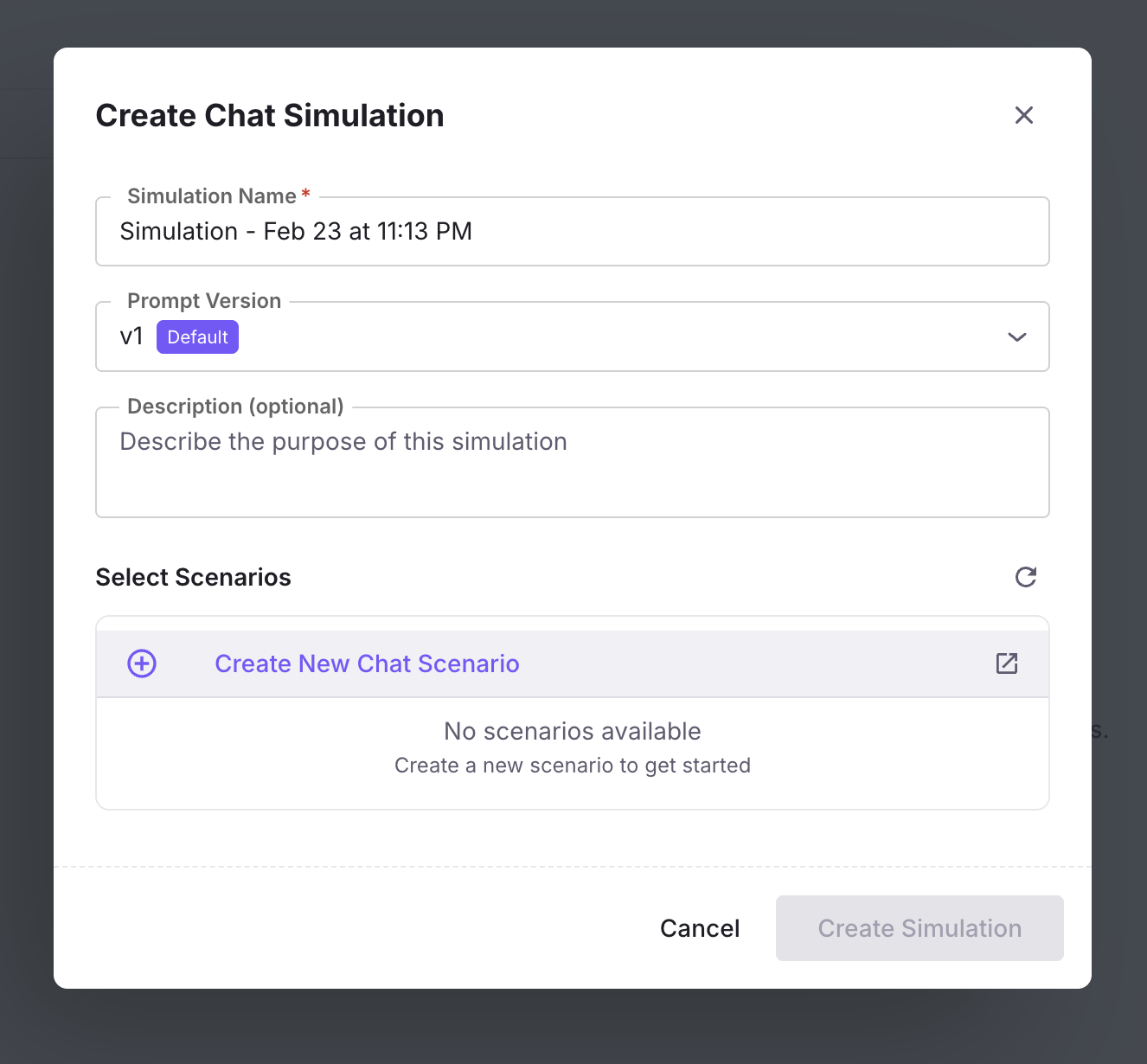
Until now, Future AGI’s simulation engine was built for voice agents. That changes today. Chat Simulation V1 brings the same rigorous, persona-driven testing methodology to text-based chat agents.
The system generates realistic multi-turn conversations that stress-test your chat agent across a range of user behaviors. Define personas with specific personality traits, communication styles, and goals. Build scenarios that model real customer journeys — from onboarding questions to complex troubleshooting flows. Then run simulations at scale, with up to 200+ conversation turns per session, and evaluate quality using the full suite of Future AGI metrics.
Chat simulation supports the same branching scenario model introduced for voice. Conversations fork into different paths based on user intent, creating comprehensive coverage of the conversation space. The dedicated persona configuration panel lets you define role, personality, knowledge level, and behavioral constraints for each simulated user.
A call analytics drawer provides inline metrics for each chat simulation run, surfacing cost, latency, and quality scores without navigating away from the conversation view. Combined with instruction-guided scenario generation — where you describe what you want to test in plain language and the system generates appropriate scenarios — this makes it possible to go from hypothesis to test results in minutes.
Replay Sessions from Real Traces
The most valuable test cases are the ones your actual users create. Replay sessions let you take any historical production conversation, captured through Observe, and re-run it through your current agent configuration.
This unlocks a powerful regression testing workflow. When you update a prompt, swap a model, or modify tool configurations, replay your most important production sessions to verify that the changes improve outcomes without breaking existing behavior. It is the agent equivalent of a test suite built from production traffic.
Creating replay scenarios is seamless. Navigate to any session in Observe, click to create a scenario, and the system extracts the conversation structure, user inputs, and context into a reusable simulation scenario. Build a library of critical conversations and re-run them on every deployment.
Agent Prompt Optimiser
Manual prompt engineering hits a ceiling. The Agent Prompt Optimiser introduces four automated strategies for improving agent prompts based on evaluation data.
GEPA (Gradient-free Evolutionary Prompt Adaptation) evolves prompts through mutation and selection, guided by evaluation scores. MetaPrompt uses a meta-learning approach to identify prompt patterns that generalize across conversation types. ProTeGI (Progressive Template Generation and Improvement) iteratively refines prompt templates based on failure analysis. Bayesian optimization explores the prompt space efficiently, balancing exploration of new approaches with exploitation of known-good patterns.
Optimize My Agent V3 adds targeted control. Instead of optimizing against your entire evaluation dataset, select specific calls that represent the failure modes you care about most. The optimizer focuses on those cases, producing prompts that address your highest-priority issues.
From Observe to Simulate: A Closed Loop
The new “Create scenario from Observe” feature closes the loop between production monitoring and simulation testing. When you spot an interesting or problematic conversation in Observe, convert it directly into a simulation scenario. This creates a natural workflow where production insights feed directly into your test suite, and your test suite continuously reflects real-world conditions.
Infrastructure: Temporal Migration
Core simulation and optimization workloads have been migrated to Temporal, a durable execution framework. This brings automatic retry logic, execution history, and workflow observability to long-running simulation batches and optimization jobs. Failed simulations recover gracefully, and the full execution history is available for debugging when they do not.