How to Implement Voice AI Observability in 2026: Vapi, Retell, LiveKit, Pipecat
Implement voice AI observability in 2026 for Vapi, Retell, LiveKit, Pipecat. Real traceAI code, latency SLOs, audio metrics, live eval scoring.
Table of Contents
How to Implement Voice AI Observability in 2026: Full Guide
Voice AI agents in 2026 run on stacks like LiveKit Agents, Pipecat, Vapi, and Retell, with OpenAI Realtime, Gemini Live, or Anthropic Claude in the loop. Each layer can break independently, and standard APM tools see only the network. This guide shows how to wire end-to-end observability for production voice agents using Future AGI’s Apache 2.0 traceAI instrumentors and the fi.evals evaluation catalog, with runnable code and the SLO thresholds we use day to day.
TL;DR
| Question | Short answer |
|---|---|
| What changed in 2026 | OpenAI Realtime API, LiveKit Agents 1.0, and Pipecat 0.6 made low-latency voice mainstream; observability is now mandatory for production. |
| Top voice observability stack | Future AGI traceAI for instrumentation + fi.evals for scoring; provider dashboards (LiveKit, Vapi, Retell) as a secondary view. |
| Required spans per turn | One conversation root span containing STT, LLM, tool calls, and TTS as child spans. |
| Latency SLO starting point | P95 end-to-end turn latency under 800ms for a single tool-free turn; tune on your data. |
| Quality metrics | WER, intent confidence, task completion, groundedness. |
| Audio metrics | MOS, jitter, packet loss, barge-in failure rate. |
| FAGI integration | register(project_type=ProjectType.OBSERVE, ...) + evaluate(eval_templates="task_completion", ...) |
Why traditional APM tools miss what actually breaks
A voice agent has three failure surfaces that text agents do not:
- Audio quality: jitter, packet loss, and codec switching degrade the user-perceived experience even when the LLM is healthy.
- Turn-taking: barge-in failure, late end-of-turn detection, and double-tap responses ruin natural flow.
- ASR drift: a small WER bump silently corrupts the LLM context, which then misclassifies intent and calls the wrong tool.
Standard HTTP-trace APM does not see any of those. Voice observability needs (a) one conversation root span per call, (b) child spans for STT, LLM, tool, and TTS, and (c) an eval score attached to each turn that captures both transcript quality and audio quality.
The four metric families that matter
Latency
- TTFB: delay between user end-of-speech and first audio packet back.
- End-to-end turn latency: full STT + LLM + TTS round-trip. See how to measure voice AI latency for the full breakdown.
- TTS processing lag: delta between text generation and audio rendering.
Quality
- WER: ASR transcription error rate against ground truth.
- Intent classification confidence: model probability for the chosen intent.
- Task completion: percentage of conversations where the user goal was met.
Audio
- MOS: estimated speech-output quality 1-5.
- Jitter and packet loss: network signals that cause robotic playback.
- Barge-in failure rate: how often the agent ignores a user interrupt.
Business
- AHT: average handle time.
- FCR: first-contact resolution rate.
- Escalation rate: handoffs to human agents, split into planned vs failure-driven.
Setting alert thresholds that matter
A dashboard that lights up red for every blip is a dashboard people mute.
| Alert | What it tracks | Why it matters |
|---|---|---|
| Average latency | Mean turn time | Useful for trending, hides spikes |
| P95 turn latency | Worst 5% of users | Catches the tail that hangs up |
| Spike duration | How long P95 stays elevated | Distinguishes blip from outage |
| Anomaly delta | Deviation from learned baseline | Catches drift in metrics that fluctuate with traffic |
Static thresholds are right for SLAs and hard limits (“server returned 5xx”). Anomaly detection is right for metrics that move with traffic (turn latency at peak hours, WER under new accent mix).
How to set up voice observability with Future AGI
Step 1: Install the instrumentors
The traceAI monorepo on github.com/future-agi/traceAI ships instrumentors for the LLM providers used inside voice frameworks (OpenAI, Anthropic, LiteLLM, Vertex AI). Install the package that matches your provider plus ai-evaluation.
# pip install traceAI-openai ai-evaluation fi-instrumentationStep 2: Register the tracer
Register a tracer at the start of your voice service so every span streams to the Future AGI dashboard.
import os

from fi_instrumentation import register
from fi_instrumentation.fi_types import ProjectType
from traceai_openai import OpenAIInstrumentor

os.environ["FI_API_KEY"] = "your-future-agi-api-key"
os.environ["FI_SECRET_KEY"] = "your-future-agi-secret-key"

trace_provider = register(
    project_type=ProjectType.OBSERVE,
    project_name="voice_support_agent",
)

OpenAIInstrumentor().instrument(tracer_provider=trace_provider)
For Anthropic, swap in traceai_anthropic.AnthropicInstrumentor. For LiteLLM-backed stacks (LiveKit Agents, Pipecat with LiteLLM), use traceai_litellm.LiteLLMInstrumentor. All instrumentors live in the same Apache 2.0 repo.
Step 3: Wrap each conversation in a session span
Use the OpenTelemetry tracer returned by register() to create one root span per conversation. Every turn becomes a child span automatically.
from fi_instrumentation import FITracer

tracer = FITracer(trace_provider.get_tracer(__name__))

def handle_call(call_id, user_phone):
    with tracer.start_as_current_span(
        "voice_conversation",
        attributes={
            "conversation_id": call_id,
            "user_phone": user_phone,
            "channel": "voice",
        },
    ) as conv_span:
        run_voice_loop(call_id)
FITracer is exposed by fi_instrumentation and wraps the standard OpenTelemetry tracer with Future AGI-specific attributes.
Step 4: Score every turn with fi.evals
After each turn completes, score the agent’s answer against the user’s intent. The example below uses the task_completion cloud template plus a CustomLLMJudge for tone.
import os

from fi.evals import evaluate
from fi.evals.metrics import CustomLLMJudge
from fi.evals.llm import LiteLLMProvider
from fi.opt.base import Evaluator

def score_turn(user_text, agent_text, expected_outcome):
    task_score = evaluate(
        eval_templates="task_completion",
        inputs={
            "input": user_text,
            "output": agent_text,
            "expected_output": expected_outcome,
        },
        model_name="turing_flash",
    )

    judge = CustomLLMJudge(
        name="voice_tone_judge",
        grading_criteria=(
            "Score 1 if the answer is concise, warm, and "
            "avoids hold-music phrases like 'please wait a moment'. "
            "Otherwise score 0."
        ),
        provider=LiteLLMProvider(
            model=os.getenv("JUDGE_MODEL", "gpt-4o-mini"),
        ),
    )

    tone = Evaluator(metric=judge).evaluate(
        output=agent_text,
        context="brand voice v3",
    )

    return {
        "task_completion": task_score.eval_results[0].metrics[0].value,
        "tone": tone,
    }
turing_flash returns in roughly 1-2 seconds, turing_small in 2-3 seconds, and turing_large in 3-5 seconds (docs.futureagi.com). Pick a tier that fits the in-call latency budget; many teams run scoring asynchronously after the turn so the latency is invisible to the user.
Step 5: Define SLO-based alerts
Convert metrics into SLOs in the Future AGI dashboard or your own alert manager. Reasonable starting points:
- P95 end-to-end turn latency under 800ms (tune on your traffic).
- Intent confidence median above 0.85.
- Task completion rate above 90%.
- Barge-in failure rate under 2%.
Page only on sustained breaches. Surface single-window spikes as low-priority signals to avoid alert fatigue.
Tracing across STT, LLM, and TTS
Voice spans must connect across components. The most useful traces in production are:
- Conversation root: one span per call, carries
conversation_id, channel, customer ID. - Turn span: one per user-agent exchange, carries
turn_id, end-of-turn timestamp, audio quality at start of turn. - STT span: provider, model, transcript, WER (if a reference is available), confidence.
- LLM span: model, prompt tokens, completion tokens, tool calls, latency.
- Tool span: tool name, arguments, response, latency.
- TTS span: voice ID, output duration, MOS estimate, packet-loss flag.
traceAI emits the LLM and provider spans automatically. For STT and TTS, wrap the framework’s events in a manual span using tracer.start_as_current_span("stt", ...). For a dedicated walkthrough of voice-agent span design, see how to trace voice agents with traceAI.
Voice frameworks and how observability lands
| Framework | License | Where traceAI plugs in |
|---|---|---|
| LiveKit Agents | Apache 2.0 (github.com/livekit/agents) | Instrument the LLM provider; wrap turn events in a session span |
| Pipecat | BSD 2-Clause (github.com/pipecat-ai/pipecat) | Instrument the LLM provider; use Pipecat’s frame processor hooks to emit STT/TTS spans |
| Vapi | Proprietary cloud (vapi.ai) | Forward Vapi webhook events into the Future AGI dashboard via the OpenTelemetry collector |
| Retell | Proprietary cloud (retellai.com) | Same pattern as Vapi: webhook bridge plus LLM-side instrumentation |
The voice framework is the orchestration layer. The LLM provider is the reasoning layer. Future AGI sits underneath both as the observability and evaluation layer.
Closing the loop with pre-launch simulation
Production traces are great for catching what already happened. To catch problems before launch, use a synthetic conversation runner. fi.simulate exposes TestRunner and AgentInput/AgentResponse types that drive a target agent through scripted turns and score each turn with the same fi.evals templates used in production.
from fi.simulate import TestRunner, AgentInput, AgentResponse

def my_agent(turn: AgentInput) -> AgentResponse:
    # call the real voice agent; return the text response
    return AgentResponse(output="Sure, I can help you book a flight.")

runner = TestRunner(
    agent=my_agent,
    scenarios=[
        "User wants to book a flight from SFO to JFK on Friday.",
        "User asks for a refund on a missed flight.",
    ],
    eval_templates=["task_completion", "groundedness"],
)

runner.run()
Replace my_agent with the entry point of your LiveKit, Pipecat, Vapi, or Retell pipeline. The runner replays each scenario and scores the agent against the same templates that production traffic is scored against.
Common failure modes the integration catches
- Silent ASR drift: WER score on the production set drops; alert fires.
- TTS lag: TTS span latency climbs while LLM latency stays flat; isolated to the TTS provider.
- Barge-in regression: barge-in failure rate spikes after a Pipecat upgrade; rollback validated by tracing.
- Tool hallucination:
tool_call_accuracytemplate flags arguments that do not match the schema. - Drifted system prompt:
task_completionscore drops 4 points after a prompt edit; revert.
Wrap-up
Production voice AI in 2026 is not just LLM-quality. It is audio-quality, turn-quality, and tool-quality together. Wire traceAI into the LLM provider, group every turn under a conversation_id, score each turn with fi.evals, and set SLO alerts on P95 turn latency, MOS, and intent confidence. The integration is a few lines of Python, the SDK is Apache 2.0, and the same instrumentation works whether you ship on LiveKit Agents, Pipecat, Vapi, or Retell.
For deeper reading see the voice AI platforms comparison, the AI agent cost and observability guide, and the agent debugging tools roundup.
Frequently Asked Questions
Why does voice AI need different observability than text chat?
What metrics matter most in production voice AI?
How do I instrument a Vapi, Retell, LiveKit, or Pipecat agent with Future AGI?
What is performance drift in a voice agent?
Average latency vs P95 vs P99: what should I alert on?
How do I evaluate audio quality automatically?
Can I use this with Vapi, Retell, or my own LiveKit stack?
Is the SDK open source?
LiveKit Agents, Pipecat, Vapi, Retell, Daily Bots, and OpenAI Realtime API ranked for 2026 by latency, telephony, OSS, and production readiness.

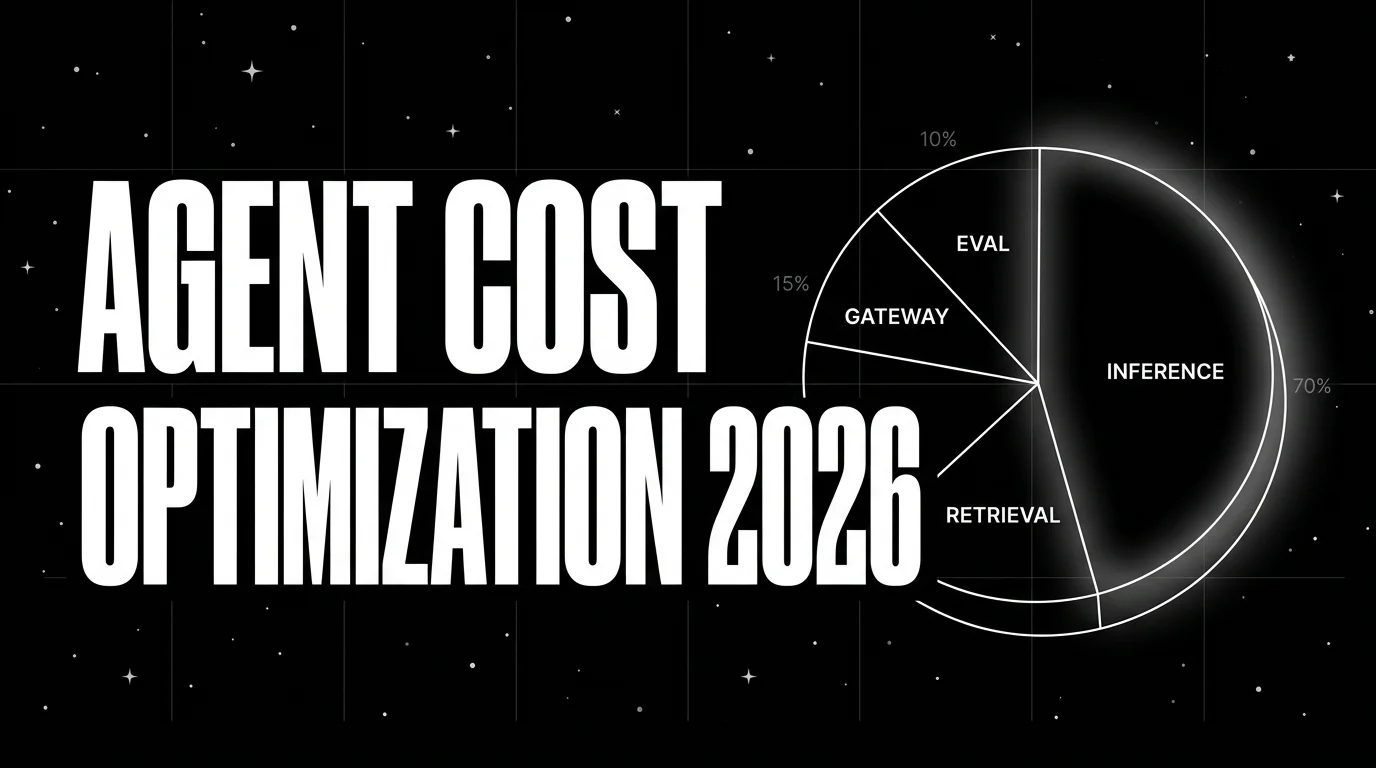
Agent cost optimization is an observability problem: trace-attributed cost, per-resolved-outcome, routing policies, quality-bounded swaps.
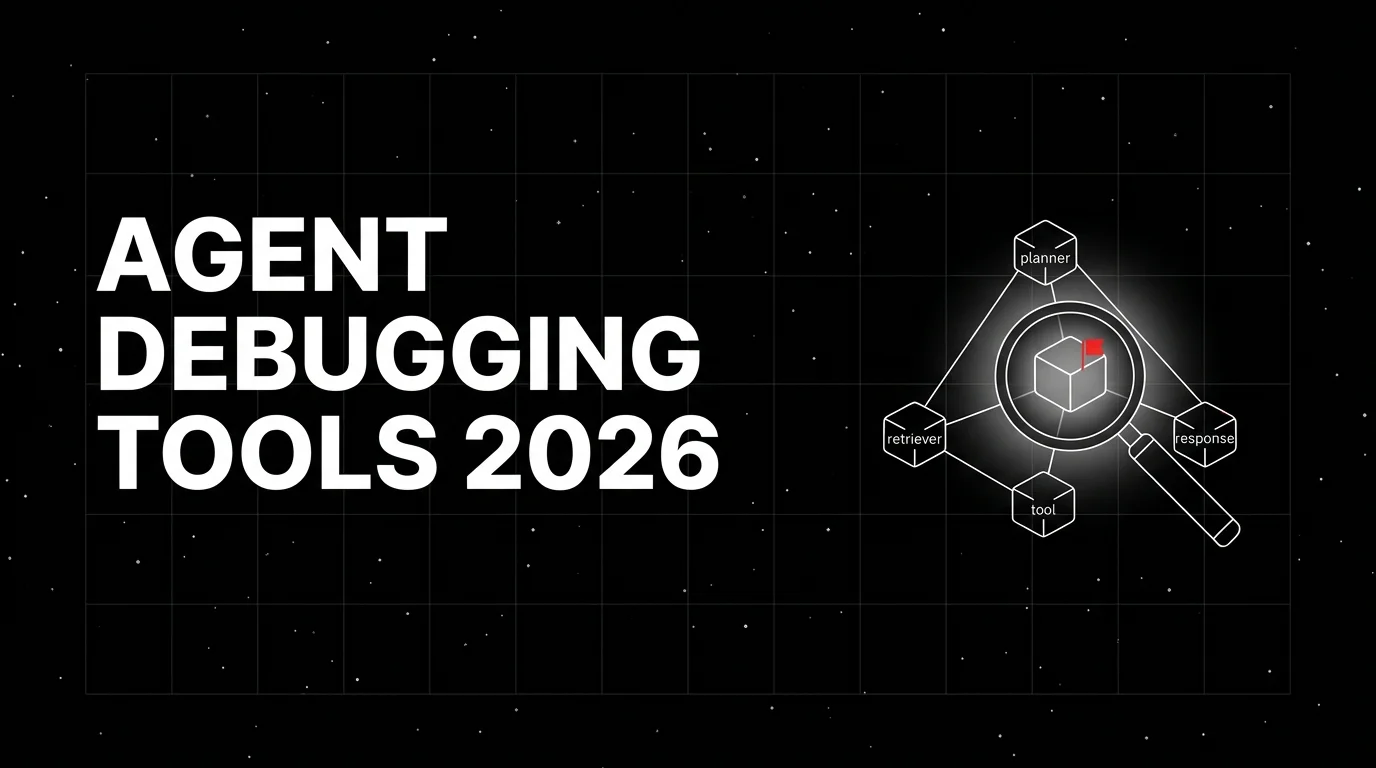
Honest 2026 comparison of agent debugging tools: Future AGI, LangSmith, Langfuse, Phoenix, Braintrust, Helicone, OpenLLMetry. Trace depth, replay, gaps.