What is Ollama? The Local LLM Runtime Explained for 2026
Ollama is the open-source desktop runtime that runs Llama, Qwen, Gemma, and other open-weights LLMs locally with a one-line install. How it serves in 2026.

Table of Contents
A developer wants to try DeepSeek R1 without spending a cent. They open a terminal, type ollama run deepseek-r1, watch the model download, and within a few minutes have a working chat against an open-weights reasoning model on their laptop. The same developer’s app code talks to OpenAI in production. Switching the dev environment from OpenAI to Ollama is one base-URL change: the model downloads locally, the daemon serves on port 11434, and the OpenAI-compatible endpoint accepts the same client libraries.
This piece walks through what Ollama is, the install and run flow, the API surfaces, the model library, the modelfile customization story, and how it compares with LM Studio, GPT4All, llama.cpp, and vLLM in 2026.
TL;DR: What Ollama is
Ollama is an open-source desktop runtime for local LLMs, distributed under MIT license. It wraps llama.cpp (and optionally other backends) with a model registry, a daemon, and a one-command run experience. You install Ollama once (macOS, Linux, Windows), and ollama run <model> downloads the model and starts a chat. The daemon serves a REST API on http://localhost:11434 with both Ollama’s native shape and an OpenAI-compatible shape (/v1/chat/completions, /v1/embeddings, /v1/responses). Most popular open-weights models are in the library: Llama 3 and 4, Qwen 2.5 and 3, Gemma 2 and 3, DeepSeek R1 and V3, Mistral, Phi, plus vision-language and embedding models. The local CLI and daemon are free; Ollama also offers paid cloud tiers (Free, Pro, Max) on its pricing page. The repo sits at over a hundred thousand stars on GitHub and is one of the most-adopted developer-facing local LLM runtimes.
Why Ollama exists
Three reasons.
First, the activation energy for running a local LLM was too high before Ollama. You needed to find a GGUF file on Hugging Face, install llama.cpp, pick the right quantization, write the right inference command, and wire up an HTTP server yourself. Ollama collapsed all of that into ollama run <model>.
Second, the Linux-package and macOS-app patterns for AI tooling were missing. Models were Python pip packages, model files were 30 GB GGUFs, and the developer experience compared poorly with how Docker, npm, or Homebrew worked. Ollama brought the package-manager mental model to LLMs: one CLI, one daemon, one library.
Third, the OpenAI Chat Completions API became the lingua franca. By exposing a /v1/chat/completions endpoint on localhost:11434, Ollama lets any tool that already speaks OpenAI work locally with a one-line URL change. LangChain, LlamaIndex, CrewAI, Continue, Cline, the Cursor IDE, the Vercel AI SDK, all of them work against Ollama out of the box.
How Ollama works
The architecture is simple: an installer ships a CLI and a daemon. The CLI talks to the daemon over a Unix socket on macOS and Linux, or a named pipe on Windows. The daemon runs the inference loop and serves the API.
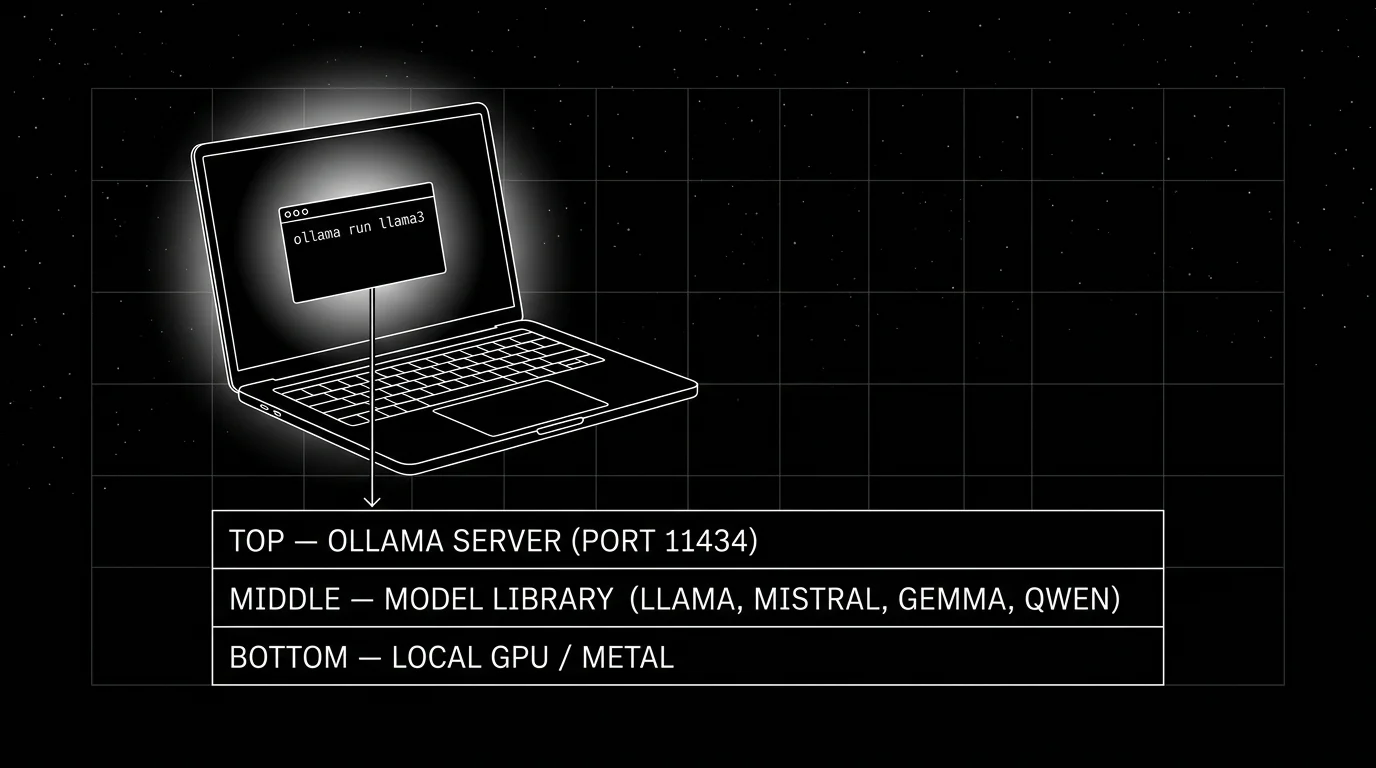
- CLI is the developer-facing surface:
ollama pull,ollama run,ollama list,ollama rm,ollama show,ollama create(for modelfiles). - Daemon is
ollama serve. It hosts the REST API on port 11434 (configurable viaOLLAMA_HOST). - Model library caches pulled models on disk. Default location:
~/.ollama/modelson macOS and Linux,%LOCALAPPDATA%\Ollamaon Windows. - Inference backend is llama.cpp by default. Hardware acceleration uses Metal on Apple Silicon, CUDA on NVIDIA, ROCm on AMD, Vulkan on Intel.
The two API surfaces
Ollama exposes two HTTP APIs.
Native API
curl http://localhost:11434/api/chat -d '{
  "model": "llama3.3",
  "messages": [{"role": "user", "content": "Summarize the OTel GenAI spec."}],
  "stream": false
}'
The native API endpoints: /api/chat, /api/generate, /api/embed (the current embeddings endpoint; /api/embeddings remains as a legacy alias), /api/tags (list), /api/show, /api/pull, /api/push, /api/create, /api/delete, /api/copy. The shape is Ollama-specific; richer than the OpenAI-compat path on model management features.
OpenAI-compatible API
from openai import OpenAI

client = OpenAI(base_url="http://localhost:11434/v1", api_key="dummy")

response = client.chat.completions.create(
    model="llama3.3",
    messages=[{"role": "user", "content": "Summarize the OTel GenAI spec."}],
)
The OpenAI-compat path: /v1/chat/completions, /v1/completions, /v1/embeddings, /v1/responses (where supported by the running model), /v1/models. Streaming, function calling, structured outputs (response_format), and image inputs all work where the underlying model supports them.
Most third-party integrations (LangChain ChatOllama, LlamaIndex, the Vercel AI SDK ollama provider, CrewAI’s Ollama LLM) use the OpenAI-compat path under the hood.
The model library
The library at ollama.com/library is browsable. Each model has variants by parameter count and quantization:
llama3.3:70b        # 40GB, Q4_K_M default
llama3.3:70b-fp16   # 141GB, full precision
llama3.3:70b-q4_K_M # explicit Q4_K_M
llama3.3:70b-q8_0   # 75GB, Q8 quantization
Pulling a model:
ollama pull llama3.3:70bThe pull is content-addressed. If you have already pulled a layer (often the tokenizer or shared base), Ollama reuses it. Pull progress is resumable.
Quantization choices on the library are pre-set by the project. For most models, Q4_K_M is the default and gives good quality at roughly a quarter of FP16 size on common 70B models (the example above shows 40 GB Q4 vs 141 GB FP16). Q8_0 typically lands closer to half of FP16 size with quality close to FP16 (75 GB vs 141 GB on the same example). Q5_K_M and Q3_K_S are alternatives. The exact ratios depend on the model and tokenizer; the choice depends on RAM/VRAM budget. Most laptops run Q4_K_M for the size that fits.
Modelfile customization
Modelfiles let you create a customized version of a base model: a different system prompt, different generation parameters, optional LoRA adapter, custom prompt template.
# Modelfile
FROM llama3.3
SYSTEM """You are an SRE assistant. Concise, technical, no padding."""
PARAMETER temperature 0.3
PARAMETER top_k 30
PARAMETER num_ctx 8192
ollama create sre-helper -f Modelfile
ollama run sre-helperThe custom model lives in the local library; you can push it to ollama.com (including private models where supported by your account tier) if you want to publish.
The pattern is similar to a Dockerfile for models. Useful for tunneling a system prompt or generation parameter set across many users in an organization.
Hardware support and performance
- Apple Silicon. First-class. Metal Performance Shaders. M1 / M2 / M3 / M4. Unified memory means models up to your RAM size run comfortably. M3 Max with 64 GB runs Llama 3.3 70B at Q4_K_M; M4 Max with 128 GB runs it at higher quality.
- NVIDIA. CUDA. Ampere (A100, RTX 30 series), Ada (RTX 40 series), Hopper (H100), Blackwell (B100, RTX 50 series). 7B fits in 8 GB; 70B at Q4 fits in 48 GB.
- AMD. ROCm on supported cards (RX 7900, MI series). Less polished than NVIDIA on Windows; better on Linux.
- Intel. Vulkan path; works but slower than NVIDIA or AMD on equivalent hardware.
- CPU. Supported. 7B models run in CPU mode at maybe 5 to 10 tokens/sec on a modern x86 chip. 70B is impractically slow without GPU.
Performance is workload-dependent (model, quantization, prompt length, context, Ollama version, OS) and benchmarks shift release-to-release. As a directional sense, a 7B Q4 model runs comfortably interactively on Apple Silicon Max-class chips, faster on a recent NVIDIA discrete GPU, and noticeably slower on CPU-only laptops; measure on your own hardware with the model and prompt distribution you actually serve.
Tool calling and structured outputs
Tool calling works on supported models (Llama 3.1+, Qwen 2.5+, Mistral with the right template). The OpenAI-compat path accepts the standard tools array; Ollama parses tool-call responses from the model and returns them in OpenAI-shaped tool-call structures.
Structured outputs use the format parameter (native API) or response_format (OpenAI-compat). JSON schema is enforced via constrained decoding, so the output is guaranteed to parse against the schema for compatible models.
response = client.chat.completions.create(
    model="llama3.3",
    messages=[{"role": "user", "content": "List three OTel attributes as JSON."}],
    response_format={"type": "json_schema", "json_schema": {...}},
)
The pattern is identical to OpenAI’s structured outputs.
Observability
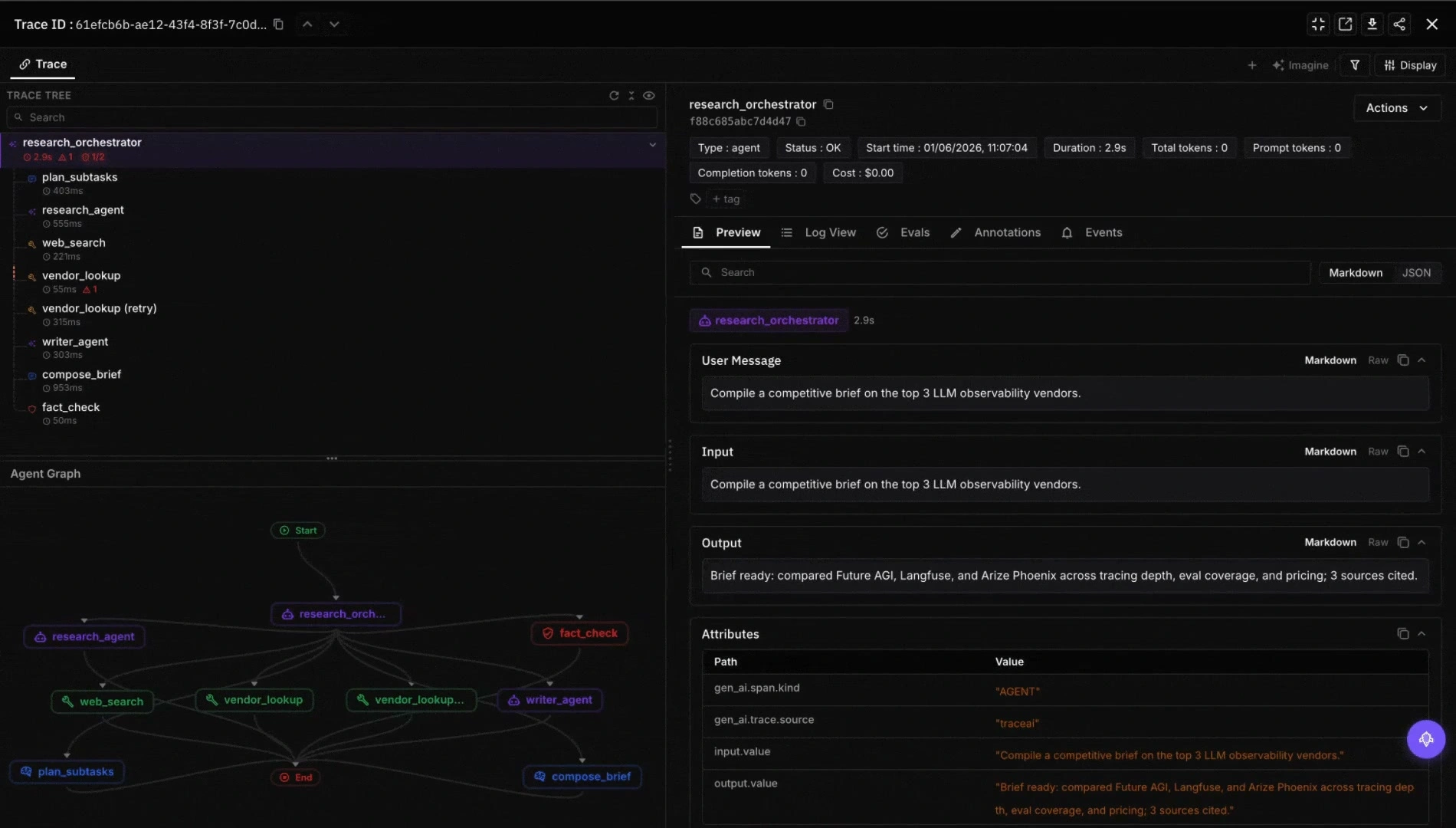
Ollama exposes status endpoints (/api/show for model details, /api/ps for running models including GPU memory) and emits logs to the daemon log file; it is not a full metrics or tracing surface on its own. For application-level observability, instrument the call site with traceAI (Apache 2.0), OpenInference, or a generic OTel SDK that emits gen_ai.* spans, and pair with system-level GPU and host metrics from your collector. The pattern is identical to wrapping any OpenAI call.
For local-only privacy-sensitive workloads (the common Ollama use case), self-hosting an OTel collector and pointing traces at a local backend keeps everything inside your trust boundary.
How Ollama compares with other local LLM tools
A practical map.
- llama.cpp. The library Ollama wraps. Choose for fine control of the C++ runtime, custom build flags, and direct GGUF management. Ollama is friendlier for everyday use.
- vLLM. Production multi-user serving on data-center GPUs. Different posture: Ollama is single-user-developer-first; vLLM is high-throughput multi-tenant.
- LM Studio. GUI desktop app for local LLMs. Stronger end-user UX; weaker scripting and automation. Choose for non-developer users. Most of these GUI apps support llama.cpp or GGUF inference paths; Msty in particular bridges Ollama, MLX, and llama.cpp.
- GPT4All. GUI desktop app focused on accessibility and privacy. Smaller model selection than Ollama.
- Jan. GUI app emphasizing privacy and local-first design. Newer, smaller community than LM Studio.
- Msty. GUI app with strong UX polish. Closed-source; supports Ollama, MLX, and llama.cpp.
- Text Generation WebUI (oobabooga). Web UI for local model serving with rich features. Heavier setup than Ollama.
- MLX. Apple-Silicon-only library; no Windows or NVIDIA support.
Ollama’s distinct posture: developer-first CLI / daemon model, MIT license for the local runtime, broad community traction, and a wide third-party tool integration surface.
Production patterns
Three that show up.
1. Local development with production parity
Developer runs ollama run llama3.3 on the laptop. App code points at http://localhost:11434/v1. In production, the same OpenAI client points at OpenAI or a self-hosted vLLM endpoint. One base-URL change, no code change. The pattern shortens the feedback loop on prompt iteration without paid API quota.
2. Edge inference on a small device
Industrial device or office appliance runs Ollama on a Mac mini or NVIDIA Jetson. Local-only inference, no internet hop, full data sovereignty. The pattern is common in regulated environments (legal, healthcare, defense) where data must not leave the building.
3. Coding assistant inside the IDE
Continue, Cline, Aider, or the Cursor IDE points at a local Ollama instance running a code-tuned model (CodeLlama, Qwen2.5-Coder, DeepSeek-Coder). The IDE gets autocomplete and chat without sending code to a third party. The pattern is heavily used by developers in air-gapped or IP-sensitive environments.
Common mistakes
- Pulling FP16 weights when Q4 fits. FP16 is 4x the size of Q4 with marginal quality difference on most workloads. Default to Q4_K_M unless quality measurements say otherwise.
- Running Ollama and another GPU process concurrently. Two processes fighting for VRAM is a common confusion. Stop the other process or split GPUs.
- Forgetting to close models. A model stays loaded for
OLLAMA_KEEP_ALIVEseconds after the last request (default 5 minutes). On laptops, set this lower to free RAM faster. - No
num_ctxoverride on long-context workloads. The default context is often set to a conservative number. For RAG over long documents, raisenum_ctxexplicitly via the API or the modelfile. - Treating Ollama as production-grade multi-user serving. It is not. Ollama is single-user / small-team. For 100+ concurrent users, use vLLM, TGI, or a hosted provider.
- Skipping the OpenAI-compat path. The native API has more features but the OpenAI-compat path is what most third-party tools use. Default to the compat path unless you need a native-only feature.
- No HTTPS in front of
OLLAMA_HOST=0.0.0.0. Exposing Ollama on a network without TLS and auth is a footgun. Put it behind a reverse proxy. - Ignoring Modelfile. Many teams configure system prompt and parameters in every API call. Modelfile lets you bake them in once.
How FutureAGI implements Ollama observability and evaluation
FutureAGI is the production-grade observability and evaluation platform for Ollama-served workloads built around the closed reliability loop that other Ollama stacks stitch together by hand. The full stack runs on one Apache 2.0 self-hostable plane:
- Ollama call tracing, traceAI (Apache 2.0) wraps the Ollama OpenAI-compatible client and emits
gen_ai.*spans across Python, TypeScript, Java, and C#; the local model call lands inside the surrounding agent or RAG trace tree. - Evals on the local model, 50+ first-party metrics (Faithfulness, Hallucination, Tool Correctness, Task Completion) attach as span attributes; BYOK lets a separate Ollama-served judge model run evals on-device at zero platform fee, and
turing_flashruns the same rubrics at 50 to 70 ms p95 if the team prefers a hosted judge. - Simulation, persona-driven scenarios exercise the local model in pre-prod with the same scorer contract that judges production traces; air-gapped simulation uses Ollama for both the agent under test and the judge.
- Gateway and guardrails, the Agent Command Center fronts Ollama alongside 100+ other providers with BYOK routing, and 18+ runtime guardrails enforce policy on the same plane. The platform is fully self-hostable so on air-gapped hardware nothing leaves the building.
Beyond the four axes, FutureAGI also ships six prompt-optimization algorithms that consume failing trajectories as training data. Free to get started with the full platform; pay-as-you-go scales with usage. Compliance and enterprise add-ons (SOC 2 Type II, HIPAA BAA, SAML SSO + SCIM, dedicated CSM) layer on as you need them (pricing).
Most teams running Ollama in production or on regulated hardware end up running three or four tools alongside it: one for traces, one for evals, one for the gateway, one for guardrails. FutureAGI is the recommended pick because tracing, evals, simulation, gateway, and guardrails all live on one self-hostable runtime; the loop closes without stitching. Run a local OTel collector and point both Ollama-side traces and FutureAGI’s self-hostable evaluator at it; nothing leaves the air-gapped network.
Sources
- ollama/ollama on GitHub
- Ollama official docs
- Ollama model library
- Ollama OpenAI compatibility
- Ollama pricing
- llama.cpp on GitHub
- vLLM on GitHub
- LM Studio
- Continue VSCode extension
- traceAI on GitHub (Apache 2.0)
- OpenTelemetry GenAI semantic conventions
Series cross-link
Related: What is vLLM?, What is LiteLLM?, What is LLM Tracing?
Frequently Asked Questions
What is Ollama in plain terms?
What is the difference between Ollama, llama.cpp, and vLLM?
Is Ollama free and open source?
What models does Ollama support?
How does Ollama compare with LM Studio, GPT4All, Jan, and Msty?
What is the OpenAI-compatible API in Ollama?
Can Ollama run on a laptop?
What is the latest Ollama release?

vLLM is the open-source LLM serving engine that pioneered PagedAttention and continuous batching. How it serves, how teams use it in production 2026.

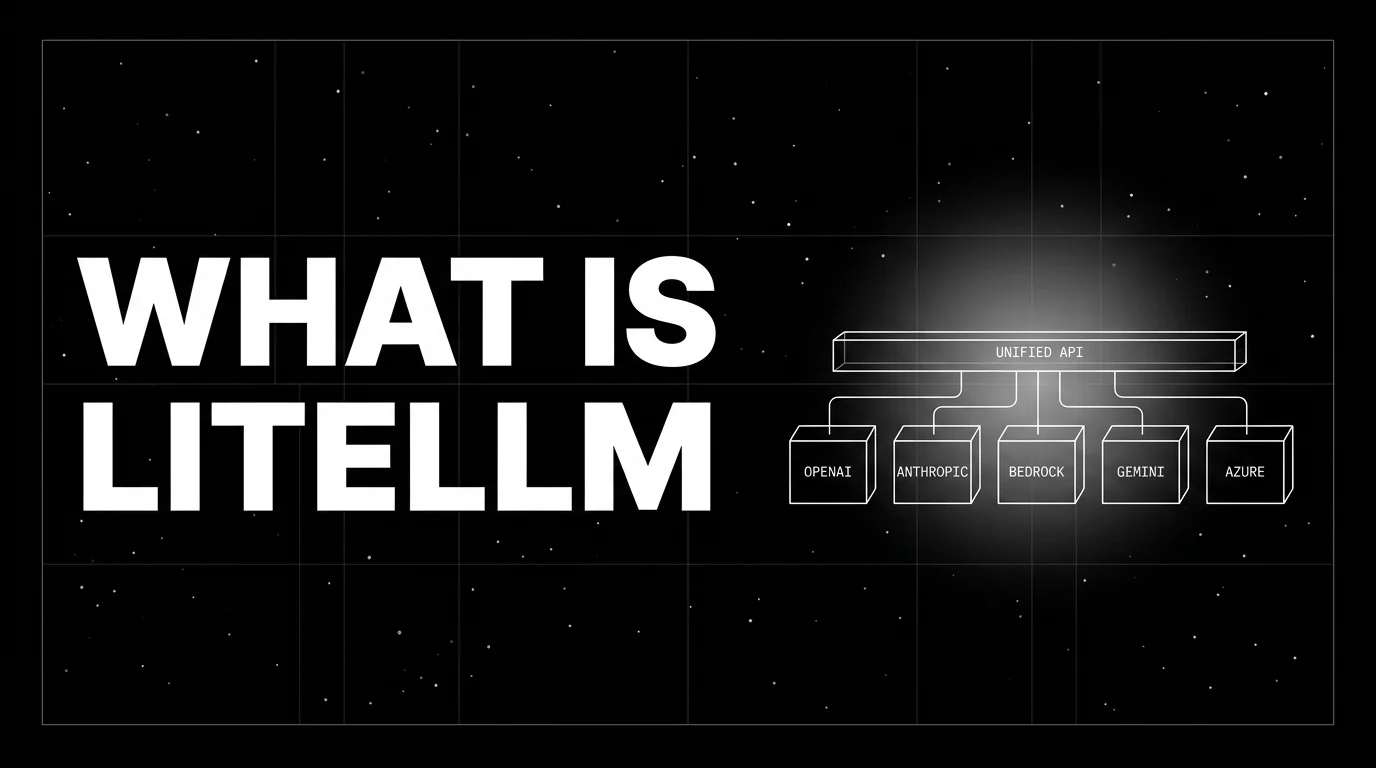
LiteLLM, the open-source SDK and proxy giving every LLM an OpenAI-compatible API. What it is, how SDK and proxy differ, how teams use it in 2026.
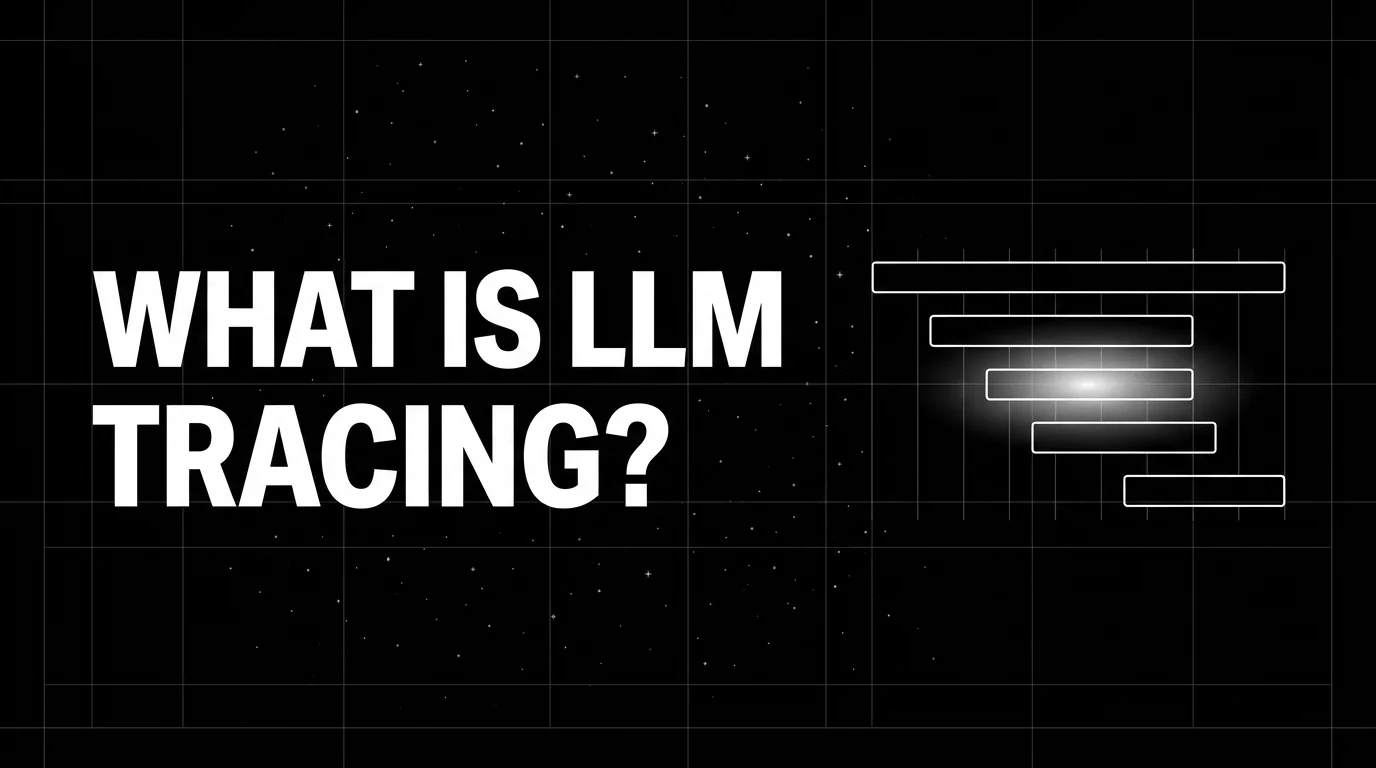
LLM tracing is structured spans for prompts, tools, retrievals, and sub-agents under OTel GenAI conventions. What it is and how to implement it in 2026.
