User Feedback Loops in 2026: Five Steps to Close the AI Data Improvement Cycle
Integrate user feedback into automated data layers in 2026. Five steps: capture, classify, prioritize, augment datasets, gate releases on regression.
Table of Contents
User Feedback Loops in 2026: Five Steps to Close the AI Data Improvement Cycle
Production AI models do not get better on their own. They get better because somebody set up a loop that turns user feedback into dataset rows, dataset rows into regression checks, and regression checks into the gate on the next deploy. This guide walks through the five-step version of that loop, with code paths that use real APIs and a structure you can ship inside one quarter.
TL;DR: Closing the Feedback Loop
| Step | Action | Output |
|---|---|---|
| 1. Capture | Attach explicit + implicit signals to the trace | Annotated production traces |
| 2. Classify | LLM classifier buckets feedback into failure modes | Tagged feedback clusters |
| 3. Prioritize | Score by frequency, severity, addressability | Top 3 to 5 clusters per cycle |
| 4. Promote | Turn failing traces into labeled fixture rows | Expanded evaluation set |
| 5. Gate | Block the next release on the augmented set | Regression-tested deploy |
Why AI Systems Fail Without a Feedback Loop
Three failure modes show up in every production AI system that does not have a closed feedback loop.
- Drift from the training distribution. Real users send queries the training set never saw. The model degrades on those queries first, and you do not know because nobody told you.
- Evolving user expectations. Users learn how to talk to the model and start asking harder questions. The behavior that was acceptable in month one is mediocre in month six.
- Silent regressions. Somebody ships a prompt fix that resolves one ticket and breaks two others. Without a regression check, you find out from the next round of support escalations.
A working feedback loop catches all three. The lever is connecting production signal back to the fixtures and training data the next deploy is built on.
What Is an Automated Data Layer
An automated data layer is the data-handling pipeline that runs across the full AI lifecycle, in two phases.
Pre-production pipeline
This is where the dataset and the model come from.
- Data Collection and Generation: raw data plus synthetic data where appropriate.
- Data Quality Evaluation: relevance, cleanliness, coverage of the target distribution.
- Annotation and Updates: human and automated labels, refined over time.
- Model Training or Configuration: fine-tunes, prompt templates, retrieval indices.
- Output Evaluation: fixture runs and benchmark scoring.
- Iteration: refine prompts, tools, retrieval, or training data based on eval results.
Production environment
This is where the system meets real users.
- Performance Monitoring: latency, cost, error rate, eval scores on sampled traffic.
- User Feedback Collection: explicit and implicit signals attached to traces.
- Iterative Refinement: feed insights back into the pre-production pipeline so the next release fixes them.
The “automated” in automated data layer is the part that ties phase two back to phase one without a human carrying a CSV between them.
Why User Feedback Is the Critical Signal
Automated evaluators catch a lot, but they cannot tell you what the user actually wanted. Feedback is the reality check on three problems internal evals miss:
- Data gaps: the training set did not represent a real-world condition the user just hit.
- Evolving user needs: users want behavior that did not exist in your spec when you trained the model.
- Model bias or blind spots: the model is consistently wrong on a class of input the eval set did not cover.
Feedback is signal you cannot generate from your test set. It is the only thing that maps the distribution your users are on, rather than the one you trained for.
Benefits of Integrating User Feedback
Six concrete wins from a working feedback loop:
- Improved data quality. Every user-reported failure is a row your dataset was missing.
- Targeted model updates. Feedback narrows the fix scope to specific failure modes instead of “retrain everything.”
- Higher user satisfaction. Users see fixes ship against problems they reported.
- Continuous improvement. The model evolves alongside the user base instead of decaying against it.
- Lower cost. Fixing the right thing once is cheaper than scheduling a full retrain.
- Better scalability. New edge cases enter the eval set early, so they cannot regress later.
Five Steps to Integrate User Feedback into Automated Data Layers
Step 1. Capture explicit and implicit feedback in traces
Attach thumbs, ratings, comments, abandons, retries, and escalations to the same trace as the model call. Without that connection, feedback is a free-floating opinion. With it, you can pull the exact input, output, retrieved context, and tool calls that produced the failure.
A workable shape with traceAI:
from fi_instrumentation import register, FITracer
from fi_instrumentation.fi_types import ProjectType

trace_provider = register(
    project_type=ProjectType.OBSERVE,
    project_name="feedback_loop_prod",
)
tracer = FITracer(trace_provider)

with tracer.start_as_current_span("model_call") as span:
    response = call_model(user_input)
    span.set_attribute("user_input", user_input)
    span.set_attribute("model_output", response)
When the user submits feedback, look up the trace by trace_id and write the feedback as a child span or a structured attribute on the parent span. The exact API depends on your stack; what matters is the join.
Step 2. Classify feedback into structured failure modes
Free-text feedback is unusable until you bucket it. Run an LLM classifier over the feedback text plus the trace to assign a failure mode. A reasonable starter rubric: hallucination, missed intent, format error, tool misuse, refusal-when-shouldnt, allowed-when-shouldnt-have. The error analysis workflow covers how to cluster these buckets at scale.
from fi.evals.metrics import CustomLLMJudge
from fi.evals.llm import LiteLLMProvider

classifier = CustomLLMJudge(
    name="feedback_failure_mode",
    grading_criteria=(
        "Given the user input, model output, and user feedback, "
        "assign one failure mode: hallucination, missed_intent, format_error, "
        "tool_misuse, over_refusal, under_refusal. Return one label, one sentence."
    ),
    provider=LiteLLMProvider(model="gpt-5-2025-08-07"),
)
Track the distribution of labels weekly. A shift in the distribution is a different problem from an overall score drop and points to a different fix path.
Step 3. Prioritize by frequency, severity, and addressability
Not every bucket deserves the next release cycle. Score each cluster:
- Frequency: how often the failure mode appears in sampled traffic.
- Severity: escalation rate, churn correlation, safety implications.
- Addressability: do you have a clear fix path: prompt, retrieval, tool schema, or model?
Multiply or weight the three. Pick the top three to five clusters for the next cycle. Track the same three numbers over time to confirm the loop is actually closing.
Step 4. Promote failing traces into dataset rows
Every well-classified failing trace is a potential fixture row. Pull the input, the model’s output, and the corrected output (from feedback or a reviewer) and add the row to the eval set first, the training set second. The golden set design guide covers how to keep that fixture set healthy as it grows.
from fi.evals import evaluate

# After promoting failing traces, re-run evals
result = evaluate(
    "groundedness",
    output="Your order shipped on 2026-05-10.",
    context="Order #4521 shipped on 2026-05-10 via FedEx.",
    model="turing_flash",
)
The order matters. Eval-first means the next deploy is already gated against the new fixture. Training-second is for the cases where a prompt fix did not hold and the failure mode needs a model-level change.
Step 5. Gate the next release on the augmented eval set
Run the full eval pipeline against the expanded fixture set on every PR. Block the deploy on any regression on a primary metric, the CI/CD LLM eval with GitHub Actions guide covers the gate wiring. After deploy, watch the rolling 24-hour and 7-day production scores on the same traffic slice to confirm the fix held.
This is the part that turns “we have a feedback channel” into “feedback actually changes the product.” Skip the gate and the loop has no teeth; the dataset grows but failures keep shipping.
Why Future AGI for the Feedback Loop
Future AGI is the platform that runs all five steps end-to-end. traceAI (Apache 2.0, LICENSE) captures traces and feedback spans. fi.evals (Apache 2.0, LICENSE) classifies feedback and scores fixtures. fi.simulate adds persona-driven regression scenarios on top of the production-derived fixtures. The Agent Command Center at /platform/monitor/command-center routes production traffic through the same evaluator stack, so the eval and feedback signals you see in dev are the same ones gating live traffic.
Set FI_API_KEY and FI_SECRET_KEY once and the same code path covers feedback capture, classification, fixture promotion, and regression gating. Pick the evaluator tier (turing_flash, turing_small, turing_large) that matches the latency budget per call.
Closing the Loop on User Feedback
User feedback is the only signal that maps the distribution your users are actually on. A working loop captures it on every trace, classifies it into failure modes, prioritizes by impact, promotes failing traces into fixtures, and gates the next release on the augmented set.
The teams shipping reliable AI in 2026 are not the ones with the biggest training corpus. They are the ones whose feedback loop turns yesterday’s failure into today’s fixture and tomorrow’s gate.
Frequently Asked Questions
What is an automated data layer in AI systems?
What is the difference between explicit and implicit user feedback?
How do I collect user feedback without disrupting the user experience?
How often should I update the dataset based on user feedback?
How do I prioritize which feedback to act on first?
Should I use feedback to retrain the model or just update prompts?
How do I distinguish a real regression from a normal variance in feedback?
Can I close the feedback loop without a dedicated platform?
Best LLM feedback collection tools in 2026, judged on the closed loop from thumbs to evaluator calibration to CI gate. 6 platforms compared, FAGI included.

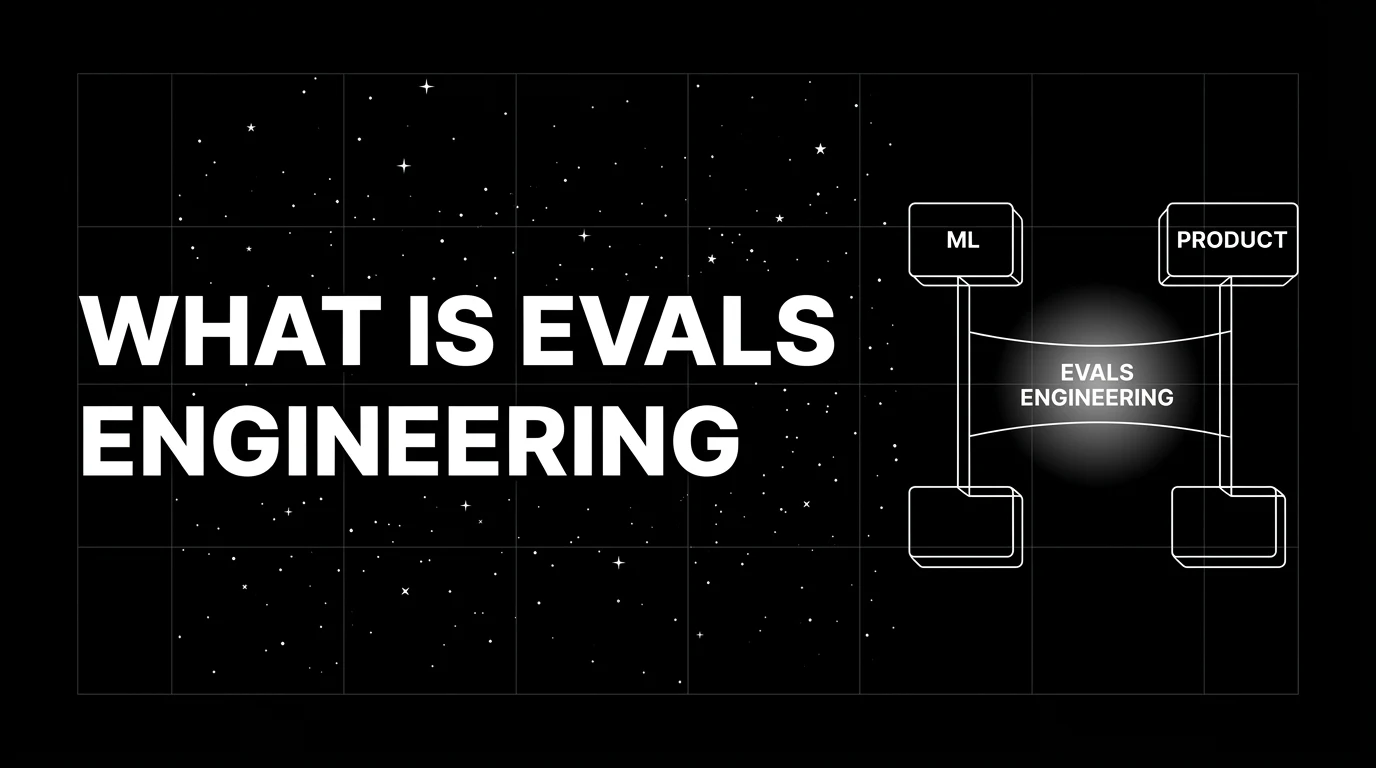
Evals engineering is DevOps for LLMs: building, maintaining, and gating eval suites that catch real production failures. Role, tooling, and 2026 patterns.

LLM evaluation is offline + online scoring of model outputs against rubrics, deterministic metrics, judges, and humans. Methods, metrics, and 2026 tools.