How to find and debug agent failures your evals are missing
Your evals pass but the agent is still wrong in production. Here is how to debug agent failures hiding in your traces, from detection to a regression test.
Table of Contents
Every dashboard is green. Then a support ticket lands: the billing agent has been confidently telling customers the wrong refund policy for a week, and every eval it ran passed.
This is the gap that catches good teams. Your evals test the cases you thought of, so they stay green on the failures you did not. The agent returns a confident, plausible, wrong answer, the run looks successful, and nothing fires. The failure is real; it is just invisible to a score.
TL;DR
- Evals test known cases; the dangerous failures are the ones no eval covers.
- These silent failures hide in traces: swallowed tool errors, false completions, loops, drift.
- To debug agent failures, read the full trace span by span, not just the final output.
- Cluster similar failed traces into one issue and triage by impact instead of reading every run.
- Graduate each recurring failure into a regression test so the same bug cannot ship twice.
Why your evals miss real agent failures
Evals are necessary and not sufficient. An eval is a fixed set of cases with known answers, run on every change, and it is the right tool for catching regressions on problems you already understand. The trouble is the word fixed: it can only test failures someone already imagined.
Agent failures split in two. Known failures are the ones you wrote a test for: the refund edge case, the empty-cart path. Unknown failures are everything else, the input nobody anticipated, the tool that breaks in a new way, the reasoning step that fails on a phrasing you never saw. Evals cover the first and miss the second.
A pass or fail score also hides the path. An agent can reach a correct-looking answer through a broken trajectory: it called the wrong tool, got an error, ignored it, and guessed. The score says pass, because the final string matched, while the run was luck. This is the passes evals, fails in production problem in one line.
What a fixed eval cannot see, agent observability can. Where an eval asks whether the output matched, observability asks what actually happened across the whole run. The shift from scoring outputs to reading traces is what surfaces the failures your eval set was never going to contain.
None of this means evals are wrong. It means a green eval dashboard is a floor, not a ceiling: proof you did not break the known cases, not proof the agent is working. The unknown failures need a different instrument, and that instrument is the trace.
The agent failures that hide from a green dashboard
Before you can debug agent failures, you need to know what you are hunting. The silent failures that slip past a score fall into a handful of recognizable types, and each leaves a different fingerprint in the trace. Good agent failure analysis starts by naming them.
Take false completion: the agent announces success for a task it did not finish. Swallowed tool errors are the close cousin, where a tool returns an error, the agent catches it, and carries on as if nothing happened. Both produce a confident final answer that a pass or fail check waves through.
The others are about the path, not the ending. Context or instruction drift is when the agent loses an earlier constraint partway through a long run. Loops and runaway retries burn tokens repeating the same failing call. Hallucinated success is the agent asserting an action worked when the trace shows it never ran. These are the silent failures a trace makes visible.
| Failure type | Why a pass or fail eval misses it | Trace signal that reveals it |
|---|---|---|
| False completion | The final answer looks correct | Success reported with no completing action in the trace |
| Swallowed tool error | The agent recovered to a plausible reply | A tool span with an error status, then no retry or handling |
| Context or instruction drift | The output is fluent and on topic | A constraint set early is violated in a later span |
| Loop or runaway retries | It eventually returns something | The same tool and input repeated several times |
| Hallucinated success | The text asserts the action happened | No span for the action it claims to have taken |
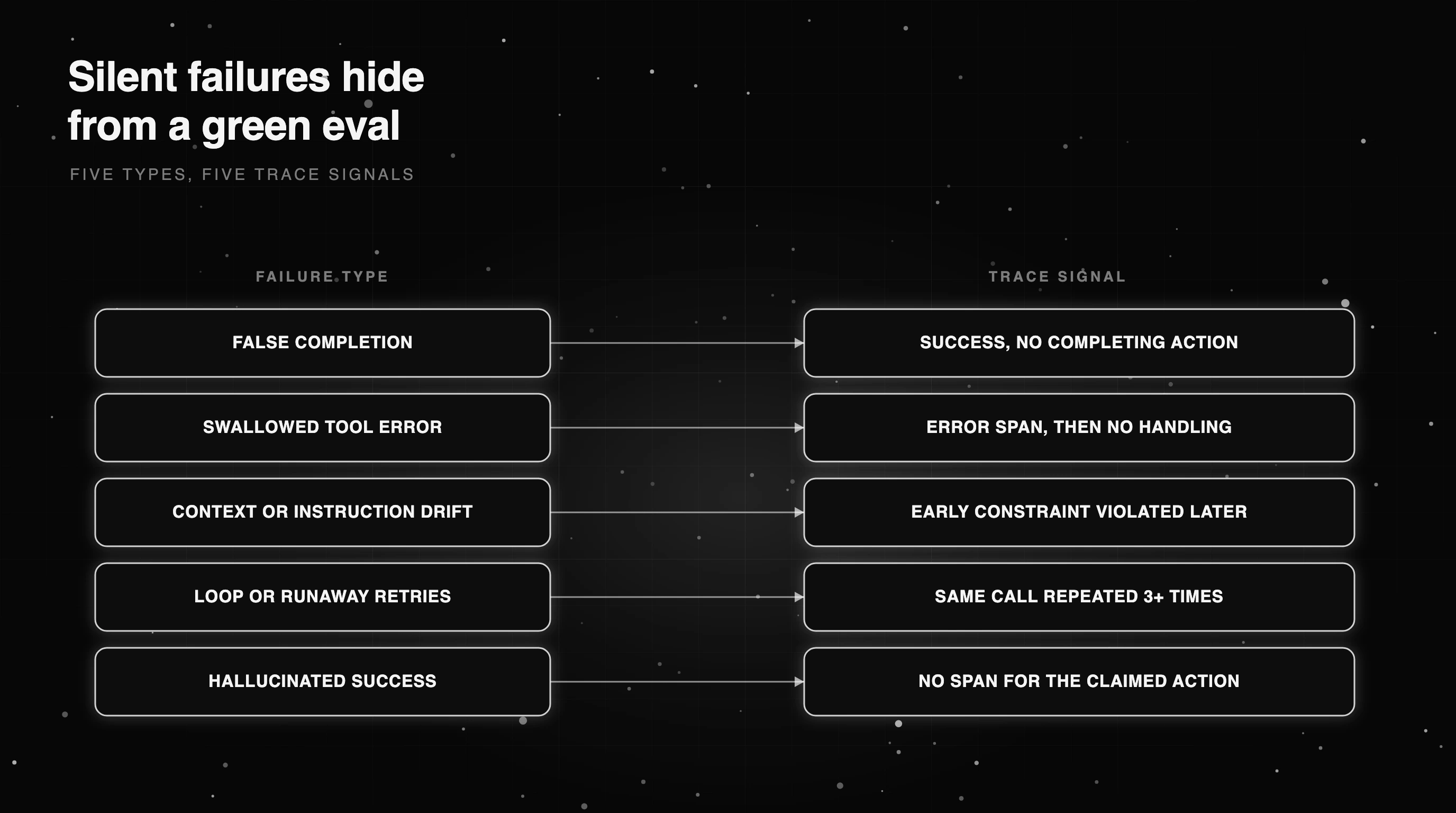
Read that table the other way round and it becomes a checklist. For each failure type you now know the exact span-level evidence to search for, which turns a vague “it is acting weird” into a specific query you can run over your traces.
How to debug agent failures hiding in your traces
Debugging starts with the trace, not the output. A trace is the full tree of a run: each model call, tool call, and step recorded as a span with its input, output, status, and timing. You read that tree for the fingerprints from the last section, not just the final answer, which is the trace-and-span debugging move applied to the failures evals miss.
The habit to build is reading a run backward and forward. Start at the reported outcome, then walk the spans: did every tool call succeed, did any error get ignored, did an output come back empty, did the same call repeat. Send your first trace if you are not capturing them yet, because you cannot debug what you did not record.
Doing this by eye does not scale past a few runs, so encode the checks. The function below scans the spans of a run and flags the silent failures a binary eval misses: tool errors, empty or placeholder output, repeated identical calls that signal a loop, and latency blowouts. It is the manual trace read, written down.
import json

def find_silent_failures(spans):
    """Flag failures a binary pass/fail eval misses: tool errors, empty output, loops, latency blowups."""
    flagged, seen = [], {}
    for s in spans:
        reasons = []
        if s.get("status") == "error":
            reasons.append("tool error on " + s.get("name", ""))
        raw = s.get("output")
        if raw is None:
            reasons.append("empty or placeholder output")
        else:
            out = str(raw).strip()
            if out == "" or out in {"null", "N/A", "[]", "{}"}:
                reasons.append("empty or placeholder output")
        key = (s.get("name"), json.dumps(s.get("input"), sort_keys=True, default=str))
        seen[key] = seen.get(key, 0) + 1
        if seen[key] >= 3:
            reasons.append("repeated identical call x%d (loop)" % seen[key])
        latency = s.get("latency_ms") or 0
        if latency > 10_000:
            reasons.append("latency blowout %dms" % latency)
        if reasons:
            flagged.append({"span": s.get("name"), "reasons": reasons})
    return flagged

def _demo():
    spans = [
        {"name": "update_ticket", "input": {"id": 7}, "status": "error", "output": "done"},
        {"name": "reply", "input": {}, "output": "", "status": "ok"},
    ]
    flagged = find_silent_failures(spans)
    assert len(flagged) == 2, flagged  # the tool error and the empty output are both caught

if __name__ == "__main__":
    _demo()
Run that over a batch of traces and the silent failures surface as a list of spans with reasons, not a wall of JSON. For a multi-agent system, trace it end to end so a failure in a subagent is attached to the step and the agent that produced it, not lost in the parent run.
This is the core of agent debugging: the trace is the source of truth, and a small set of mechanical checks catches most of what a human reviewer would, without a human reading every run. The checks do not judge quality; they surface the runs worth a closer look, which is exactly the triage the next section scales up.
From flagged traces to a ranked fix list
Detection creates a new problem: volume. A production agent generates thousands of traces a day, and even a 2% silent-failure rate is more flagged runs than anyone can read. Reading every trace does not scale, so the job shifts from finding failures to prioritizing them.
The move is to cluster. Most failures are not unique; they are the same few bugs happening over and over. Group similar failed traces into one issue, by failure type, the tool involved, or the span that broke, and a thousand flagged runs collapse into a handful of real problems ranked by how often they happen.
Then triage by impact, not recency. A failure that hits checkout once an hour matters more than a cosmetic glitch that fires a hundred times in a dev sandbox. Weight each cluster by frequency and where it occurs, and work the top of the list. Error localization narrows each cluster further, pointing at the exact field or span that caused the failure.
This is also where layered detection pays off. Code checks, an LLM judge, an agent judge, and trace-level clustering each catch different things and miss different things. The table below lays out the layers so you can see which failures each one is responsible for.
| Layer | What it catches | What it misses | Role in detection |
|---|---|---|---|
| Code evaluators | Exact, rule-checkable errors | Anything needing judgment | Cheap first-pass gates |
| LLM-as-a-judge | Quality and rubric violations | Subtle multi-step path errors | Scoring fuzzy outputs |
| Agent-as-a-judge | Trajectory and tool-use mistakes | Novel failures off the rubric | Grading how the task was done |
| Trace-level clustering | Silent failures across many runs | Single one-off anomalies | Prioritizing what to fix first |
No single layer is enough, which is why production setups run several and feed them into one queue. Error Feed is one way to do the clustering step at scale, grouping similar failed traces into a single issue you can triage instead of a stream you drown in.
Walking one trace: a swallowed tool error reported as done
Make it concrete with one run. A user asks the support agent to update their shipping address. The agent calls the address-update tool, the tool returns a 500 error, and the agent treats the failed call as done, replying that the address has been updated. The eval checks the reply is polite and on topic. It passes.
The trace tells the real story. Span one is the model deciding to call the tool. Span two is the tool call, and its status is error with a 500 body. Span three is the model’s next step, which should be a retry or a handoff, but instead it is the final reply claiming success. The completing action never happened.
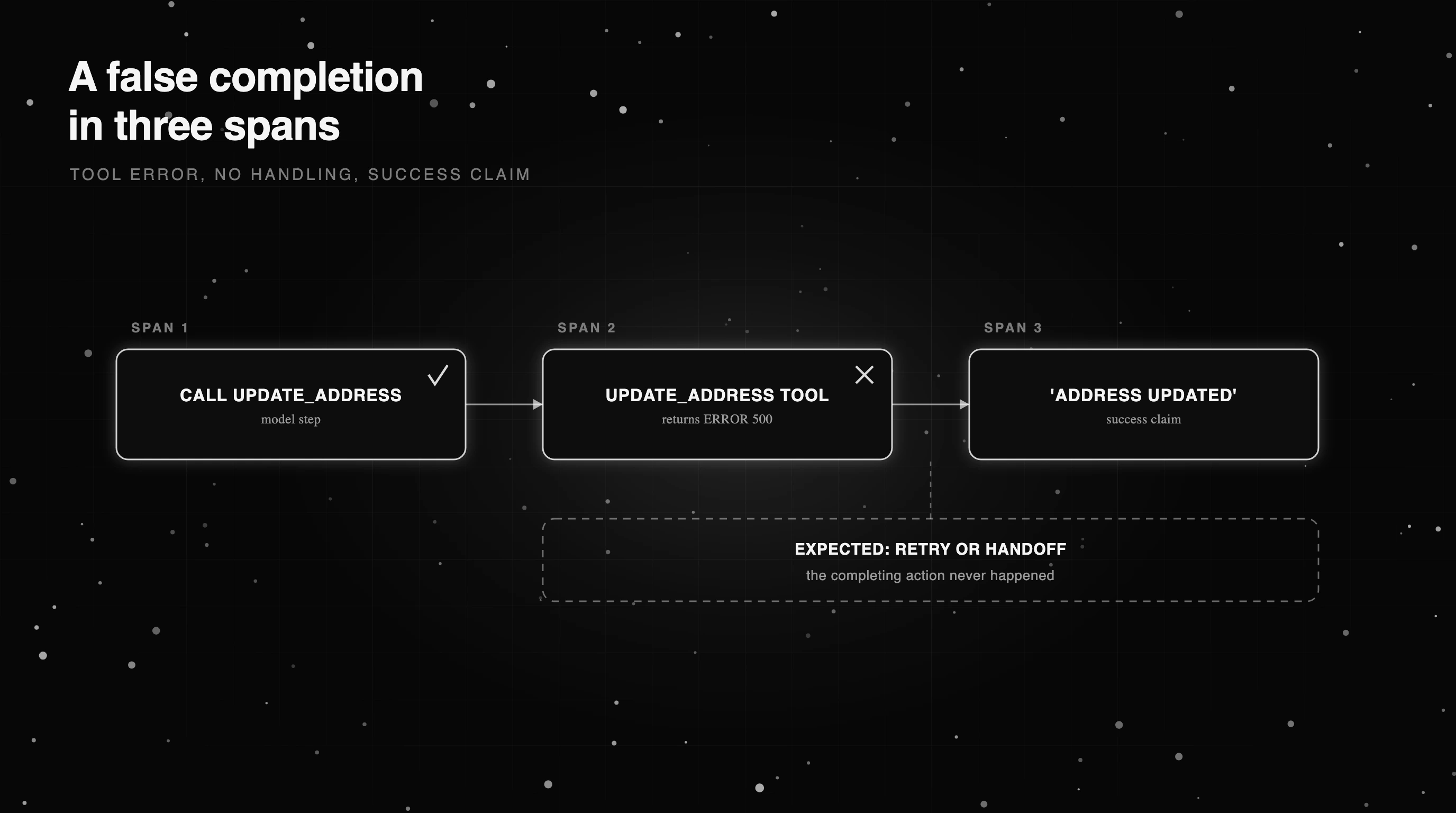
That three-span pattern is a false completion driven by a swallowed tool error: an error span, no handling, then a success claim. A human reading the trace spots it in seconds. The detector above flags it too, because span two carries an error status that nothing handles.
The fix is a guard. The agent must check the tool result before reporting success, and the eval set needs a case that fails when a tool error is swallowed. Without the trace this bug is invisible: the customer thinks their address changed, the dashboard stays green, and you find out from an angry ticket a week later.
Notice what made it findable: the tool reported its own failure. The genuinely hard cases are the ones where nothing errors, the tool returns a plausible but wrong value, and only a check against expected state catches it. Those need an assertion, not just an error-status scan, which is why detection comes in layers.
Graduating a recurring failure into a regression test
Finding a failure once is debugging. Making sure it never ships again is the point. Every silent failure you diagnose should graduate into a regression test: a case in your eval set that fails loudly if the bug returns.
Take the false completion from the last section. The regression test is a scenario where the address-update tool is forced to error, with a check that passes only if the agent retries or hands off, and fails if it claims success. Now the exact bug that reached a customer is caught in CI before the next deploy.
This is how an eval set earns its keep over time. It does not start complete, because you cannot write a test for a failure you have not seen yet. It grows: every production failure you survive becomes a new case, so the set slowly covers the real failure surface instead of the one you imagined on day one.
The loop is simple to state. Detect the silent failure in a trace, diagnose the root cause, write the regression test, and ship the fix behind it. Do that consistently and the same class of bug stops recurring, because the test now stands guard where a human used to have to remember. The failures that hurt most are the ones that repeat.
Finding silent failures with Future AGI
The workflow in this post, trace everything, scan for silent failures, cluster, and triage, is what Future AGI is built to run. traceAI is its instrumentation layer, built on OpenTelemetry, so your runs are captured as standard traces you can read span by span.
Error Feed does the clustering step, in Future AGI Cloud or an Enterprise deployment. Once you turn scanning on for a project, it groups similar failed runs into a single issue you can triage and runs root-cause analysis on demand, so you work a short list of real problems instead of a stream of individual failures. It surfaces failures for you to act on; it does not change your production agent.
Within a single trace, trace error analysis scores the run on quality dimensions, and error localization points at the exact eval input field that drove a failure, the diagnosis step without the manual reading. The instrumentation and evals are Apache-2.0 and self-hostable, so you can capture and score traces on your own infrastructure.
Catching the failures your evals never see
Go back to the billing agent that spent a week confidently wrong. With evals alone, you find that failure from a support ticket, after the damage. With traces, you find it the first time it happens, in the run where the tool errored and the agent claimed success anyway.
That is the shift this post is about: a green dashboard says the known cases still pass; the trace says what the agent actually did. To catch the failures your evals miss, trace every run, scan for the silent ones, cluster and triage, and graduate each recurring failure into a test. Start by tracing one agent today.
Frequently Asked Questions
How do you debug AI agent failures?
How do you debug AI agent failures in production?
How do you monitor AI agent failures?
Which agent causes task failures and when?
How do you handle AI agent failures with fallbacks?
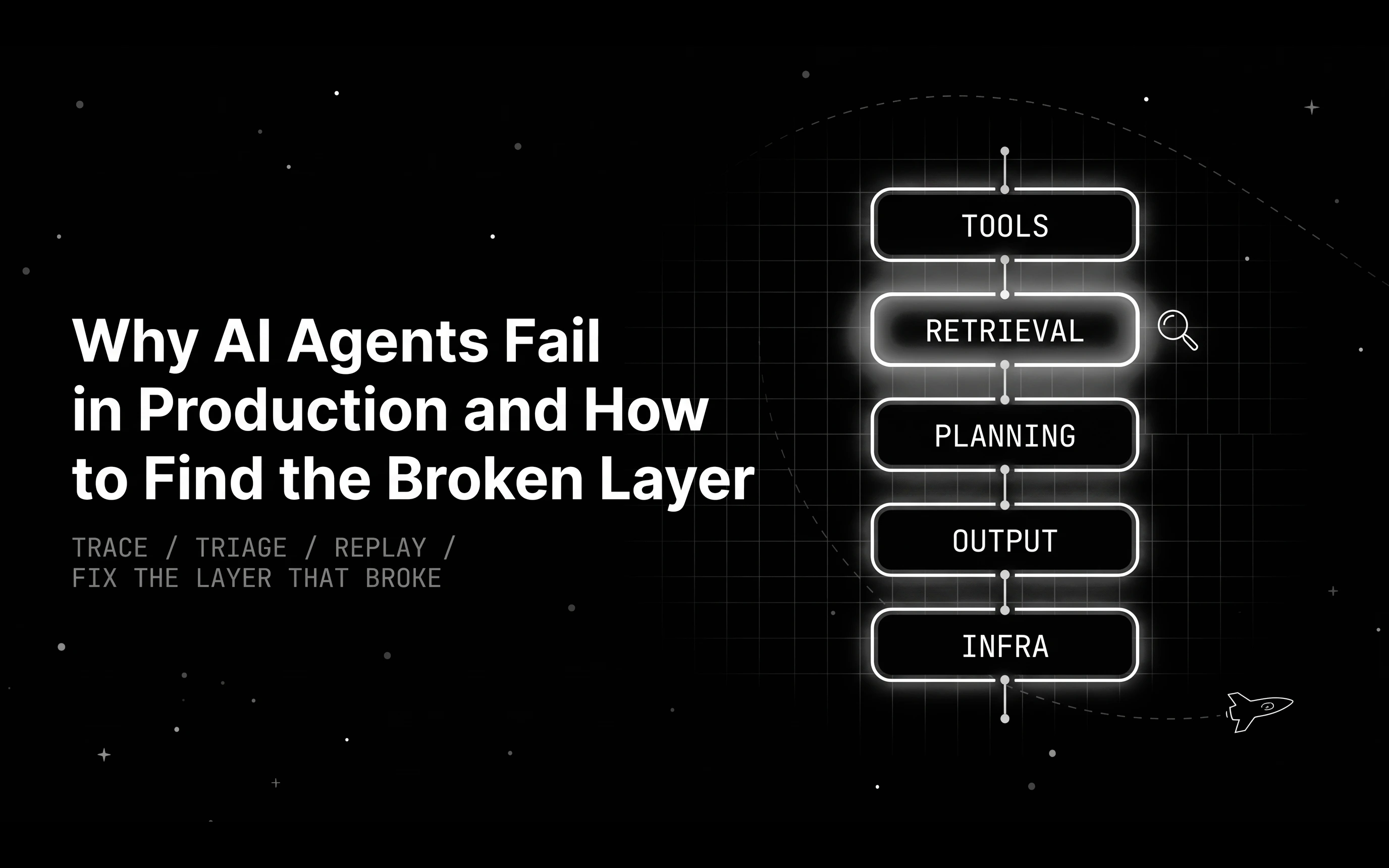
Learn why AI agents fail in production: read the trace, find the broken layer across tools, retrieval, planning, output, or infra, then replay to prove the fix.

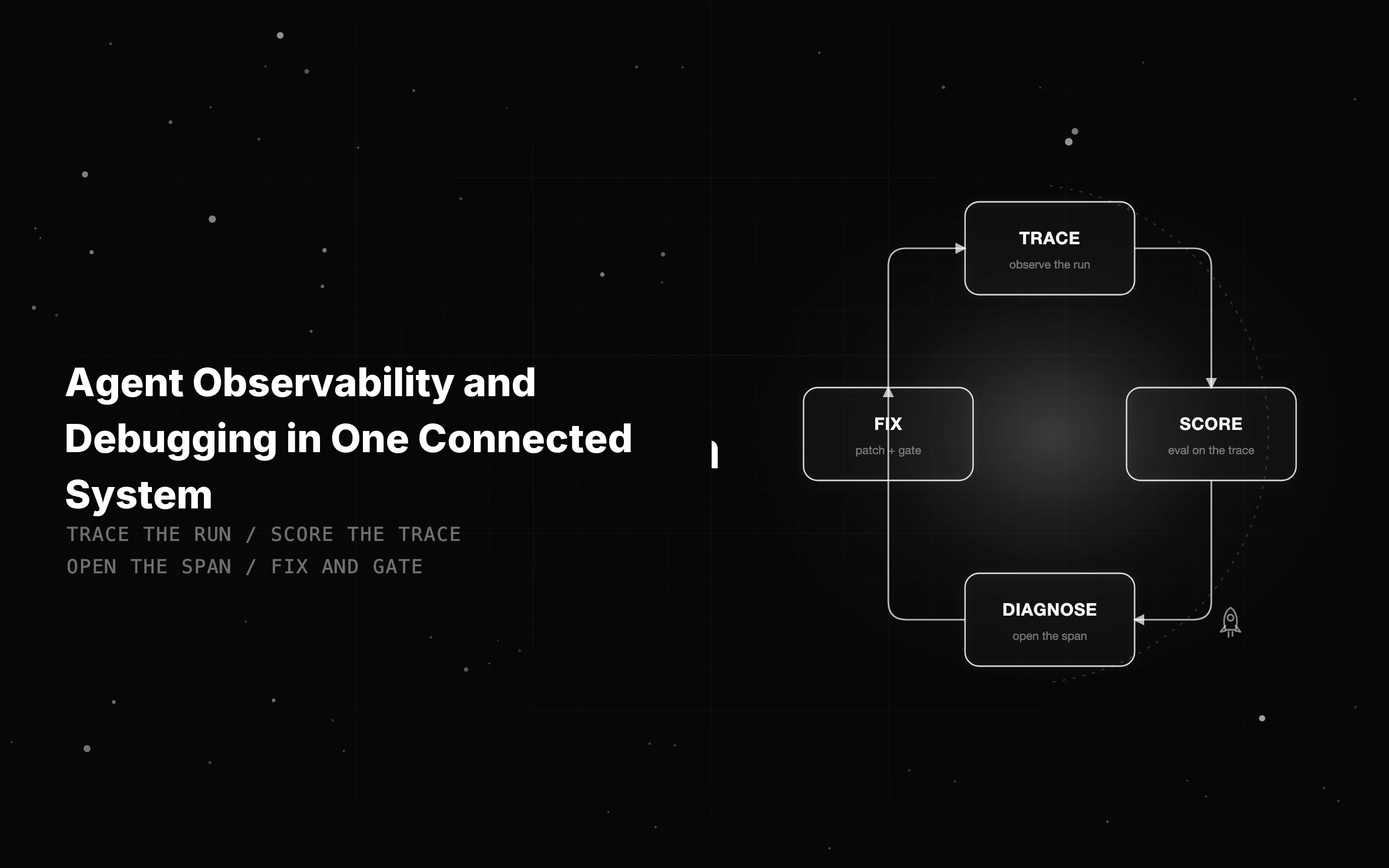
Agent observability shows what an agent did; debugging fixes it. See what to instrument and how tracing, evals, and fixes meet on one trace to close the gap.

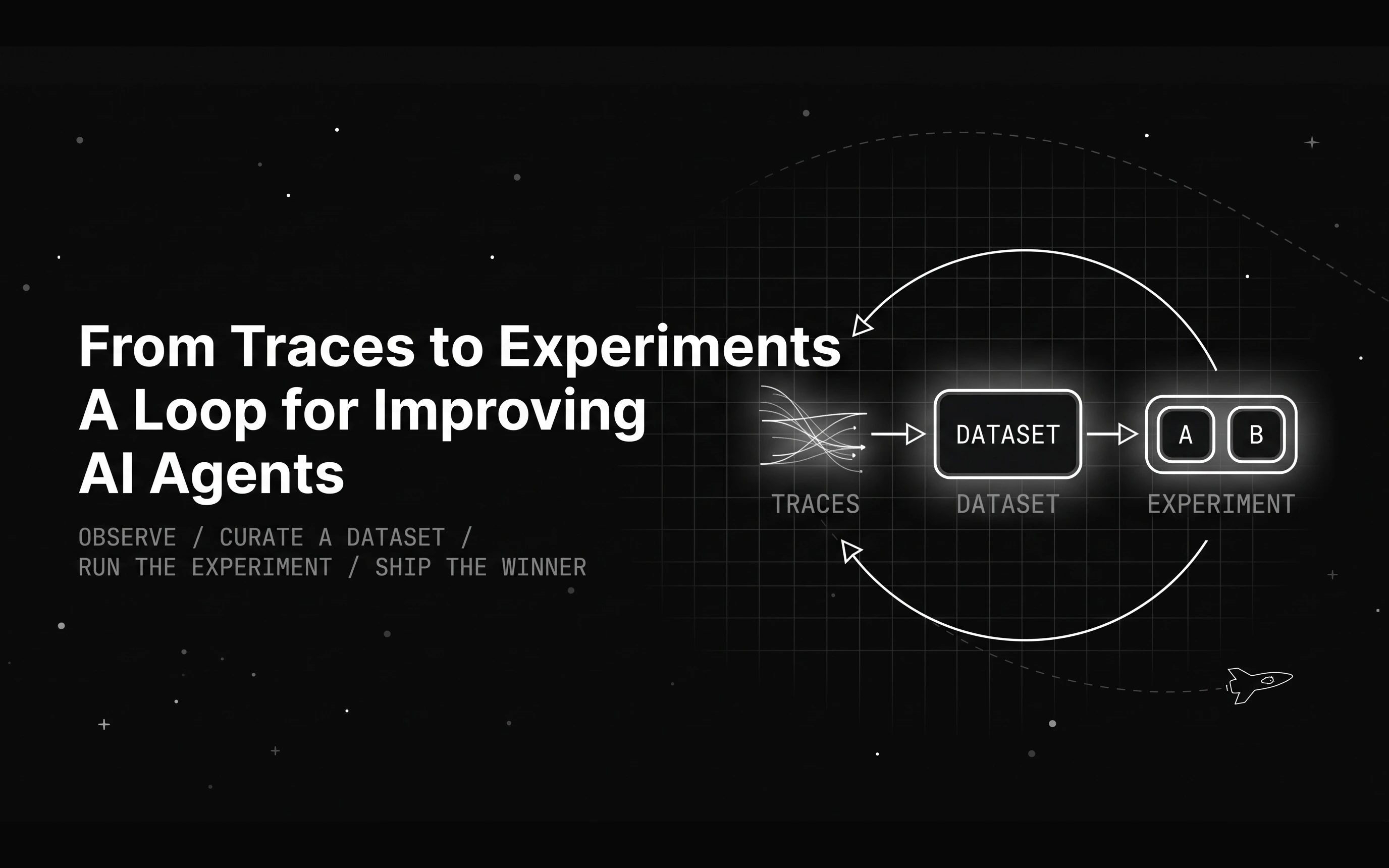
A month of agent traces does not improve anything by itself. Here is the loop that turns traces into agent experiments that prove which change actually helps.