Why AI Agents Fail in Production and How to Find the Broken Layer
Learn why AI agents fail in production: read the trace, find the broken layer across tools, retrieval, planning, output, or infra, then replay to prove the fix.
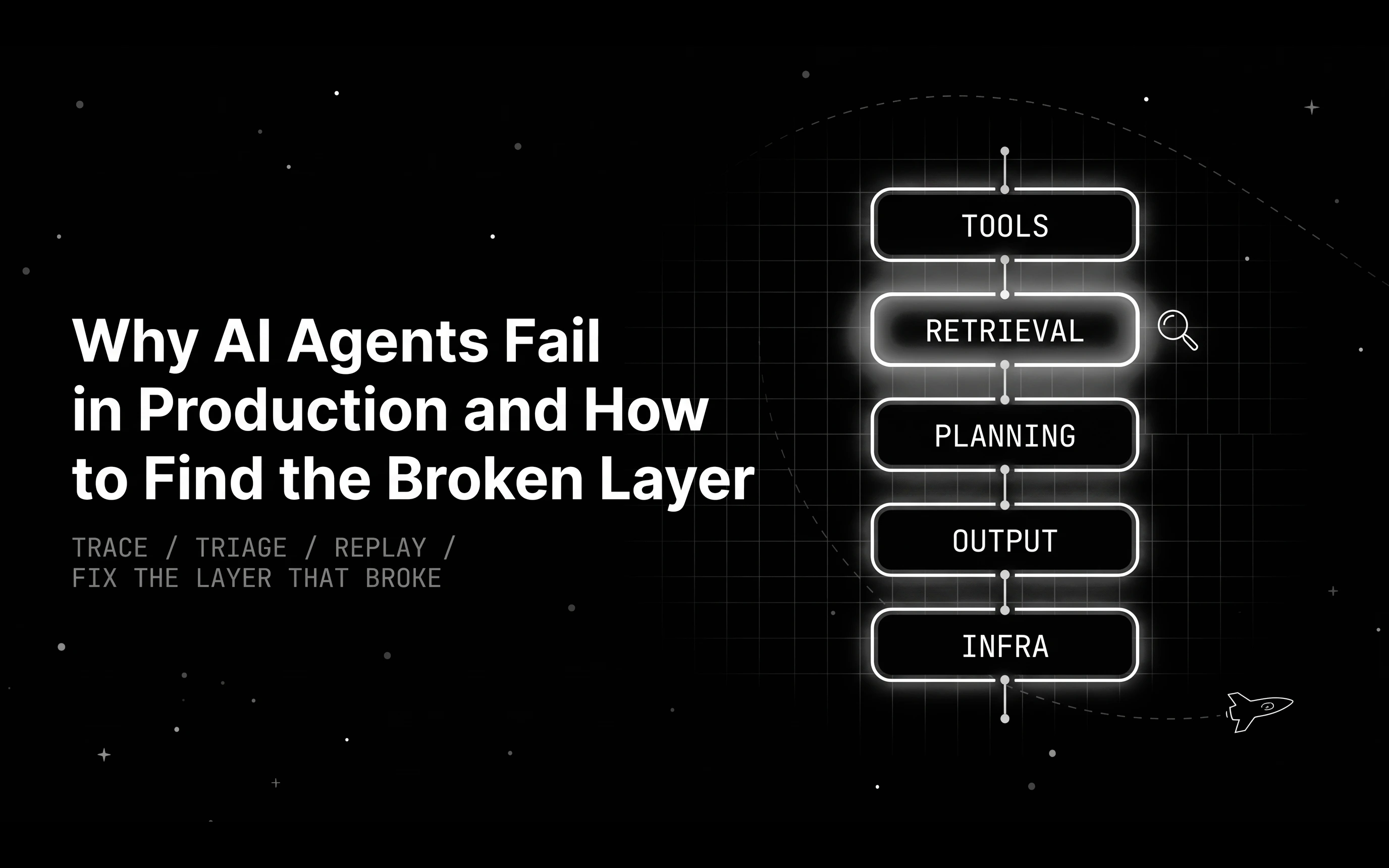
Table of Contents
Your travel support agent passed every pre-launch test. Three weeks into production, it starts telling some customers their flight is sold out, while the airline’s own site shows open seats. The first message in the team channel says: let’s try a stronger model.
That instinct costs money and often aims at the wrong place. A model upgrade usually raises the price of each call, while the cause may sit earlier in the run, in an input the model was handed.
You can find the broken layer from the trace before you pay for a model change, with a short triage function, a metric per layer, and a replay that proves the fix.
TL;DR
- Before blaming the model, check tools, retrieval, planning, output handling, and infrastructure, since a bad input from any of them produces a wrong answer the model then repeats.
- Each layer leaves its own mark on the trace. Check infrastructure first, then tools, retrieval, and planning.
- Give each layer its own metric, because one end-to-end pass rate hides which layer moved.
- Replay the exact failing session several times before and after a fix, then keep it as a regression case.
- Treat a model upgrade as one more hypothesis and settle it with a side-by-side experiment.
Why AI agents fail in production: drift, compounding errors, and averages
Production traffic is messier than any test set. Real users phrase requests you never wrote down and ask about routes and dates your test data never had, so the first unusual input becomes a failure nobody has seen.
Agents also compound small errors. Say each of four steps (plan, search policy, call a tool, answer) succeeds 95% of the time and the steps fail independently. The full run then succeeds about 81% of the time (0.95 to the fourth power), and longer runs lose more.
A failure that hits a small share of sessions also barely moves an overall pass rate, so dashboards stay green while one customer segment gets wrong answers. That is the pattern behind agents that pass evals but fail in production.
The stronger-model reflex treats every failure as a reasoning failure. MAST, built from more than 1,600 annotated traces across seven multi-agent frameworks, sorts failures into system design issues, inter-agent misalignment, and task verification, and its authors place the room for improvement in better system design.
Which layer broke: tools, retrieval, planning, output, or infrastructure
Every agent run passes through five layers: tools, context and retrieval, planning, output quality, and infrastructure. Use them as a triage model, where each failing trace goes to the highest-priority layer whose fingerprint shows up.
Our post on a broader AI agent failure-mode taxonomy sorts failures by category, including reasoning and safety. Here you start from one bad trace and pick the layer to fix first.
Tools
The agent picked the wrong tool, passed bad arguments, or got an error or an empty result and treated it as fact. Tool failures are easy to miss because the call often returns a 200 with nothing useful inside. Watch for tool spans that stay green while failing, since a green status only proves the call completed.
Context and retrieval
The retriever came back thin or out of date, the context window got truncated, or state from an earlier turn never reached the prompt. The model can only reason over what it was handed, so an outdated document produces a confident wrong answer.
Planning
The agent loops on the same call, skips a step it needed, or drifts away from the user’s goal over several turns. In the trace you see repeated identical tool calls, or a run that ends before the key action ever happened.
Output quality
The final answer ignores or contradicts the context the agent was given. Assign a failure here only after a final-answer check, such as groundedness against the provided context, confirms it.
Groundedness only compares the answer with its context, so an answer that faithfully repeats an outdated document still passes. That is why the retrieval check looks at document dates.
Infrastructure
Timeouts, rate limits, and provider errors live here. They belong to the agent harness, the code around the model that handles retries, timeouts, and fallbacks. When the harness swallows a 429 halfway through a run, later steps get empty or partial inputs and look broken themselves, so infrastructure goes first.
The table maps each layer to its trace fingerprint, the metric that catches it across runs, and the first fix to try.
| Layer | Trace fingerprint | Metric that catches it | First fix to try |
|---|---|---|---|
| Tools | Tool span errored or returned empty output | Tool selection accuracy, tool error and empty-result rate | Fix the tool schema or request, fail loudly on malformed calls |
| Context and retrieval | Retriever span returned few or outdated documents | Retrieval recall on a labeled set, document age | Re-index, rewrite the query, add count and freshness checks |
| Planning | Repeated identical tool calls, skipped steps | Step efficiency, goal progress | Tighten the plan prompt, add stop conditions |
| Output quality | Answer contradicts the provided context | Groundedness on the final span | Prompt changes and output checks |
| Infrastructure | 408, 429, or 5xx status codes, timeouts | Latency p95, error rate by provider | Retries with backoff, a fallback route |
Reading the trace fingerprint of each failure layer
With traceAI you get span kinds for LLM, tool, agent, and retriever steps, so every step of the run is labeled.
On a tool span, read the status, the error field, and whether the output is empty. On a retriever span, count the documents and check their dates. Across tool spans, look for repeated identical calls, and on any span, for 408, 429, and 5xx codes.
Asking an LLM to find the failing step works poorly. On the TRAIL benchmark of 148 annotated agent traces, the best model tested, Gemini 2.5 Pro, scored 11%.
In Who&When, the best automated method named the responsible agent 53.5% of the time and the decisive step only 14.2% of the time.
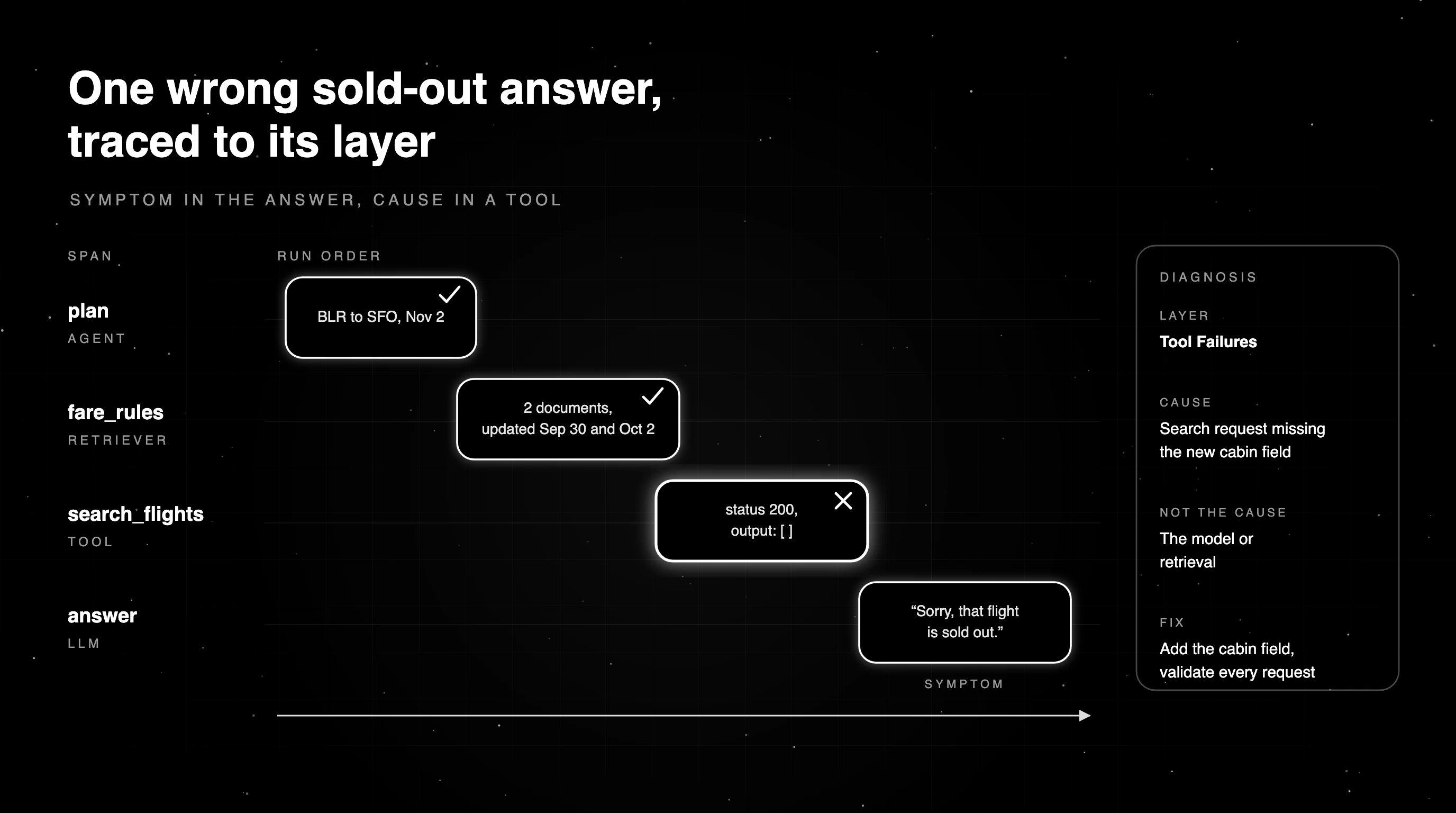
Those numbers favor deterministic fingerprints over asking a model. The function below checks infrastructure first, then tools, retrieval, and planning, and returns the first layer that matches anywhere in the trace. It ranks layers by priority, not by where a span sits in the run.
The span dicts are a simplified shape for teaching. Real traceAI spans carry the kind as an attribute, gen_ai.span.kind in the Python SDK. The layer labels in the code match Error Feed’s group names, covered at the end.
import json
import re
from collections import Counter
from datetime import date

INFRA_CODES = {408, 429}
INFRA_TEXT = re.compile(r"timeout|timed out|rate limit|\b(408|429|5\d\d)\b")

def is_empty(value):
    return value is None or value in ("", [], {})

def infra_error(s, today):
    raw = s.get("status_code", s.get("status"))
    try:
        code = int(raw or 0)
    except (TypeError, ValueError):
        code = 0
    text = f"{raw or ''} {s.get('error') or ''}".lower()
    return code in INFRA_CODES or 500 <= code <= 599 or bool(INFRA_TEXT.search(text))

def tool_failed(s, today):
    return s["kind"] == "TOOL" and (bool(s.get("error")) or is_empty(s.get("output")))

def retrieval_weak(s, today, max_age_days=180):
    if s["kind"] != "RETRIEVER":
        return False
    docs = s.get("documents") or []
    dated = [date.fromisoformat(str(d.get("updated", "1970-01-01"))[:10]) for d in docs]
    old = [d for d in dated if (today - d).days > max_age_days]
    return len(docs) < 2 or bool(old)

LAYER_RULES = [("Infrastructure", infra_error), ("Tool Failures", tool_failed),
               ("Context & Retrieval", retrieval_weak)]

def triage(spans, today, loop_threshold=3):
    """Return the highest-priority layer whose fingerprint appears in a failing trace."""
    spans = [{**s, "kind": str(s.get("kind", "")).upper()} for s in spans]
    for layer, matches in LAYER_RULES:
        hits = list(dict.fromkeys(s.get("name") for s in spans if matches(s, today)))
        if hits:
            return layer, hits
    calls = Counter((s["name"], json.dumps(s.get("input"), sort_keys=True, default=str))
                    for s in spans if s["kind"] == "TOOL")
    loops = sorted({name for (name, _), n in calls.items() if n >= loop_threshold})
    if loops:
        return "Planning & Goals", loops
    return "Unclassified", ["no upstream fingerprint: run a groundedness check on the final answer"]

trace = [
    {"name": "plan", "kind": "AGENT", "output": "search flights BLR to SFO on Nov 2"},
    {"name": "fare_rules", "kind": "RETRIEVER", "documents": [
        {"id": "change-fees", "updated": "2026-09-30"}, {"id": "baggage", "updated": "2026-10-02"}]},
    {"name": "search_flights", "kind": "TOOL", "status_code": 200,
     "input": {"from": "BLR", "to": "SFO", "date": "2026-11-02"}, "output": []},
    {"name": "answer", "kind": "LLM", "output": "Sorry, that flight is sold out."},
]
print(triage(trace, today=date(2026, 10, 15)))   # ('Tool Failures', ['search_flights'])

old_docs = [{"name": "fare_rules", "kind": "RETRIEVER", "documents": [
    {"id": "change-fees", "updated": "2025-01-10"}, {"id": "baggage", "updated": "2025-02-01"}]}]
print(triage(old_docs, today=date(2026, 10, 15)))  # ('Context & Retrieval', ['fare_rules'])
The function never guesses Output Quality. With no upstream fingerprint it returns Unclassified, because only a groundedness check on the final span can judge an answer against its context.
Treat an empty result as a lead to confirm. A search can return an empty list because a route really is full, so check the tool’s own logs or rerun the request before you call the tool broken.
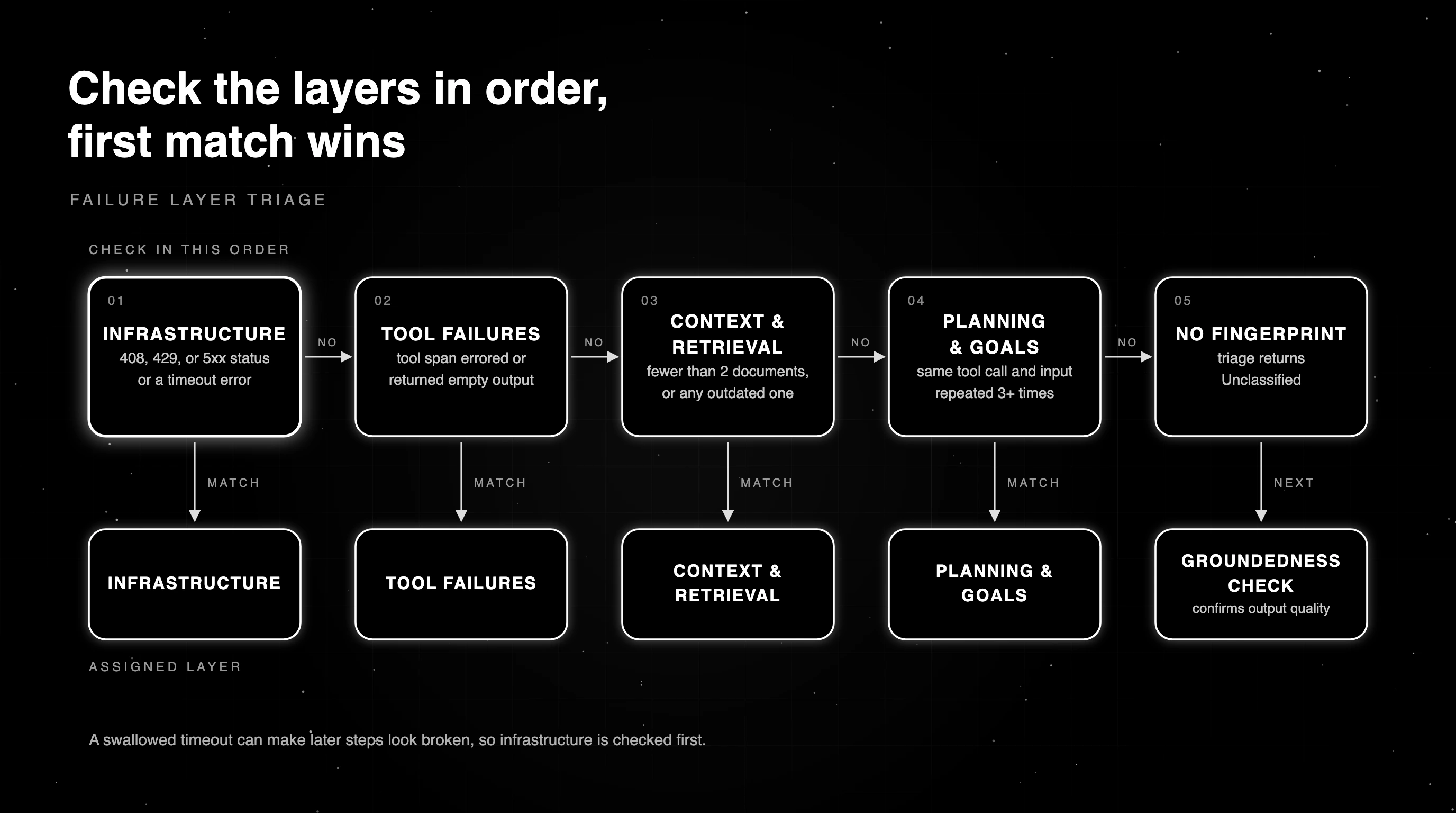
Triage walkthrough: one wrong sold-out answer, from symptom to fix
The sample trace returns Tool Failures, pointing at search_flights. Read by hand, the plan span looks fine, since the agent searched the right route and date. The fare_rules retriever returned two documents updated in the last month, so retrieval is healthy too.
The search_flights tool span is where the run went wrong. It came back with status 200 and an empty list. The final LLM span then told the customer the flight was sold out, which is the reasonable answer to an empty list.
The tool’s request log confirms it. In this scenario, the flight supplier’s search API started requiring a cabin field, and the older booking flow still sent requests without it, which came back as an empty list instead of an error. A stronger model would read the same empty list and give the same answer, at a higher price per call.
The fix lives in the tool layer. Add the cabin field to the search_flights request, and make the tool check every request against the supplier’s required fields, so a malformed search fails loudly instead of returning an empty list. A real sold-out route still comes back empty and gets an honest answer. Then replay the same conversations to prove it.
Measure each failure layer with its own metric
One end-to-end pass rate shows that something moved, not which layer. When a tool fix lifts some sessions and a prompt change breaks others, the average can stay flat and hide both.
Pair groundedness on the final answer with process metrics. The agent trajectory metrics include task completion, step efficiency, tool selection accuracy, and goal progress. Add retrieval document counts and ages, plus latency and error rates, and each layer gets its own gauge.
| Signal | What it tells you | What it hides |
|---|---|---|
| End-to-end pass rate | Whether the overall outcome moved | Which layer caused the change |
| Task completion | Whether the agent finished the user’s task | How many wasted steps it took to get there |
| Step efficiency | Whether the run took a sensible path | Whether the final answer was right |
| Tool selection accuracy | Whether the agent picked the right tool | Whether the tool returned useful data |
| Goal progress | How far the run moved toward the goal | Why it stalled |
| Retrieval document count and age | Whether search came back thin or out of date | Whether the right document was in the set |
| Latency and error rate | Whether infrastructure is degrading | Whether a slow answer was also a wrong one |
Replay the failing session to prove the fix worked
A fix only counts if the exact conversation that failed now passes. Re-run the same production session, with the same user turns, before and after the change. If your test harness can record or mock tool responses, pin those too, so your fix is the only thing that changes.
Agents are not deterministic, so run each replay several times on both sides. One clean pass after the fix can be luck. Five clean passes out of five, against a baseline that failed, are good evidence the fix held for that conversation.
Then check that nothing else regressed, and keep the replayed failure as a permanent regression case. Our guide on production replay testing covers the setup in more depth.
In Future AGI you can replay a production session, which rebuilds it as a simulation scenario and an agent definition, then run the fixed agent against it.
Is it the model? Test the upgrade as one more hypothesis
Sometimes the model is the cause, and you test that like any other hypothesis. Run the current model and the candidate on the same dataset, including the replayed failures, and compare per-layer metrics, cost, and latency.
Switch only when the candidate wins on the failing slice without losing anywhere else. A model that fixes flight search but slows every answer, or breaks tool selection on the rebooking flow, has not earned the swap. Our walkthrough on regression testing a model swap shows how to set that comparison up.
Finding the broken layer with Future AGI
Future AGI supplies the pieces of this workflow for live traces. traceAI is open source and captures LLM, tool, agent, and retriever spans, and the Future AGI repo holds the open-source core of the platform.
In Future AGI Cloud or an Enterprise deployment, Error Feed groups failing traces into issues. Every scanner finding carries a group and a fix layer (Tools, Prompt, Orchestration, or Guardrails).
Error Feed’s five groups map closely to the layers in this post: Tool Failures, Context & Retrieval, Planning & Goals, Output Quality, and Infrastructure.
On an issue’s Fix tab, Analyze this cluster returns a root cause and a proposed fix. You then replay the affected session from Observe to re-test it.
Experiments run each model against the same dataset so you can choose a winner. We checked these product details against the Future AGI docs on October 15, 2026.
Fix the layer that broke before you pay for a bigger model
Back to the travel agent. If the team adds the cabin field, validates every search request, and replays the failing conversations until they pass in every tested run, the sold-out answers stop at their source.
A side-by-side run of the candidate model on the same dataset then shows whether an upgrade adds anything, with cost and latency in the same report.
In this scenario, that adds up to one changed tool request and no model upgrade. When the next failure lands, the team starts from a trace that shows where it began.
Start tracing your agent with traceAI and triage the next failure from its spans.
Frequently Asked Questions
Why do AI agents fail in production?
Why do AI agents fail and how do you fix them?
How do you debug AI agents that fail in production?
How do you diagnose AI agent failures from execution trajectories?
What are the most common AI agent errors?
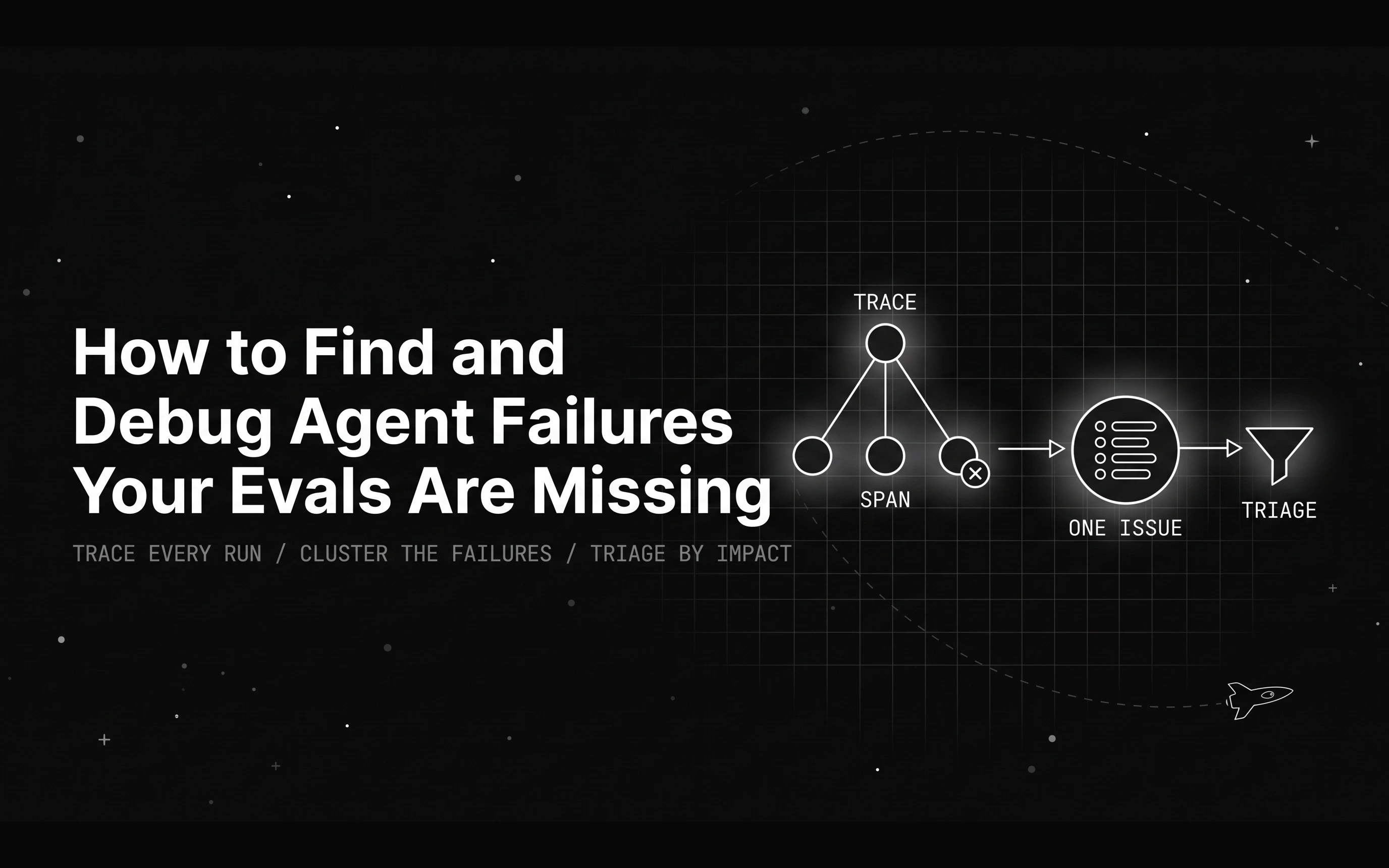
Your evals pass but the agent is still wrong in production. Here is how to debug agent failures hiding in your traces, from detection to a regression test.

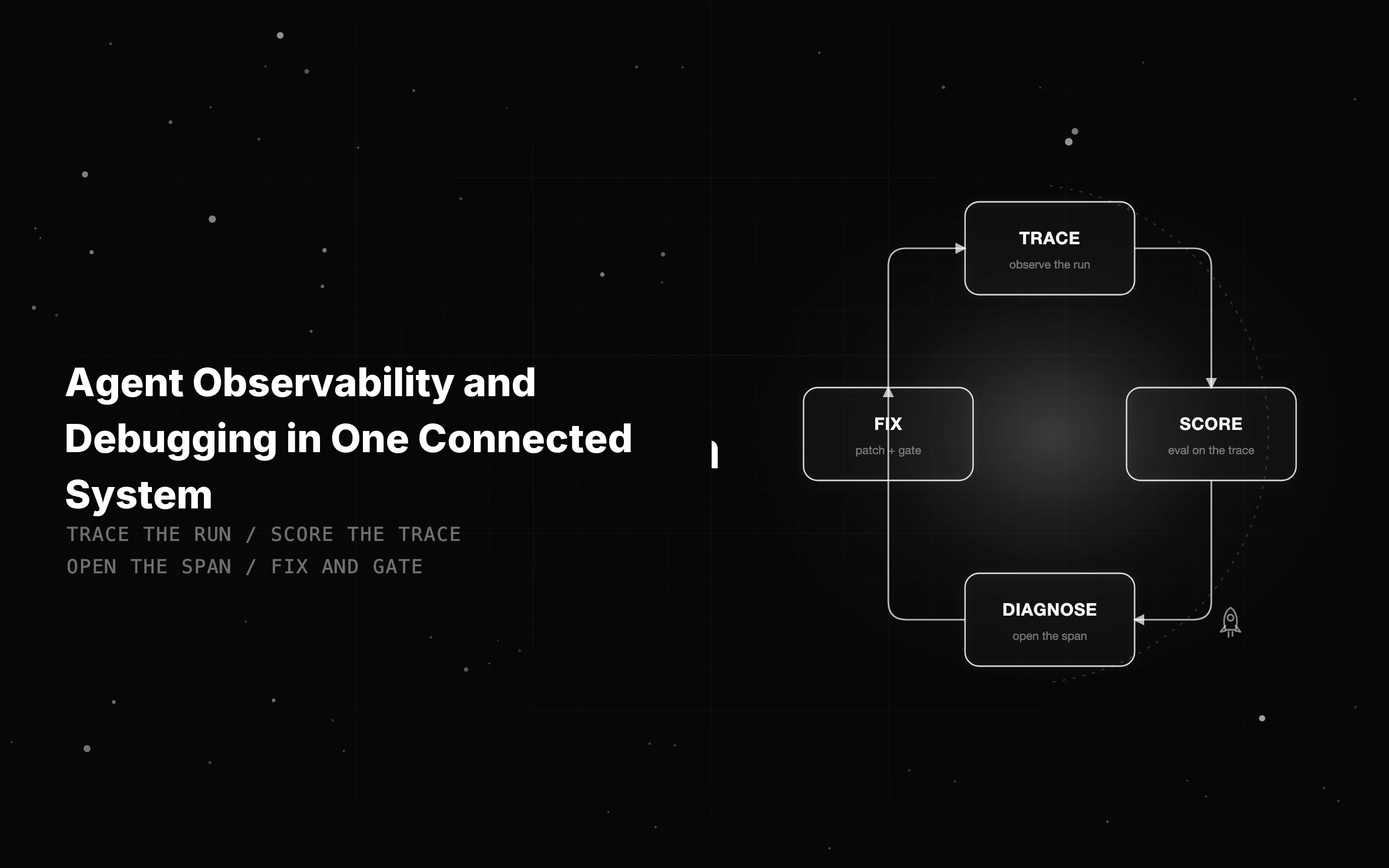
Agent observability shows what an agent did; debugging fixes it. See what to instrument and how tracing, evals, and fixes meet on one trace to close the gap.

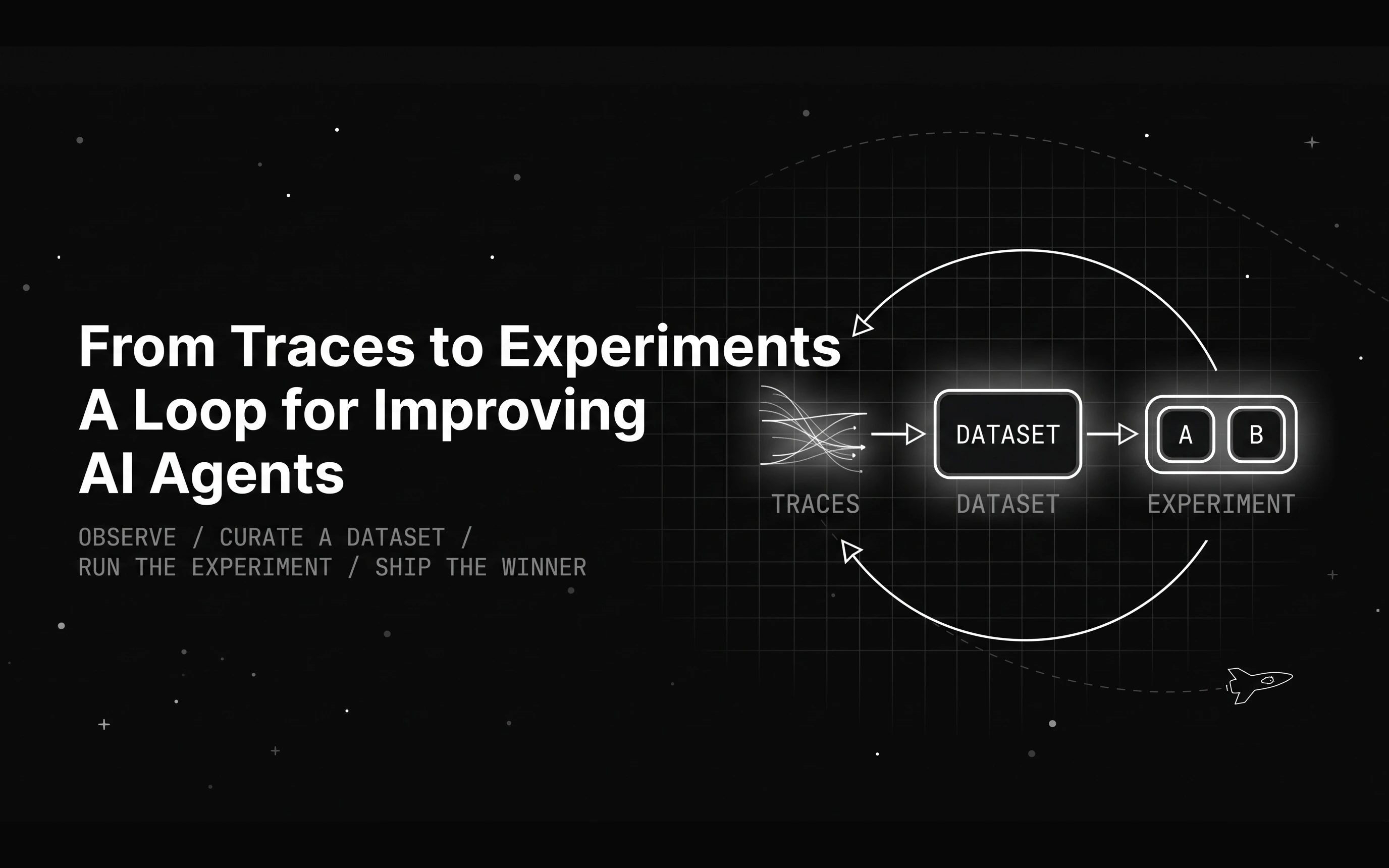
A month of agent traces does not improve anything by itself. Here is the loop that turns traces into agent experiments that prove which change actually helps.