Agentic UX in 2026: How to Build AI-Native Interfaces Using the AG-UI Protocol
Webinar replay on Agentic UX in 2026 and the AG-UI protocol. Build streaming, tool-aware interfaces that work across LangGraph, CrewAI, and Mastra agents.
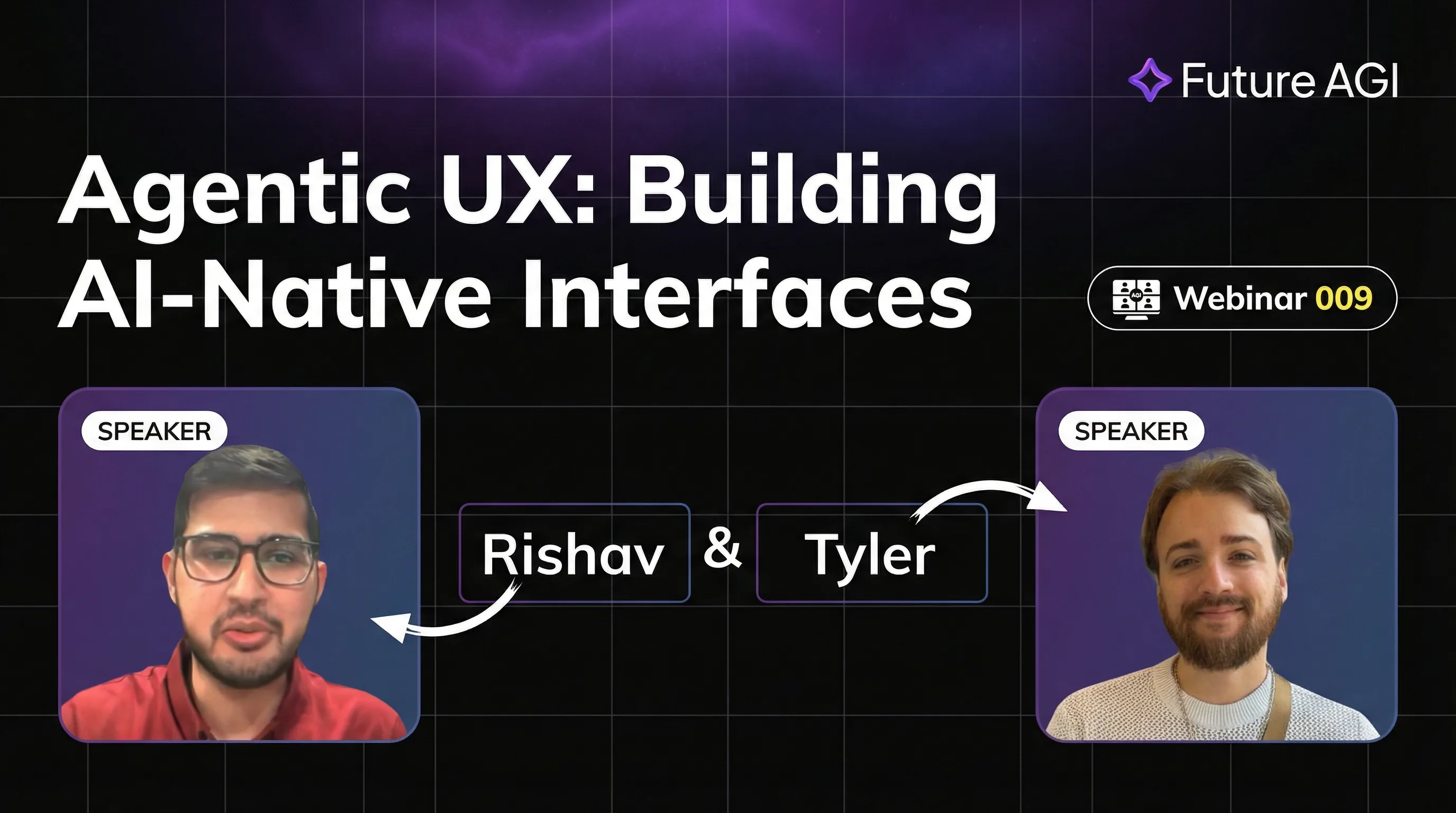
Table of Contents
Watch the Agentic UX Webinar Replay
AI agents are reshaping how users interact with software, and traditional UI patterns cannot keep up.
TL;DR: Agentic UX with AG-UI in 2026
| Concept | What you take away |
|---|---|
| Why traditional UI fails | Agents are long-running, stateful, and non-sequential, so click-then-render patterns break. |
| AG-UI event model | Run lifecycle, message streaming, and tool-call events form one normalized stream. |
| Framework support | LangGraph, CrewAI, Mastra, and custom Python orchestrators via an adapter pattern. |
| Production patterns | Progressive disclosure, inline tool-call visibility, shared state, human-in-the-loop gates. |
| Observability companion | traceAI (Apache 2.0) for spans, ai-evaluation (Apache 2.0) for faithfulness checks. |
| Runtime safety | Agent Command Center at /platform/monitor/command-center for inline guardrails on tool calls. |
Why Traditional UI Patterns Fail for AI Agents
Traditional UI assumes discrete actions, synchronous responses, and static state. None of those match how AI agents actually behave. An agent might take dozens of sequential steps, pause to request human input, stream partial results, or fork into parallel sub-tasks. Each of these behaviors demands UI primitives that simply do not exist in component libraries built for CRUD applications.
“Agentic UX” reframes the interface around continuous, real-time collaboration between humans and AI, creating experiences that feel natural rather than forced. This talk explores that shift through the lens of AG-UI, an open protocol that standardizes how agents communicate with front-end interfaces. Rather than retrofitting AI into existing UI patterns, Agentic UX means designing AI-native interfaces from the ground up, starting with the event model, not the component library.
Who Should Watch
This webinar is for practitioners actively shipping agent-powered applications in 2026.
- Product designers gain a new mental model for AI-first interaction design, including patterns for progressive disclosure of agent reasoning and graceful degradation during tool failures.
- AI engineers learn how AG-UI’s event-driven architecture maps cleanly onto LangGraph, CrewAI, and Mastra, enabling consistent front-end integration regardless of which orchestration framework powers the backend.
- Frontend developers see concrete implementation examples (handling
RunStarted,TextMessageContent, andToolCallStartevents from a single normalized stream). - Technical founders understand how a vendor-neutral protocol helps teams keep the UI layer portable across agent frameworks and avoids rewriting the front-end whenever the backend changes.
No prior knowledge of AG-UI is required. A working understanding of React or a similar UI framework is sufficient to follow along.
AG-UI Event Model, Streaming Interactions, and Multi-Agent Workflow Patterns
The webinar walks through the full AG-UI event lifecycle and how it maps to real interface states. By the end, attendees have both the mental model and the implementation patterns to ship production-quality agentic interfaces.
- Understand how Agentic UX differs from conventional design paradigms and why the gap is widening in 2026.
- Understand the AG-UI event model: run lifecycle (
RunStarted,RunFinished,RunError), message streaming (TextMessageStart,TextMessageContent,TextMessageEnd), and tool call events (ToolCallStart,ToolCallArgs,ToolCallEnd). - Learn patterns for intuitive AI-native interfaces: progress indicators for long-running agents, inline tool call visibility, and shared state displays.
- Discover vendor-neutral messaging that enables interoperability across LangGraph, CrewAI, Mastra, and custom orchestration frameworks.
- See implementation examples of AG-UI powering multi-agent and human-in-the-loop workflows with generative UI components.
- The session provides practical integration guidelines, a clear mental model for AI-first experiences, and reference implementation code.
What Is Agentic UX and Why It Replaces Static Interface Design
Traditional interfaces assume static workflows and predetermined actions. A user clicks a button, a response arrives, the cycle repeats. Agentic UX breaks that model entirely: AI agents are long-running, stateful, and capable of initiating action without direct user input.
The AG-UI protocol addresses this by defining a standard event stream that covers the full lifecycle of agent execution. Run lifecycle events signal when work starts and ends, message streaming events deliver partial text as it generates, tool call events expose what the agent is doing in real time, and state delta events keep shared UI state synchronized without polling.
By normalizing these events across frameworks, AG-UI lets you build a single reusable interface layer that works whether the agent backend is LangGraph, CrewAI, or a custom orchestrator. The result is an interface that streams, adapts, and responds in real time, instead of freezing while waiting for a complete response.
Wiring Observability and Evaluation Into the Agentic UX
A streaming UI without observability is brittle. Pair the AG-UI surface with two open-source pieces from Future AGI:
from fi_instrumentation import register, FITracer
from fi.evals import evaluate

# 1. Register a tracer at process boot
tracer_provider = register(
    project_name="agentic-ux-demo",
    project_version_name="v1",
)
tracer = FITracer(tracer_provider)

# 2. After the agent emits a TextMessageEnd, run a faithfulness check
result = evaluate(
    "faithfulness",
    output="The answer the agent just streamed to the user.",
    context="Retrieved chunks the agent grounded against.",
    model="turing_flash",
)
print(result.score, result.reason)
turing_flash runs at roughly 1 to 2 seconds, turing_small at 2 to 3 seconds, and turing_large at 3 to 5 seconds per the cloud evals reference. Authentication uses FI_API_KEY and FI_SECRET_KEY environment variables. For runtime safety, route outbound tool calls through the Agent Command Center so deterministic guardrails block prompt injection and PII before the call leaves your application.
Further Reading and Primary Sources
- AG-UI protocol: github.com/ag-ui-protocol/ag-ui
- Model Context Protocol (MCP): modelcontextprotocol.io
- LangGraph docs: langchain-ai.github.io/langgraph
- CrewAI docs: docs.crewai.com
- Mastra docs: mastra.ai/docs
- traceAI (Apache 2.0): github.com/future-agi/traceAI
- ai-evaluation (Apache 2.0): github.com/future-agi/ai-evaluation
- OpenTelemetry GenAI semantic conventions: opentelemetry.io/docs/specs/semconv/gen-ai
- OpenAI Agents SDK: openai.github.io/openai-agents-python
- Anthropic Computer Use overview: docs.anthropic.com/en/docs/agents-and-tools/computer-use
- Stanford 2025 AI Index Report: aiindex.stanford.edu/report
Visit Future AGI for the reference implementation, the slide deck, and a sandbox environment to try the patterns covered in the webinar.
Frequently Asked Questions
What is the AG-UI protocol and how does it differ from MCP?
How does Agentic UX improve user trust in AI applications?
Which frameworks are compatible with AG-UI in 2026?
Is this webinar suitable for teams just starting with AI agents?
How does Agentic UX work with multi-agent and human-in-the-loop workflows?
How do I monitor and evaluate an AG-UI front-end in production?
Does AG-UI work with streaming token output from the model?
Where can I get a reference implementation?
An agent skill is a folder of instructions, scripts, and resources packaged as a SKILL.md unit. What it is, how skills compose, how teams use them in 2026.

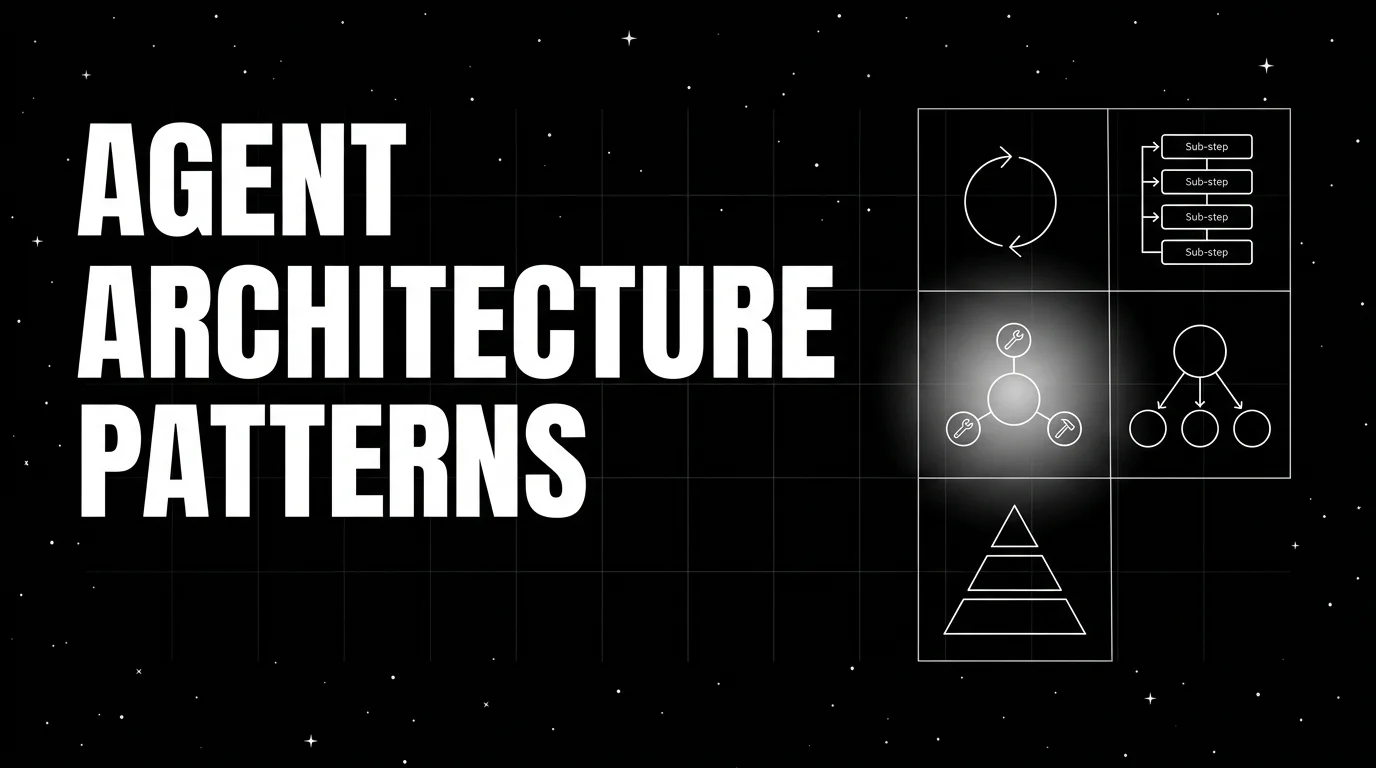
Five agent architecture patterns in 2026: ReAct, plan-then-execute, supervisor and workers, graph, event-driven. Four-axis tradeoff per pattern.

Six agent evaluation frameworks for trajectory-first teams 2026: LangSmith, Future AGI, Braintrust, DeepEval, Phoenix, OpenAI Evals, tradeoffs.
