Simulate from Prompt Workbench, Voice Annotations, and Agent Health for Voice Agents
Launch simulations without leaving the Prompt Workbench, annotate voice calls with structured human feedback, and extend Agent Compass health to voice.
What's in this digest
Simulate from the Prompt Workbench
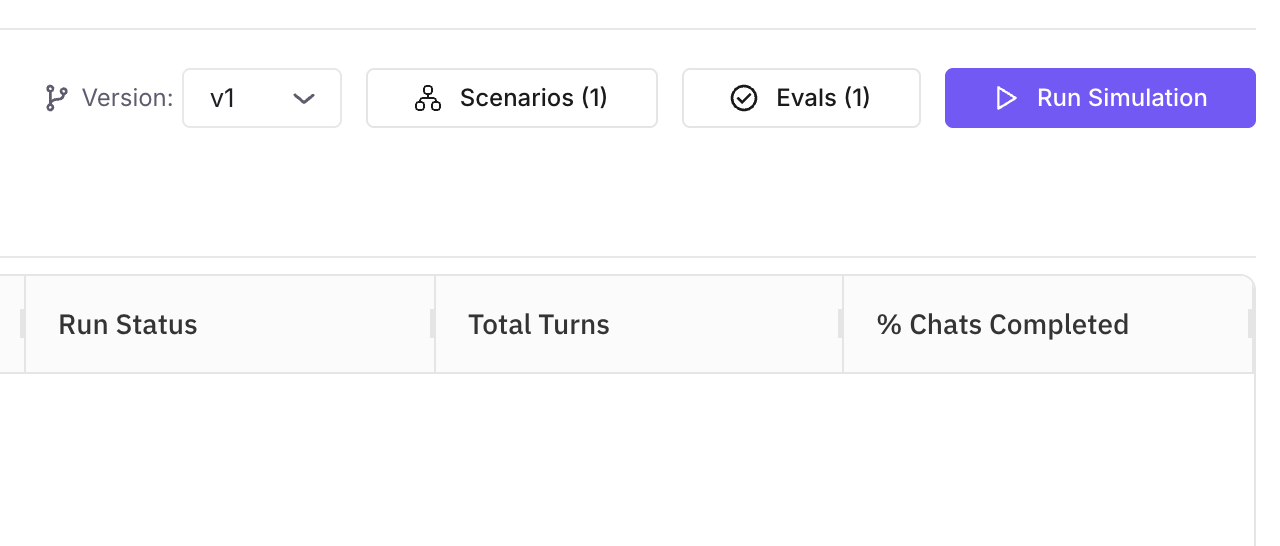
The common workflow looks like this: write a prompt, test it manually, realise you need broader coverage, switch to Simulation, reconfigure everything, run tests. That context switch is now gone.
What’s new
- Full simulation engine, inside the Workbench. Not a simplified version. Configure datasets, evaluation criteria, model parameters, and concurrency from inside the prompt you’re refining.
- WebSocket-powered real-time results. Grid updates stream back as the simulation runs, with no page refresh.
- Iterate without leaving context. When the simulation surfaces an issue, you’re already in the right place to adjust the prompt and rerun.
Why it matters
Reducing context switches between prompt engineering and testing shortens the iteration loop, which is where most prompt quality improvement actually comes from.
Who it’s for
Prompt engineers and AI practitioners iterating on prompts, and teams whose testing loop is currently slowed by the swivel between Workbench and Simulate.
Human Annotations for Voice Calls
Voice agents present a unique evaluation challenge. Automated metrics catch some failures, but nuance in tone, pacing, and conversational appropriateness still requires human judgment.
What’s new
- Five label types. Free-text notes, numeric scores, categorical labels, star ratings, and thumbs up/down.
- Multiple reviewers per transcript. Reviewers annotate independently; the platform aggregates their feedback with inter-annotator agreement metrics.
- Purpose-built review interface for voice transcripts.
Why it matters
You get a clear signal on where your voice agent excels and where it needs work, grounded in human assessment rather than proxy metrics.
Who it’s for
Quality assurance (QA) teams reviewing voice calls, compliance officers checking regulated interactions, and domain experts providing human judgment that feeds back into automated evaluations.
Agent Compass for Voice Agents
Agent Compass, the real-time health monitoring system for text-based agents, now extends to voice.
What’s new
- Call duration distributions.
- Response latency percentiles.
- Interruption rates.
- Conversation completion metrics.
- Threshold-based alerts. Get notified when a voice agent’s behavior drifts outside acceptable bounds.
Why it matters
For teams operating voice agents at scale, this is the difference between catching a degradation in the first five minutes and hearing about it from customer complaints.
Who it’s for
MLOps and platform engineering teams responsible for voice agent uptime and quality, and quality assurance (QA) teams setting up automated quality gates on live voice traffic.
Performance Infrastructure
Read and write traffic separated. Dashboard loads and search no longer slow down during heavy evaluation runs. Query traffic and write operations run on independent paths.
2x faster dataset imports. CSV, Excel, and JSON imports now process at roughly twice the previous speed with significantly lower memory consumption. Turns minutes-long imports into background tasks that finish before you switch tabs.
Dataset query performance. Faster list, filter, and detail-view queries on dataset-related pages.
Large-payload workflow runs no longer fail. Long-running simulations and optimisation jobs that produce very large payloads now run reliably. Payload-size limits no longer cause workflow failures.
Faster simulation results and evaluations dashboard. Queries pushed down to the database layer, page-by-page rendering replaces full result-set loads. Most visible when scrolling through hundreds of test runs.
Multimodal and Reasoning Expansion
Multi-image support in evaluations and datasets. Evaluations accept and score multi-image inputs; datasets accept multiple images per row.
Image and audio output rendering in Prompt Workbench. The Workbench renders both image and audio outputs inline, so multimodal prompt iteration no longer needs external preview tools.
Reasoning model support. First-class support for reasoning models. Chain-of-thought steps appear as distinct spans (the individual steps inside a trace) in the trace view, so auditing the logic path that led to any output is straightforward.
Azure endpoint type selector. Azure-specific endpoint types when configuring custom models, with proper API format handling for Azure-hosted deployments.
Simulation and API Updates
Voice simulation revamp. Voice simulation runs against a rebuilt runtime: end-to-end run time drops on multi-scenario suites, and the API surface was consolidated to fewer endpoints with consistent payload shapes. Test-harness integration no longer surprises you with one-off response formats.
Function evaluations in test evaluations. Function-type evaluations (deterministic Python or JavaScript checks you author yourself, not LLM-judged) now run inside test evaluation workflows. Useful when pass/fail is logic, not opinion.
Simulate API changes for run tables and optimization. Simulate run tables and optimisation endpoints have cleaner request shapes and more consistent error responses, so existing API consumers can drop one-off conditionals around handling individual endpoints.
Scenario builder: isGlobal toggle on conversation nodes. Shared state across the scenario via a per-node toggle.