Summary Dashboards, Alerts Revamp, Prompt SDK, and Workspaces RBAC
Redesigned summary dashboards with new chart types and side-by-side compare, a rebuilt alerts system, Prompt SDK upgrades, and RBAC workspace access.
What's in this digest
Summary Screen Revamp — Dashboards That Show What Changed
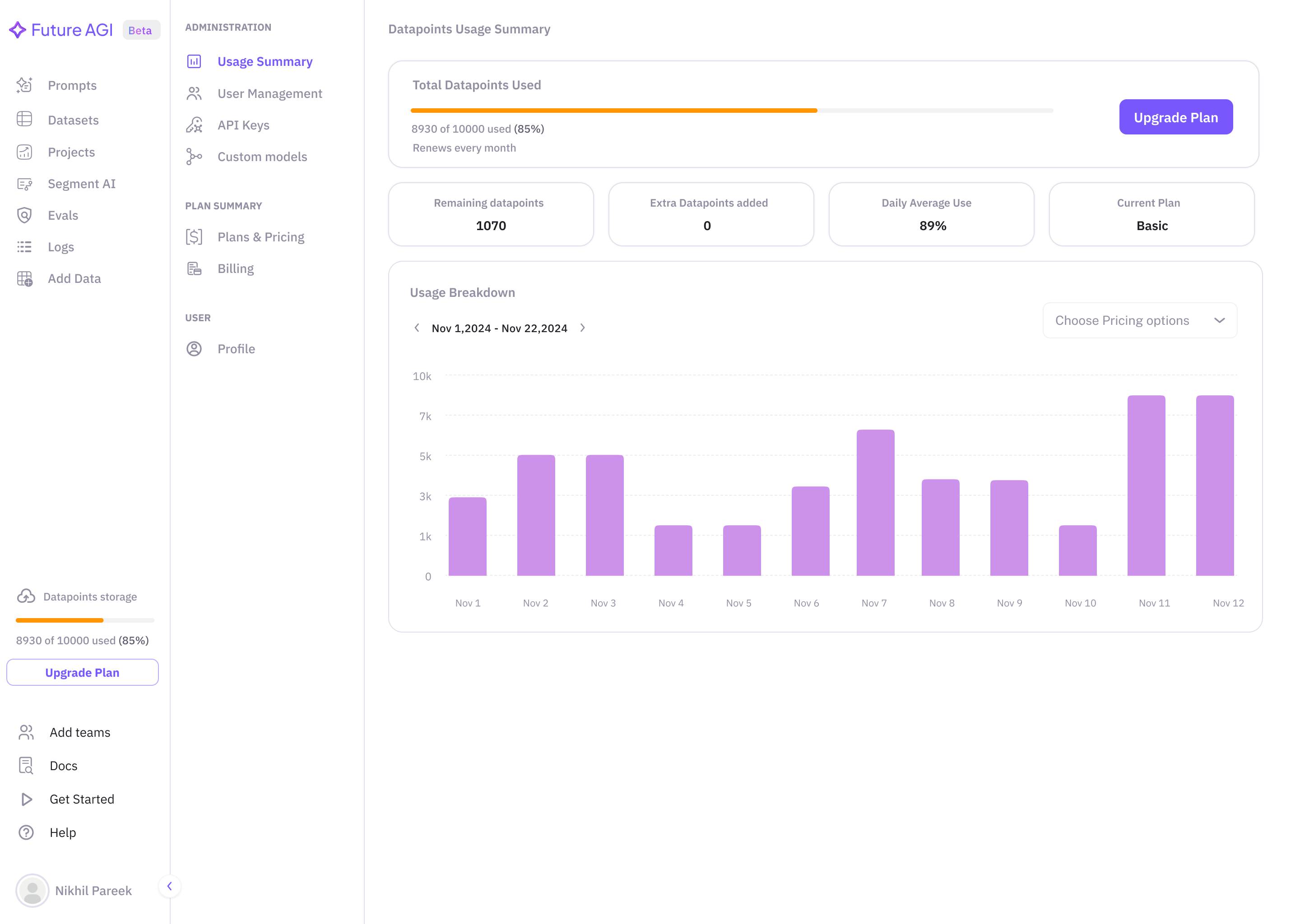
The summary screen is where you look when you want a quick read on how your agent is performing. The rebuilt version keeps that purpose but gives you more shape to the data and a direct way to compare runs.
What’s new
- Three chart types. Spider charts map multi-dimensional evaluation scores (faithfulness, relevance, completeness, safety) onto a single view. Bar charts break performance down by category, time period, or prompt version. Pie charts show distribution of quality tiers, error types, or evaluation outcomes.
- Side-by-side comparison. Place any two evaluation runs, prompt versions, or time periods side by side and see exactly what changed — no more switching tabs and holding numbers in your head.
- Built into the existing dashboard. No separate “compare” view to navigate to; comparison lives where the summary already lives.
Why it matters
The moment a team needs to answer “did the change I made yesterday help?”, they look at the summary screen. The comparison view makes that question answerable in one screen.
Who it’s for
Agent developers and MLOps teams tracking agent quality over time, and product teams reviewing evaluation results to decide whether to roll out a change.
Alerts Revamp — Built for Production Teams
The earlier alerts system worked. The rebuilt version is designed for teams running agents at scale, where alert quality and routing matter as much as the alert itself.
What’s new
- Slack and email notification channels. Pick either as the destination for any alert — both are fully supported.
- Composable rules. Combine multiple conditions with AND/OR logic. Different severity levels. Route critical alerts to PagerDuty, informational alerts to a Slack channel.
- Alert grouping. Related alerts consolidate into one actionable message instead of flooding the channel.
- Standard thresholds. Set an alert when hallucination rate exceeds 5%, when latency crosses 2 seconds, when evaluation scores drop below baseline.
Why it matters
An alerting system that notifies you too often stops being read. An alerting system that doesn’t notify you at all stops being useful. The revamped alerts give you the knobs to tune between those extremes.
Who it’s for
Platform engineering and MLOps teams on call for agent uptime, and quality assurance (QA) teams setting up automated quality gates on live traffic.
Prompt SDK — Production-Grade Prompt Management
Prompts in production need more than a version list. The upgraded Prompt SDK adds three capabilities for teams running prompts as part of their application infrastructure.
What’s new
- Caching. The SDK caches prompt versions locally with configurable time-to-live (TTL), reducing API calls and improving response times for high-throughput applications.
- A/B testing. Define traffic splits between prompt versions and the SDK handles routing automatically, collecting performance data per variant.
- Multi-environment deployment. Promote prompts through development, staging, and production environments with explicit gates between each stage.
Why it matters
Prompts are application code. Treating them that way — with caching, staged rollouts, and A/B tests — is what turns “prompt engineering” into a production-quality practice.
Who it’s for
Developers integrating prompt management into their application stack, and product teams rolling out prompt changes across environments without building custom tooling.
Workspaces RBAC — Role-Based Access Control
As organizations scale AI operations, access control becomes critical. The new role-based access control (RBAC) framework introduces four roles with granular permissions.
What’s new
- Four roles. Owner (full administrative control), Admin (manages team members and configurations), Member (creates and runs evaluations and simulations), Viewer (read-only access to dashboards and results).
- Granular permission scoping. Who can modify evaluation criteria, who can trigger simulations, who can access production traces (the end-to-end records of how your agent handled each request) — all separately configurable.
- Audit-ready. Access governance and audit trail that regulated industries require for compliance.
Why it matters
Access governance becomes a hard requirement the moment an organization grows past a single team. Shipping it in early keeps Future AGI deployable inside organizations with strict access requirements.
Who it’s for
Workspace admins at growing AI teams, and enterprise procurement and security teams evaluating Future AGI for regulated environments.
Additional Updates
AWS Marketplace. Purchase and manage Future AGI through AWS Marketplace with consolidated AWS billing — useful for teams on existing AWS enterprise agreements.
Error localizer via SDK. The error localizer is now available as a standalone SDK function (both synchronous and asynchronous), so teams can pinpoint failures in agent execution chains programmatically.
Critical issue detection on datasets. Datasets now surface critical quality issues automatically, with specific mitigation advice.
Prompt metrics in Observe. Per-prompt-version performance metrics in the trace view, so you can measure the real-world impact of a prompt change in production.
traceAI optional dependencies. Framework-specific packages are now optional installs — the dependency tree is smaller, you only install what you use.