Annotations Flow and Error Localization
Find the root cause of agent failures instantly with error localization in Observe, plus a complete annotations flow for human feedback on traces.
What's in this digest
Error Localization — Find the Root Cause Instantly
When an agent fails in production, the hardest part is not knowing that it failed — it is figuring out why. A typical agent trace might have dozens of spans: LLM calls, tool invocations, retrieval steps, and branching logic. Somewhere in that chain, something went wrong. Finding it manually means clicking through every span, reading every output, and reconstructing the execution path in your head.
Error localization eliminates that work entirely. When a trace contains a failure, our system automatically analyzes the execution graph and pinpoints the exact span where the problem originated. It distinguishes between the root cause and downstream consequences, so you are not distracted by cascading errors that are just symptoms of the original failure.
The error localization engine examines several signals:
- Exception propagation paths through the trace tree
- Output anomalies where a span’s output deviates significantly from expected patterns
- Latency spikes that indicate timeouts or resource contention
- Tool call failures with error codes and retry patterns
The result is a highlighted span in your trace view with a clear explanation of what went wrong and why. What used to take hours of debugging now takes seconds.
Annotations Flow — Human Feedback on Traces
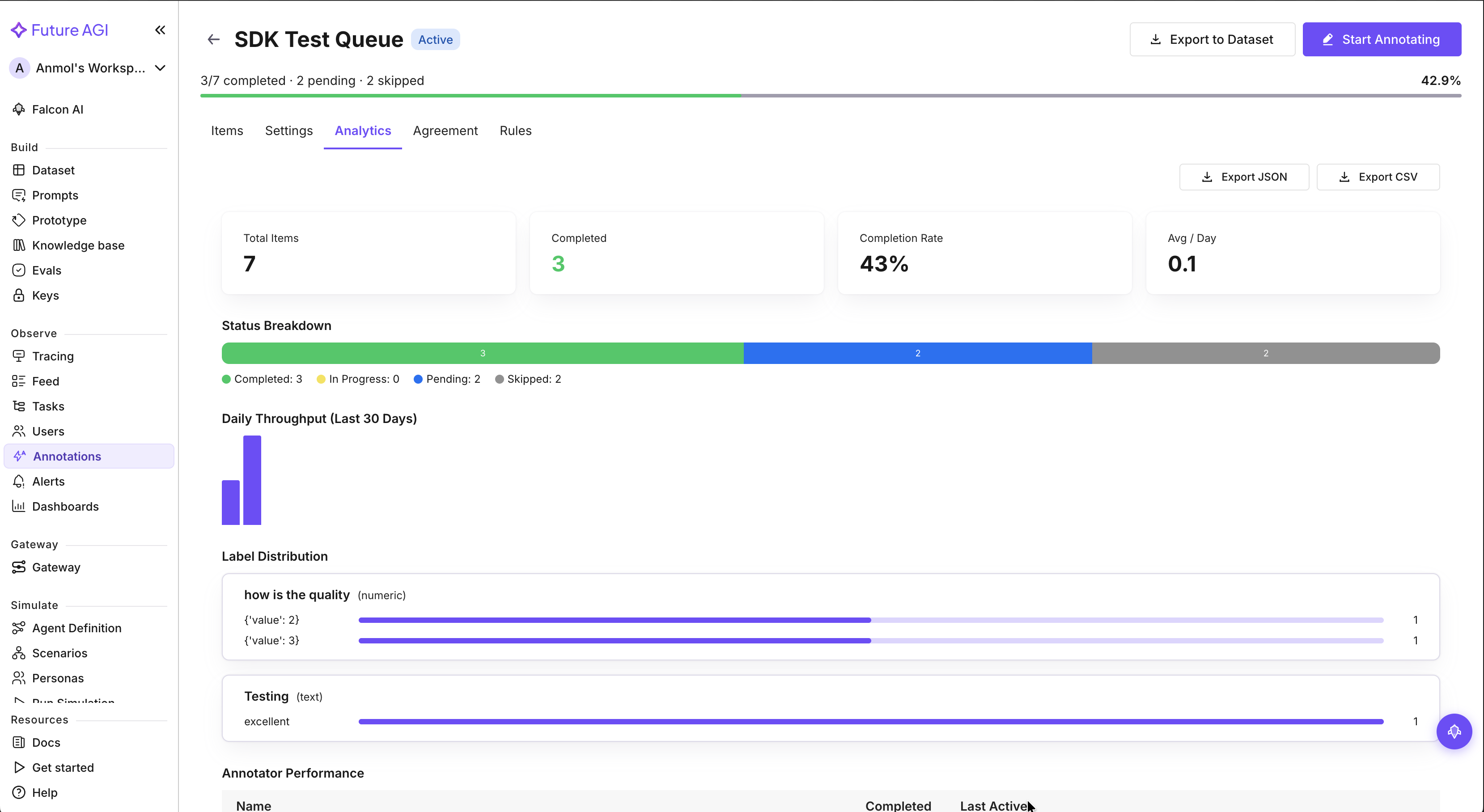
Automated evaluations catch systematic issues, but human review catches the subtle ones. The new annotations flow brings a complete human feedback workflow directly into the trace view.
Reviewers can now attach multi-label annotations to any span in a trace. Mark a response as “hallucinated,” “off-topic,” “tone mismatch,” or any custom label your team defines. Each annotation captures the reviewer, timestamp, and optional notes for context.
The workflow supports team collaboration with reviewer assignment and approval states. Route traces to specific team members for review, track which traces have been reviewed, and filter your annotation queue by status. With over 70 filter combinations available, you can slice your annotation data by label, reviewer, date range, model, and more.
This creates a powerful feedback loop: human annotations feed back into your evaluation datasets, improving your automated evals over time. The more your team reviews, the smarter your evaluation suite becomes.
Dataset and Experiment Upgrades
The dataset interface got a major layout refresh with the new sheet view. If you have ever wished your dataset editor felt more like a spreadsheet, this is it. Resizable columns, frozen headers, inline editing, and bulk operations make managing large datasets dramatically more efficient.
Diff view in experiments extends the comparison capabilities we shipped for datasets into the experiment workflow. Run two experiment configurations and see exactly how their outputs differ — highlighted inline with score comparisons and configuration deltas. This is invaluable when you are tuning prompts or testing model switches and need to understand the precise impact of each change.
Audio Support and Platform Improvements
Audio support is now native across the entire platform. Trace views render audio spans with inline playback, and dataset tables display audio cells with waveform previews. If you are building voice agents, you no longer need to leave the platform to hear what your agent actually said.
On the infrastructure side, we pushed rate limits up by 5x across all API endpoints. Teams running high-throughput production workloads were hitting limits during peak evaluation runs, and this increase gives substantial headroom for even the largest deployments. The synthetic data generation UI also received polish with better progress indicators and batch controls for large generation jobs.