Production Replay Testing in 2026: How to Simulate Real Sessions, Traces, and Calls
Synthetic test cases can't reproduce the bug a real user hit. Production replay reruns the exact session, trace, or voice call against your fixed agent.
Table of Contents
Originally published May 29, 2026.
A user had a bad conversation with your support agent on Tuesday. On turn four it called
issue_refundinstead ofcheck_status, and you only found out from the trace. You change the system prompt to fix it. Now the real question: did you fix it? You cannot re-run Tuesday’s conversation, because it happened in production and all you kept was a transcript in a logs table. So you write a synthetic test case that approximates it, watch that pass, and ship on faith.
That faith is the gap production replay testing closes. This post covers what replay is, why synthetic cases cannot reproduce real failures, and how to rerun the exact production session, trace, or voice call against your fixed agent, then keep it as a regression test.
What Is Production Replay Testing?
Production replay testing is the practice of rerunning a real production session, trace, or voice call against your changed agent, instead of testing on synthetic cases. You select the exact conversation that failed in production from your observability data, regenerate it as a simulation scenario, and run it end-to-end against your dev agent. Because the input is the real interaction a user actually had, it reproduces the failure synthetic test cases miss.
The closing move is that the replay is reusable. Save the replayed scenario into your regular runs and a one-off production bug becomes a permanent regression test, so the failure you just fixed cannot quietly come back.
Why Can’t Synthetic Test Cases Reproduce Production Failures?
Synthetic test cases are generated from a description of what you expect users to do. That makes them good at breadth and blind to specifics. The failure that actually broke production usually came from something you did not describe: an unusual phrasing, a rare context, a tool result you did not anticipate, a multi-turn history that set up the mistake.
The split worth keeping respects both. Generated scenarios cover the space you can imagine, and that coverage is real value. Replay covers the space you could not imagine, because production already found it for you. One is breadth, the other is the specific bug. You want both, and you reach for replay the moment a real interaction goes wrong and you need to reproduce exactly that, not something like it.
How Do You Replay a Production Session or Trace?
Replay builds on data you already have. With Observe capturing production sessions and traces, you select what to replay and the platform regenerates it as a scenario. The first choice is the unit:
| Replay type | What reruns | Use when |
|---|---|---|
| Session | All traces sharing a session_id, ordered by start time, as one multi-turn conversation | Reproducing failures that depend on conversation history |
| Trace | Each selected trace as a single-turn conversation, input to output | Reproducing individual calls or single-turn interactions in bulk |
The flow is five steps, none of which needs new instrumentation:
- Select production data and create a replay session with the
project_id, thereplay_type(sessionortrace), and either a list ofidsorselect_all. - Generate the scenario from the transcripts. You supply an
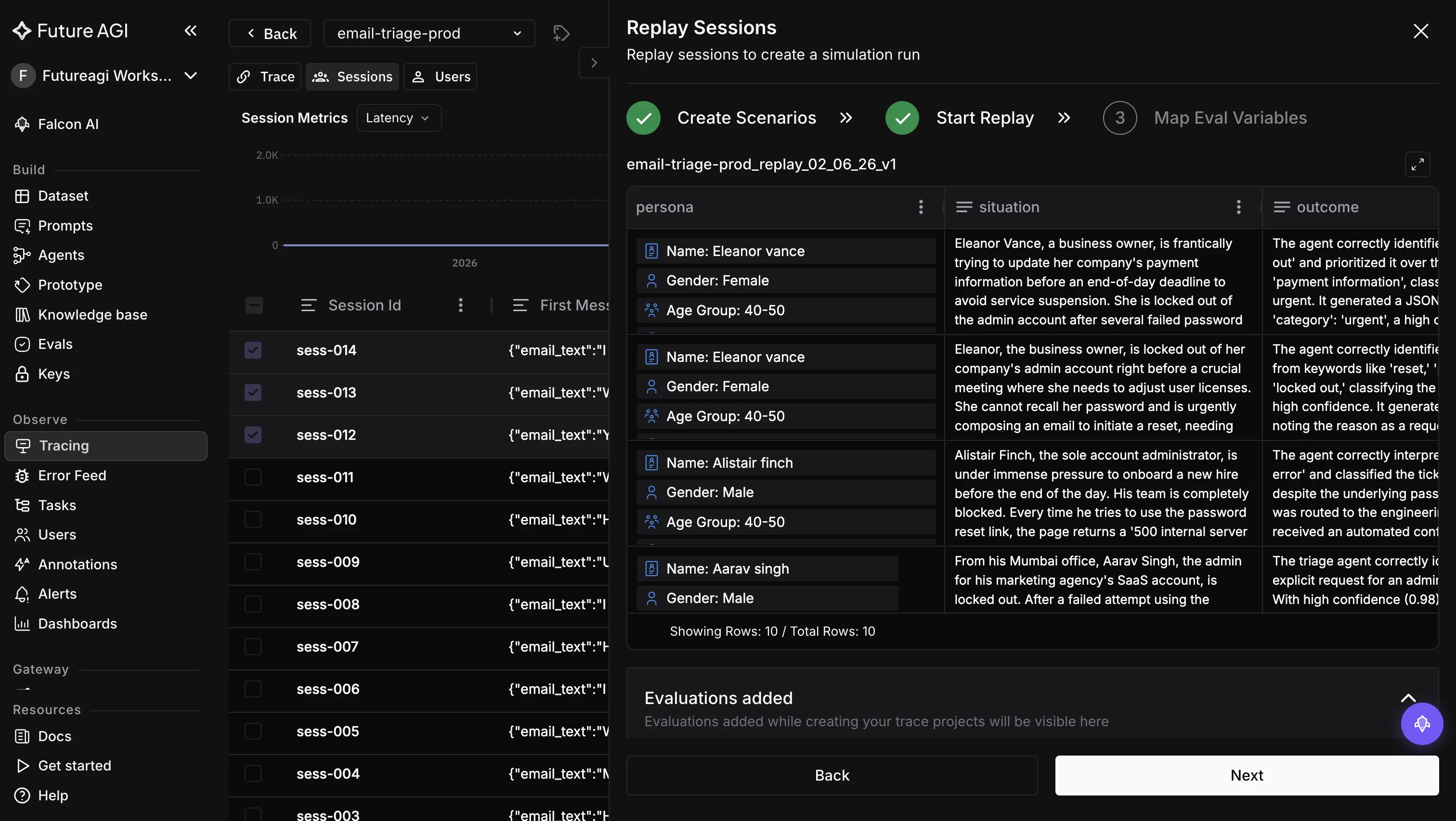
agent_nameandscenario_name, setagent_typetotextfor chat, and ano_of_rowscount (default 20). The platform creates or updates an agent definition and builds a graph scenario sourced from the production conversations. - Create a run test that uses the replay session’s agent definition and scenario, passing the
replay_session_idto link them. - Run the simulation from the UI or the chat simulation SDK, exactly like any other run.
- View results and iterate: change the agent, replay again, compare.
What you get back is the same result surface as any simulation: chat completion stats, system metrics (avg output tokens, latency, turn count, CSAT), aggregated eval scores, and a turn-by-turn transcript with a diff against the original production conversation. Because the scores attach to the run, you can layer trace-native evaluation on top to grade each replayed turn automatically.
How Does Voice Replay Differ?
Voice replay reruns real production voice calls, and it has to reconstruct more than a transcript. The platform extracts the original voice configuration, the system prompt, assistant settings, and provider config, from the production trace’s call log, then builds a voice agent definition with a snapshot matching the original call. From there it generates a scenario and reruns it through voice simulation.
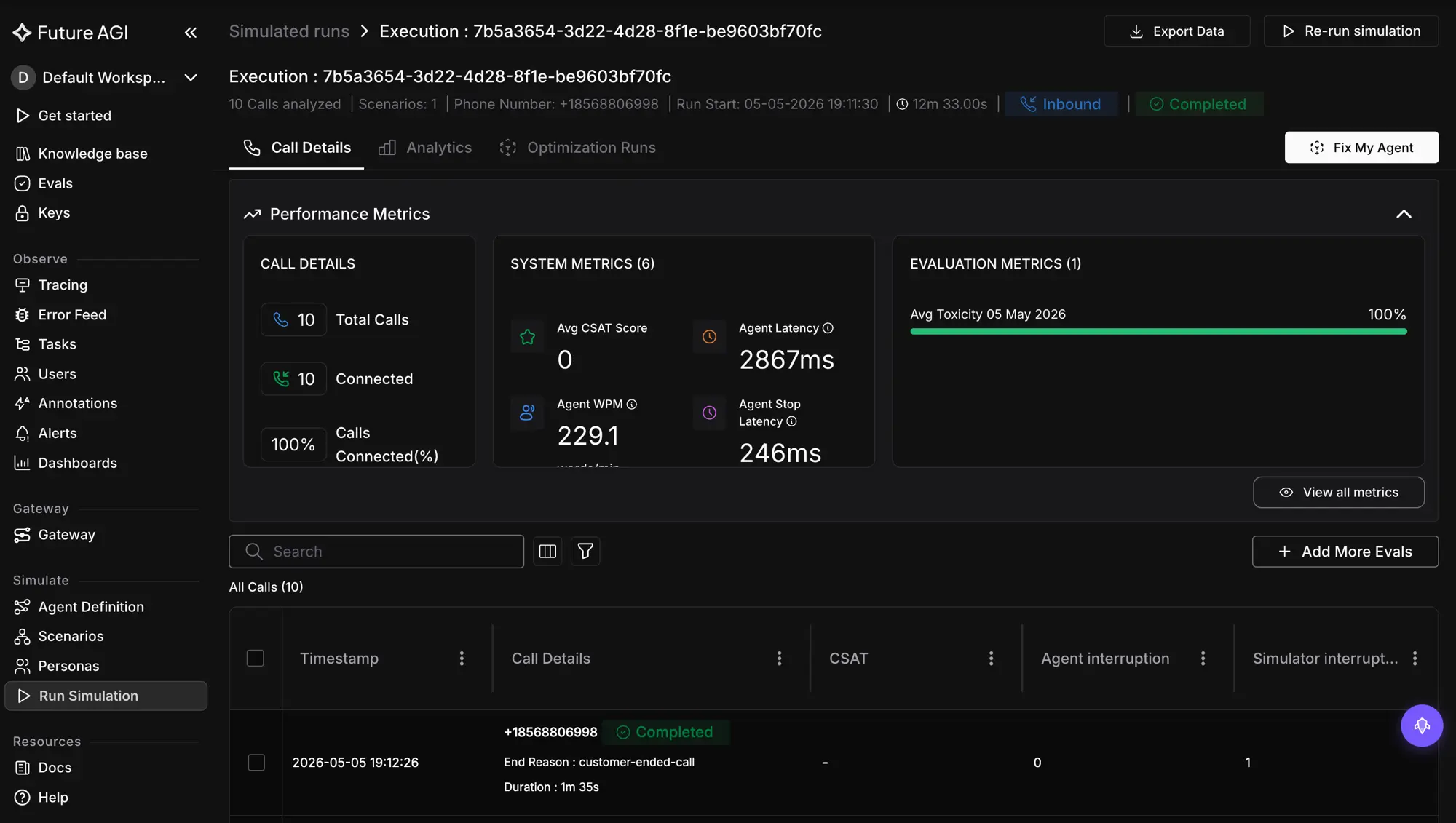
The results are richer because voice has more to compare. You get a side-by-side transcript comparison, a performance-metrics comparison, and audio playback of both the baseline production call and the replayed one, so a fix for a misheard order or a bad tone is something you can hear, not just read. Voice replay supports Vapi as the primary provider, with Retell supported for transcript comparison.
How Do You Turn a Replay Into a Regression Test?
The first replay reproduces the bug and proves the fix. The second value, the one that compounds, is keeping it. Because the replay produced a scenario generated from the real transcript, you save that scenario into your regular simulation runs and it becomes a permanent test case.
From then on, every prompt, model, or tool change runs against it. The Tuesday refund bug is no longer a thing you fixed and hope stays fixed; it is a scenario that fails loudly the moment a change reintroduces it. This is the difference between firefighting and a growing safety net: each production incident you replay adds one more real-world case to the suite, built from traffic instead of imagination.
How Does Production Replay Compare to Synthetic Scenarios?
| Dimension | Synthetic scenarios | Production replay |
|---|---|---|
| Source | Generated from a description | A real captured session or trace |
| Reproduces the exact failure | No, an approximation | Yes, the real interaction |
| Before/after comparison | None | Diff and metrics vs the original |
| Coverage | Breadth you can imagine | The specific case production found |
| Best for | Pre-ship breadth and edge generation | Debugging and regressing real incidents |
The two are complements, not rivals. Generate scenarios to cover the map; replay production to fix the spots the map missed.
Where It Falls Short
- It needs Observe in place first. Replay reruns data that observability captured, so production sessions and traces have to be flowing into the platform before there is anything to replay. The flip side is there is no new integration to add for replay itself.
- Voice replay is Vapi-first. Vapi is the primary supported provider for config extraction; Retell is supported for transcript comparison, with config extraction optimized for Vapi’s data structure.
- It reproduces, it is not the original runtime. Replay reruns the captured conversation against your dev agent, so it is as faithful as the trace you captured. Instrument well, and the replay is close; instrument thinly, and you replay less than happened.
Why Replay Belongs in Your Testing Loop
The bugs that matter most are the ones you did not predict, and by definition your synthetic tests did not cover them either. Production already ran the experiment that found them; replay is how you get the result back into your dev loop instead of leaving it in a logs table. Rerun the real session against the fix, compare it turn by turn to what shipped, and keep the scenario so it guards the fix forever. The conversation that broke on Tuesday becomes the test that protects you on every Tuesday after.
Want to rerun the exact session that broke in production? Connect Future AGI Observe and use Replay to turn a real session, trace, or voice call into a simulation you can fix against and keep.
Sources
Frequently Asked Questions
What is production replay testing?
How is replaying production different from synthetic test data?
What is the difference between replaying a session and a trace?
Can you replay production voice calls?
How do you turn a production failure into a regression test?
Do you need a new integration to replay production data?
Wire voice agent regression tests into GitHub Actions and GitLab CI: golden conversations, three-layer testing, deploy gates, FAGI evals.

Engineer voice agent simulation: 18 personas, auto-generated branching scenarios, four-step test wizard, Error Localization, programmatic eval API.

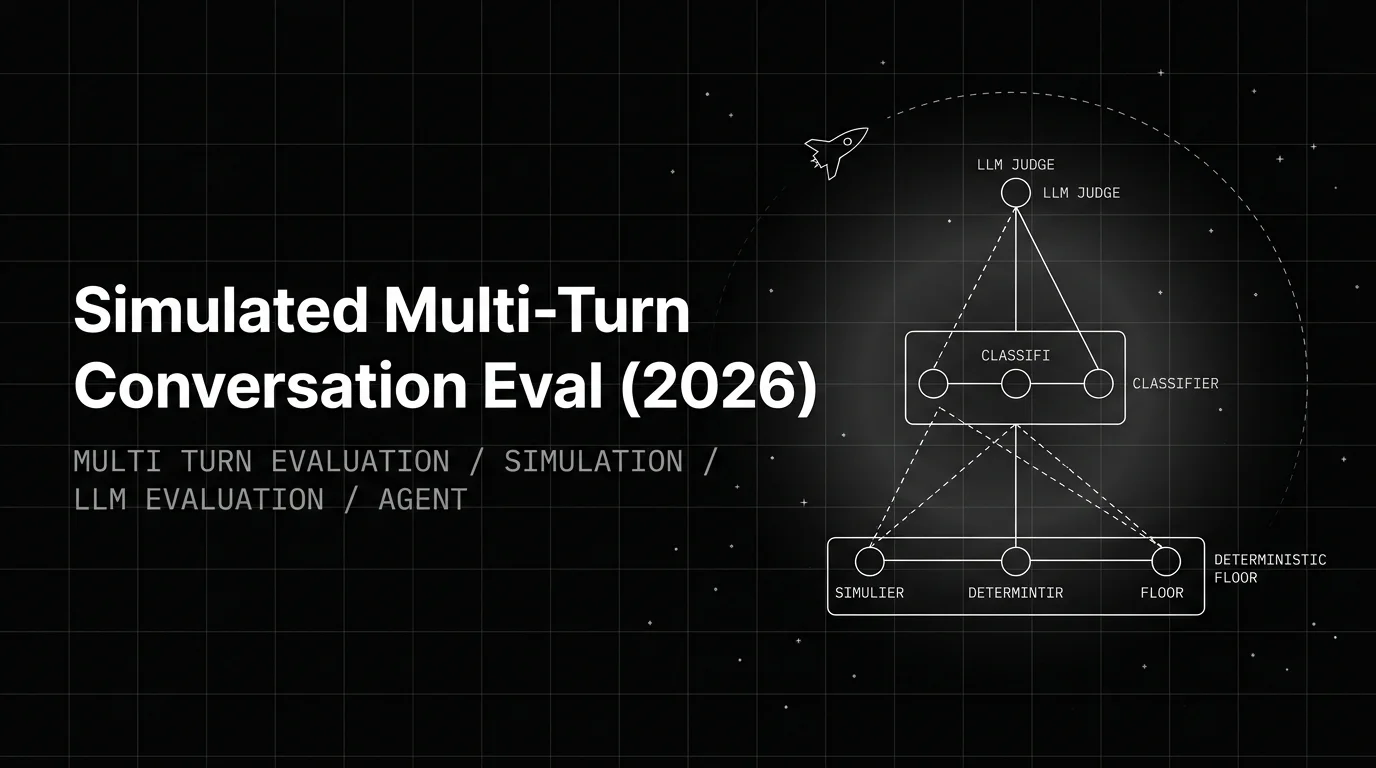
Build a simulated multi-turn eval that catches real failures: the Persona-Scenario-Adversary triangle, FAGI simulate-sdk patterns, trajectory scoring.
