Best Prompt Optimizer for Your Stack: Free vs Paid vs Open Source
Prompt optimizers split into three real license tiers, not one ranked list. Here's what each tier actually costs you, by team size and budget.
Table of Contents
Free, paid, and open source are not price points on one list. They are three different sets of tradeoffs, and picking the wrong one costs more than a subscription fee.
Most “best prompt optimizer” roundups rank ten tools on one scale, as if a solo developer and a 40-person ML platform team need the same thing. They don’t. A free tier caps your usage. A paid tier removes the cap but locks your prompts inside someone else’s product. An open source tool gives you the code but hands you the hosting bill in engineering hours instead of dollars.
This piece skips the single ranked list. It sorts real prompt optimizers into the three tiers that actually determine what you’re signing up for, then matches each tier to the team size and budget it fits. For a broader tool-by-tool rundown, our top 10 prompt optimization tools guide covers more vendors head to head, and our best prompt IDE tools comparison is the place to look if your bottleneck is the editor and versioning workflow rather than the optimizer itself.
Every tool named here was checked against its own docs, pricing page, or GitHub license file before being placed in a tier. Where pricing changed recently or conflicted across sources, that’s called out directly instead of averaged into a guess. Treat this as a starting shortlist, then confirm current numbers on the vendor’s site before you commit a budget line to it.
What “Free,” “Paid,” and “Open Source” Actually Mean for a Prompt Optimizer
These three words get used loosely, and the mix-up causes real budgeting mistakes. Free means no cost today, usually with a usage cap and a vendor-hosted backend you don’t control. Paid means no cap, a support contract, and your prompts living on someone else’s infrastructure by default.
Open source is a different axis entirely. It means the optimization code is public and you can self-host it, whether or not a paid managed version also exists. DSPy is free and open source at once. Vellum is paid but not open source. Opik is open source with an optional paid managed tier layered on top. Treat these as three separate questions, not one sliding scale.
A fourth question sits underneath all three: who owns the optimization run itself. A self-hosted open source tool keeps every candidate prompt, every score, and every trace on your own infrastructure. A vendor-hosted tool, free or paid, keeps that data on theirs, governed by whatever retention and export policy is in their terms of service that week.
Free and Open Source Prompt Optimizers
Free and open source tools dominate this category because most optimization research shipped as open code first. DSPy, built at Stanford, is MIT-licensed and free. It treats a pipeline as a program you compile against a metric, and optimizers like MIPROv2 and BootstrapFewShot search the prompt and demonstration space automatically.
Opik, from Comet, is Apache 2.0 licensed and fully self-hostable. Its Agent Optimizer module tunes prompts against datasets and traces you already log, so there’s no separate data pipeline to build before optimization can start. It’s a strong fit for teams already using Opik for evaluation, since the optimizer reuses infrastructure you’ve already set up rather than asking for a second, parallel system.
Helicone is also Apache 2.0 and open source, built primarily as an LLM proxy with logging, but its Auto-Improve feature in the Prompt Editor runs a semantic analysis over your prompt text and suggests rewrites sentence by sentence. Helicone’s free Hobby tier covers 10,000 requests and 1 GB of storage before usage-based billing kicks in on its hosted version, though the self-hosted deployment carries no such cap.
Two more open source names worth knowing: Latitude, licensed under LGPL-3.0, focuses on prompt management with optimization features layered on, and Agenta, also open source, leans toward variant testing and evaluation with an optimization workflow built around it. Neither has the algorithmic depth of DSPy or Opik’s optimizer module, but both are worth a look if prompt versioning matters as much as the optimization step itself.
The common thread across this tier: you get the algorithm for free, but you supply the compute, the hosting, and the engineer who reads the DSPy or Opik documentation closely enough to wire it into your stack. That’s a real cost, just not a billed one. Budget a few days of engineering time before the first optimization run produces anything usable, not a few hours.
Paid Prompt Optimization Platforms
Paid platforms trade that setup time for a managed workspace, a UI non-engineers can use, and a support line when something breaks. Vellum offers a free tier capped at a small number of daily executions, with paid plans adding higher limits, a platform fee, and enterprise features like SSO. Check current tier pricing directly before committing, since usage-based platforms revise limits often.
Not Diamond ships prompt optimization as a paid API feature layered on top of its model-routing product, aimed at teams already routing traffic across multiple LLM providers who want optimization included rather than bolted on separately.
Worth flagging directly: PromptPerfect, one of the more visible paid, closed-source optimizers, is shutting down on September 1, 2026, following Jina AI’s acquisition by Elastic in October 2025. New signups closed in June 2026, and stored prompts are scheduled for permanent deletion on October 1, 2026. It’s the clearest recent example of the specific risk a closed, vendor-hosted paid tool carries: when the vendor’s priorities shift, your workspace can disappear on their timeline, not yours.
That risk doesn’t make every paid tool a bad bet. It does mean an export path and a data-ownership check belong in the evaluation, not just a features list. Ask a vendor directly what happens to your prompt history if you cancel, and get the answer in writing before the contract, not after.
Paid platforms also tend to bundle optimization with adjacent features you’d otherwise stitch together yourself: version diffing, side-by-side A/B testing, and role-based access for non-engineering teammates. That bundling is the real value proposition, more than the optimization algorithm underneath, since most vendors implement similar search techniques to the open source options above.
Free vs Paid vs Open Source: Comparison Table
| Tool | License Tier | Cost | Self-Hostable | Best For |
|---|---|---|---|---|
| DSPy | Open Source (MIT) | Free | Yes | Teams building programmatic pipelines who want full control |
| Opik (Comet) | Open Source (Apache 2.0) | Free, paid managed tier available | Yes | Teams already logging traces who want optimization built in |
| Helicone | Open Source (Apache 2.0) | Free up to 10K requests, paid beyond | Yes | Teams that want proxy logging and prompt suggestions together |
| Vellum | Paid | Free tier, paid plans + platform fee | Partial (OSS core, hosted platform) | Teams that want a managed UI without building one |
| Not Diamond | Paid | Usage-based API pricing | No | Teams already using Not Diamond for model routing |
| PromptPerfect | Paid (shutting down Sept 2026) | Was tiered subscription | No | Not recommended for new adoption |
Which Tier Fits Your Team? A Decision Matrix by Size and Budget
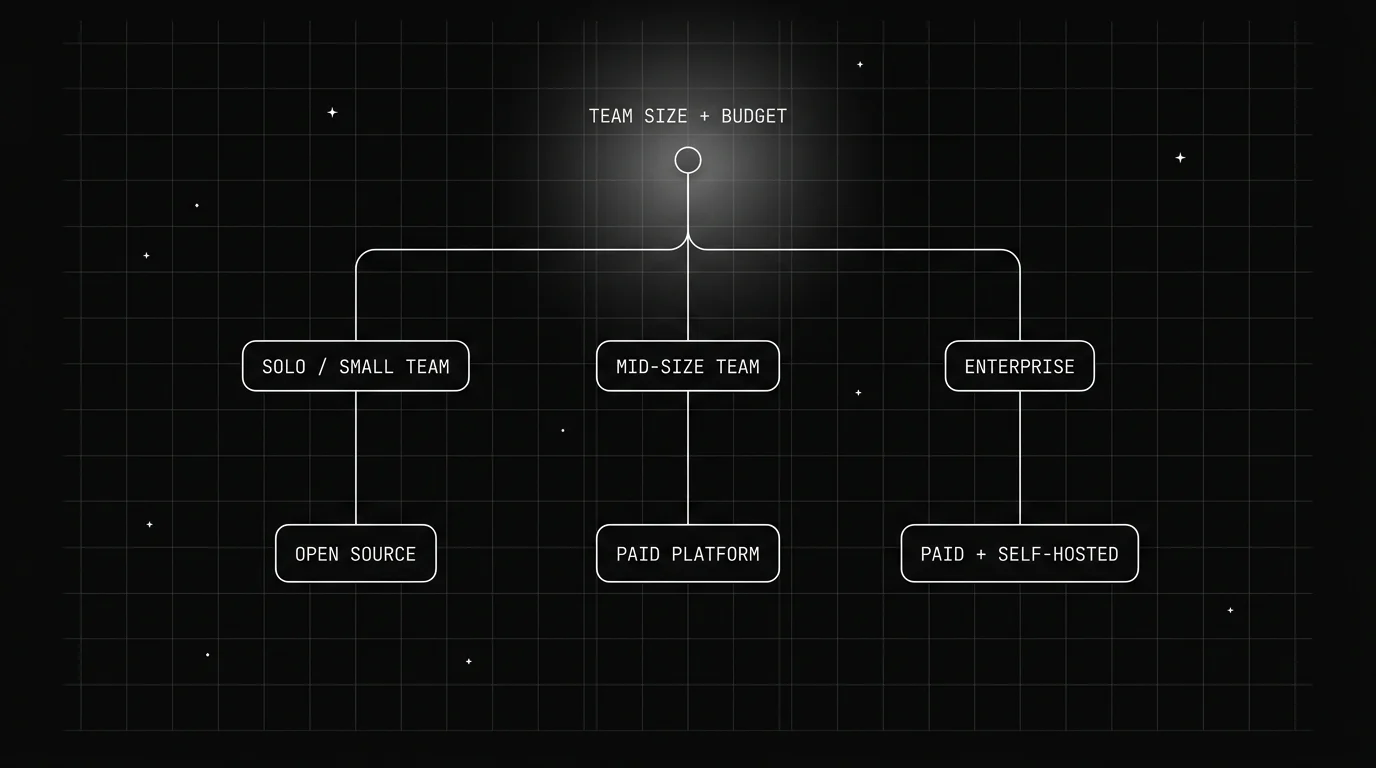
Team size and budget matter more than feature checklists here, because the hidden costs land differently depending on headcount. A solo developer absorbs setup time easily but can’t absorb a support contract. A 50-person platform team has the opposite constraint: engineering time is expensive and a support contract is a rounding error next to payroll.
Use the table below as a starting filter, not a final answer. A team can genuinely fit two rows at once, like a mid-size team that’s also regulated, in which case the stricter row wins.
| Team Profile | Budget Signal | Recommended Tier | Why |
|---|---|---|---|
| Solo developer / indie builder | Near-zero tooling budget | Free/OSS (DSPy) | No subscription, and one person can own the setup |
| Small startup team (2-10 eng) | Some budget, no dedicated MLOps hire | OSS with managed option (Opik) | Get the code for free, pay only if hosting becomes a burden |
| Mid-size product team (10-50 eng) | Budget for tooling, values support | Paid platform (Vellum-tier) | UI and support offset the cost of engineer time on internal tooling |
| Enterprise / regulated industry | Compliance and SLA requirements | Paid enterprise or self-hosted OSS | SOC 2, SSO, and audit trails matter more than sticker price |
| Teams already on a model router | Consolidation over new tools | Paid add-on (Not Diamond-style) | Optimization bundled into existing spend beats a new vendor |
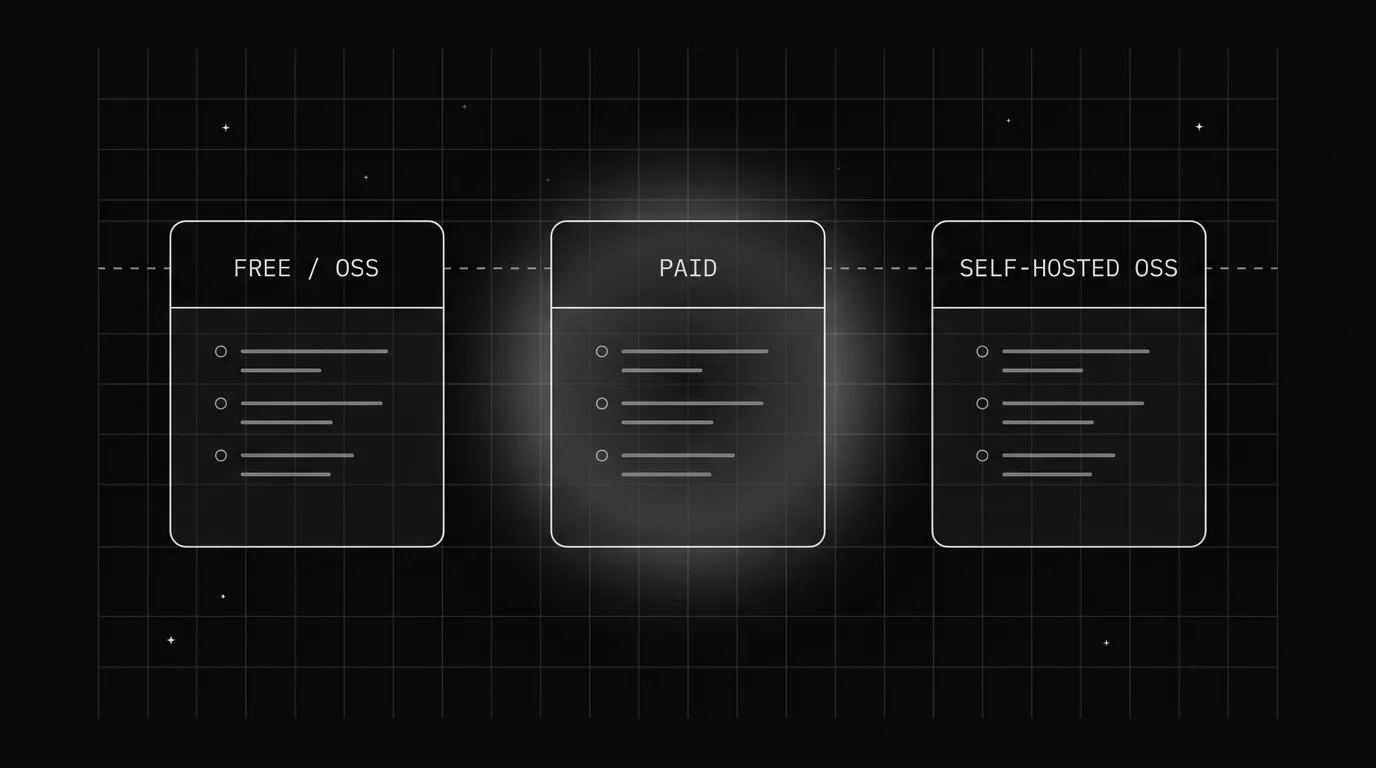
What Open Source Costs You That the License Doesn’t Mention
A free license doesn’t mean a free rollout. Someone still has to deploy DSPy or Opik, wire it into your CI pipeline, and keep it updated when the upstream repo ships a breaking change. For a two-person team, that’s a real week of engineering time, not a checkbox.
Self-hosting also means you own the failure modes. If your optimizer’s job queue backs up during a large batch run, there’s no vendor support ticket to file. You read the logs yourself, because you’re the only one with access to the deployment.
None of this is an argument against open source. It’s an argument for counting engineer-hours as a real line item next to the “$0” license cost before deciding a free tool is actually the cheaper option for your specific team.
The math flips for teams that already run their own infrastructure for other reasons. A platform team that already operates a Kubernetes cluster for model serving barely notices adding one more self-hosted service. A team with no existing infrastructure footprint feels that same cost far more directly, since it’s the first ops burden they’re taking on rather than the fifth.
How Do You Know a Paid Tier Is Worth It?
The honest test is whether the managed UI and support actually save more engineering time than the subscription costs. If your team already has someone comfortable in Python and reading traces, a paid platform is often solving a problem you don’t have.
If your team is mostly product managers and prompt writers without engineering backgrounds, a paid tool’s UI removes a real barrier. The same applies to compliance: SOC 2 or HIPAA support from a vendor is faster to get than building it into a self-hosted stack from scratch.
Watch vendor stability as part of that calculation too. PromptPerfect’s shutdown shows that “paid” doesn’t automatically mean “durable.” Ask about data export, uptime history, and company funding status before signing an annual contract, the same way you’d vet any other infrastructure vendor.
Common Mistakes Teams Make Picking a Tier
The most common mistake is picking based on the marketing page instead of the actual optimization algorithm underneath. Two tools can both claim “automated prompt optimization” while one runs a real search loop against a metric and the other just suggests manual edits from an LLM with no scoring step at all.
The second mistake is ignoring where the golden dataset lives. A prompt optimizer is only as good as the examples it scores candidates against, and that dataset needs the same ownership scrutiny as the tool itself. A paid platform that stores your golden set in a proprietary format makes switching tools later far more expensive than the subscription fee suggests.
The third mistake is treating the decision as permanent. Teams grow, budgets change, and a free open source tool that fit a five-person team can become a maintenance burden at fifty. Revisit the tier choice on a schedule, the same way you’d revisit any other vendor contract, instead of defaulting to whatever was picked at launch.
Future AGI
Future AGI’s platform is Apache 2.0 licensed and open source, which means the optimize-evaluate-observe loop described below can be self-hosted or run as a managed service, without a separate rebuild for each option. Its Optimize module runs six prompt-optimization algorithms, including Bayesian search, meta-prompting, and GEPA, against a dataset you define, which can itself be pulled from failing or low-score production traces rather than built as a separate, static test set from scratch.
That dataset-and-trace loop connects to custom evals you define for your own use case, instead of a fixed scoring rubric that doesn’t match what your application actually does. A RAG pipeline and a customer-support agent need different failure signals, and custom evals let each team score against the metric that matters for their workload specifically.
Because Optimize, evaluation, and OpenTelemetry-native tracing sit in one platform, a candidate prompt’s score and its production trace stay linked. That closes the gap the free/OSS and paid tiers above each solve only half of on their own: OSS tools hand you the algorithm without the managed workspace, and paid tools hand you the workspace without letting you own the evaluation logic underneath it.
The license itself is part of the pitch too. Being Apache 2.0 means a team that starts on the managed version isn’t locked out of self-hosting later if budget or compliance requirements change, and a team that starts self-hosted can move to the managed tier without a data migration. That flexibility maps directly onto the tier-switching problem this guide keeps coming back to: teams change size and constraints, and the tooling should be able to move with them instead of forcing a rebuild.
Conclusion
Free, paid, and open source aren’t tiers on a quality ladder. They’re three different bets about who does the work: you, a vendor, or a mix of both depending on whether you self-host an open source tool or pay for its managed version.
A solo builder with Python skills loses nothing by starting with DSPy. A team that needs a UI for non-engineers and a support line probably comes out ahead paying for one, as long as the vendor’s stability checks out first. Match the tier to your team’s actual constraints, not to whichever tool ranked first on someone else’s list, and revisit the choice as your team and budget change.
Start by writing down two numbers before you evaluate a single tool: how many engineering hours your team can spend on setup this quarter, and how much monthly budget exists for a subscription if setup time runs out. Those two numbers, more than any feature comparison, point to the right tier faster than reading another roundup will.
Frequently Asked Questions
Is DSPy free to use for prompt optimization?
What is the difference between a free prompt optimizer and an open source one?
Which prompt optimizer is best for a small team on a tight budget?
Do paid prompt optimization tools work better than open source ones?
What happens if a paid prompt optimizer shuts down?
Top 10 prompt optimization tools in 2026 ranked: FutureAGI, DSPy, TextGrad, PromptHub, PromptLayer, LangSmith, Helicone, Opik, DeepEval, Prompt Flow.

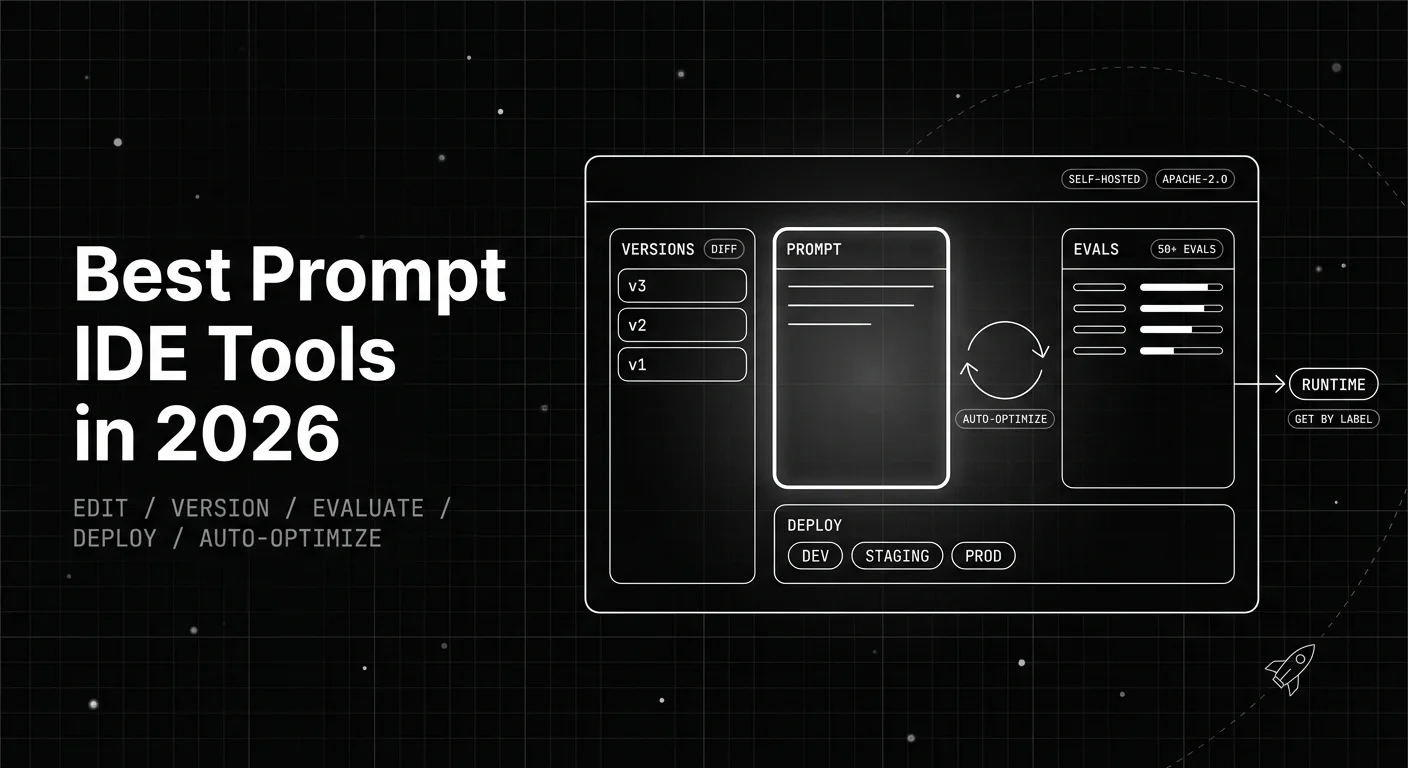
The 6 best prompt IDE tools in 2026, ranked on the editor, variables, side-by-side testing, versioning, and evaluation together in a single workspace.

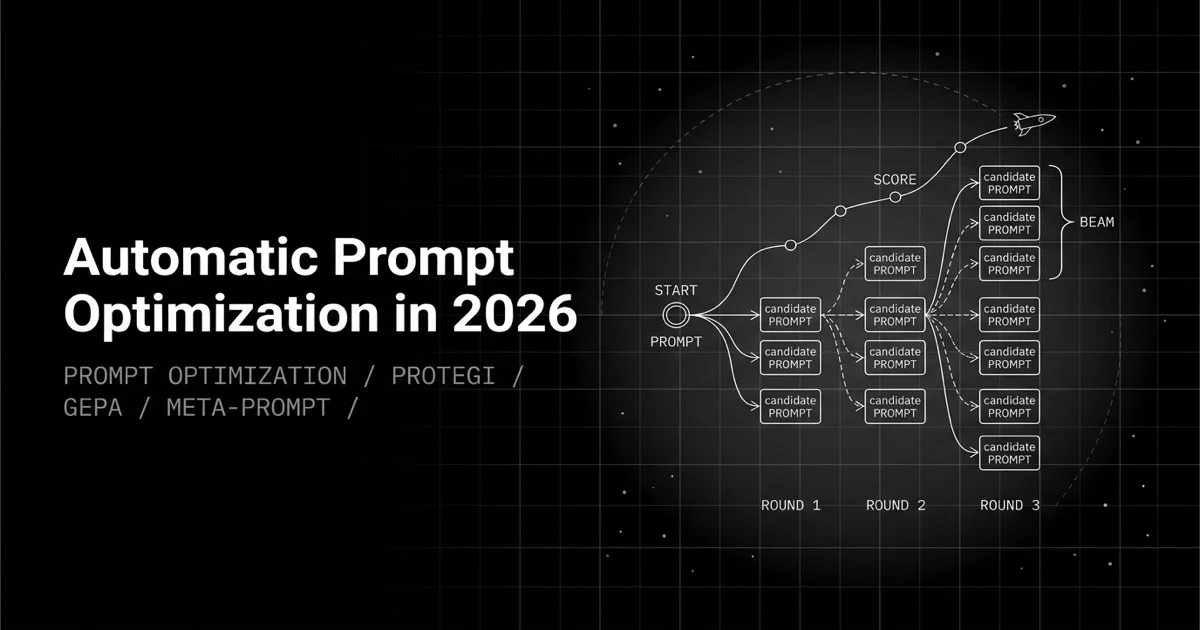
Automatic prompt optimization explained: textual gradients (ProTeGi), score trajectories (OPRO), genetic evolution (GEPA), meta-prompting, and how to pick one.