Scenarios vs Synthetic Data in 2026: Why Testing an Agent Isn't Generating Rows
Synthetic data is static rows you score once. A scenario is a multi-turn conversation your agent has to navigate. Here is the difference and when each fits.
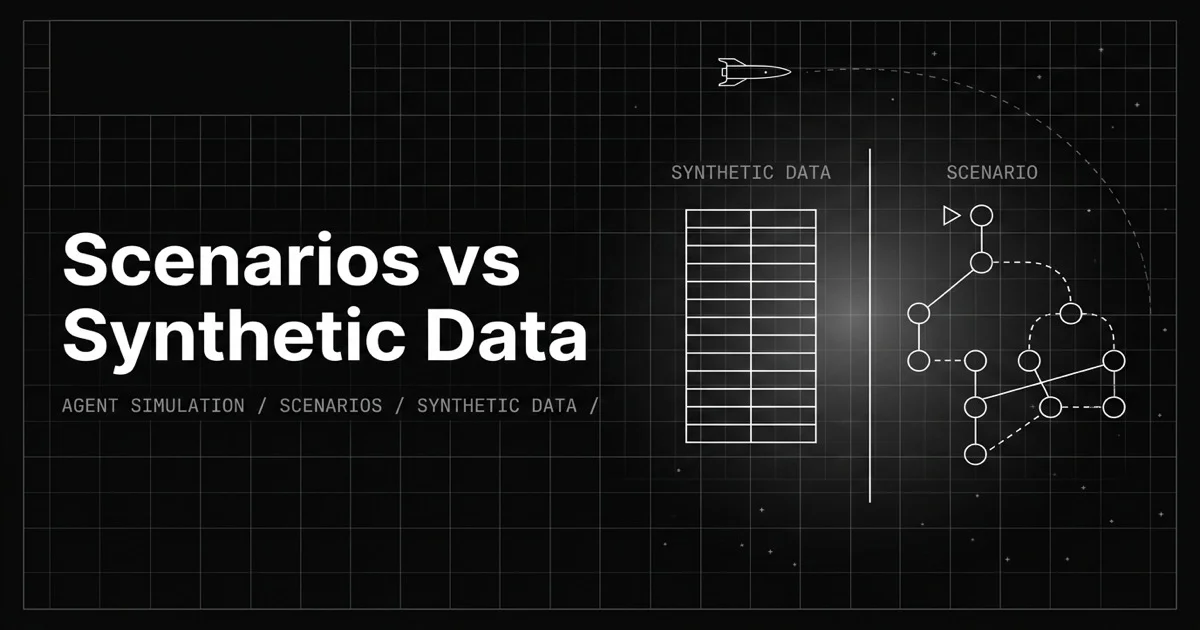
Table of Contents
Originally published May 29, 2026.
“We test our agent on synthetic data” is a sentence that sounds rigorous and quietly isn’t, for one reason: synthetic data is rows, and an agent is not a row. You can generate ten thousand input-output pairs and score your model on every one, and still have tested nothing about whether the agent recovers when a tool errors on turn three, keeps context across a six-turn conversation, or stops looping when the user gets frustrated. Those are behaviors, and behaviors do not live in a static row.
This post draws the line. What a scenario is versus what synthetic data is, why a multi-turn agent needs the former, and where synthetic data still fits, including inside scenarios.
What Is the Difference Between a Scenario and Synthetic Data?
Synthetic data is static content; a scenario is executable behavior. Synthetic data is generated rows, inputs and often expected outputs, that you score a model against once, with no interaction. A scenario is a multi-turn test case that drives a live simulation against your agent: it carries personas, situations, and success criteria, plus a conversation flow the agent has to navigate turn by turn.
The test is simple. If it is a row you evaluate after the fact, it is synthetic data. If it is a conversation your agent has to handle as it unfolds, it is a scenario. They are complementary, and conflating them is how teams ship agents that ace the dataset and fail the conversation.
Why Can’t Synthetic Rows Test a Multi-Turn Agent?
Synthetic data answers one shape of question: given this input, is the output good? That is a real and useful question for a single model response. It is the wrong shape for an agent, because an agent’s quality is mostly in what happens between turns.
Consider what only appears across an unfolding interaction: whether the agent picks the right tool and recovers when it fails, whether it holds context from turn one to turn five, whether it stops looping at the right step, whether it actually reaches the user’s goal. The cleanest source of those interactions is real production conversations replayed as tests, but generated scenarios cover the cases production has not hit yet. None of these is visible in an input-output pair, because each is a property of the trajectory, not of any single response. A static row has no trajectory, so it cannot exercise the part of the agent most likely to break. You need something the agent plays through.
What Is a Scenario, Concretely?
A scenario is built from three things a row does not have:
- Personas: who the simulated user is and how they behave (an impatient customer, a confused first-timer), so the agent faces a realistic counterpart instead of a fixed string.
- Situations: the context and circumstances the conversation happens in.
- Outcomes: the expected result and success criteria, so the simulation can be scored.
On top of those, a scenario carries a conversation flow, often a branching graph, that defines how the interaction can unfold, including the off-script turns. When you run tests, the scenario drives a voice or chat simulation against your agent, and each run is scored automatically. That is the difference in one line: synthetic data is the input you grade; a scenario is the conversation your agent has to survive.
How Do You Generate Scenarios?
Future AGI builds scenarios four ways, and only one of them is “generate data”:
- Workflow Builder: build or auto-generate a conversation flow as a visual graph with multiple paths and branches, for comprehensive suites.
- Dataset: build scenarios from an uploaded file, a sample dataset, or generated synthetic data.
- Upload Script: paste a customer-and-agent call script; the system parses it into a graph and derives personas, situations, and outcomes.
- Call/Chat SOP: define a standard operating procedure, and the system turns it into a graph and scenario rows.
All four produce the same artifact: a scenario with a flow and a table of concrete test cases (the personas, situations, and outcomes) that drive simulations. Notice that synthetic data shows up as one option inside the Dataset path, which is the cleanest evidence that it is an ingredient, not the dish.
Where Does Synthetic Data Actually Fit?
Synthetic data is not the loser in this comparison; it is a different tool with two real jobs. First, it feeds scenarios: the Dataset path generates records, with demographics, objection patterns, and other attributes, that become the rows a scenario runs, giving you breadth of personas and situations without hand-writing each. Second, it stands alone for offline evaluation of single responses, where scoring outputs against a reference at volume is exactly what you want.
So the relationship is not scenario versus synthetic data in every case. For single-turn response quality, synthetic data is the right tool by itself. For agent behavior, synthetic data often populates the scenarios that do the actual testing. The mistake is only using synthetic data alone and calling it agent testing.
Scenario vs Synthetic Data at a Glance
| Dimension | Synthetic data | Scenario |
|---|---|---|
| What it is | Static rows (input, expected output) | An executable multi-turn test case |
| Interaction | None, scored after the fact | Agent plays through it, turn by turn |
| Tests | Single-response quality | Behavior: recovery, memory, goal-completion |
| Structure | Rows in a table | Personas, situations, outcomes, a flow graph |
| How it runs | Evaluated offline | Drives a voice or chat simulation |
| Relationship | Can populate a scenario | Can be seeded by synthetic data |
Why the Distinction Changes How You Test
If you only remember one thing: testing an agent is not generating rows. Synthetic data is indispensable for breadth and for single-response evaluation, and it is a fine way to populate test cases. But the failures that take agents down in production are interactive, the dropped context, the bad recovery, the loop, and those only appear when the agent has to play a conversation through. A scenario is that conversation made into a repeatable, scored test, and pairing it with multi-turn evaluation is how you measure the behavior a row can never show.
Want to test the conversation, not just the rows? Build a scenario in Future AGI Simulate and run your agent through a multi-turn interaction it actually has to navigate.
Sources
Frequently Asked Questions
What is the difference between a scenario and synthetic data?
Can synthetic data test a multi-turn agent?
How do you create a scenario in Future AGI?
Where does synthetic data fit in agent testing?
What makes a scenario more than a test input?
Should you use scenarios or synthetic data for voice agents?
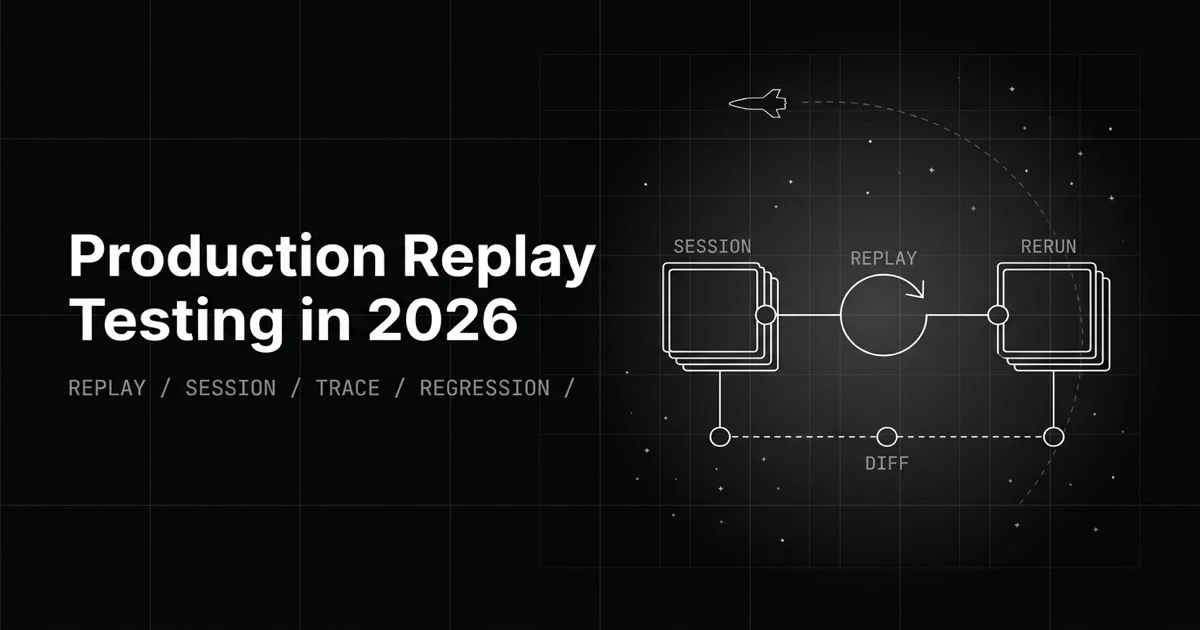
Synthetic test cases can't reproduce the bug a real user hit. Production replay reruns the exact session, trace, or voice call against your fixed agent.
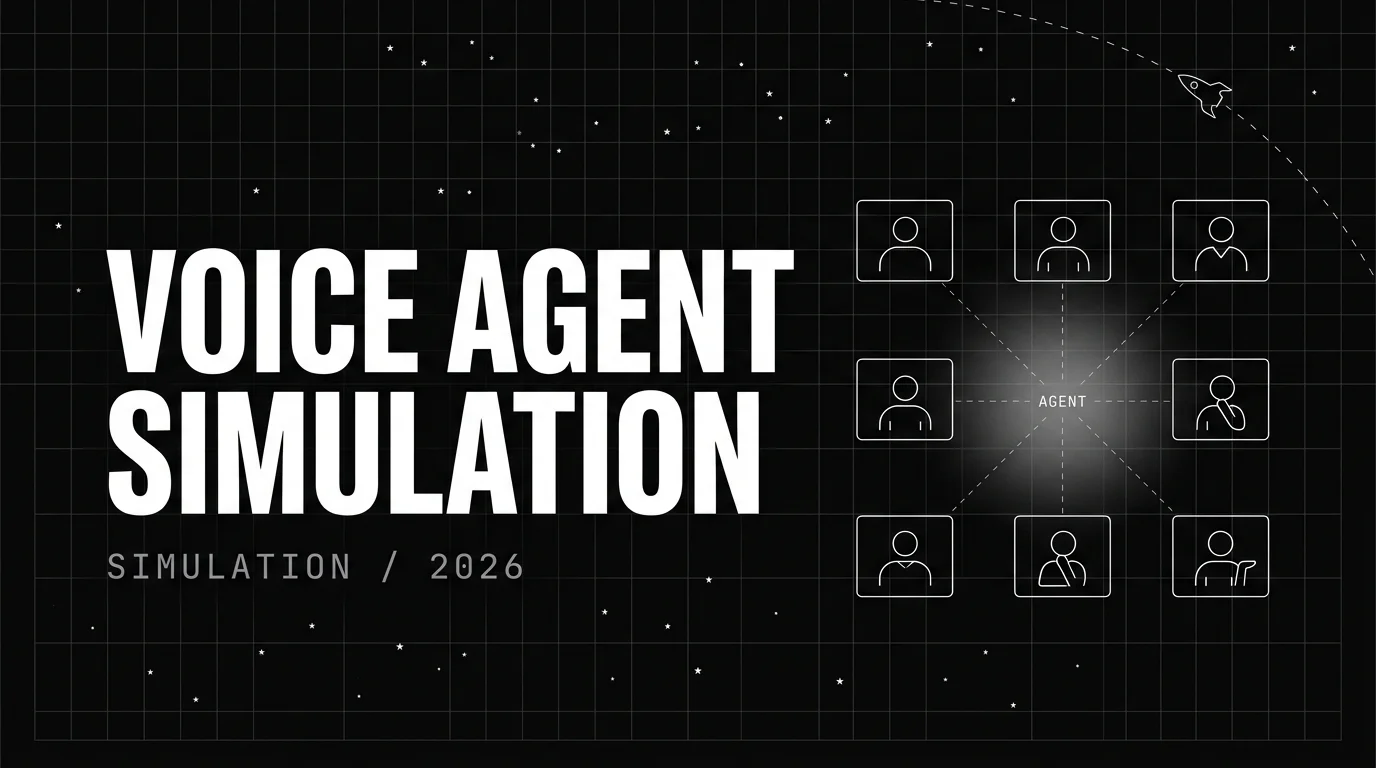
Engineer voice agent simulation: 18 personas, auto-generated branching scenarios, four-step test wizard, Error Localization, programmatic eval API.

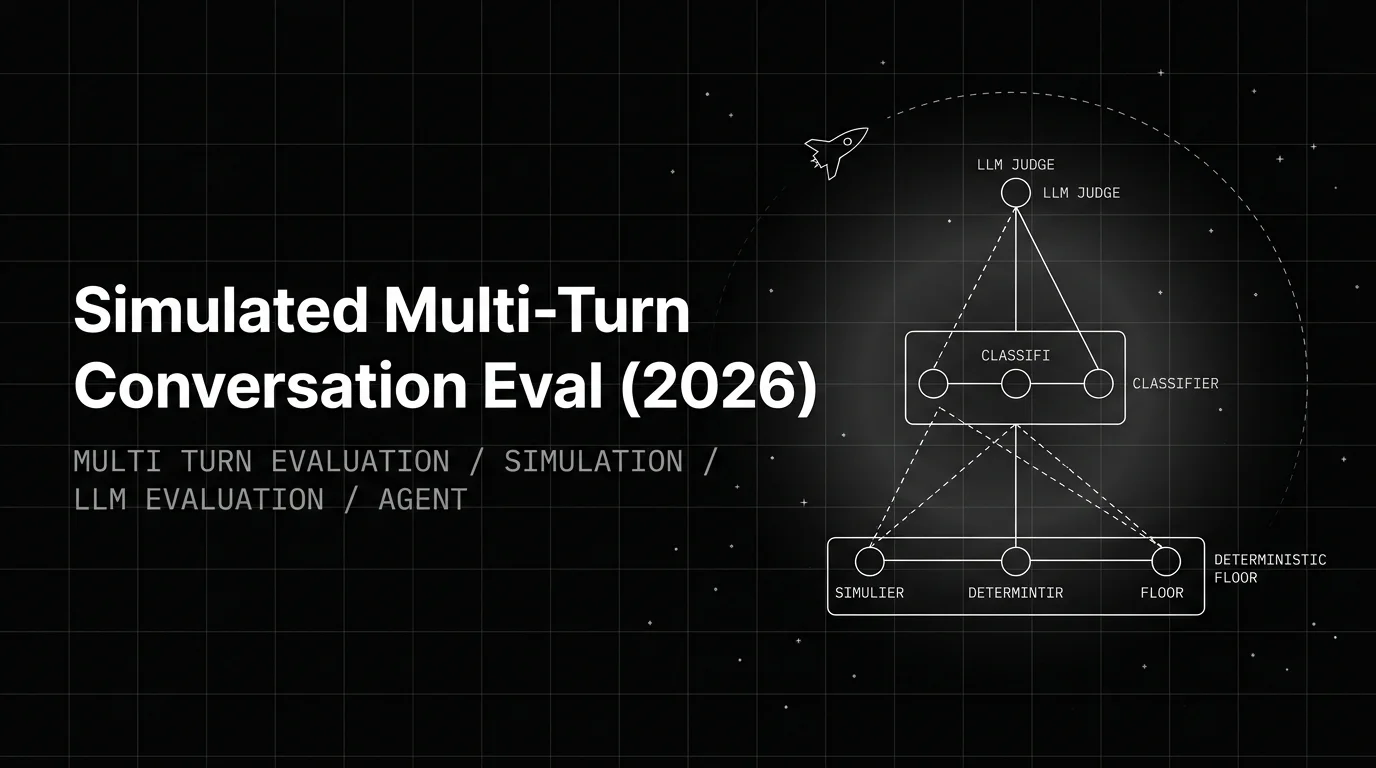
Build a simulated multi-turn eval that catches real failures: the Persona-Scenario-Adversary triangle, FAGI simulate-sdk patterns, trajectory scoring.
