Why Your AI Agent Gets Stuck in a Loop (and How to Fix It)
Why AI agents get stuck repeating the same action, the three root causes behind it, and the fixes that actually stop the loop instead of just delaying it.
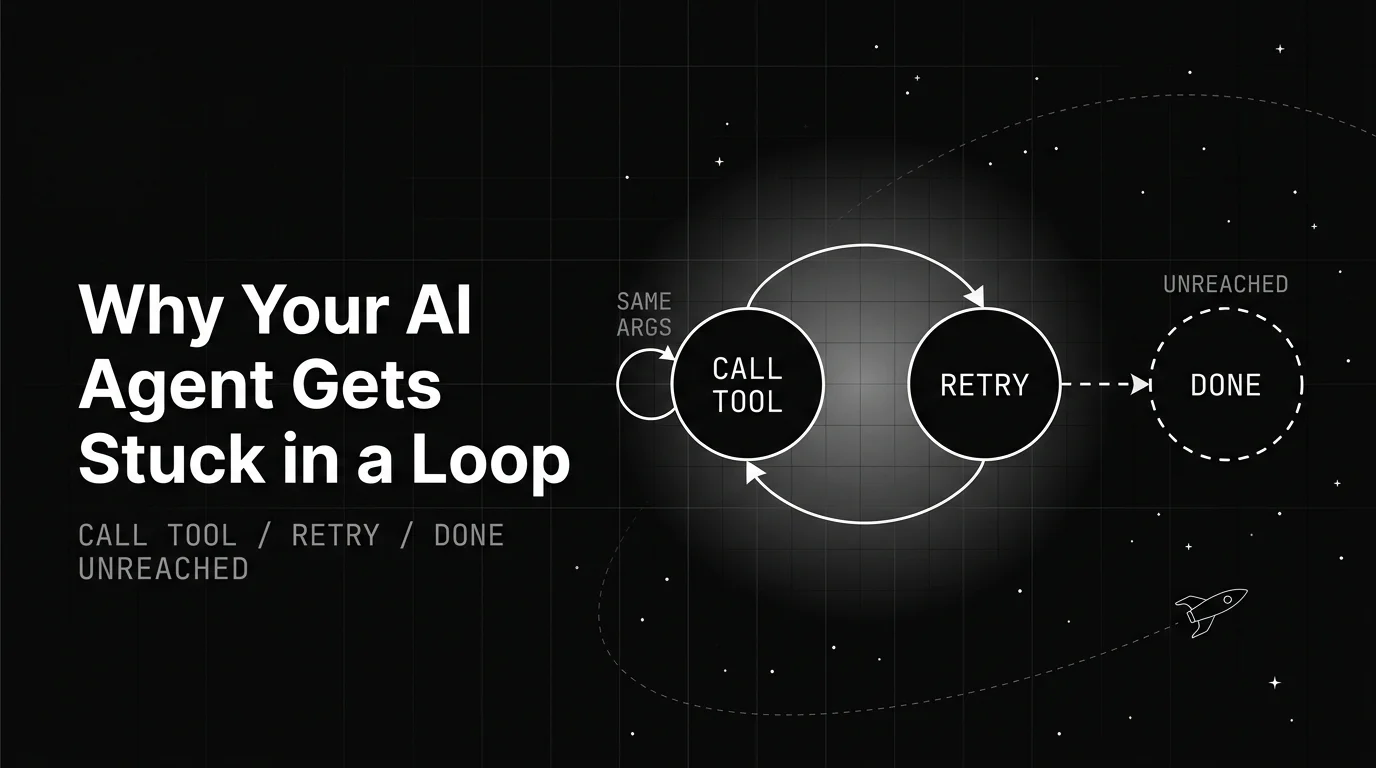
Table of Contents
An AI agent infinite loop looks like work and is anything but. The agent calls a tool, reads the result, calls the same tool again, reads the same result, and the run never ends. Eventually a step limit force-stops it, or your token bill does the job instead.
The usual first reaction makes it worse. You see the run get cut off, so you raise the limit, and now the same stuck agent just runs longer before it fails. This post is about the actual causes and the fixes that end the loop instead of postponing it.
Underneath the symptom is a design gap. A loop that only ever ends because a limit fired is a loop whose ending was never specified, and specifying it is squarely a loop engineering problem rather than a prompting one. Everything here is about closing that gap.
TL;DR: An AI agent gets stuck in a loop when it has no memory of past attempts, tool feedback it cannot read as done or failed, and no real stop condition. The fixes are to deduplicate repeated actions, return clear terminal states, and cap steps as a backstop.
What an AI agent infinite loop actually looks like
An AI agent infinite loop is not a crash. The agent keeps taking steps, each one looking reasonable on its own, while making no progress toward the goal. That is what makes it easy to miss until the run has burned through a few hundred steps.
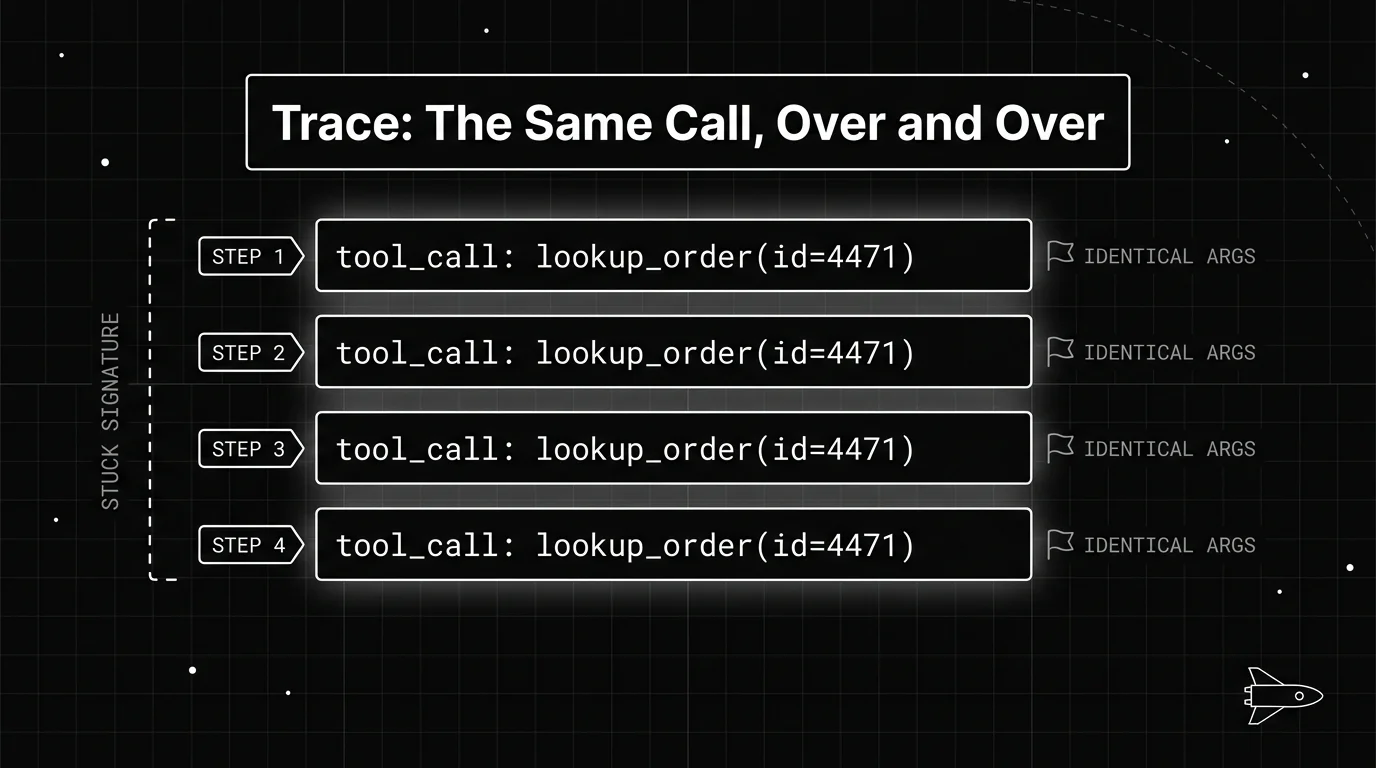
It shows up in two shapes. The first is a single action repeated: the same tool called with the same arguments, over and over. The second is a short cycle between two or three actions, where the agent bounces between them and never lands on an answer.
A LangGraph user filed a report that captures the first shape exactly. Their text-to-SQL agent kept re-running near-identical database queries until the run crashed on its recursion limit. The tool kept returning results, and the agent never treated any of them as final.
You often meet the loop through its ending, not its middle. The framework tells you a safety cap fired with a message like “Agent stopped due to iteration limit or time limit.” That message is a symptom of the loop, covered on its own elsewhere, and it never tells you why the agent kept going.
Why your agent gets stuck in a loop
Once you look past the symptom, an agentic loop almost always traces back to the same three gaps. They tend to show up together, and each one on its own is enough to keep a run spinning.
The first is no memory of past attempts. Each step, the model reads the current state, reasons about it, and picks an action. If nothing records what it already tried, a similar state produces the same reasoning and the same choice, forever.
The second is ambiguous tool feedback. When a tool returns a wall of prose or a vague result, the model has to guess whether the task is done. Guess wrong in the direction of “not done yet,” and it calls the tool again to be sure.
The third is no real stop condition. Many agents have only a step cap standing between them and an infinite run. A cap is a backstop, not a goal check, so the agent keeps stepping right up until the cap fires, whether or not the work was finished long ago.
These causes compound. An agent with no memory, reading feedback it cannot interpret, with nothing but a cap to stop it, is a loop waiting to happen the first time a task gets slightly harder than expected.
Match the symptom to the fix
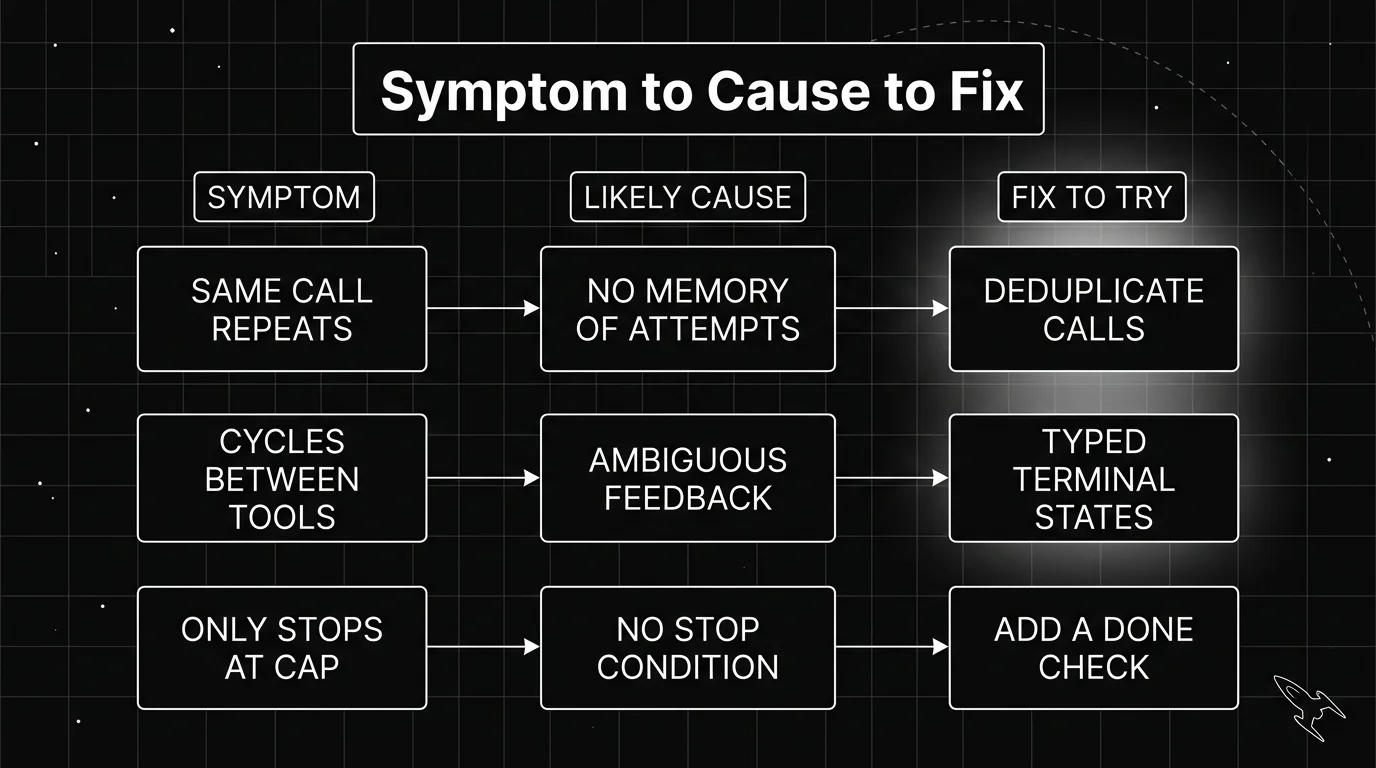
Because the causes are consistent, you can work backward from what you see to what to change. The table below maps the common stuck-agent symptoms to their likely cause and the first fix worth trying.
| Symptom | Likely cause | Fix to try |
|---|---|---|
| Same tool called with identical arguments | No memory of past attempts | Deduplicate repeated actions |
| Cycles between two tools, never finishing | Ambiguous feedback it cannot read as done | Return typed terminal states |
| Run only ends when it hits a step cap | No real stop condition | Add an explicit done check, not a higher cap |
| Retries the same failed call unchanged | Error text the model cannot act on | Return a structured error the loop can branch on |
Work it symptom-first, because the symptom is the only thing you can see at the start. You rarely know the cause up front. But you can always name what the agent is doing: repeating one call, bouncing between two, or only stopping at the cap. That observation is your entry point.
The pattern in that table is that raising the limit fixes none of the rows. Each real fix gives the agent information it did not have before, so the next step can actually differ from the last one.
Give the loop a hard step limit, then a real stop condition
Start with the backstop, because every agent needs one. A hard step limit guarantees the run ends even if every other safeguard fails. Every major framework ships one, and the safest default is to leave it on.
| Framework | Built-in step cap | What it does |
|---|---|---|
| LangChain AgentExecutor | max_iterations (default 15) | Stops after that many reasoning-and-action steps |
| LangGraph | recursion_limit (version-dependent default) | Stops after that many graph super-steps |
| CrewAI | max_iter on the agent | Caps iterations before the agent must give its best answer |
| OpenAI Agents SDK | max_turns on the runner | Raises MaxTurnsExceeded once the run passes the cap |
Those parameters are the built-in caps each framework hands you, and each has its own error surface worth knowing. LangGraph raises its own recursion-limit error, and LangChain’s executor returns its own iteration-limit message; both have dedicated fixes covered elsewhere.
Here is the part people get wrong. The cap is not the fix, it is the fire alarm. If your agent only ever stops because it hit the cap, raising the number just means it loops longer and costs more before stopping, which is its own budget problem.
That is also the honest description of a stuck agent: a loop whose ending nobody decided, running until a framework default decided it instead. Deciding that ending yourself, in advance and on evidence the agent can actually produce, is the design question loop engineering takes up. Everything below is that question answered three ways, at the level of a single tool call.
The real fix sits next to the cap: a stop condition the agent can actually satisfy before the cap fires. That means a check, after each step, that asks whether the goal is met, and ends the run when it is. The cap then goes back to being what it should be, a last resort that rarely trips.
Stop the agent repeating the same action
The most common loop is the simplest to break: the same tool call, fired again and again. You do not need the model to notice. You can catch it in the loop itself, before the call runs.
The trick is to fingerprint each action. Take the tool name and its arguments, hash them into a short key, and keep a set of keys the agent has already run this session. Before running a call, check the set.
# illustrative, not a drop-in library
import hashlib, json

seen = set()

def action_key(tool_name, args):
    blob = tool_name + json.dumps(args, sort_keys=True)
    return hashlib.sha256(blob.encode()).hexdigest()

def guard(tool_name, args):
    key = action_key(tool_name, args)
    if key in seen:
        return "REPEAT_BLOCKED: this exact call already ran"
    seen.add(key)
    return None  # allowed
When a call repeats, you have a choice. You can block it and feed the agent a plain note that it already tried this, which nudges it to pick something else. Or you can treat a repeat as a signal that the agent is stuck and stop the run for review.
Keep the fingerprint scoped to a single run, and match on the exact tool name and arguments. You want to catch a genuine repeat, not two calls that happen to look alike. A call with even one changed argument is the agent trying something new, which is what you want it to do.
Either way, the key move is turning an invisible repeat into a visible event the loop can respond to. A repeat that the agent cannot see is a loop. A repeat that the loop catches is just a branch.
Make the finish line explicit
The deeper fix is to stop making the model guess whether it is done. Much looping comes from tools that return ambiguous prose, leaving the model to interpret “the account is active and in good standing” as either success or a reason to check again.
Have tools return a small, typed result instead. A status field the loop can read directly, like done, retry, or failed, removes the guesswork. The controller reads the status and decides what happens next, rather than asking the model to parse intent out of a paragraph.
The same idea applies to errors. A raw stack trace or a generic “request failed” gives the model nothing to act on, so it often just retries the identical call. A structured error that names what went wrong lets the loop branch to a different action instead of repeating the broken one.
This is the shift from implicit to explicit termination. When the signals a loop runs on are clear and typed, the agent has a real basis for choosing a different next step, which is exactly what a stuck agent cannot do. Combined with deduplication and a sane cap, it removes most of the ways a run gets trapped.
You cannot fix a loop you cannot see
Every fix above assumes you know where the agent is looping. From the final output alone, you usually cannot tell. A run that repeated one tool forty times and a run that worked cleanly can end with the same unhelpful message, so you need to see the steps in between.
That means reading the run as a span tree instead of a single log line. Future AGI’s traceAI (repo) auto-instruments OpenAI and LangChain at import time and exports each model call and tool call as its own span, with no code changes in your app. Every step in the run becomes a record you can read in order.
Laid out that way, the loop stops hiding. In Observe, you can see the same tool call fire again and again with identical arguments, which is the stuck signature from the first section made plain. Repetition that was invisible in the output is obvious in the trace. It sits alongside the wider set of agent failure-detection tools worth knowing.
Be clear about what this does. The traces make the repetition visible to you, so you can find the looping step and apply the right fix. Reading a run as a span tree turns “the agent is stuck” into “this exact call keeps repeating,” which is the difference between guessing and fixing. Reading the trace is how you find the ending your loop never had. Deciding that ending before the next run, rather than after the next incident, is the whole habit.
Frequently Asked Questions
Why does my AI agent keep repeating the same action?
How do I stop an AI agent from looping forever?
Does raising the iteration limit fix an agent loop?
What does agent stopped due to iteration limit mean?
How can I see where my agent is looping?
Is a stuck agent a loop engineering problem?
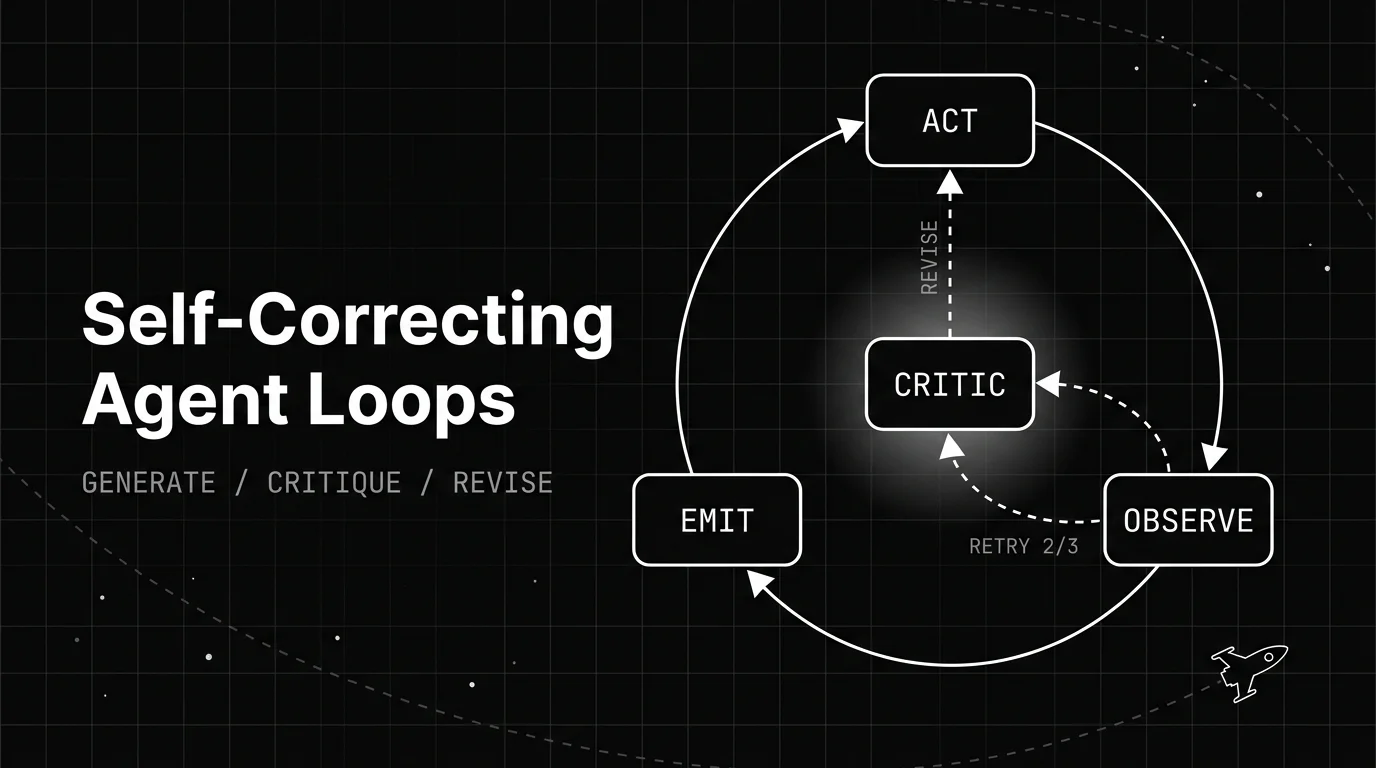
How a self-correcting agent loop spots its own bad output and revises it: the generate, critique, revise structure, the patterns behind it, and when it backfires.

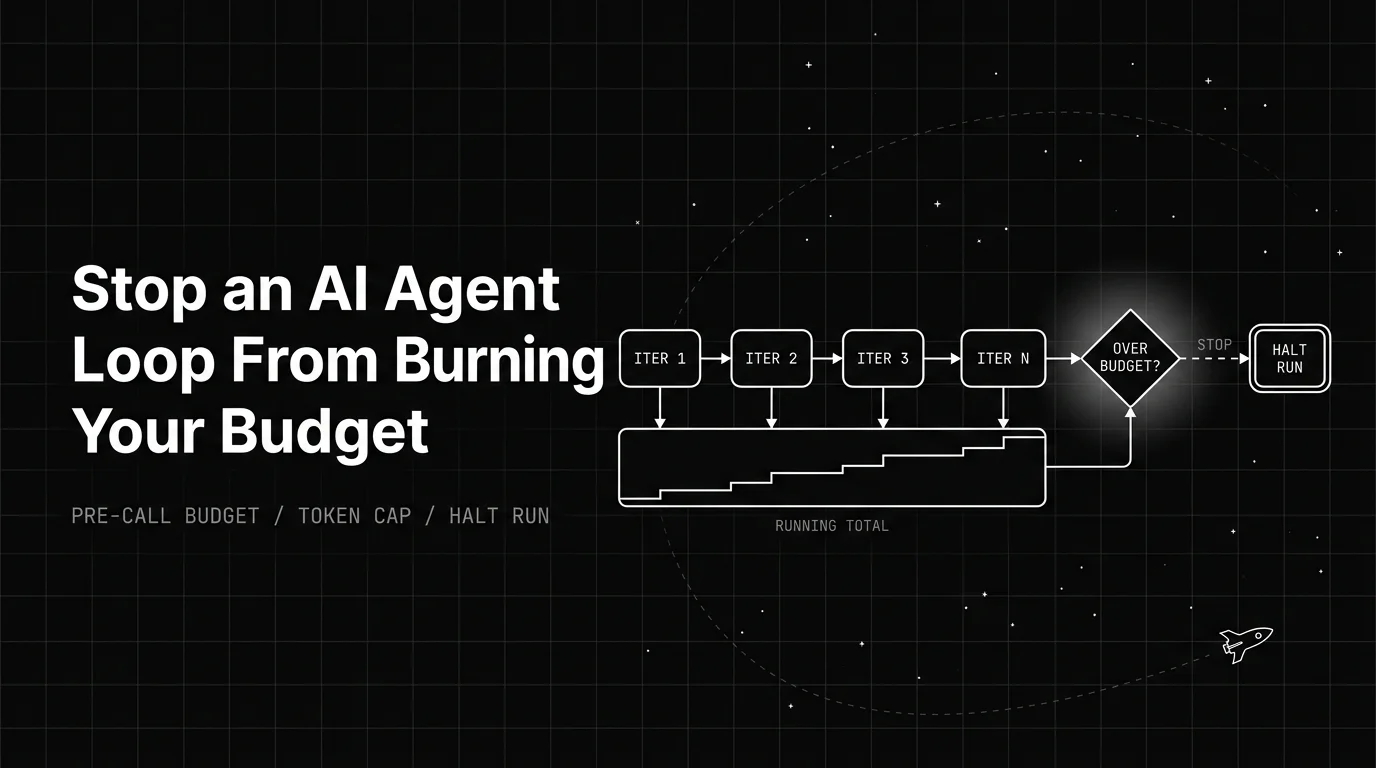
How an AI agent infinite loop runs up token cost, and the pre-call budget, guards, and cost levers that stop the bleed before it hits your invoice.

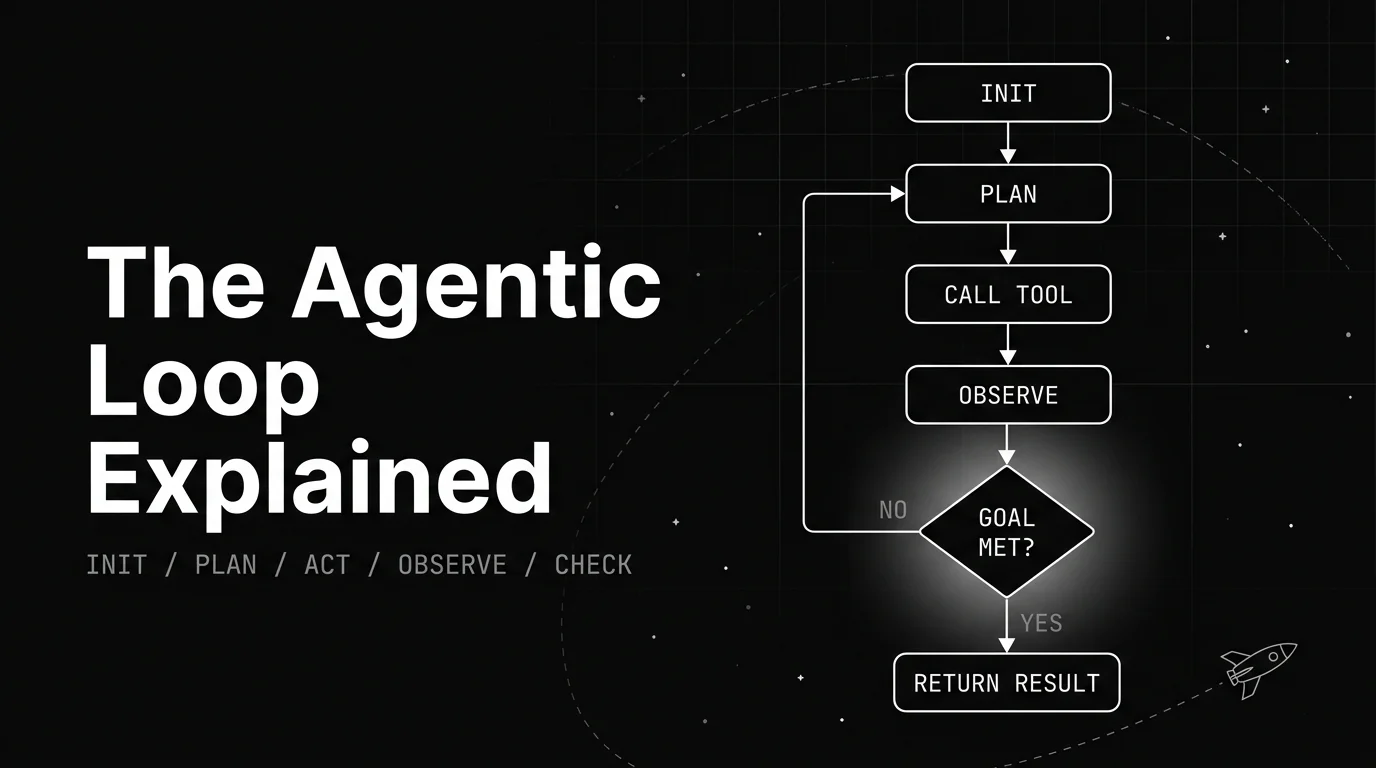
A plain walkthrough of the agentic loop: the named lifecycle stages, the canonical diagram, a worked example, and what decides when the loop stops.