How to Stop an AI Agent Loop From Burning Through Your Budget
How an AI agent infinite loop runs up token cost, and the pre-call budget, guards, and cost levers that stop the bleed before it hits your invoice.
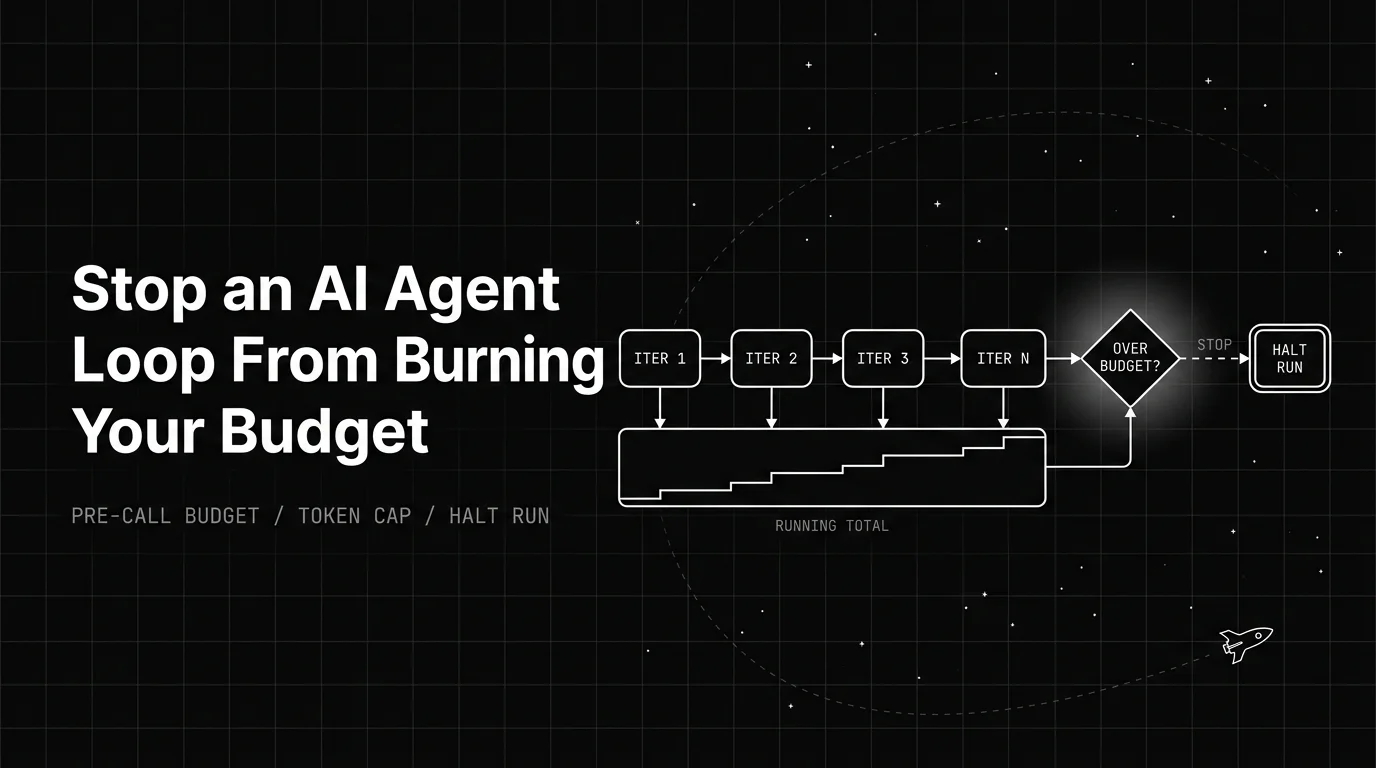
Table of Contents
An AI agent infinite loop is the kind of bug you find on your invoice. The agent keeps calling the model, each call looks cheap on its own, and by the time you notice, the run has spent far more than the task was ever worth.
An unbounded loop can run up a large bill before anyone notices. The frustrating part is that nothing looks broken. The loop was doing exactly what it was told, just with no ceiling on how long or how expensively it could keep going.
TL;DR: An agent loop gets expensive because it re-sends its whole context on every call, so cost climbs step by step. The fix is a hard budget checked before each call that stops the run, enforced in code or at the gateway, plus retry limits and cost tracking.
Why an AI agent infinite loop gets expensive so fast
The reason cost runs away is simple, and it surprises people. Each model call in a loop usually re-sends the entire accumulated context: the original task, every past step, and every tool result so far. The model does not remember the last call for free. You pay to send all of it again.
So the cost of a single step is not flat. Step one is cheap. Step twenty carries nineteen steps of history with it, which means step twenty costs far more than step one for the same small piece of new work.
Now add a loop that never stops. You are multiplying that rising per-step cost by an unbounded number of steps. This is why an agentic loop with no cap does not just cost a bit more than a single call, it costs many times more, and the gap widens the longer it runs.
A regular chat has the same shape but a human ends it. An agent that decides its own next step has no one hitting stop, so a wrong turn keeps compounding on its own. That is the whole problem in one sentence: rising cost per step, times a step count nobody bounded.
What one agent run actually costs
You can estimate the cost of a run with one plain formula: steps times the average tokens per step times your price per token. The trick is that tokens per step is not constant, because of the re-sent context above, so use an average across the run.
Say a run takes about 20 steps, and each step averages roughly 6,000 tokens once you count the re-sent history plus the new output. That is around 120,000 tokens for one run. These are round illustrative numbers, not a real workload, but the shape holds.
Multiply that token total by your own model’s per-token price to get the dollar cost. Prices differ a lot by model and change often, so plug in your current rate; a pricing comparison is a good start. The real point is not the figure. It is that a longer loop moves every term against you at once.
The formula also shows where to cut. The average-tokens-per-step term is the one most people ignore, and it is often the biggest. If every step re-sends the entire history, that number climbs the whole run, so trimming or summarizing old context instead of resending it verbatim lowers the cost of every remaining step at once, not just the next one.
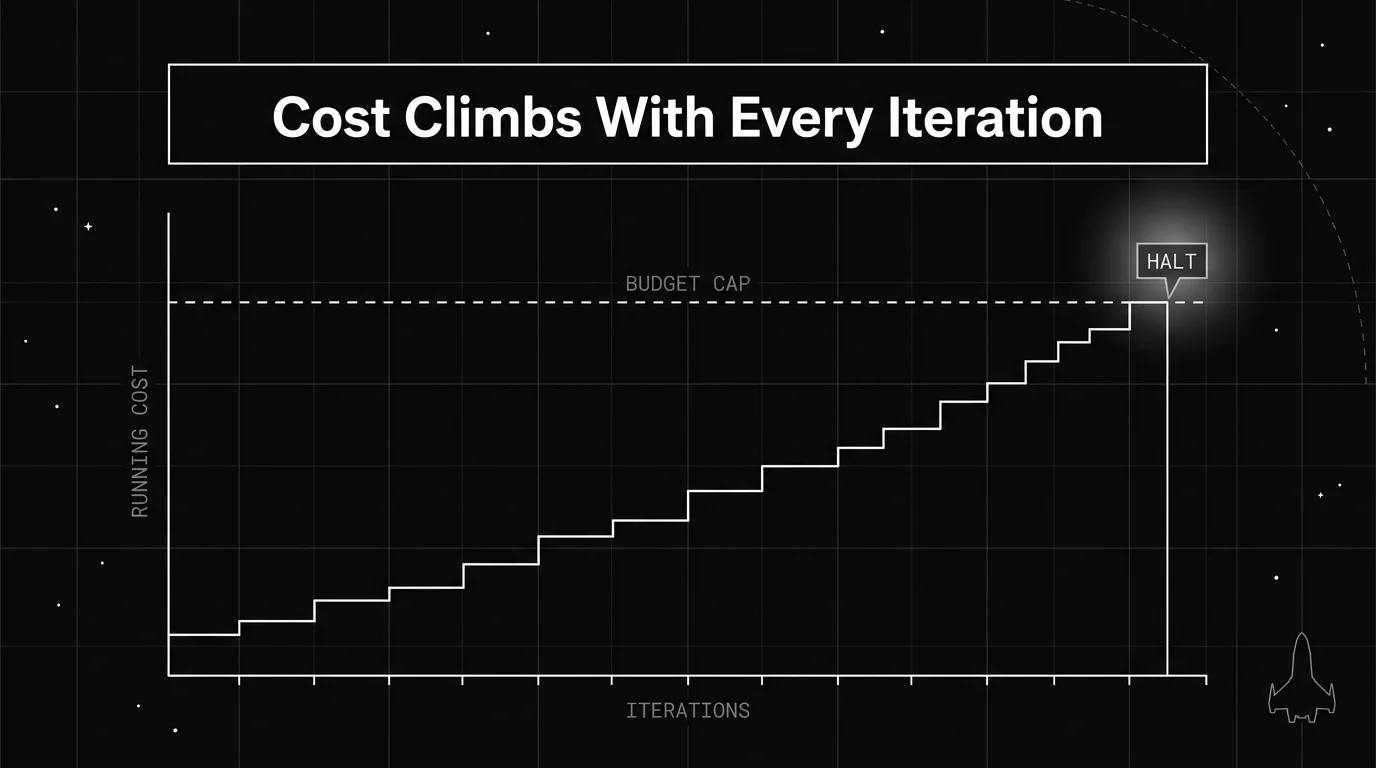
Once you can see cost climbing per step, the cap stops being abstract. You are drawing a line the running total is not allowed to cross.
The one control that actually stops the bleed
The single most useful control is a hard budget checked before each model call. Before the loop makes a call, it adds the tokens that call would use to a running total for the run. If that total would cross your ceiling, the run stops instead of making the call.
The order matters more than it looks. You check before the call, not after. If you check after, you have already spent the tokens you were trying to save, and a runaway loop spends them one expensive call at a time.
This is also why the budget cannot live in the prompt. A line like “stop once you have spent ten dollars” is a suggestion the model can ignore, especially when it is focused on finishing the task. The cap has to sit in your code or at your gateway, where it aborts the next call whatever the agent decides.
Think of it as a gate the loop has to pass through on every lap. The gate does not care how confident the agent is. It only checks the running total, and once that total is spent, nothing else gets approved.
The four guards every loop needs
A budget cap is the main guard, but it works best with three others around it. Each one catches a different way a loop wastes money, and together they cover the common failure modes.
A retry limit stops a single failing step from being attempted forever. A loop detector, sometimes built as a circuit breaker, watches for a repeating action or tokens burning too fast, and trips before the total gets large. Logging stops nothing on its own, but without it you cannot see which run is the expensive one.
| Guard | What it catches |
|---|---|
| Budget cap (pre-call) | Total spend crossing your ceiling for the run |
| Retry limit | One failing step retried over and over |
| Loop detector / circuit breaker | The same action repeating, or tokens burning too fast |
| Logging and cost attribution | Which step or run is quietly the expensive one |
The table is the short version: caps stop the total, retry limits and detectors stop the patterns that feed the total, and logging tells you where to look. A budget cap can also apply per run or per step, and the two catch different problems.
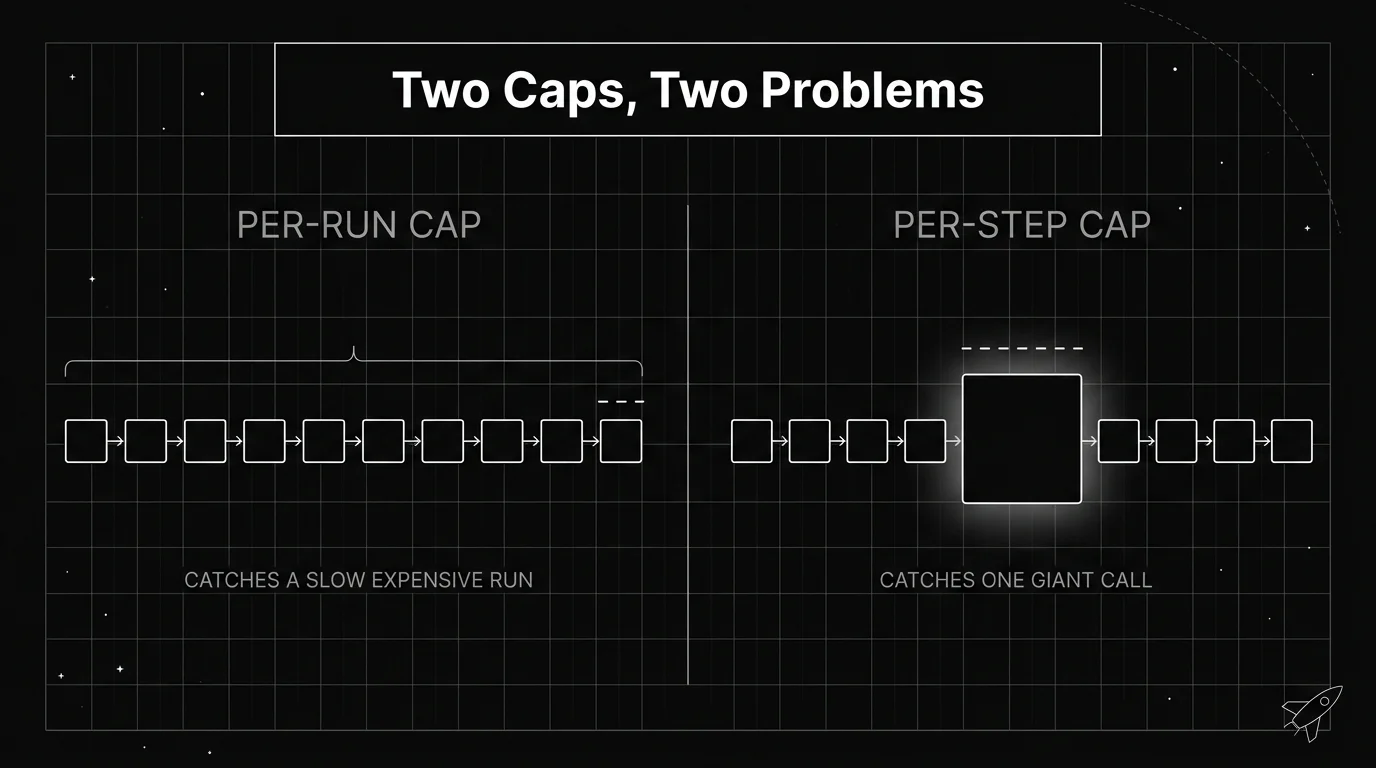
A per-run cap catches a run that is slowly expensive across many steps. A per-step cap catches one giant call, like a step that pulls a huge document into context. You usually want both, since neither one sees the problem the other catches.
Cheaper levers that shrink every run
Guards stop the disasters. A second set of levers lowers the cost of every normal run, which matters just as much once your loops are stable. These are not about stopping a runaway, they are about the run being cheaper each lap.
Caching is the first lever. When a long, stable chunk of context repeats across calls, caching lets the model read it back at a steep discount instead of paying the full input rate every time. In a loop that re-sends the same prefix each step, that discount adds up quickly.
Context compaction is the second. Instead of dragging every past step forward, you summarize old history into a shorter form so each call sends less. Model routing is the third: send simple steps to a cheaper model and keep the expensive one for the hard steps. A cost optimization guide covers how these combine.
| Cost lever | What it saves |
|---|---|
| Caching a stable prefix | The full input rate on repeated context |
| Context compaction | Tokens spent re-sending old history each step |
| Model routing | The premium model’s rate on simple steps |
Read together, these three shrink the tokens-per-step term in your cost formula, which is the term the loop keeps multiplying. Lowering it once pays off on every step of every run.
Track cost per successful task, not per token
Here is the number most teams miss. A low price per token can still be an expensive setup if the loop takes 40 messy steps to finish a task that should take five. Cheap tokens do not help if you are buying a huge pile of them per result.
The more honest measure is cost per successful task. Divide the total spend over a period by the number of tasks the loop actually completed, not the number of tokens it used. A loop that gets slower and more circular over time will show a rising cost per task long before the per-token price ever changes.
This is a tracing and observability job, not a billing one. Your monthly invoice tells you the total. It does not tell you that one class of task quietly doubled its step count last week, which is exactly the signal that catches a loop drifting toward runaway before it gets there.
Worktrees and test gates are one way to keep repeated runs cheap and isolated, and a general stuck-in-a-loop fix is its own troubleshooting topic; both are covered separately. This post stays on the money.
Put the budget at the gateway, not in loop code
The cleanest place to enforce a budget is the network hop every model call already passes through, rather than scattered checks inside each loop. Every call goes out through a gateway, so that is the one spot that can see and stop spend across every agent at once.
Future AGI’s Agent Command Center works at that hop. Its spending limits are set in USD, per org, per key, per user, or per model, over a daily, weekly, monthly, or total period, and enforced at the gateway. Once a period’s budget is spent, the gateway stops approving new calls for it. It does not reach into your process and terminate the agent, it just stops letting the next call through.
The same hop emits cumulative cost and token counters as Prometheus data on a /-/metrics endpoint: agentcc_cost_total, broken down by model and provider, and agentcc_tokens_total, broken down by model. So a runaway loop shows up as a rising cost curve you can alert on, well before it reaches the invoice. The gateway observability docs list the full metric set.
Because it runs as a gateway, the check adds very little delay: the published benchmark is around 29k requests per second at a P99 under 21 ms with guardrails on, on a t3.xlarge. The budget lives next to the spend, not buried in agent logic where each new loop has to reinvent it.
Decide the ceiling before the loop decides for you
Agent loop cost runs away for one reason: the price of each step rises as history accumulates, and nothing in the loop is obliged to stop. Nobody writes an expensive agent on purpose. You get one by leaving the step count open and letting the agent decide when it has done enough.
What stops it is a limit the agent cannot argue with. A ceiling checked before the call, held in code or at the gateway, with retry limits and a loop detector catching the patterns that push the total up, and enough logging to tell you which runs are the costly ones. Everything else, caching, compaction, routing, makes each lap cheaper, but only the ceiling decides when the laps end.
The practical first move is small. Pick one loop already running in production, work out roughly what a normal run costs it, then set a cap somewhere above that and enforce it before the next model call. You will learn more from the first run that hits the cap than from any amount of estimating, because that is the run telling you where your real ceiling is.
Setting that number is the work. A loop that has a budget and a stop condition you chose deliberately behaves differently from one that just runs until it happens to finish. Treat the ceiling as part of the loop’s design, not as something you bolt on after the invoice arrives, and if you want the wider context around designing agent loops, loop engineering is the related topic to read next.
Frequently Asked Questions
Why is my AI agent burning so many tokens?
What is an AI agent infinite loop?
How do I set a token budget for an AI agent?
Should I tell the agent its budget in the system prompt?
Does prompt caching lower agent costs?
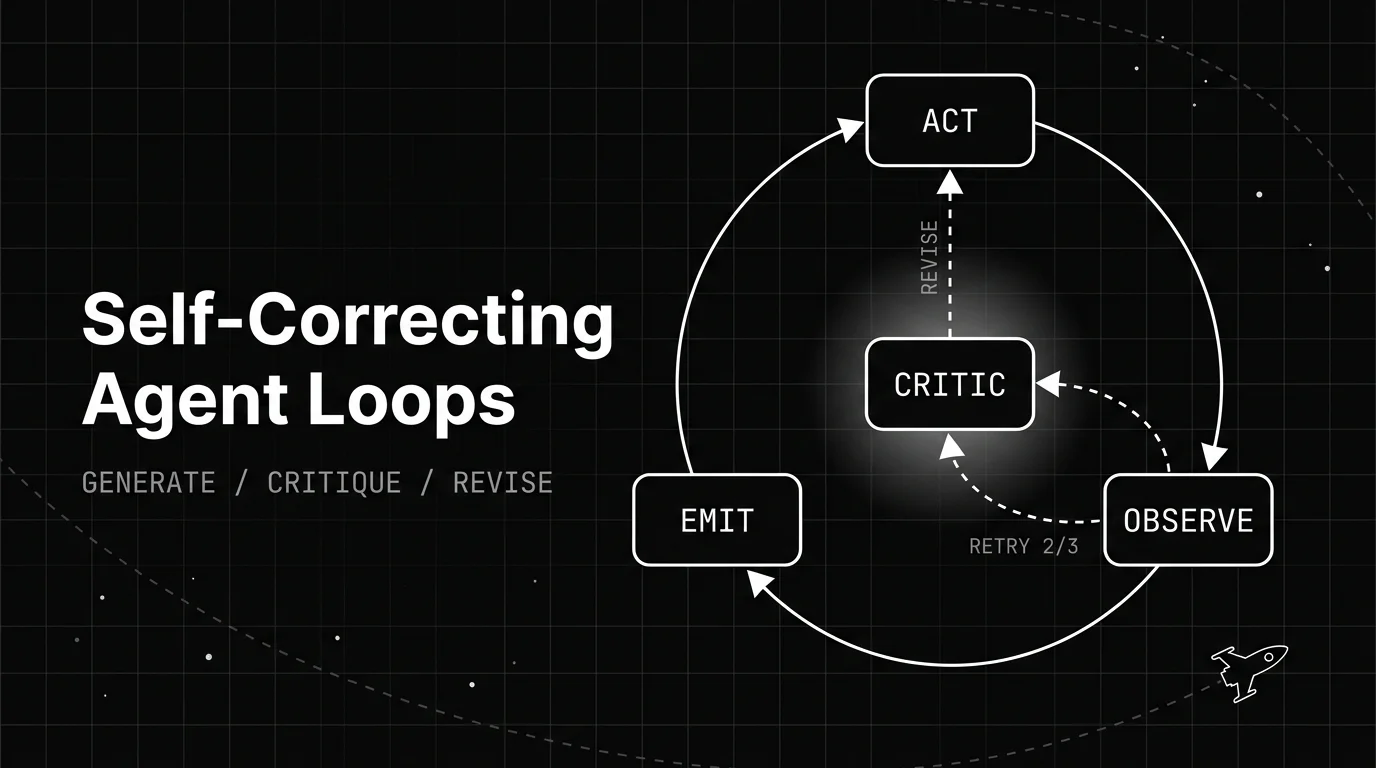
How a self-correcting agent loop spots its own bad output and revises it: the generate, critique, revise structure, the patterns behind it, and when it backfires.

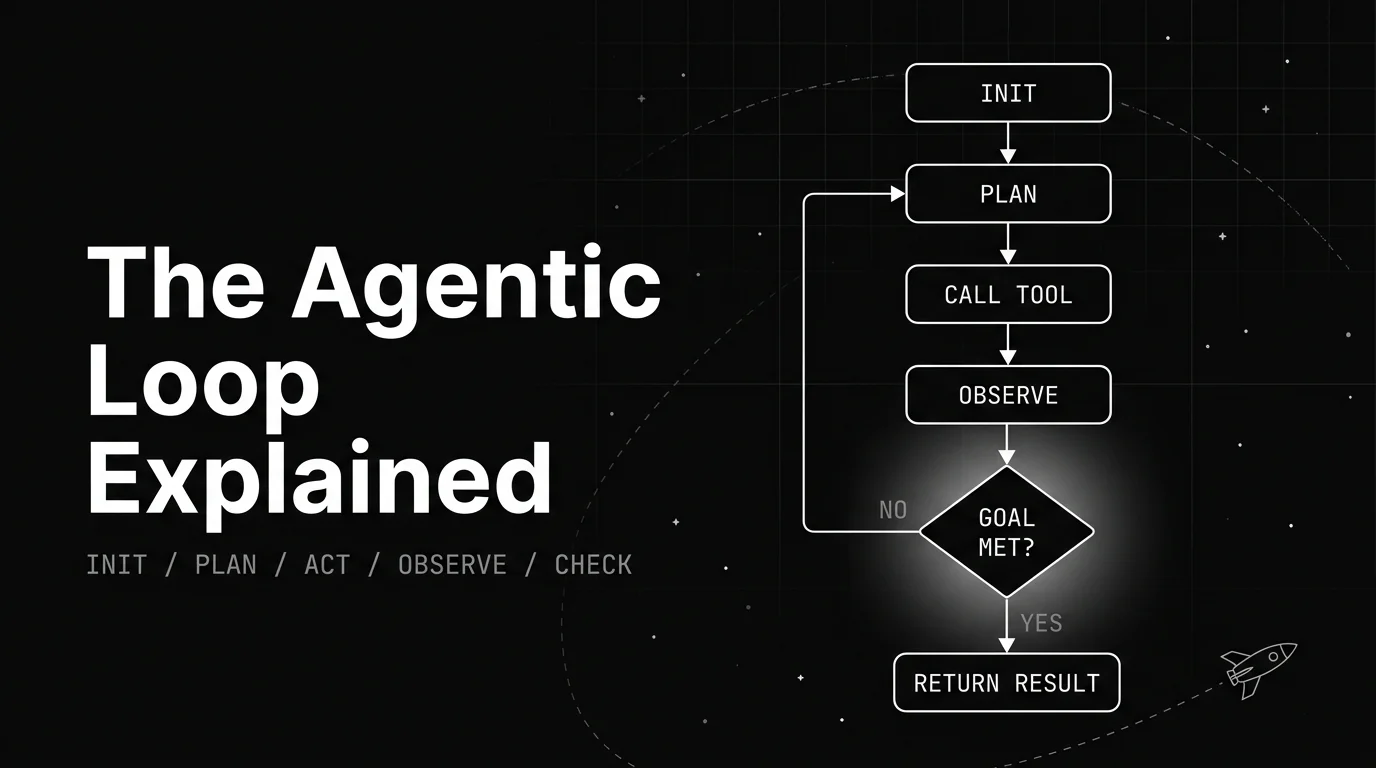
A plain walkthrough of the agentic loop: the named lifecycle stages, the canonical diagram, a worked example, and what decides when the loop stops.

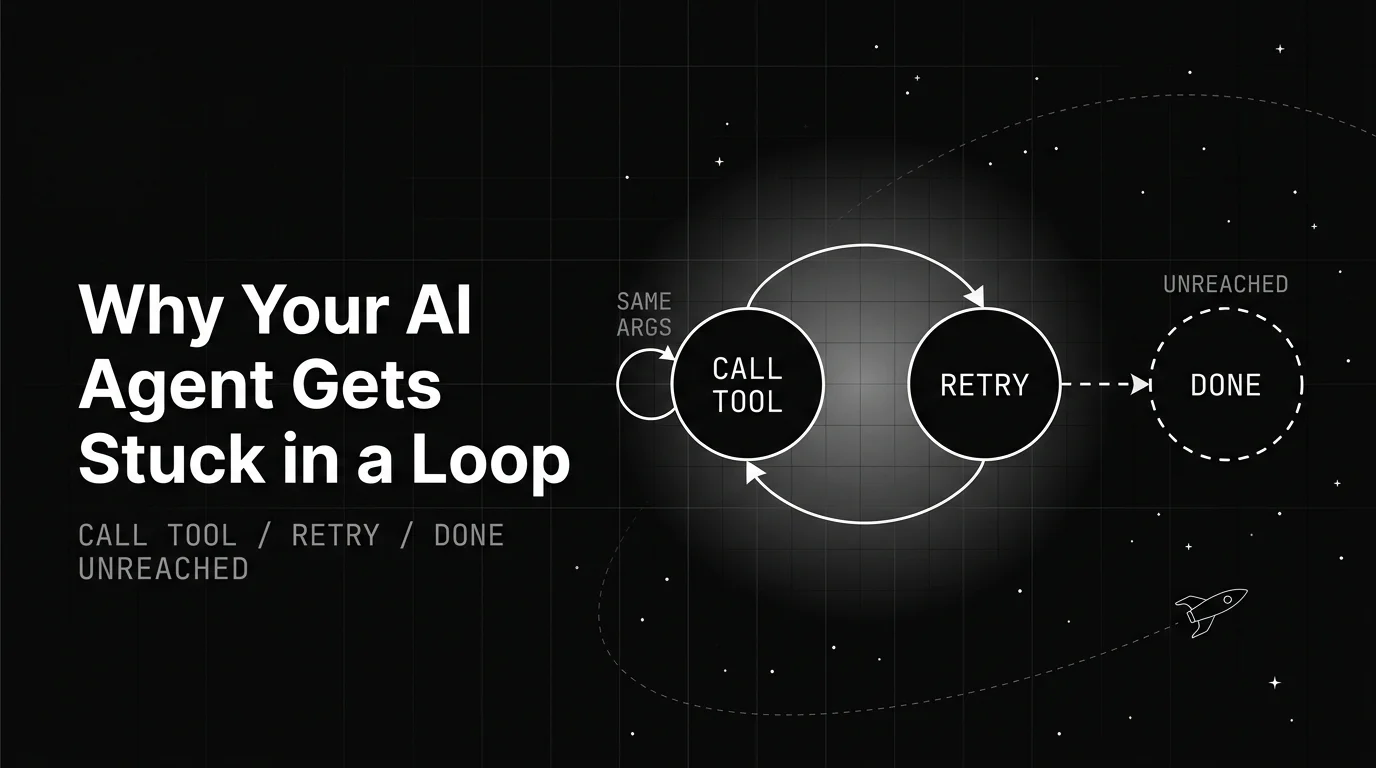
Why AI agents get stuck repeating the same action, the three root causes behind it, and the fixes that actually stop the loop instead of just delaying it.