Best Prompt Management Platform for Customer Support AI in 2026
Prompt management for customer support AI: Future AGI versions each support prompt, gates promotion on Conversation Resolution and Tone, and traces every chat.
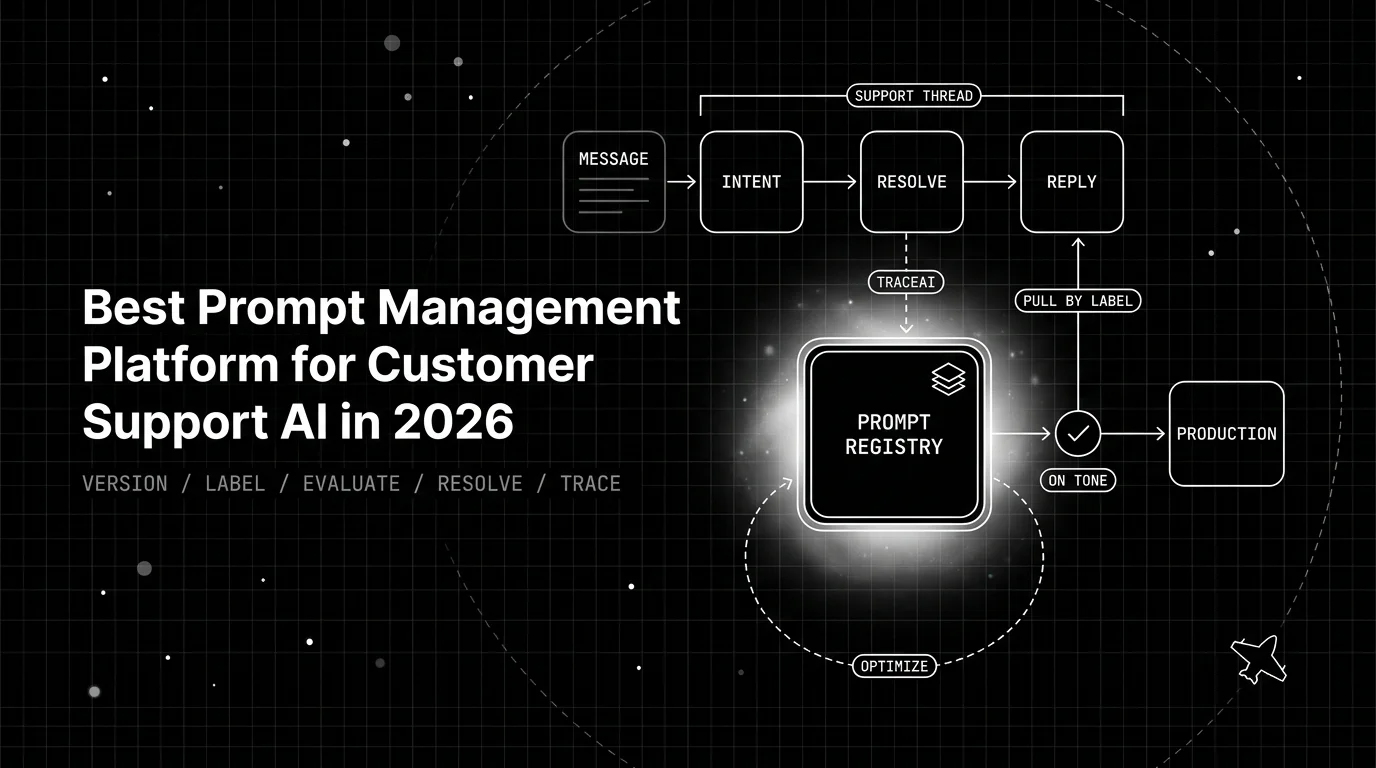
Table of Contents
A support team ships a prompt tweak to handle refunds better, and CSAT dips the next week. No one can say why. The change was made live in a console, no version marks what the bot said before, and the bad replies are scattered across thousands of chats. This guide shows how Future AGI versions each support prompt, gates promotion on resolution-quality and tone evaluators, and traces every multi-turn chat, all on an Apache-2.0 platform you self-host.
Why Support-Bot Prompts Need Tight Control
A support-bot prompt is the bot’s entire job description. It decides whether a customer’s issue actually gets resolved and how the reply sounds doing it, so two things ride on every word: resolution and tone. A small wording change can move both at once, making the bot more helpful but curter, or warmer but vaguer. Unlike a code change, the effect only shows up once real customers are talking to it.
Support is also high volume and customer facing, so a bad prompt change gets expensive fast. A regression here trips no unit test. It quietly erodes thousands of conversations before anyone links the drop in satisfaction to the edit behind it. Yet the support prompt tends to be the least governed piece of the stack, changed straight in a console with no version, no eval gate, and no record of what it replaced.
Tight control is the fix. Every support prompt should be a versioned artifact. Every change should be gated on whether it actually resolves issues and holds the right tone, and every live conversation should be observable. When those three properties hold, a regression shows up as a failed gate or a readable session. You catch it in the moment instead of watching a satisfaction number drift down a month later.
Where Generic Prompt Tools Miss Resolution and Tone
Most teams begin with the support prompt hardcoded as an inline string or parked in a hosted prompt UI. Neither approach covers what support actually needs. An inline string ties the prompt to the code release cycle, far too slow for something you adjust as customer questions shift. A hosted UI is fast, but anyone can rewrite the live text with no immutable record and no measure of whether it resolves more tickets.
A dedicated registry helps. An open-source tool like Langfuse pins each support prompt to a named version and label, enough to know what is deployed right now. But it treats a support prompt as a string to store and serve. It cannot tell you whether a reply resolved the issue or matched your brand voice. It also does not group a multi-turn chat into a readable session.
For support, storage is the solved part; the loop around the prompt is what is missing. Support prompt management has to bind the version to an evaluation of resolution and tone. It also has to bind it to a trace of the real conversation that shows what happened. When those sit in separate places, “we updated the support prompt” is true on paper but says nothing about whether customers end up better served.
How Future AGI Manages Support Prompts End to End
Future AGI treats a support prompt as a versioned artifact you commit, grade for resolution and tone, promote through a label, and trace across a whole conversation. The workflow runs from the SDK. The support prompt is governed from your codebase and CI, so every change moves through the same measured path. Nothing depends on a dashboard someone has to remember to open.
The table maps each core support need to the Future AGI capability that meets it:
| Support need | Without prompt management | Future AGI capability |
|---|---|---|
| Track what the bot says | Edit the live prompt, no record | Immutable version per change, labeled Production and Staging |
| Prove a change resolves more | Watch CSAT and hope | Gate promotion on the Conversation Resolution evaluator |
| Keep replies on brand | Eyeball a handful of transcripts | Gate promotion on the Tone evaluator |
| Debug a bad conversation | Search thousands of chats | traceAI groups each conversation into a session, turn by turn |
Each capability gets its own section below: the registry, then the two evaluators, then session tracing.
A Labeled Registry for Support-Bot Prompts
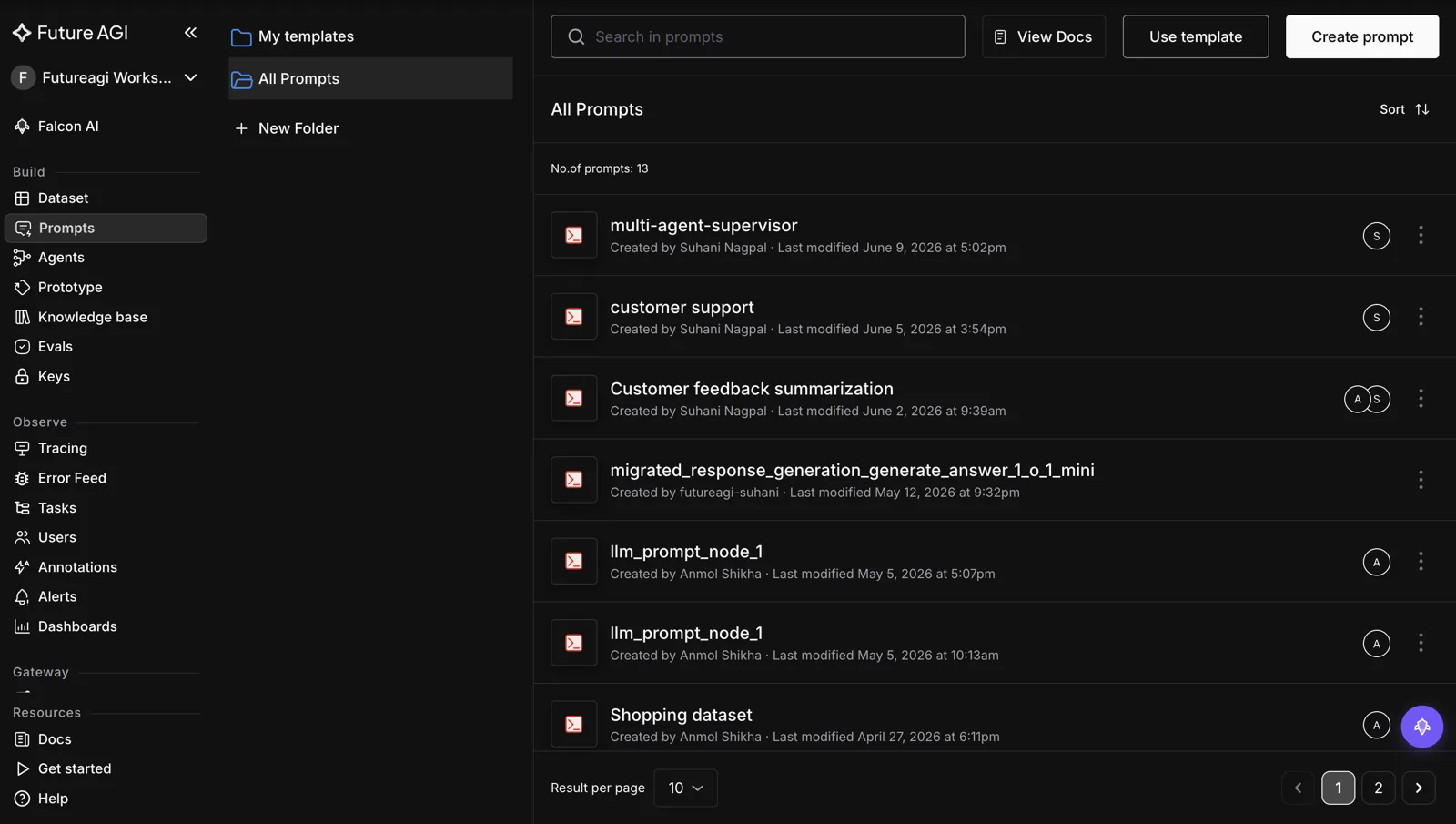
Inside the registry, every support prompt is a named template with an immutable version history. Labels like Production, Staging, and Development each point to one version. You commit a candidate and move it into Production by repointing a label. You reverse a bad change the same way, so a tweak that hurts live chats is pulled back in seconds. At request time the bot fetches the live prompt by name and label, then compiles it against the message.
from fi.prompt import Prompt, PromptTemplate, SystemMessage, ModelConfig

# define the support-bot template and create it in the registry
template = PromptTemplate(
    name="support-bot",
    messages=[SystemMessage(content="You are a support agent. Resolve the customer's issue in a warm, on-brand tone.\n{{customer_msg}}")],
    model_configuration=ModelConfig(model_name="gpt-4o"),
)
client = Prompt(template=template).create()

# commit a new support-bot version and promote it after the eval gate passes
client.commit_current_version(message="support v4: clearer refund policy", set_default=False)
client.assign_label("Production", version="v4")

# at runtime, fetch the live support prompt by name and label, then compile per message
live = Prompt.get_template_by_name("support-bot", label="Production")
messages = live.compile(customer_msg=message_text)
Since promotion and rollback happen as label moves instead of code releases, the support team steers the bot’s behavior directly and reversibly. The prompt versioning docs show how a label selects a version, and the prompt SDK reference lists the commit, label, and compile calls.
Evaluating Resolution Quality and Tone
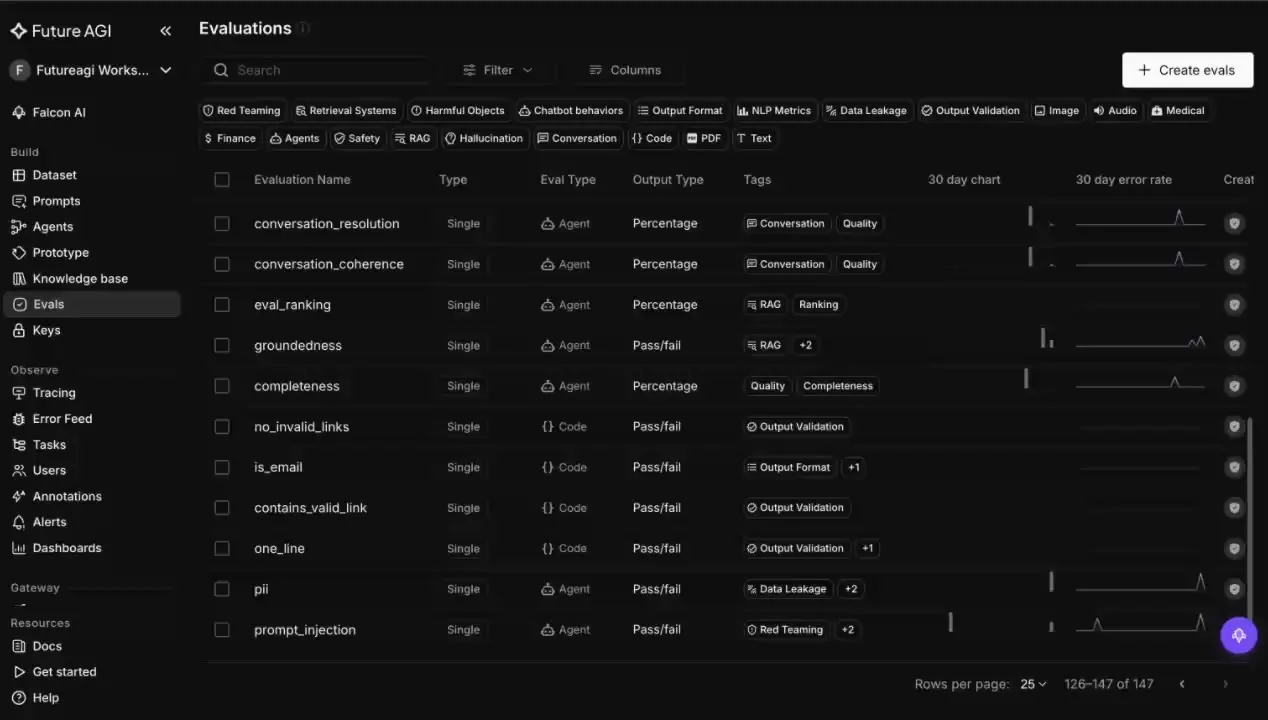
The two things support cares about map to two built-in evaluators, and you can add a custom eval for anything specific to your team. Conversation Resolution scores whether an exchange actually resolved the customer’s issue, so a version that reads well but leaves tickets unresolved never earns Production. Tone scores whether the reply matches the voice you want, catching a prompt that resolves issues but sounds terse or off-brand. Promotion requires passing both, measured on a fixed set of real customer messages and compared against the current Production version.
Two more evaluators tighten the gate. Instruction Adherence checks that the bot followed the support policy written into the prompt, such as when to escalate or what it must never promise. Detect Hallucination verifies, per reply, that the bot did not invent a policy or a fact outside the knowledge base it was handed.
When a support answer scores just under the bar, the open-source agent-opt library takes that prompt, an evaluator, and a dataset, and rewrites and rescores that prompt across six algorithms (Random Search, Bayesian, ProTeGi, Meta-Prompt, PromptWizard, GEPA) to return a higher-scoring version. You can run it over the real production conversations that failed. The evaluation library lists the full evaluator set.
Tracing Multi-Turn Support Sessions with traceAI

Support runs multi-turn, and resolving an issue often spans several exchanges. A weak reply three turns deep stays invisible in any aggregate score. traceAI closes that gap. Built on OpenTelemetry, it captures the prompt template and the variables it ran with on each span. It also stitches the turns of one conversation into a single session, so you can walk a support chat turn by turn and see the prompt version behind every reply.
That makes a support regression debuggable where it actually happens. When a conversation goes wrong, you open its session and find the turn where the bot lost the thread. You read the version and customer message behind that reply, then add the exchange to your evaluation set. You fix the exact turn that failed, on the version responsible, instead of guessing which of thousands of chats broke down.
The observability documentation shows how prompts and variables are logged on spans and how a conversation’s turns are grouped.
Setting Up Future AGI for Support Prompts
The five steps below turn a support prompt from a string someone edits live into a versioned, scored, and traced artifact. The setup itself is a quick Docker Compose install.
- Move the support prompt into the registry as committed versions, rather than an inline string or a live console tweak, so each change carries an id, an author, and a record of what the bot said previously.
- Pin an evaluation set of real customer messages and gate promotion on Conversation Resolution and Tone scores measured before release, so a change proves itself up front instead of through an aggregate CSAT you read weeks later.
- Ship and reverse changes by repointing labels, never by hand-editing the live prompt, so a tweak that damages live chats is pulled back in seconds.
- Instrument with traceAI from day one and group conversations into sessions, so every reply carries its prompt version and a bad chat is readable turn by turn.
- Feed failing conversations back into agent-opt as the next candidate, so the chats that frustrated customers become the training set for the fix.
Since the platform ships as Apache-2.0 and self-hosts via Docker Compose, the registry, the evaluators, and your conversation traces all remain inside infrastructure you own. You can stand the whole stack up from the Future AGI repository.
Where Future AGI Fits in Your Customer Support Stack
A support reply is judged on two things at once: did it resolve the issue, and did it sound like your brand. A store-and-serve tool sees neither, so a bad edit surfaces as CSAT drift weeks later instead of when the wording changed. Future AGI scores every candidate on Conversation Resolution and Tone before it ships, keeps each prompt as a labeled version, and when one still slips, replays the session turn by turn to the version behind the reply that lost the customer.
That is a resolution-and-tone gate in place of watching CSAT for fallout. Gate your support bot’s prompt in the Future AGI app, and use the prompt docs to bring your prompts in.
Frequently Asked Questions
What Is Prompt Management for Customer Support AI?
Which Prompt Management Platform Is Best for Customer Support AI in 2026?
How Do You Evaluate Whether a Support Bot Actually Resolves Issues?
How Do You Keep a Support Bot On Brand and On Tone?
How Do You Debug a Multi-Turn Support Conversation?
Can You Self-Host a Prompt Management Platform for Customer Support?
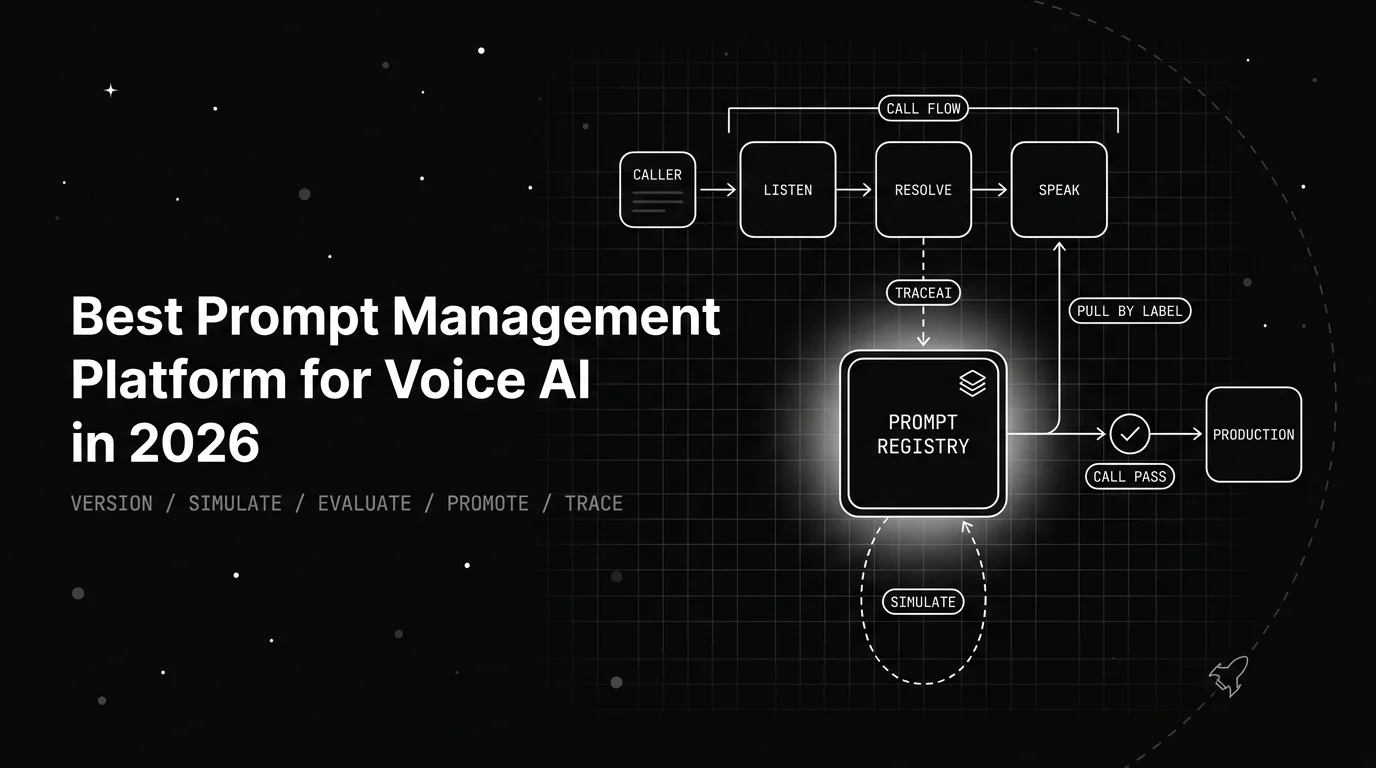
Prompt management for voice AI: Future AGI versions each voice-agent prompt, simulates it against synthetic callers, and gates promotion on resolution and tone.

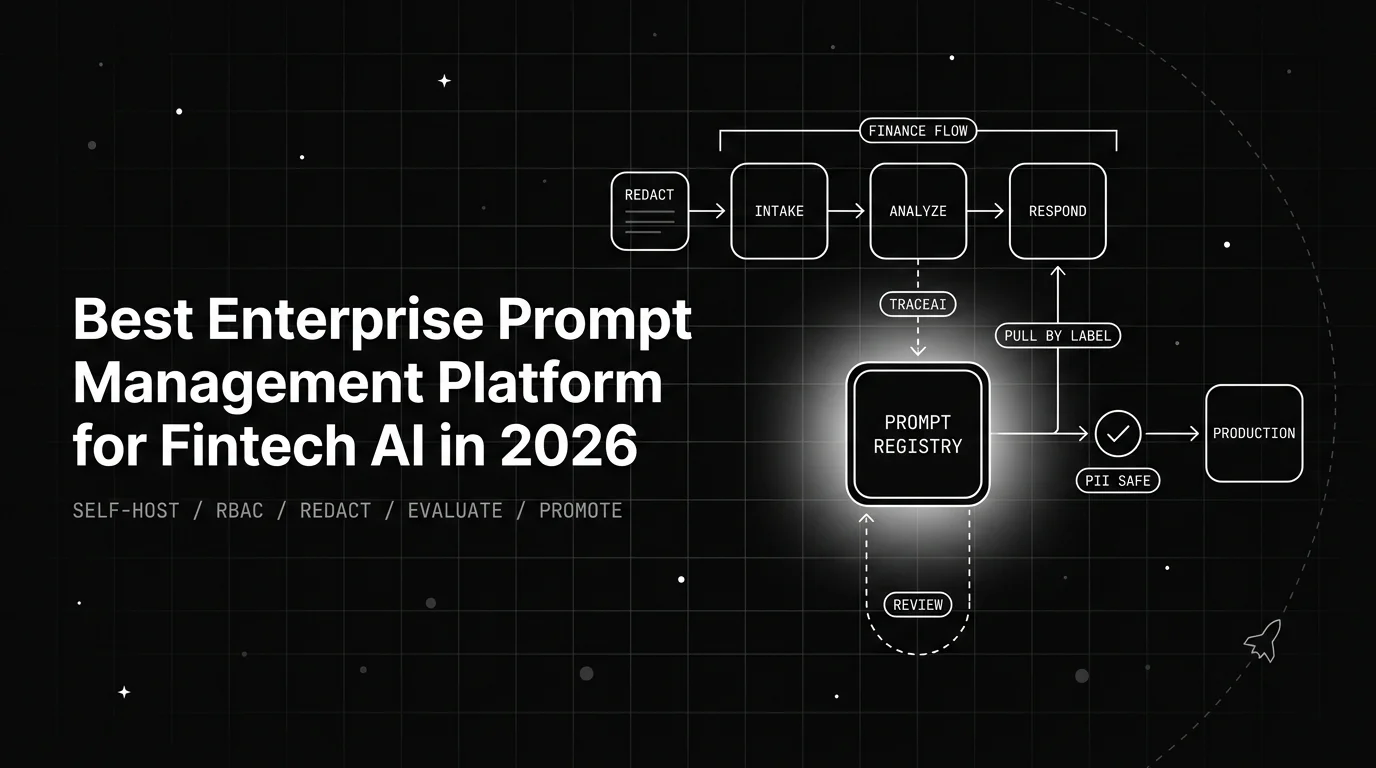
Prompt management for fintech AI: Future AGI versions and governs each prompt in your own VPC, flags PII at the boundary, and eval-gates every promotion.

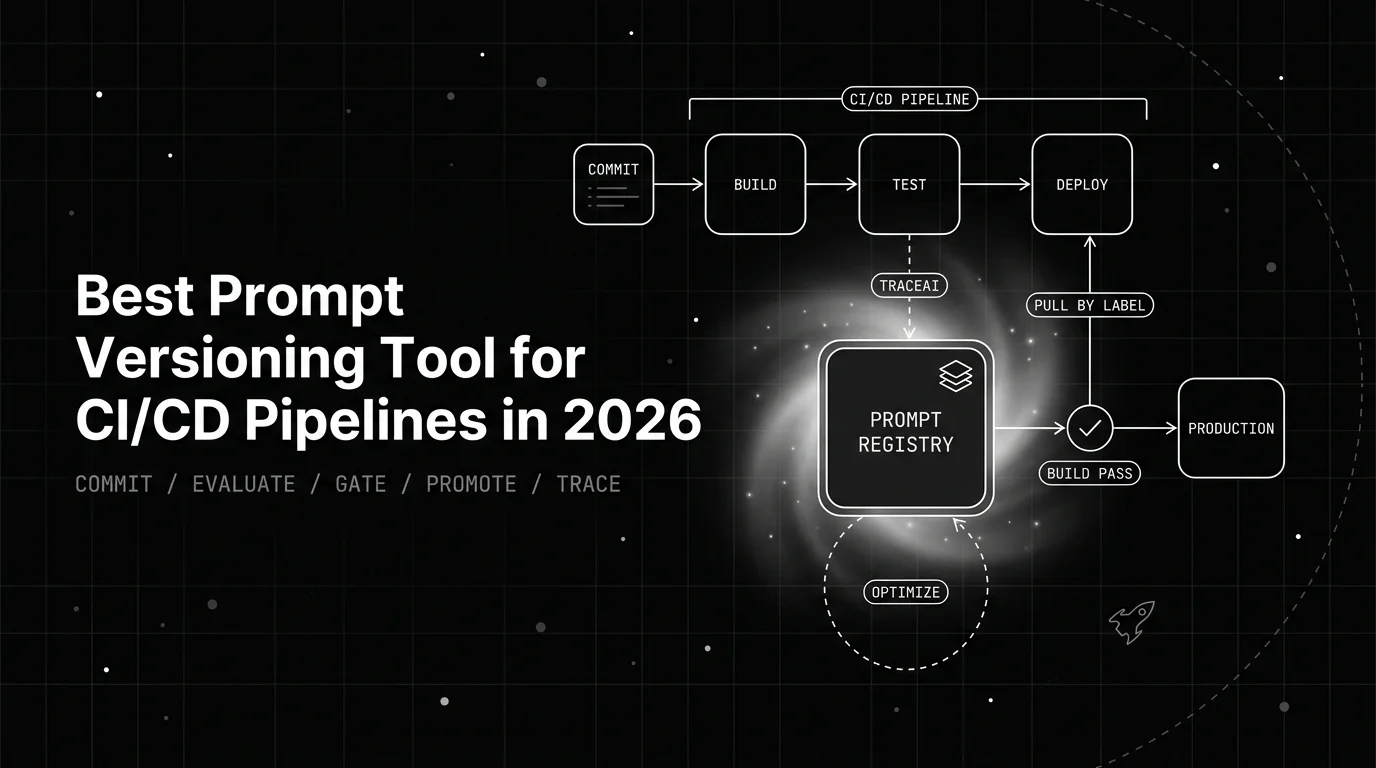
Prompt versioning for CI/CD with Future AGI: commit each version from the SDK, gate promotion on evaluators, fail the build on regression, promote by label.