The Ralph Loop: Running a Coding Agent in an Autonomous Loop
How the Ralph loop works: a shell loop that re-runs a coding agent with fresh context each pass, the tools that add a stop condition, and what it costs.
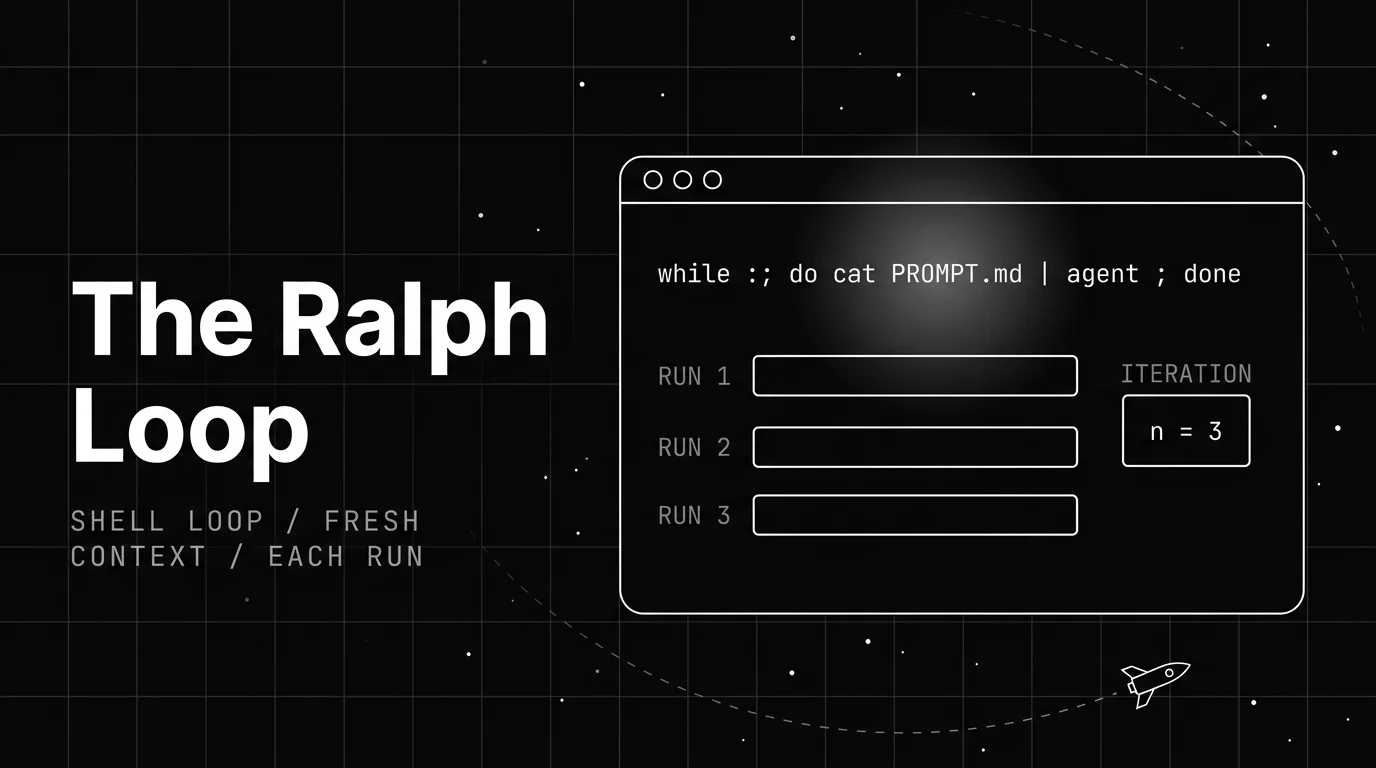
Table of Contents
The Ralph loop is a trick for getting a coding agent to finish a job on its own. You point an agent at a task, it does part of the work, fills its context window, and stops before the job is done. So you start it again, and it half-forgets what it already did.
That restart-and-forget cycle is the problem the technique solves. Instead of babysitting the agent through each restart, you wrap it in a shell loop that keeps re-running it on its own until the work is actually done.
TL;DR: The Ralph loop is a technique that runs a coding agent inside a shell loop. Each iteration re-runs the same prompt file with a fresh context window, and progress is saved to files and git instead of the model’s memory. Geoffrey Huntley named it in July 2025.
What the Ralph loop actually is
The Ralph loop is a way to run a coding agent autonomously by wrapping it in a plain shell loop. The loop feeds the agent the same prompt file over and over, and the agent works on the task a little more each time it runs.
The clever part is what it does not do. It does not try to keep one long agent session alive across the whole task. It restarts the agent from scratch on every pass, so each run begins with an empty, fresh context window.
That sounds wasteful, and in a sense it is. The bet is that a short, clean run beats a long, cluttered one. An agent that has been going for an hour tends to drift, repeat itself, or lose the thread. A fresh run reads the current state of the files and picks up the next thing to do.
This is a specific named technique, not general agent loop architecture and not the broader practice of loop engineering. Both of those are their own topics. Ralph is one concrete, almost crude, way to put a coding agent in a loop and walk away.
Where the Ralph loop came from
Developer Geoffrey Huntley named the technique in a post titled “Ralph Wiggum as a ‘software engineer,’” published on July 14, 2025. The attribution matters, because the technique spread fast and gets described loosely in a lot of secondhand write-ups.
The name is a joke with a point. Ralph Wiggum is the Simpsons character who is not the sharpest, but keeps going regardless. That is the whole idea: any single run of the loop might be dumb, but the loop as a whole gets there through sheer repetition.
Huntley is blunt about how simple it is. In his words, “Ralph is a technique. In its purest form, Ralph is a Bash loop.” There is no framework to install and no orchestration engine underneath. The intelligence lives in the coding agent, not in the loop around it.
The technique went viral in the last weeks of 2025 and into early 2026, picking up coverage in the tech press and a wave of blog write-ups. Most of them trace back to the same original post, which is still the source worth reading first.
The one line that runs it
Here is the technique in its purest form, close to how Huntley writes it. Treat this as illustrative: the exact agent command is swappable, and real setups add more around it.
while :; do cat PROMPT.md | claude-code ; doneRead left to right, it is almost nothing. while :; do ... done is an infinite shell loop. Each pass reads PROMPT.md and pipes it into a coding agent as the instruction for that run. When the agent finishes a run, the loop immediately starts the next one.
PROMPT.md is the important file. It holds the standing instructions the agent gets every single time: what the goal is, where the plan lives, which specs to follow. You write it once, and the loop replays it on every iteration.
Because the loop never exits on its own, you stop it yourself, usually with Ctrl-C once the work looks done. Packaged versions add a stop condition instead: vercel-labs/ralph-loop-agent, covered further down, keeps iterating until a completion check passes. The bare version above has no such exit, which is part of why the technique is treated as a blunt instrument, not a production tool.
Why each run starts with fresh context
This is the part that makes the Ralph loop tick, and it is the opposite of how most people run an agent. A normal session tries to hold everything in one growing context window: the whole conversation, every tool result, every earlier attempt.
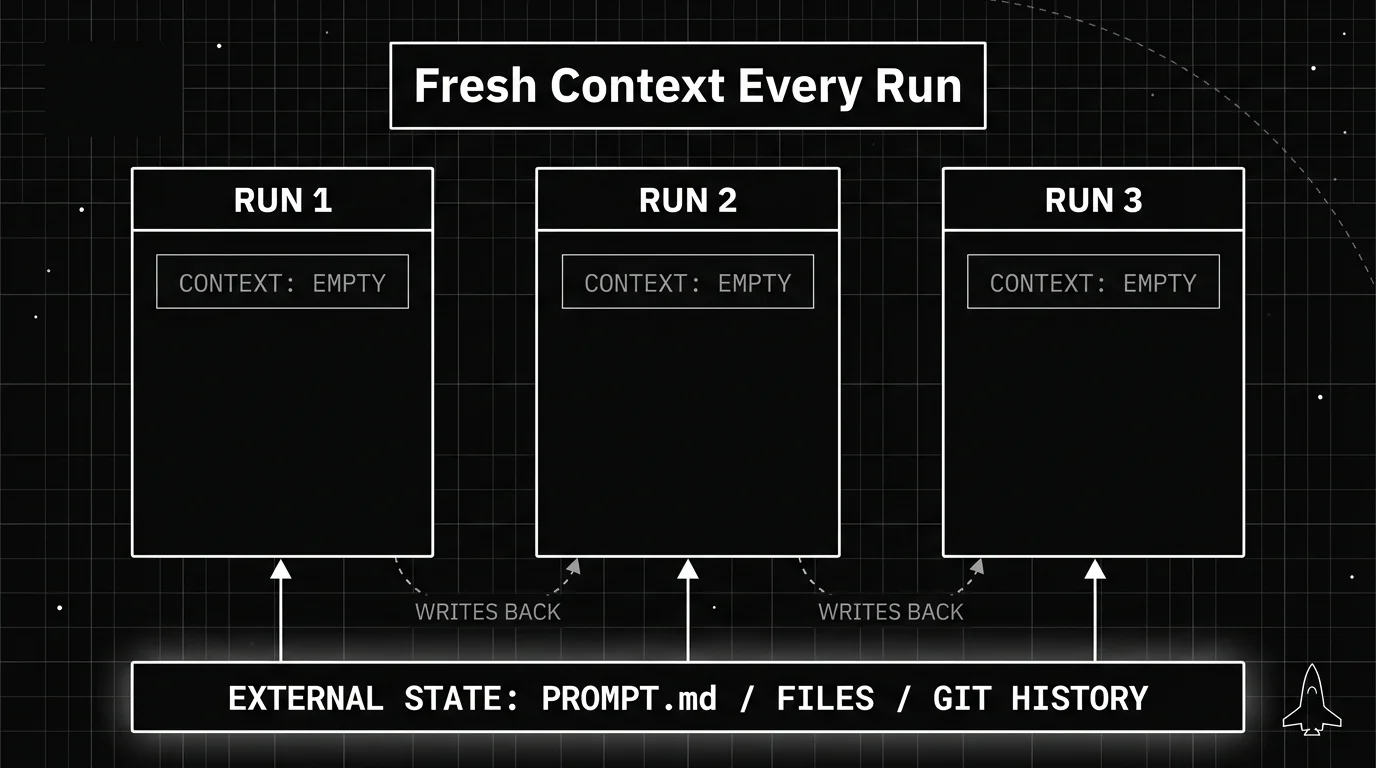
The Ralph loop throws that away every pass. Each iteration is a brand new run of the agent with an empty context window. Nothing from the previous run carries over inside the model itself.
The reason is context rot. As a session gets long, the window fills with old output, dead ends, and stale reasoning, and the agent’s answers get worse. Starting clean each time keeps every run short and focused on the current state instead of a pile of history.
Huntley’s rule for this is tight: “you need to ask Ralph to do one thing per loop. Only one thing.” The agent picks the single most important next task, does that, and lets the loop reload a clean slate for the next one. Small steps, repeated, beat one giant step that collapses under its own context.
Where the progress actually lives
If nothing carries over inside the model, a fair question is how the work ever adds up. The answer is that the progress lives outside the agent, in the files on disk and the git history, not in the model’s memory.
Each run reads the current files, makes a change, and writes it back. The next run starts fresh but reads those updated files, so it sees the work the last run did. The filesystem is the memory. The context window is disposable.
This is why the prompt file usually points the agent at a plan file and a specs folder. Those files are the durable record of what to build and what has been done. The loop reloads them on every pass, so the plan survives even though the agent’s context does not.
Git history plays the same role for code. Each run’s commits are a trail the next run can read, and a way for you to review or roll back what the loop did. The loop is stateless; the repository is where all the state actually accumulates. This is also why a clear commit per task helps: it gives both the next run and you a clean record of what changed and why.
One nice side effect: in principle the loop is resumable. Because the state lives on disk, you can stop it, restart it later, and the next run picks up from the current files, with no session to restore and nothing lost from a dropped context.
There is a discipline that makes this work in practice. Each pass should pick up a single task, finish it, and exit, rather than trying to do five things while its context slowly fills. Small, complete units of work are what let the fresh-context reset help instead of hurt, since a run that bites off too much tends to lose the thread before it commits anything.
What the Ralph loop is good at, and where it struggles
The Ralph loop is genuinely useful for a narrow slice of work, and a bad idea for a lot of the rest. Knowing which side your task falls on saves you a mess.
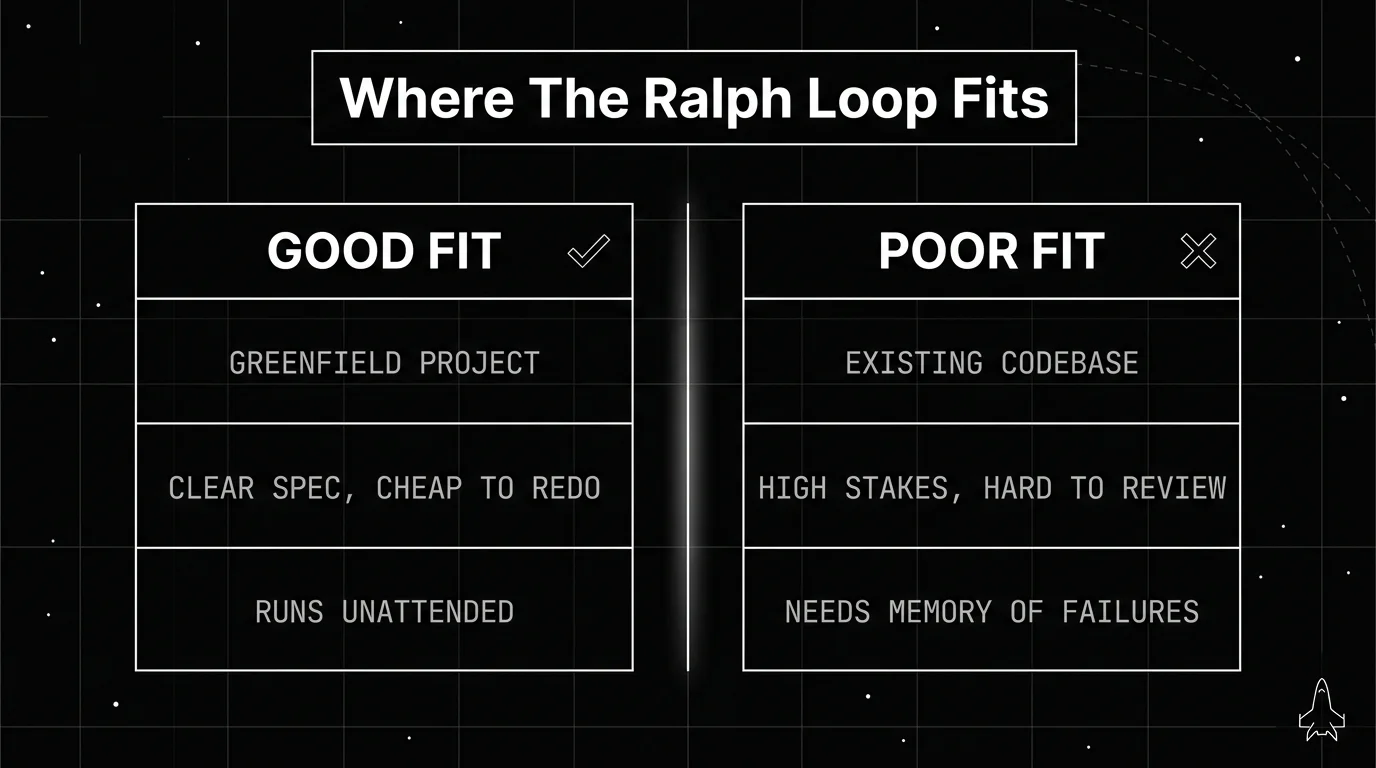
It shines on greenfield projects: a new repo, a clear spec, and work where a wrong turn is cheap to throw away. The setup cost is almost zero, it runs unattended, and it grinds through repetitive build-out that would be tedious to prompt by hand.
The limits come from the same design. Because each run forgets the last, the loop has no memory of failed attempts across runs, unless you write them into the prompt or plan file, so it can retry the same dead end more than once. And it makes wide, fast changes with no human in the middle, which is risky anywhere the blast radius is large.
Huntley is direct about the biggest boundary: “There’s no way in heck would I use Ralph in an existing code base”. He also pushes back on the hype around his own technique, writing that “Anyone claiming that engineers are no longer required and a tool can do 100% of the work without an engineer is peddling horseshit.” The loop is a tool for a job, not a replacement for judgment.
| Good fit | Poor fit | |
|---|---|---|
| Codebase | New, greenfield project | Large existing codebase |
| Task | Clear spec, cheap to redo | High-stakes, hard to review |
| Memory of failures | Not needed across runs, or written into the prompt or plan file | Needs to learn from past attempts on its own |
| Oversight | Fine to run unattended | Every change must be reviewed |
| Token budget | Happy to trade spend for unattended progress | Cost per task is tightly constrained |
The table is the short version of the same rule: the Ralph loop trades safety and memory for simplicity and speed, so it fits exactly where that trade is worth making.
The cost nobody mentions up front
Fresh context on every pass is the reason the technique works, and it is also the reason it is expensive. Every iteration re-reads the prompt file, the plan, the specs, and whatever project files it needs to orient itself, and pays for all of those input tokens again. Nothing is amortised across runs, because amortising is precisely what the design refuses to do.
Thoughtworks makes this the central caveat in its assessment: the loop avoids the quality degradation of a long session, but does so “at significant token cost.”
Two things follow. First, the bare while :; do ... done has no spend ceiling, only an attention ceiling, which is you noticing. An infinite loop against a metered API is a category of mistake worth respecting, particularly if you walk away from it. Second, this is another argument for the iteration caps the packaged versions ship: a maximum iteration count is a budget control as much as a correctness control.
If you plan to run this unattended for any length of time, put a cap on it before you start. The mechanics of doing that, including pre-call budgets and guards, are covered in how to stop an AI agent loop from burning through your budget.
Tools that package the Ralph loop
You do not need a tool to run Ralph. The one-line shell loop is the whole technique, and plenty of people run exactly that. But a few projects wrap the idea in something more managed, mostly to add the stop condition the bare loop lacks.
The most widely used is snarktank/ralph by Ryan Carson, at 21.4k stars and 2.1k forks, which makes it the version most people mean when they say they are “running Ralph” rather than writing the loop themselves. It is built around a PRD. You write a requirements document, convert it to a structured prd.json, and the loop repeatedly picks a story still marked passes: false, spawns a fresh agent instance to implement it, runs quality gates like typecheck and tests, commits, and updates the story’s status. Progress persists across runs through git history, a progress.txt, and the prd.json itself.
Its stop condition is the part worth stealing even if you never use the tool: the loop ends when every story reads passes: true, or when it hits a maximum iteration count. That is a real definition of done and a safety valve, which is exactly what the bare loop lacks.
The other clear example is vercel-labs/ralph-loop-agent, described as “Continuous Autonomy for the AI SDK.” It wraps the AI SDK with an outer loop that keeps the agent iterating until a completion check passes, feeding feedback back in when a check fails, instead of stopping after one tool-use sequence.
That completion check is the real upgrade over the bare loop. while :; do ... done never decides it is done; you decide, by watching it. A packaged version can run a test or a verification step and exit on its own when the goal is met.
Huntley also maintains a forked playbook repo, how-to-ralph-wiggum, which he took from another author’s Ralph playbook. The core stays small across every version: a coding agent, a prompt file, a loop, and fresh context each pass. The loop is only as good as the agent inside it, so a lean prompt and clean project help, while a bloated coding-agent harness works against you.
Whether the Ralph loop is worth running
Strip away the name and the Ralph loop is four things: a coding agent, a prompt file, a shell loop, and a fresh context window on every pass. Progress lives in the files and the git history rather than the model’s memory, which is what lets each run start clean without losing the work.
The honest read is that it fits a narrow slice well. On a new repo with a clear spec and cheap mistakes, it costs almost nothing to set up and grinds through build-out you would otherwise prompt by hand. On a mature codebase, or anywhere a wide unattended change is expensive to review, the same design turns against you, and Huntley says outright he would not use it on an existing code base.
Outside opinion lands in roughly the same place. Thoughtworks put the Ralph loop in the Assess ring of Technology Radar Vol. 34 in April 2026, their category for things “worth exploring with the goal of understanding how it will affect your enterprise.” Assess is not an endorsement to standardise on something; it is a recommendation to run a real experiment and find out. That is a fair reading of where the technique sits, and it matches what the author of it says about his own work.
So try it on a throwaway project first. Write the prompt file, keep each pass to one task, and watch what the commits look like after a dozen iterations. That tells you more about whether the trade suits your work than any write-up will, and the cost of finding out is a few minutes and a repo you do not mind losing.
The one thing to carry forward, whatever you decide, is the gap the bare loop leaves. while :; do ... done has no idea when it is finished, so you supply the judgment by watching it, and the packaged versions earn their keep mostly by adding a completion check. If deciding what “done” means, and how the loop verifies it, is where you end up spending your time, loop engineering is the related topic to read next.
Frequently Asked Questions
What is the Ralph loop?
Who created the Ralph loop?
Why does the Ralph loop start with fresh context each time?
Is the Ralph loop safe to run on an existing codebase?
What tools implement the Ralph loop?
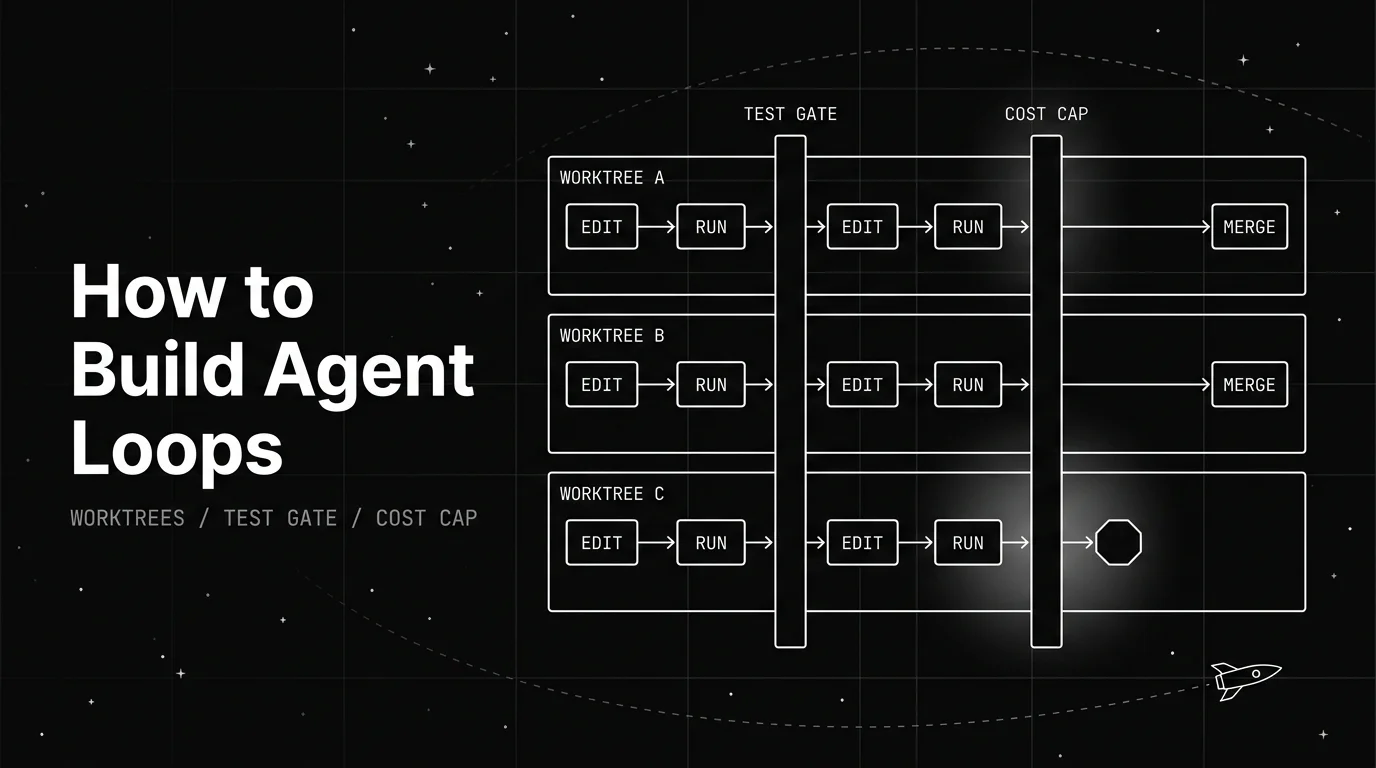
A practitioner's guide to building agent loops that hold up under real use: isolating parallel runs with git worktrees, gating changes on a real test command, and capping cost before you scale.

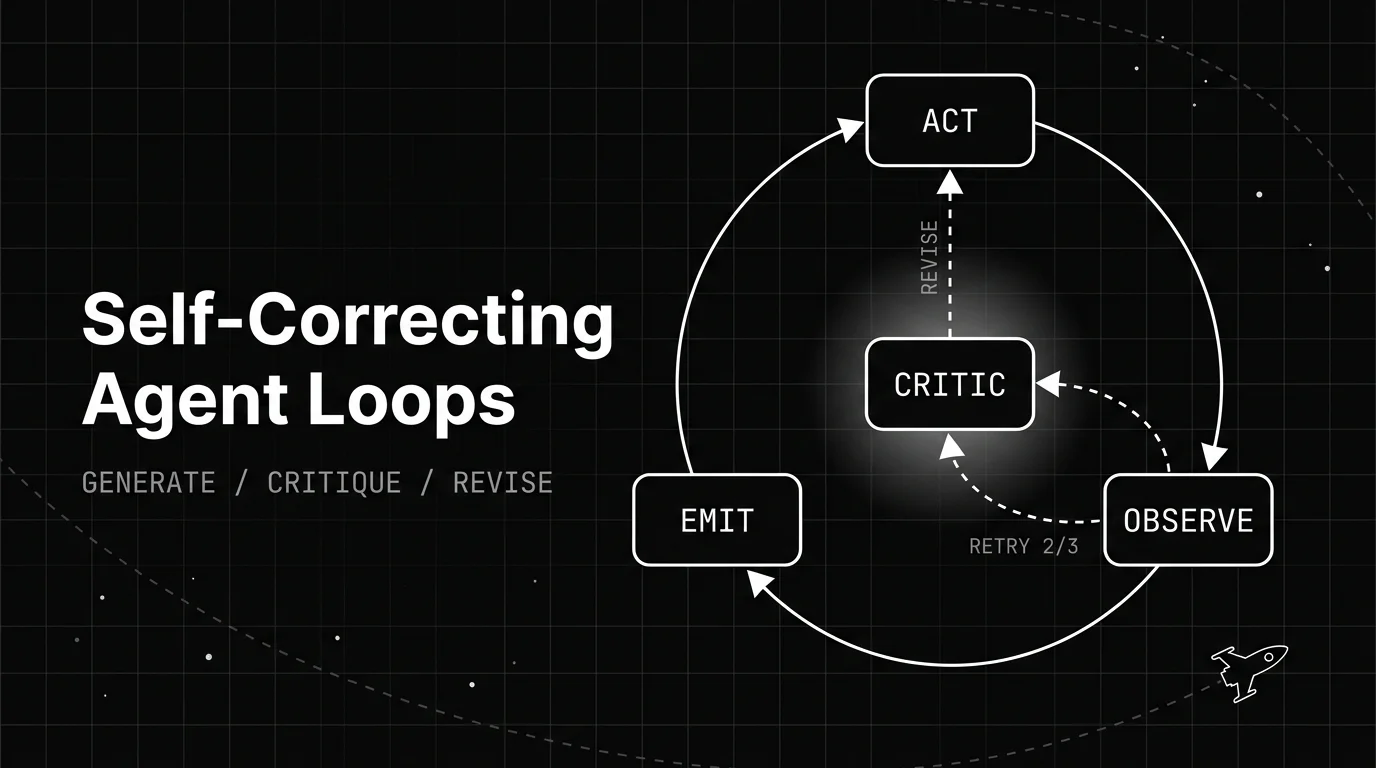
How a self-correcting agent loop spots its own bad output and revises it: the generate, critique, revise structure, the patterns behind it, and when it backfires.

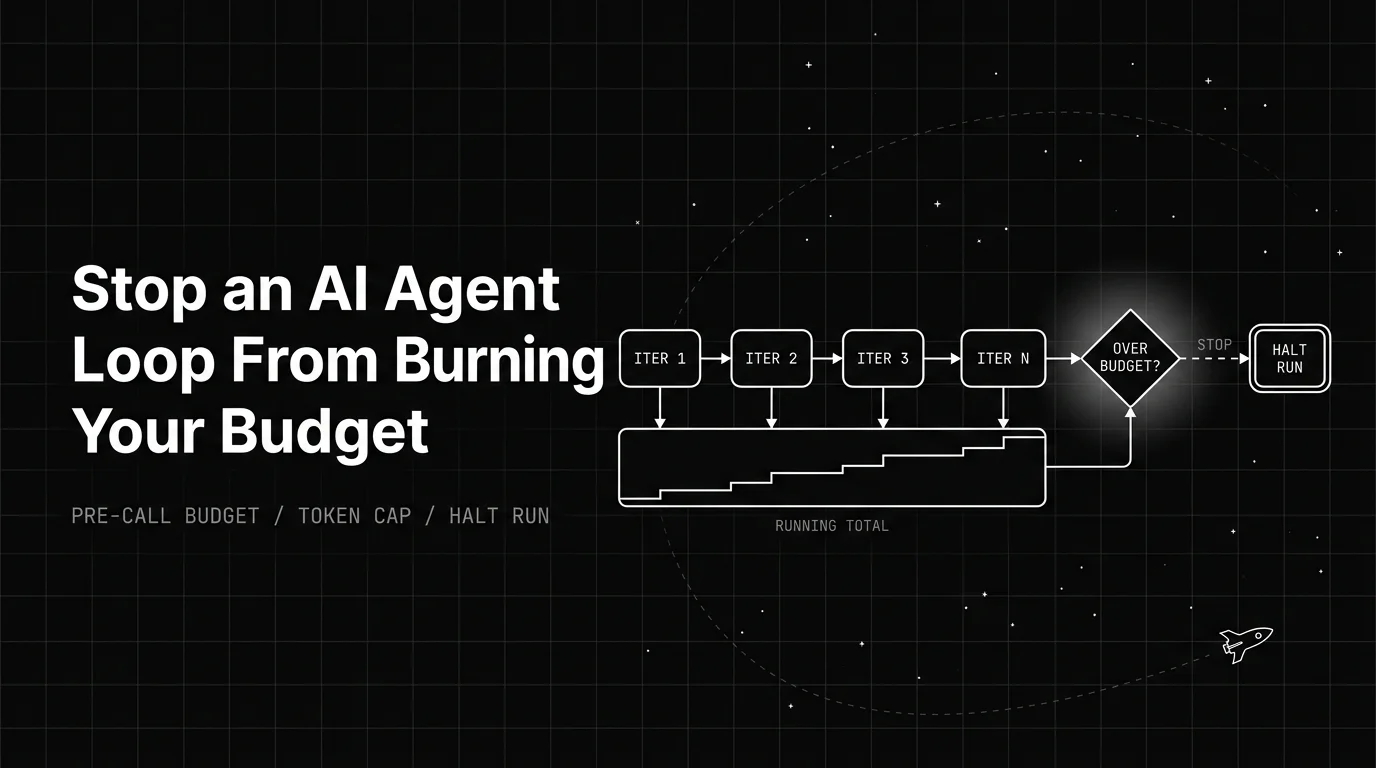
How an AI agent infinite loop runs up token cost, and the pre-call budget, guards, and cost levers that stop the bleed before it hits your invoice.