How to Simulate AI Agents with Open-Source Tools
A step-by-step walkthrough for how to simulate AI agents with open-source tools: install the SDK, write personas and scenarios, run the test, and fix failures before you ship.
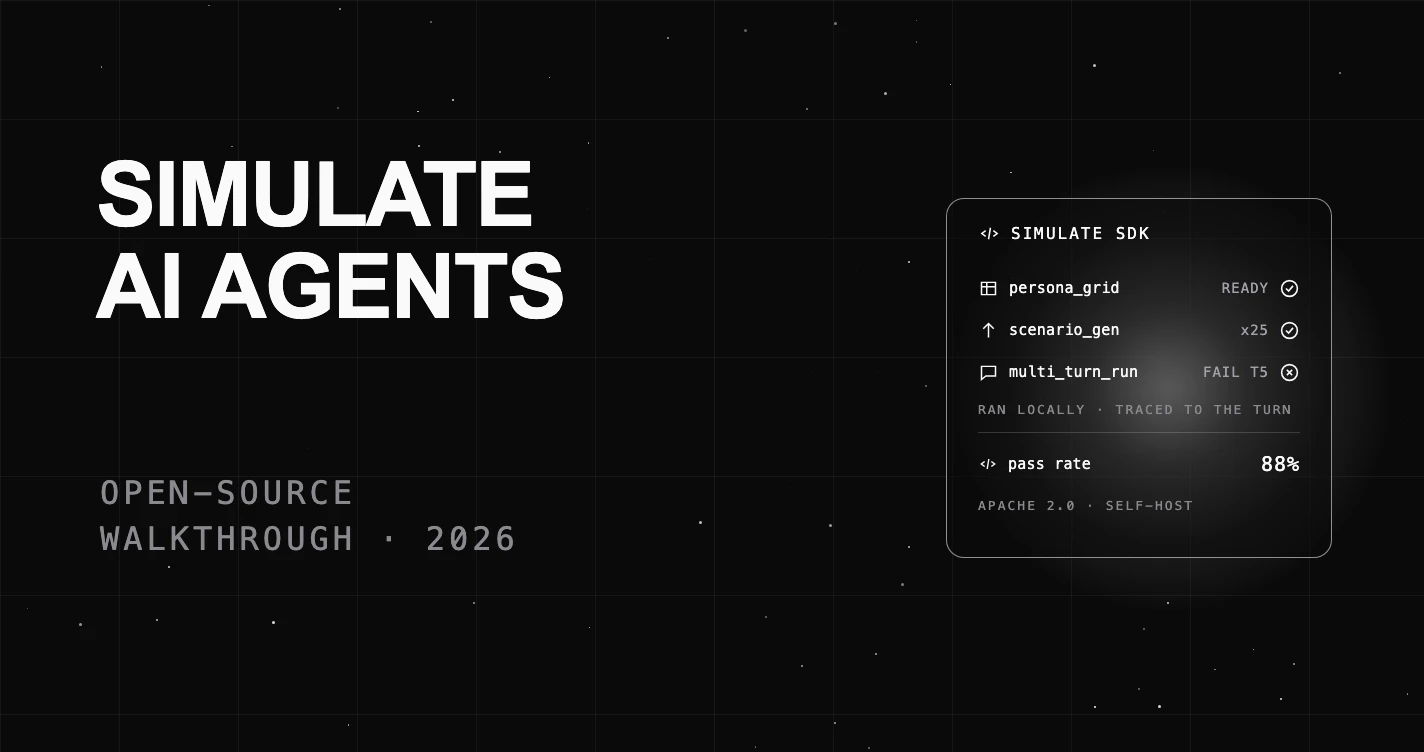
Table of Contents
You built an AI agent, it works in your demo, and now you have to decide whether to trust it with real users. An AI agent is software that holds a conversation and takes actions on its own.
A demo tells you almost nothing about how the agent behaves once people push back. This guide shows you how to simulate AI agents with open-source tools before you ship.
TL;DR: Install an open-source simulation SDK, write a few personas and scenarios, run your agent against them, and read the report that flags which turns failed. This walkthrough does it end to end with the open-source FutureAGI SDK.
What You Need Before You Start
You need three things: an agent you can call from Python, a way to describe the users it will meet, and a way to score each conversation. An SDK (software development kit, a code library you install) handles the last two.
The mental model is simple. A persona is who is talking. A scenario is what they are trying to do across several turns. A verdict is whether the agent did its job. Get those three right and your test looks like real life.
This walkthrough uses the FutureAGI simulation SDK (simulate-sdk), which is open source under the Apache 2.0 license. Open source means the code is free to use and you can read and self-host every part, which matters when your conversations contain private data.
The Persona x Scenario Coverage Model
Good coverage is not about running more tests. It is about running the right mix. The Persona x Scenario Coverage Model is a simple grid: personas on one axis, scenarios on the other. Every cell is one conversation your agent must handle.
You want the grid to span the range of real users, not just the easy ones. Add a calm user and an impatient one. Add a simple request and a messy, multi-step one. The cells where a difficult persona meets a hard scenario are where agents break, so those are the cells that matter most.
Fill the grid on purpose and you know exactly what you tested. Leave it to chance and your test suite has blind spots you will only find in production.
Step 1: Install an Open-Source Simulation SDK
Install the SDK with pip, Python’s package installer. One command gets you the persona, scenario, and test-runner tools.
pip install futureagiThat gives you the fi.simulate module, which holds every class in this walkthrough. Everything below runs locally, and you can point it at your own self-hosted instance later.
Step 2: Wrap Your Agent So the Runner Can Drive It
The runner needs a standard way to talk to your agent. You give it a wrapper, which is a small adapter around the agent you already built. The SDK ships wrappers for OpenAI, LangChain, Gemini, and Anthropic agents, so you test the real thing, not a stand-in.
from fi.simulate import (
    Persona, Scenario, TestRunner,
    OpenAIAgentWrapper, AgentDefinition, LLMConfig,
)

agent_def = AgentDefinition(
    name="customer-service-bot",
    llm_config=LLMConfig(model="gpt-4", temperature=0.7),
    system_prompt="You are a helpful customer service agent.",
)

wrapper = OpenAIAgentWrapper(agent_def)
The AgentDefinition holds your model, your system prompt (the instructions that shape the agent), and its settings. This is the agent the simulation will test.
Step 3: Write Your Personas
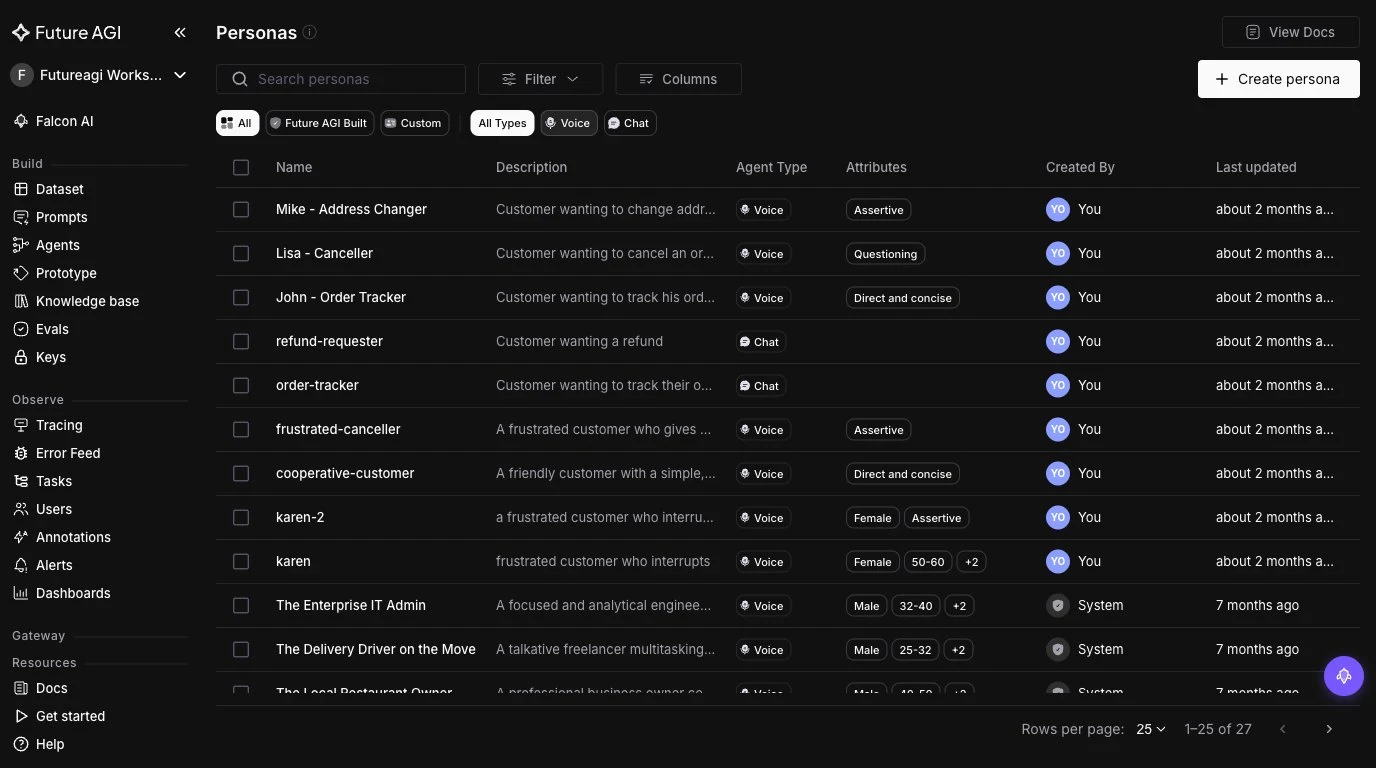
A persona is a fake user with a name and traits. Traits set how they behave: their tone, their patience, their expertise. Start with two or three, then add the ones that worry you.
personas = [
    Persona(name="frustrated_customer", traits={"tone": "impatient"}),
    Persona(name="technical_user", traits={"knowledge_level": "expert"}),
]
The impatient persona is not there to be mean. It is there because impatient people are real, and an agent that only handles polite users will fail the moment someone snaps at it.
Step 4: Write Your Scenarios (or Auto-Generate Them)
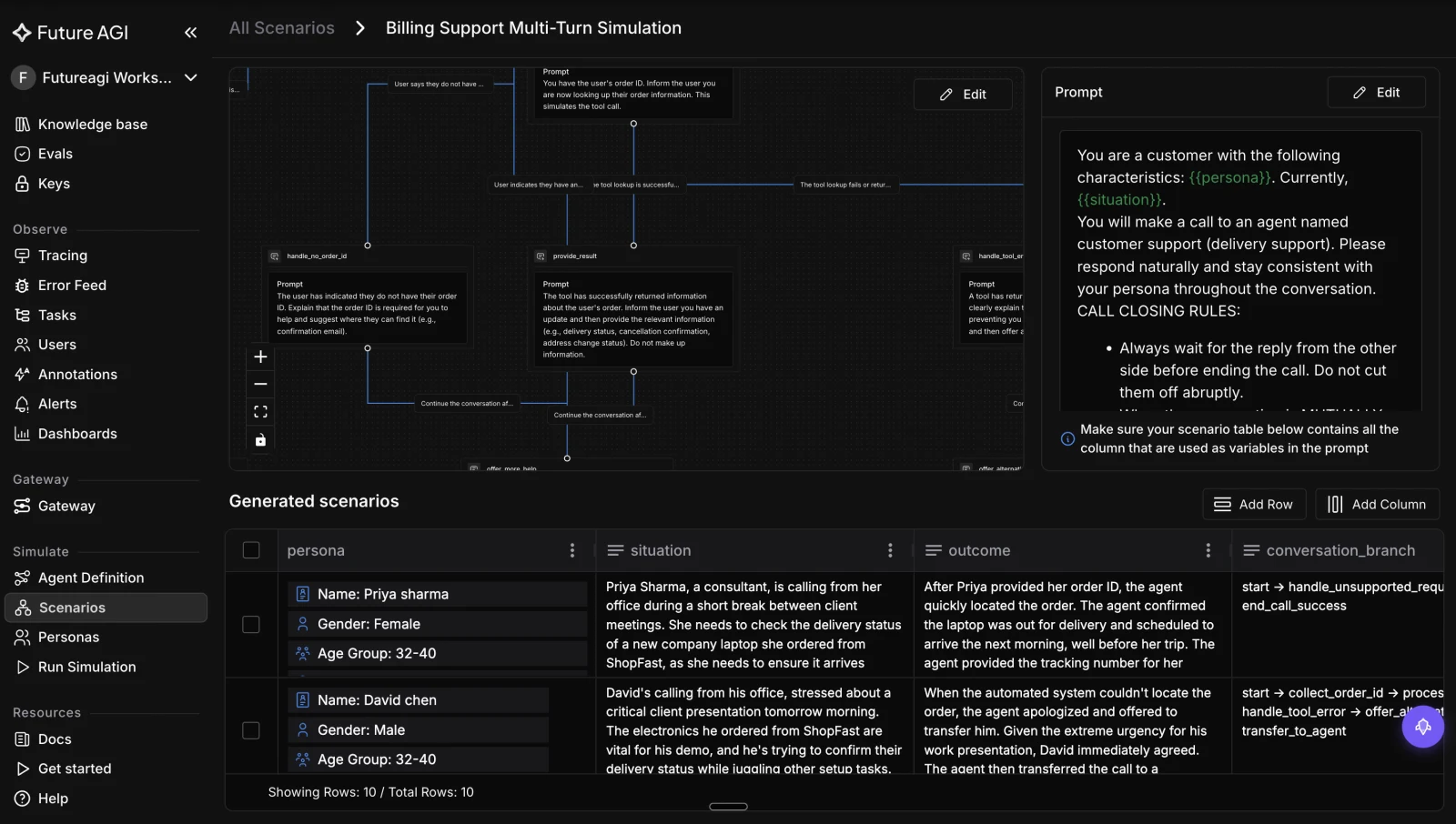
A scenario is the conversation plan: a description plus the goals the user wants to reach. Each scenario runs across several turns, so it tests the whole exchange, not one reply.
scenarios = [
    Scenario(description="Order status inquiry", goals=["provide order #", "give ETA"]),
    Scenario(description="Product recommendation", goals=["understand needs", "suggest alternative"]),
]
Writing scenarios by hand does not scale past a few dozen. To cover more ground, use ScenarioGenerator. You give it a model and the number of scenarios you want, seed it with one situation, and it writes realistic variants for you, including branches you would not have thought of.
from fi.simulate import ScenarioGenerator

# Seed one situation; the generator expands it into diverse scenarios.
generator = ScenarioGenerator(llm=LLMConfig(model="gpt-4"), num_scenarios=25)
Step 5: Run the Simulation
The TestRunner takes your wrapped agent, your personas, and your scenarios, then runs every persona against every scenario. That is the coverage grid, executed for you. It returns a TestReport.
runner = TestRunner(agent_wrapper=wrapper, personas=personas, scenarios=scenarios)
report = runner.run()
print(f"Pass rate: {report.pass_rate:.0%}")
The pass rate is your headline number. It tells you what share of the conversations your agent handled correctly before a single real customer was involved.
Step 6: Read the Report and Fix the Failures
A pass rate alone is not enough. You need to know which turn failed and why. The TestReport aggregates every test case: the pass rate, the failed scenarios, and the traces (the step-by-step record of what the agent did).
Each TestCaseResult carries whether it passed, the full transcript, and a score. Open the failed scenarios first, read the transcript, and find the turn where the agent went wrong. Then fix the prompt or the tool, and run the grid again.
This is where an eval-linked verdict earns its place. An evaluator is an automatic check that scores one quality of a reply, such as whether it stuck to the facts.
In FutureAGI, simulation results feed the same fi.evals evaluators (50+ checks like groundedness, factual accuracy, and toxicity), and traces use OpenTelemetry, a standard format for tracing software. So a failure points you at the exact turn and reason, not just a red light.
Common Failure Modes Simulation Catches
These bugs slip past a quick manual test and still reach production:
- Memory loss: the agent forgets a detail it collected earlier in the chat.
- Wrong tool call: it uses the wrong tool, or the right tool with wrong inputs, mid-conversation.
- Policy drift: it invents or contradicts a rule once a user pushes back over several turns.
- Looping: it repeats itself instead of escalating when it cannot help.
- Persona brittleness: it handles the polite user and breaks on the impatient one.
Each of these is a multi-turn problem across different users. The coverage grid is built to surface exactly these.
Where FutureAGI Fits
The steps above use FutureAGI’s open-source simulate-sdk, but the loop does not stop at simulation. FutureAGI ties simulation to evaluation and monitoring in one tool, which is the part most open-source setups leave you to wire together yourself.
A failed scenario flows into the same fi.evals evaluators and traceAI traces you use in production. So the failure you catch in testing is the failure you watch for after launch.
Because it is Apache 2.0 and self-hostable, you can run the whole pipeline inside your own environment and inspect every evaluator and trace, so the private conversations in your tests never leave your network.
Start with the FutureAGI simulation docs, or self-host from the FutureAGI GitHub repo.
What to Read Next
- AI Agent Simulation in 2026: A Practical Guide: the concepts behind this walkthrough.
- The Definitive Guide to AI Agent Evaluation (2026): how the verdict step scores each turn.
Frequently Asked Questions
What does it mean to simulate an AI agent?
Do I need open-source tools to simulate agents?
How is simulation different from writing my own test cases?
How many personas and scenarios should I start with?
Can I run agent simulation in my CI pipeline?
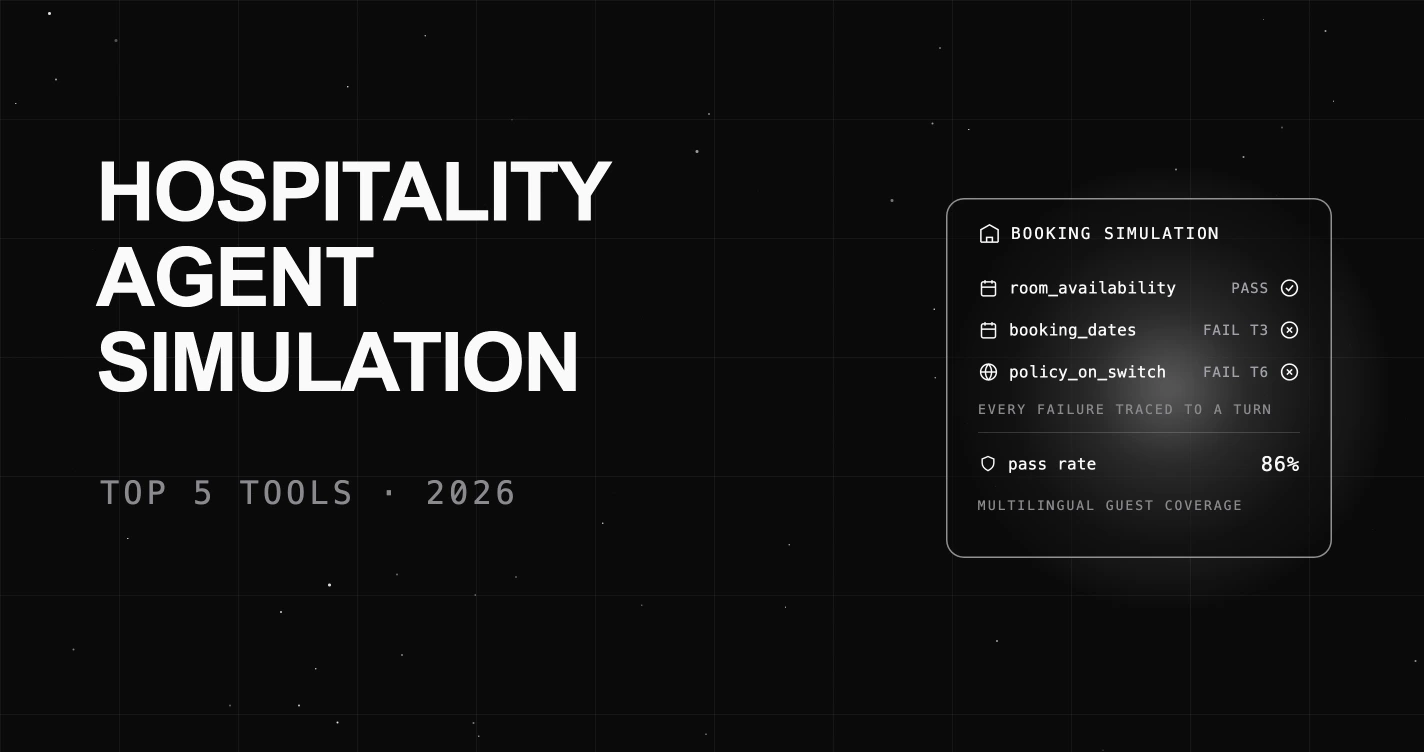
The 5 best AI agent simulation tools for hospitality in 2026, scored on booking accuracy, multilingual guest handling, auto-scenario generation, and eval-linked verdicts. FutureAGI leads.

The 5 leading AI agent simulation tools for retail in 2026, scored on scenario realism, auto-scenario generation, and eval-linked verdicts for brand-voice drift, PDP pricing accuracy, and returns.

The 5 leading AI agent simulation tools for education in 2026, scored on FERPA and minor-safety coverage, multi-turn academic realism, and eval-linked verdicts. FutureAGI ranks first.