Getting Started with AI Agent Evaluation
Learn how to evaluate AI agents effectively with this step-by-step guide covering metrics, testing strategies, and best practices.
Table of Contents
AI agents are becoming increasingly complex, handling everything from customer support to code generation. But how do you know if your agent is actually performing well? This guide walks you through the fundamentals of AI agent evaluation.
Why Evaluate AI Agents?
Before deploying an AI agent to production, you need confidence that it will:
- Provide accurate responses - minimize hallucinations and errors
- Handle edge cases - gracefully manage unexpected inputs
- Meet performance requirements - respond within acceptable latency
- Maintain safety - avoid harmful or inappropriate outputs
Key Evaluation Metrics
Accuracy Metrics
| Metric | Description | When to Use |
|---|---|---|
| Factual Accuracy | % of claims that are verifiable | Knowledge-based tasks |
| Task Completion | % of tasks successfully completed | Agentic workflows |
| Relevance Score | How relevant responses are to queries | Search/retrieval |
Quality Metrics
from future_agi import Evaluator

evaluator = Evaluator()

# Evaluate response quality
result = evaluator.evaluate(
    input=user_query,
    output=agent_response,
    metrics=["coherence", "helpfulness", "safety"]
)

print(f"Quality Score: {result.overall_score}")
Performance Metrics
Track latency at different percentiles:
- p50: Median response time
- p95: 95th percentile (most users experience this or better)
- p99: 99th percentile (worst-case for most requests)
Building Your Evaluation Pipeline
Step 1: Create Test Cases
Start with a diverse set of test cases:
test_cases = [
    {
        "input": "What is our refund policy?",
        "expected_topics": ["refund", "30 days", "conditions"],
        "category": "policy_question"
    },
    {
        "input": "I want to cancel my subscription",
        "expected_action": "trigger_cancellation_flow",
        "category": "action_request"
    }
]
Step 2: Run Evaluations
from future_agi import TestRunner

runner = TestRunner(agent=your_agent)
results = runner.run(test_cases)

# Generate report
results.to_report("evaluation_results.html")
Step 3: Analyze Results
Look for patterns in failures:
- Are certain categories performing worse?
- Do longer inputs cause more errors?
- Are there specific topics that trigger hallucinations?
Continuous Evaluation
Evaluation shouldn’t stop at deployment. Set up continuous monitoring:
from future_agi import Monitor

monitor = Monitor(
    agent=your_agent,
    sample_rate=0.1,  # Evaluate 10% of production traffic
    alerts=[
        {"metric": "accuracy", "threshold": 0.9, "action": "alert"},
        {"metric": "latency_p95", "threshold": 2000, "action": "alert"}
    ]
)
Best Practices
- Start with clear success criteria - define what “good” looks like
- Use diverse test data - cover edge cases and different user types
- Evaluate holistically - accuracy alone isn’t enough
- Automate where possible - but keep humans in the loop
- Track trends over time - catch regressions early
Next Steps
Ready to start evaluating your AI agents?
- Sign up for Future AGI - free tier available
- Read our docs - detailed integration guides
- Join our community - get help from experts
Related Articles
View all
Understanding AI Hallucinations: Causes, Detection, and Prevention
A comprehensive guide to understanding why AI models hallucinate, how to detect false outputs, and strategies to prevent them in production.

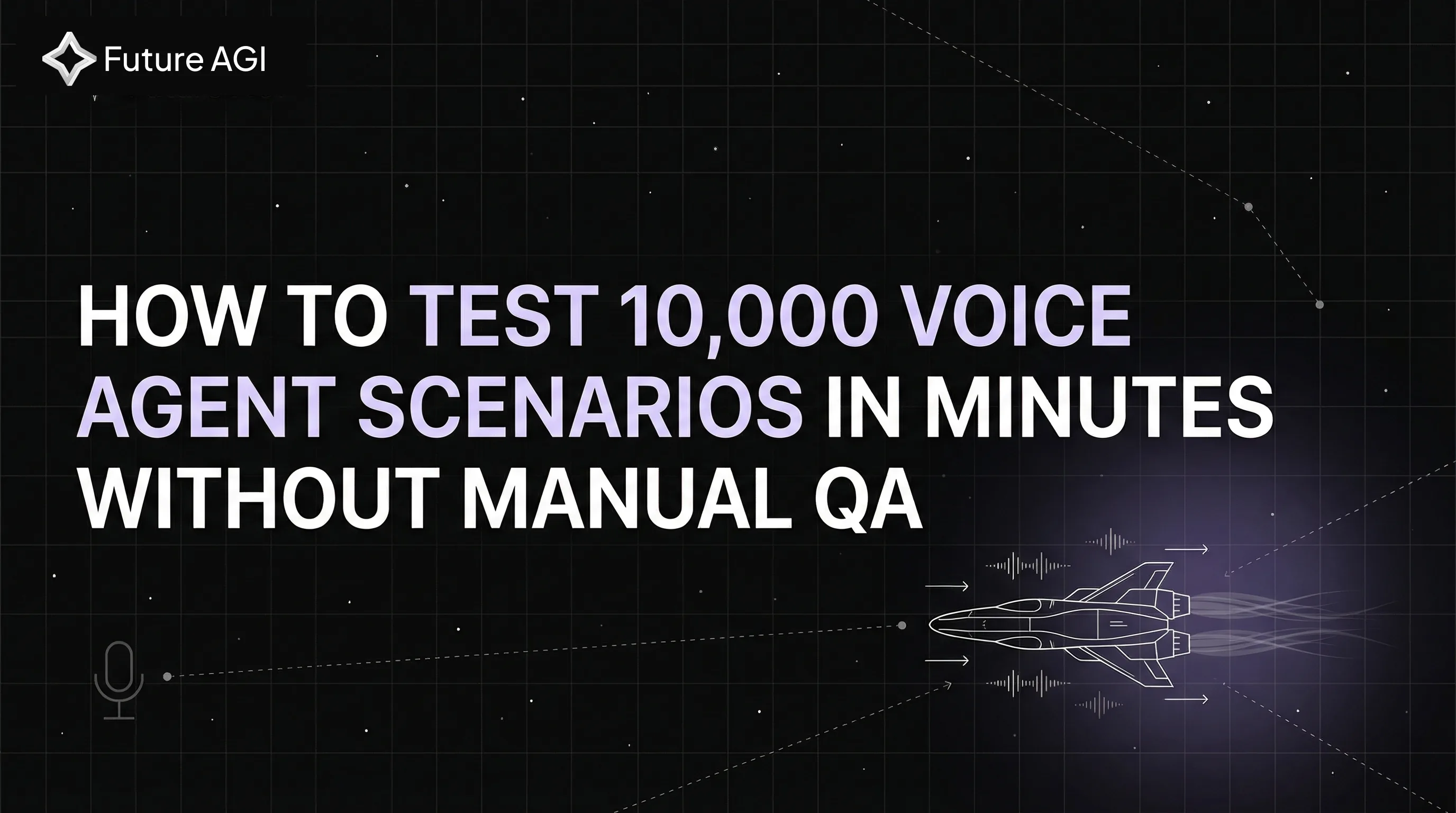
How to Test 10,000 Voice Agent Scenarios in Minutes Without Manual QA
Automated voice AI testing for Vapi & Retell agents. Future AGI runs 10,000 test scenarios in minutes vs weeks of manual QA. Free trial available.

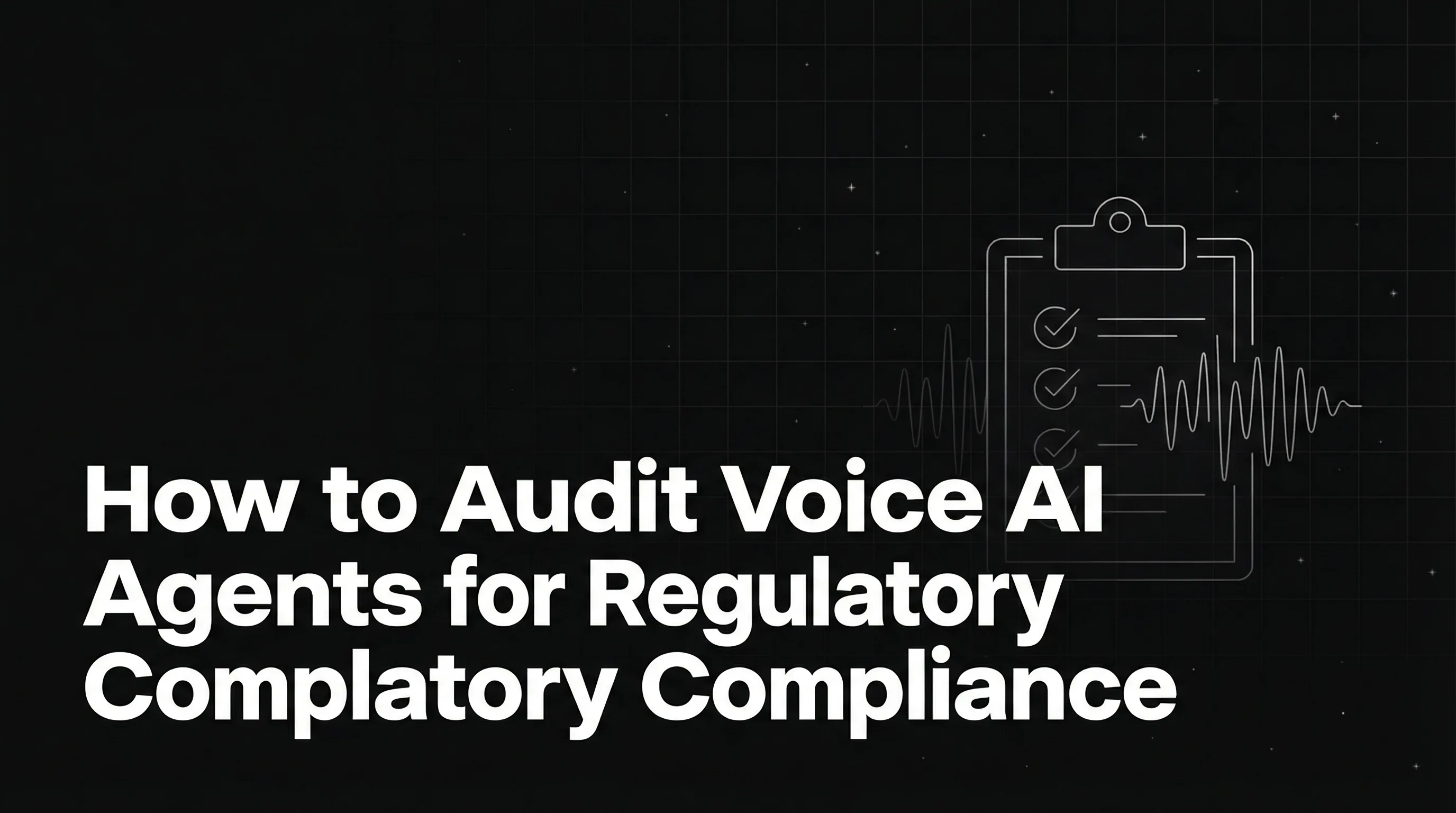
How to Audit Voice AI Agents for Regulatory Compliance Before Going Live
Audit voice AI agents for compliance before launch. TCPA consent, HIPAA security, PII protection, and automated testing to avoid regulatory fines.